ChatGPT Images 2.6 Review: Flare, Sunburst, GIFs, and API Costs
OpenAI released ChatGPT Images 2.6. We tested over 130 images across Flare and Sunburst to measure speed, rendering quality, and token costs.
👁 128 reads
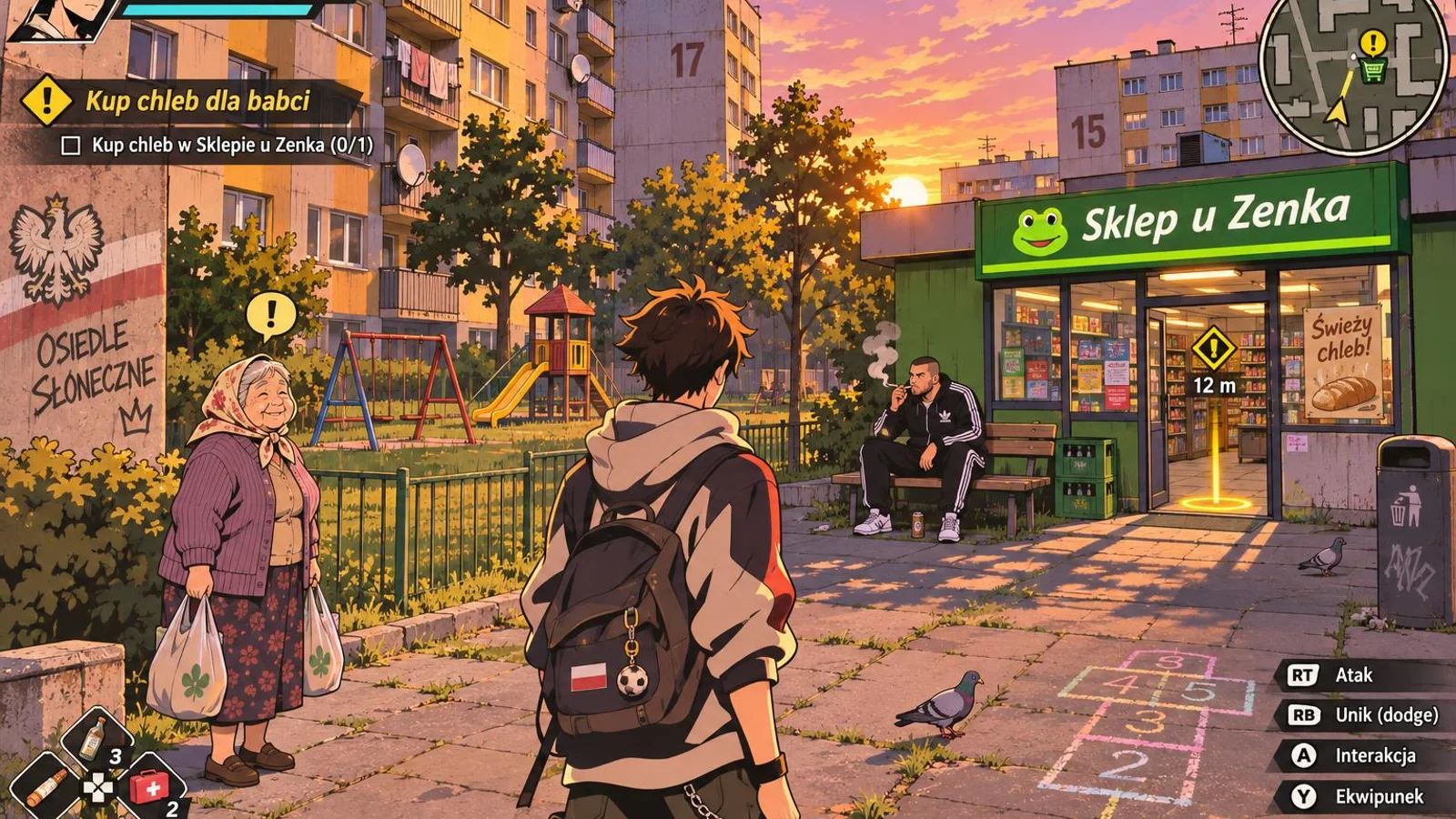
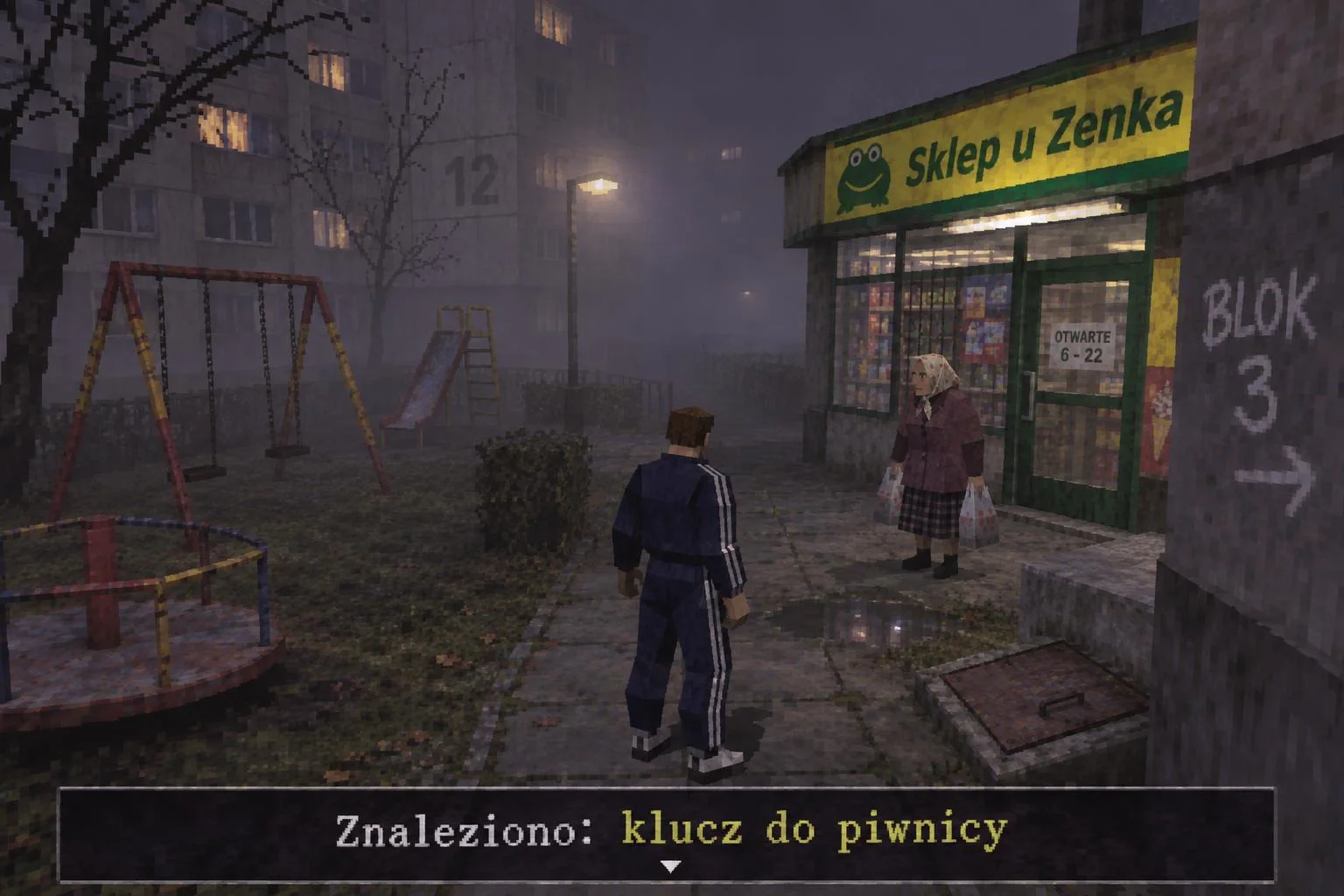
OpenAI rolled out ChatGPT Images 2.6 overnight between November 4 and 5, 2026. By morning, I was already testing the API, running over a hundred images through the new models by the end of the day: identical prompts compared across Flare, Sunburst, and legacy 2.5, a quality ladder from low to max, sequential edit chains, comparisons against Nano Banana, FLUX, Seedream, and Qwen, plus a concrete housing estate rendered across ten video game aesthetics. This hub covers everything OpenAI announced, all my measured benchmarks, and direct links to deep dives.
The short version: Flare is remarkably fast and renders complex text with zero typos. Sunburst handles intricate prompt composition best, but ran slower than its predecessor in my benchmarks. Meanwhile, OpenAI’s promise of “the same price as 2.5” turned into a 3x higher bill per image in practice due to token consumption.
What OpenAI Announced
- GIFs. You can turn a text prompt or an uploaded picture into an animated loop, adjust its frame pacing, and edit individual frames. The API supports between 2 and 64 frames.
- Saved reference images. Inside ChatGPT, you can store a character, pet, or product reference and reuse it across sessions without re-uploading every time.
- Two API models:
gpt-image-2.6-flarefor high-throughput speed, andgpt-image-2.6-sunburstfor fine detail and multi-turn edit consistency. OpenAI states they generate images up to 50 percent faster. - New API features: Native SVG output, masked transparent-layer inpainting (markup editing), and a
complexityparameter that controls how much planning the model performs before rasterization. - Availability: Deployed across all ChatGPT tiers (web, desktop, and mobile), alongside Codex and the standard API. Features are rolling out gradually.
- Scale: According to OpenAI, generation volume exceeds 4 billion images weekly across ChatGPT and the API, up from 3 billion in September.
Pricing
Both models use the same base pricing rate as GPT Image 2.5. Rather than charging a flat fee per image, pricing is calculated entirely per token.
| Tokens | Input | Cached Input | Output |
|---|---|---|---|
| Text | $5.00 / 1M | $1.25 / 1M | - |
| Image | $8.00 / 1M | $2.00 / 1M | $30.00 / 1M |
In real-world tests, a 1536×1024 render cost me $0.020 at low quality, $0.034 at medium, $0.041 at high, $0.074 at xhigh, and $0.165 at max. Output resolution remained identical at every tier.
Benchmark Results (November 5)
| Model (Medium Quality) | Latency (Median of 12) | Cost per Image |
|---|---|---|
| 2.6 Flare | 8.0 s | $0.035 |
| 2.6 Sunburst | 26.3 s | $0.035 |
| 2.5 Sunburst | 17.9 s | $0.011 |
Three critical observations before you migrate your workflows:
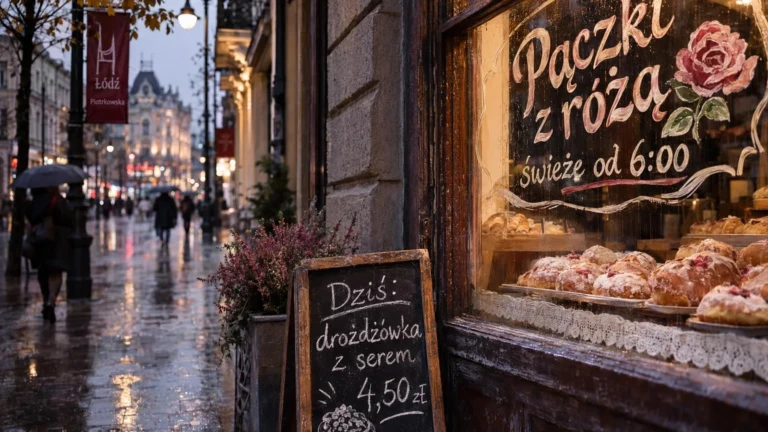
- Identical image, triple the tokens. A bakery storefront rendered at medium quality used 343 tokens in 2.5 compared to 1,132 tokens in 2.6. The unit rate per token did not change, but the total bill tripled.
- Flare is faster, Sunburst is not. In my tests, Sunburst 2.6 was slower than Sunburst 2.5 across all twelve benchmark prompts. While launch-day server congestion might have contributed, the difference was clear across runs.
- Aspect ratio quirks. When routing requests via third-party API proxies, requesting 16:9, 9:16, or 3:4 aspect ratios often returned 3:2 or 2:3 outputs instead. Always verify your delivered dimensions.
Capability Showcase
Beyond synthetic speed benchmarks, real-world visual rendering shows noticeable architectural improvements:
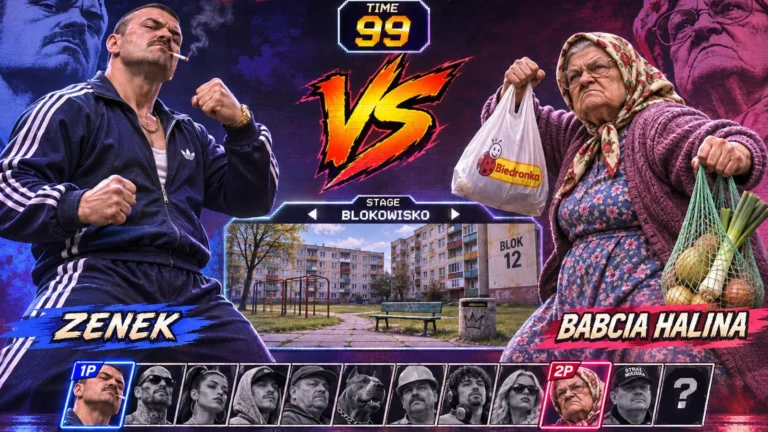 01GPT-Image-2.6 Game Mockups: Testing One Scene Across 10 GenresWe tested GPT-Image-2.6 across 10 distinct video game genres using a single scene. Here is how Sunburst and Flare handled UI text and art styles.Read →
 02Famous People in GPT-Image-2.6: Zero Refusals in Our TestsWe tested GPT-Image-2.6 Sunburst with six famous historical and living figures. It did not refuse once, but one photorealistic result raises concerns.Read →
- Housing block in ten video game styles: A single architectural scene re-rendered as a 16-bit JRPG, PS1 retro horror title, fighting game, collectible card, and six other aesthetics with accurate in-game UI layouts.
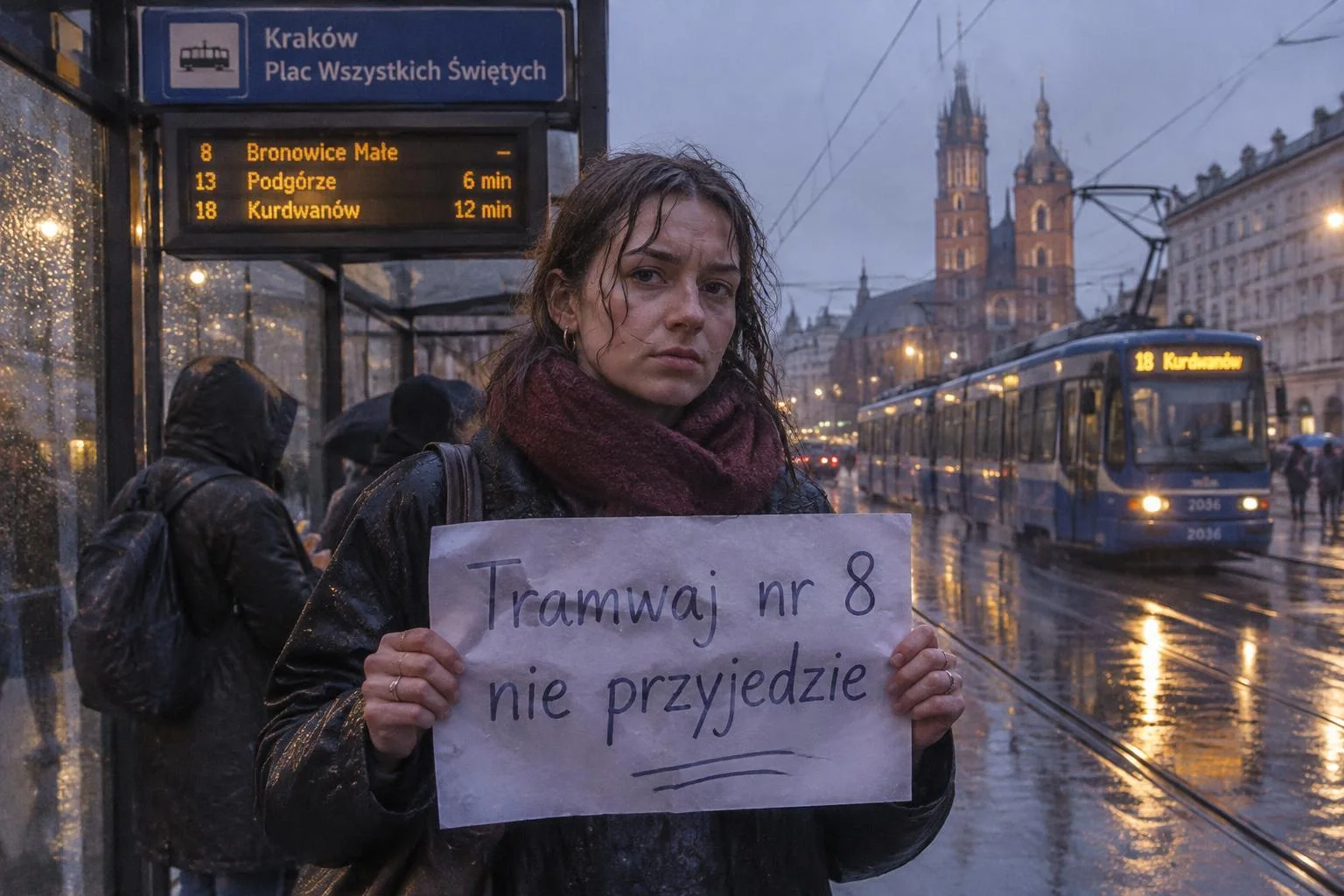
- Complex typography: Testing newspaper front pages, nutritional product labels, restaurant menus, typographic posters, and transparent-background stickers.
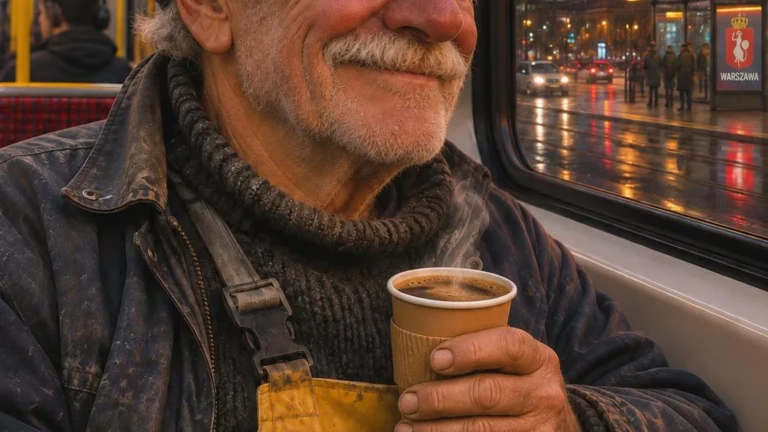
- Public figures: Image likeness tests with historical figures and modern celebrities including Chopin, Marie Curie, Copernicus, Robert Lewandowski, and Elon Musk.
In-Depth Comparisons
 01GPT-Image-2.6: Flare vs Sunburst Speed and Quality TestFlare and Sunburst cost the exact same per image, but Flare runs three times faster. Our API benchmark reveals where Sunburst actually justifies the wait.Read →
 02GPT-Image-2.6 vs 2.5: Same Rate, Triple the BillOpenAI claims GPT-Image-2.6 is 50% faster at the same price as 2.5. However, API token usage tripled the actual cost per image in our launch-day tests.Read →
 03GPT-Image-2.6 vs Nano Banana 2.1, FLUX 3, Seedream, QwenWe benchmarked GPT-Image-2.6 against Nano Banana 2.1, FLUX 3, Seedream 5 Pro, and Qwen Image 3 Pro across speed, generation cost, and rendering typography.Read →
- Flare vs Sunburst: Same price per token, 3x latency variation, and complete quality tier analysis.
- 2.6 vs 2.5: 12 standardized prompt evaluations and multi-turn sequential edit retention.
- GPT-Image-2.6 vs Nano Banana 2.1, FLUX 3, Seedream 5 Pro, and Qwen Image 3 Pro: Side-by-side benchmark runs across top contemporary image generators.
Guides and Reference
- GIF generation in ChatGPT and API: Animation prompt structuring, frame limits, and production caveats.
- Images in Codex: Feature rollout status in Codex and when to choose direct API access.
- GPT Image models guide: Architectural overview of OpenAI’s image model generation line.
- How to generate images in ChatGPT: Complete beginner’s guide.
First Impressions
For high-volume production, GPT-Image-2.6 Flare is the obvious choice. An 8-second generation cycle fundamentally changes creative iteration, and its visual quality meets requirements for most commercial tasks. Sunburst 2.6 functions best as a finishing engine for complex compositions rather than an ideation tool. However, teams currently generating high volumes on 2.5 Sunburst should audit API usage carefully before migrating, as higher token densities can triple your effective invoice. API GIF benchmarks will follow as gateway support expands.
Frequently Asked Questions
Is ChatGPT Images 2.6 free to use?
OpenAI states the update is deploying across all ChatGPT subscription tiers, including free accounts. Plan-specific rate limits and image quotas were not disclosed at launch.
How do you generate GIFs in ChatGPT?
There is no separate settings toggle. Simply specify that you want an animated GIF and describe the desired movement. Availability is expanding via a staggered rollout.
What is the difference between Flare and Sunburst?
Their token rates are identical. Flare prioritizes execution speed (averaging 8 seconds at medium quality in our tests), while Sunburst takes longer (26 seconds) to deliver enhanced prompt coherence and persistent multi-turn character details.
How well does GPT-Image-2.6 handle non-English text?
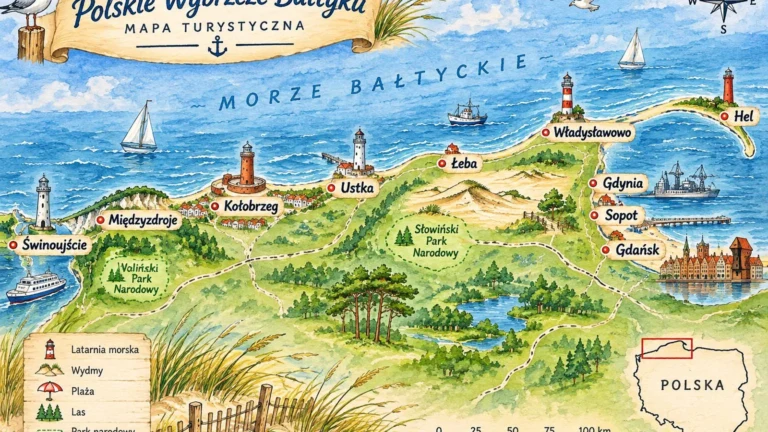
Text coherence across multilingual prompts, specialized characters, and diacritics is solid. In our testing of complex foreign-language scripts and storefront typography, the model rendered full sentences and price tags without spelling errors, even on the faster Flare engine.
Sources
- OpenAI on X: ChatGPT Images 2.6
- OpenAI Developers on X: GPT-Image-2.6 in Codex and API
- OpenAI: GPT-Image-2.6 Flare Model Documentation and Pricing
- OpenAI: Image Generation Guide
- Maverick Frame: GPT Image 2.6 Release Overview
- Independent API benchmarks conducted via OpenRouter on November 5, 2026, comprising over 130 image runs with costs derived from reported API token usage.
Verified: November 5, 2026.

More on this from QUANTSLANT
 benchmarks·GPT-Image-2.6 Game Mockups: Testing One Scene Across 10 GenresWe tested GPT-Image-2.6 across 10 distinct video game genres using a single scene. Here is how Sunburst and Flare handled UI text and art styles.