ChatGPT Image Editing Test: 11 Edits, 11 Unwanted Changes
We tested ChatGPT's image editing with 11 corrections across two series. Every single edit changed more than requested, confirmed by pixel comparison.
👁 125 reads
Important disclaimer that changes the meaning of this entire article: OpenAI’s built-in image tool does not reveal the model identifier. Documentation describes it as GPT Image 2. We cannot say we tested ChatGPT Images 2.5, nor that we verified the edit-by-comment feature announced at its launch. We tested what users actually get when they request an image correction, and that is what we describe here.
We tested one thing: whether successive corrections change only what you ask for. Two independent series, eleven corrections total. The result in both: unwanted changes appeared at the very first correction and occurred with every subsequent one. In the second series, this was confirmed by pixel comparison.
How the Test Worked
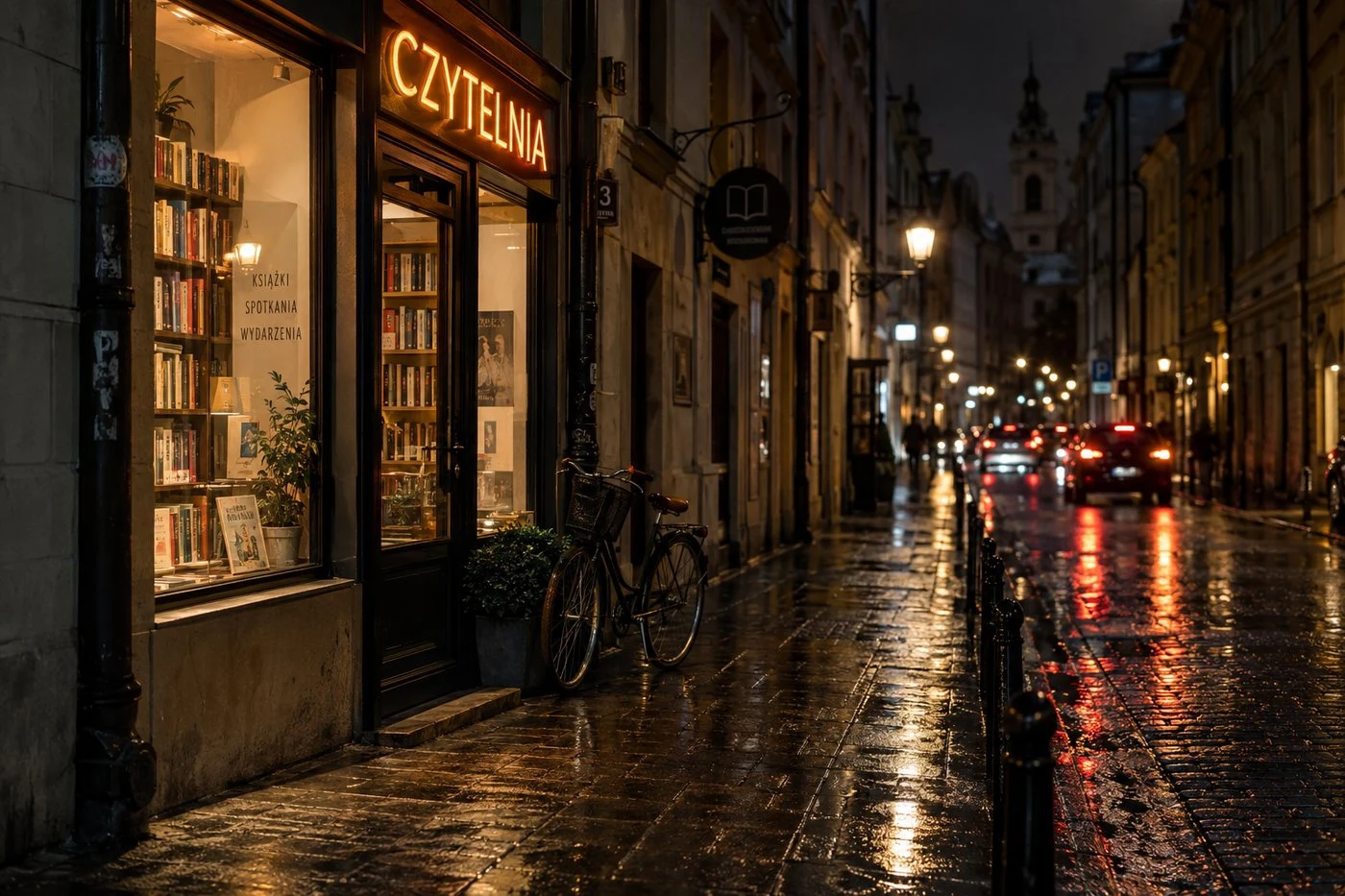
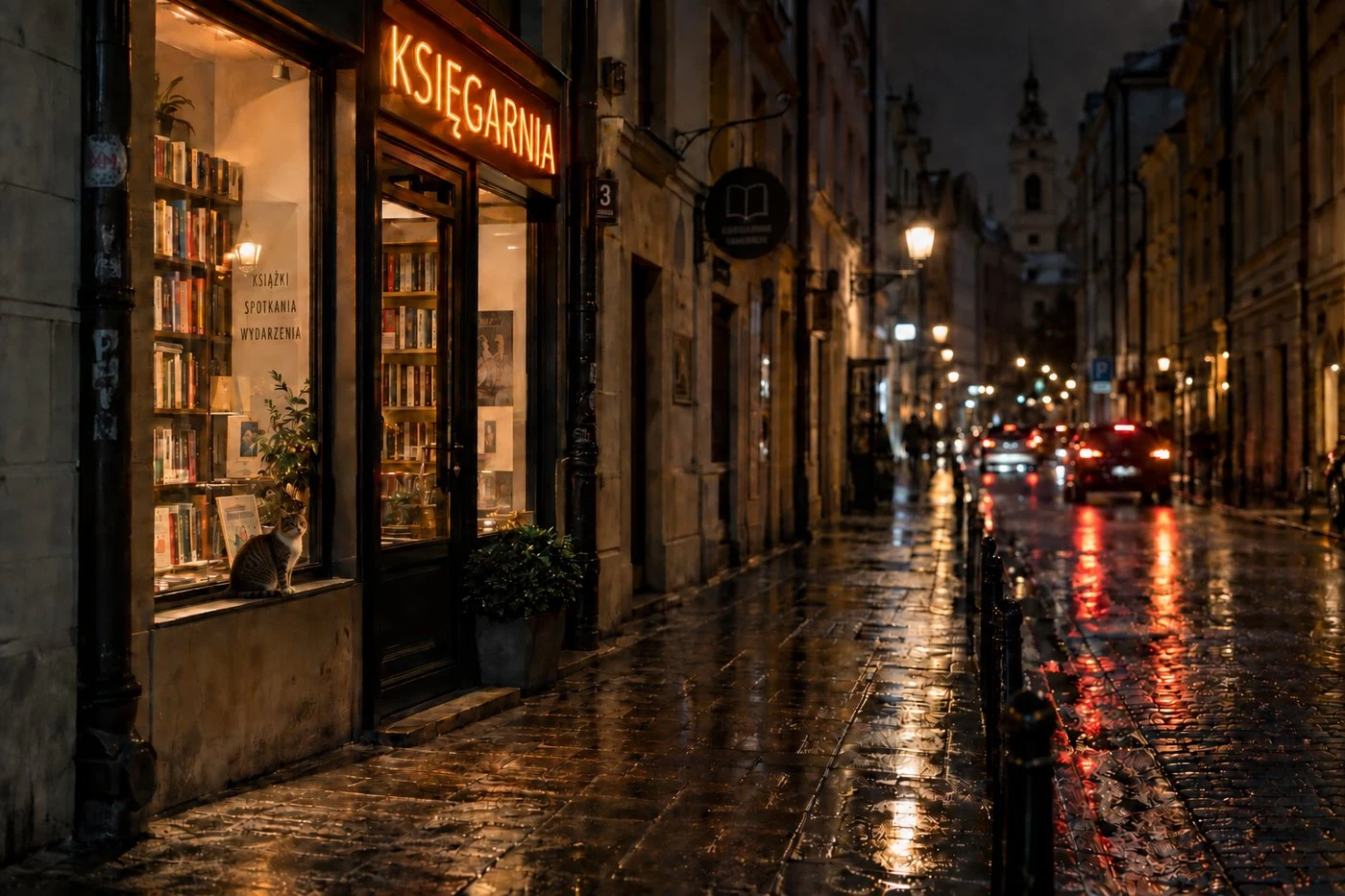
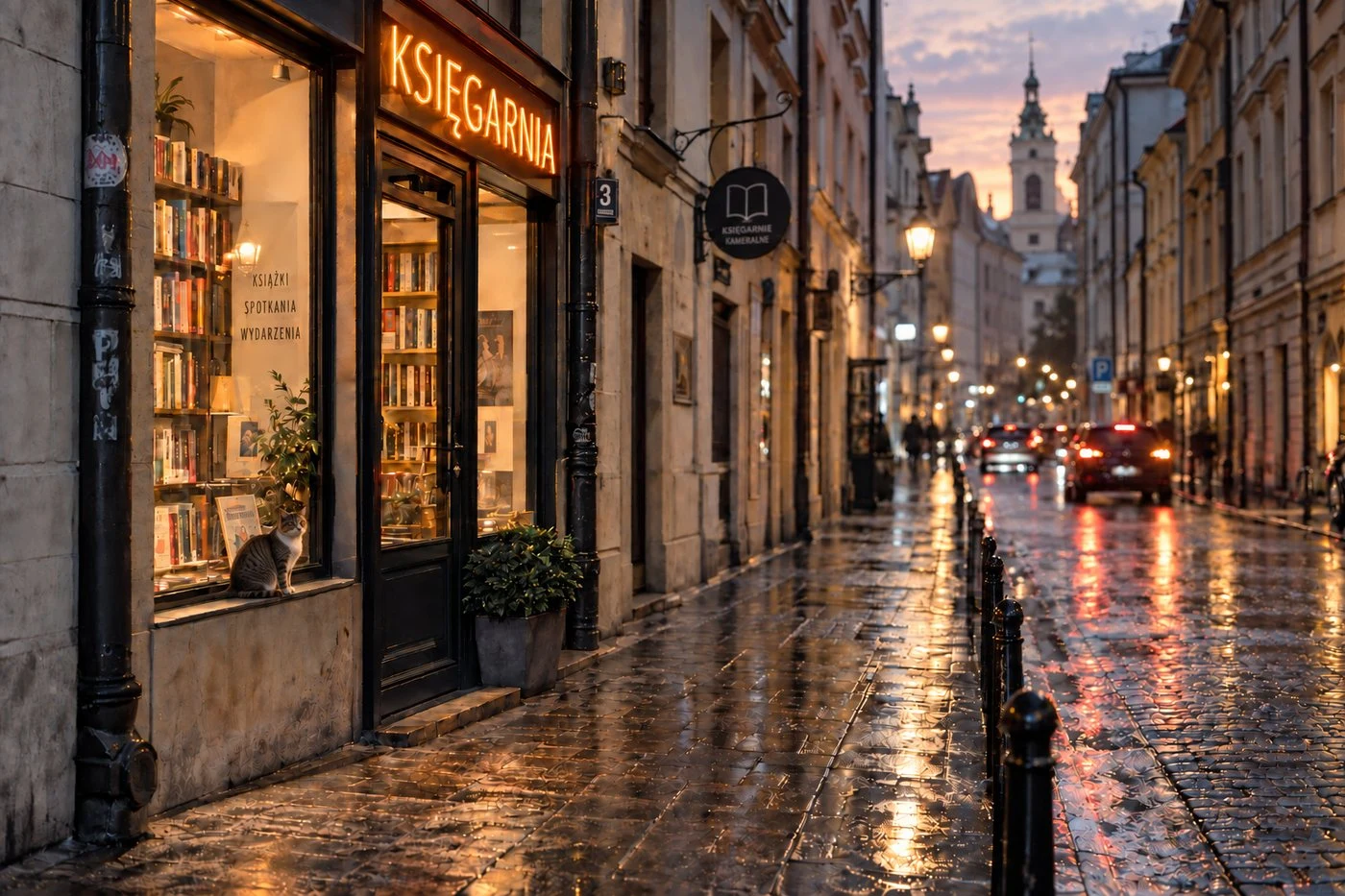
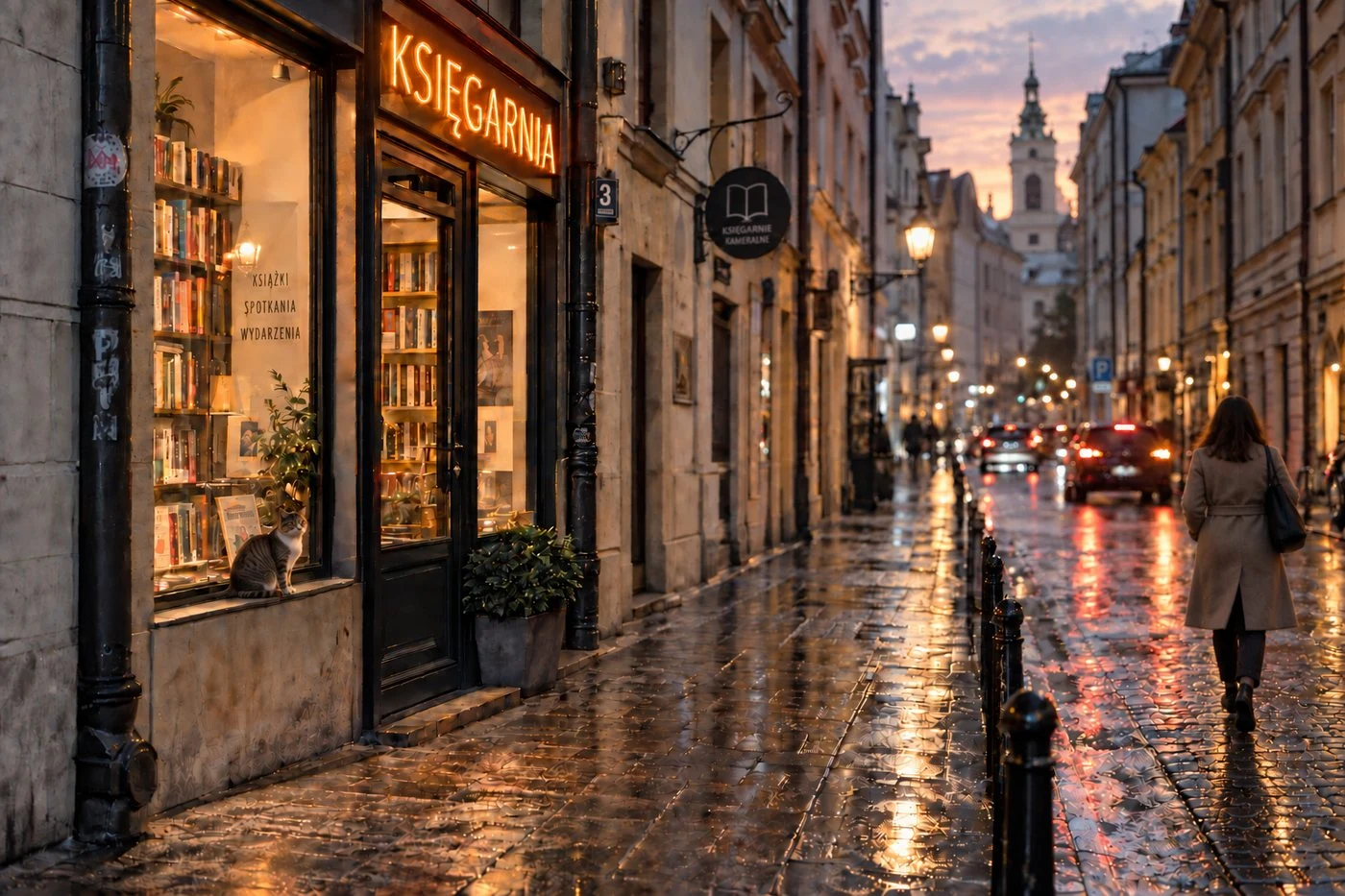
Base image: a narrow street at night after rain, wet cobblestones reflecting lights, on the left a small bookstore window with a neon sign above the entrance, a bicycle leaning against the wall in front of the door, blurred car lights in the background. Then five corrections, each targeting one element, each performed on the result of the previous one, without manual retouching and without retrying.
What Changed Beyond What We Requested
| Correction | Requested Change | Unwanted Changes |
|---|---|---|
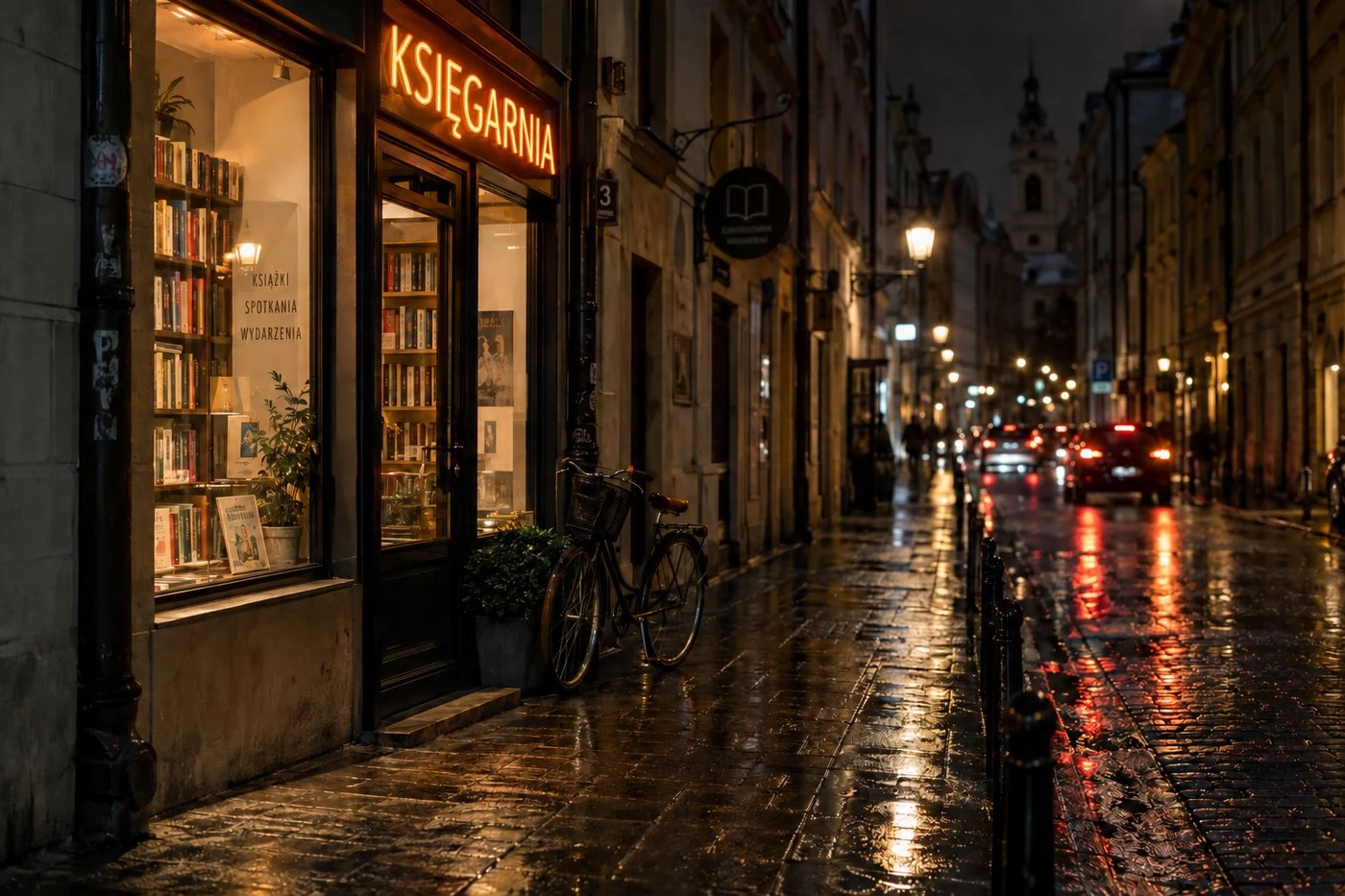
| 1 | text on neon sign | small text on book displayed in lower part of window and leaves of plant next to it |
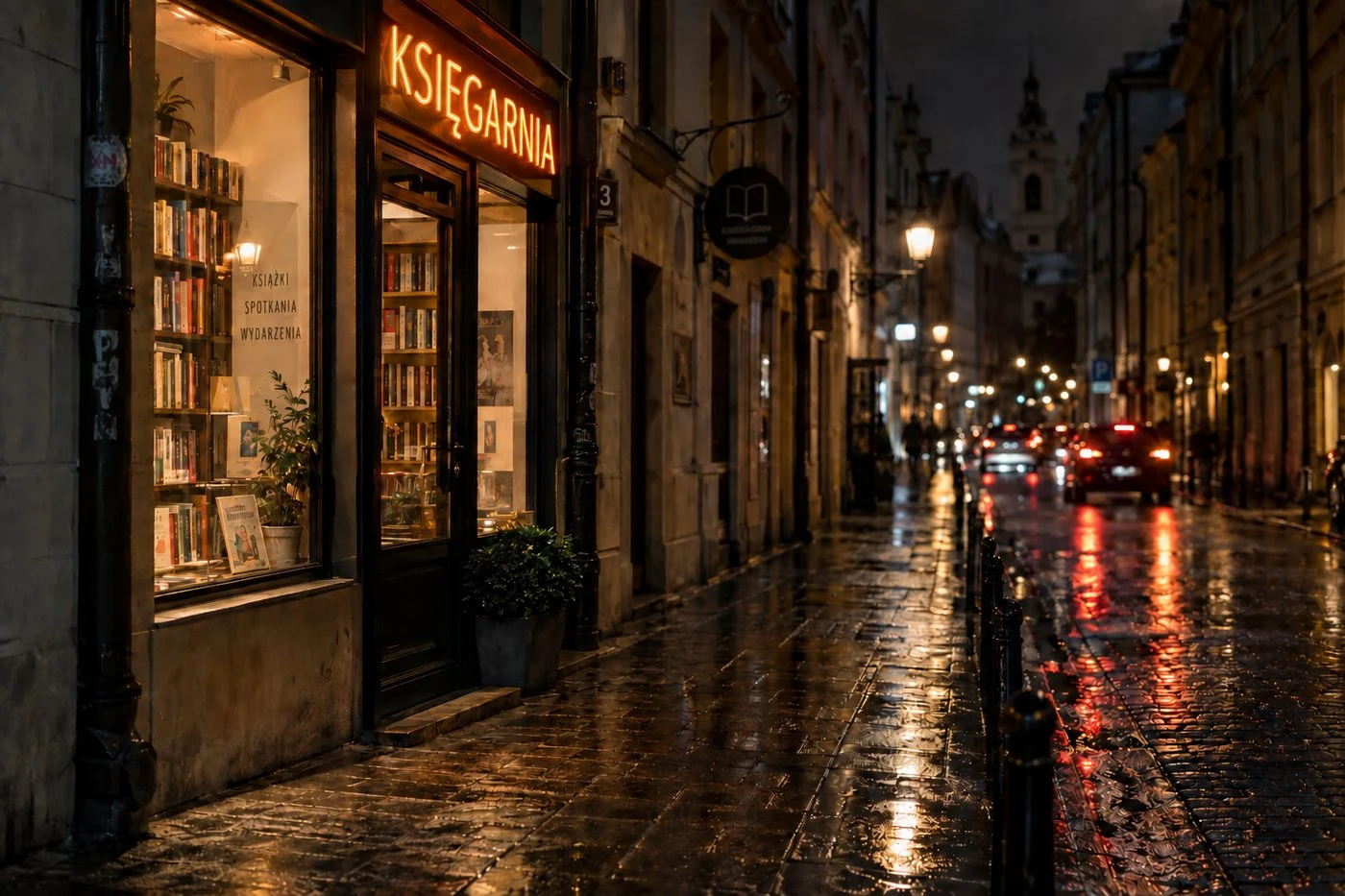
| 2 | bicycle removal | shape of bush, outline of planter by door, bright reflections on sidewalk beyond bicycle location |
| 3 | cat on windowsill | brightened vertical frame between window and door, changed shapes of white and gold reflections on cobblestones |
| 4 | time change to dawn | contours of bush leaves by door, pattern of cracks and streaks on plaster under cat |
| 5 | figure on right side | changes on opposite side of frame: brightened lower edge of window and books near it, leaves behind cat, gold reflections in front of bookstore |
First Series: Street. Base Image and Five Corrections
Second Series, This Time with Pixel Comparison
We repeated the test on different material: a product shot of an olive oil bottle on a marble countertop, six successive corrections. The result is the same, but this time backed by pixel comparison, not just visual inspection.
| Correction | Requested Change | Unwanted Changes |
|---|---|---|
| 1 | text on label | salt details and marble texture |
| 2 | rosemary to thyme | label texture, reflections at bottle base |
| 3 | bowl removal | shade of letters on label, reflections on neck |
| 4 | marble to dark wood | thyme brightness, label texture |
| 5 | bottle shadow | reflections on bottle shoulders, wood grain beyond shadow |
| 6 | darkened glass | fine details of label and wood |
Second Series: Product Shot. Base Image and Six Corrections
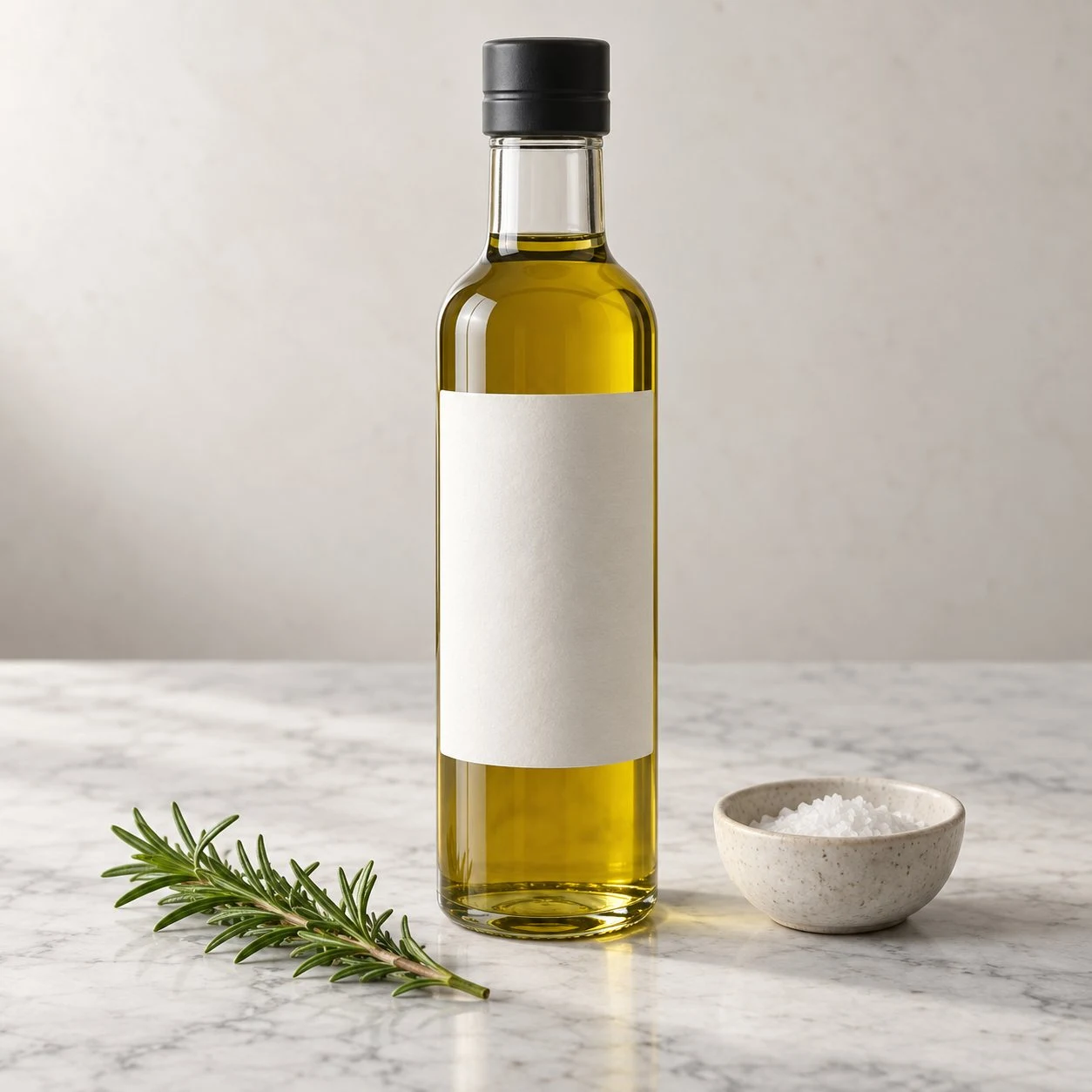
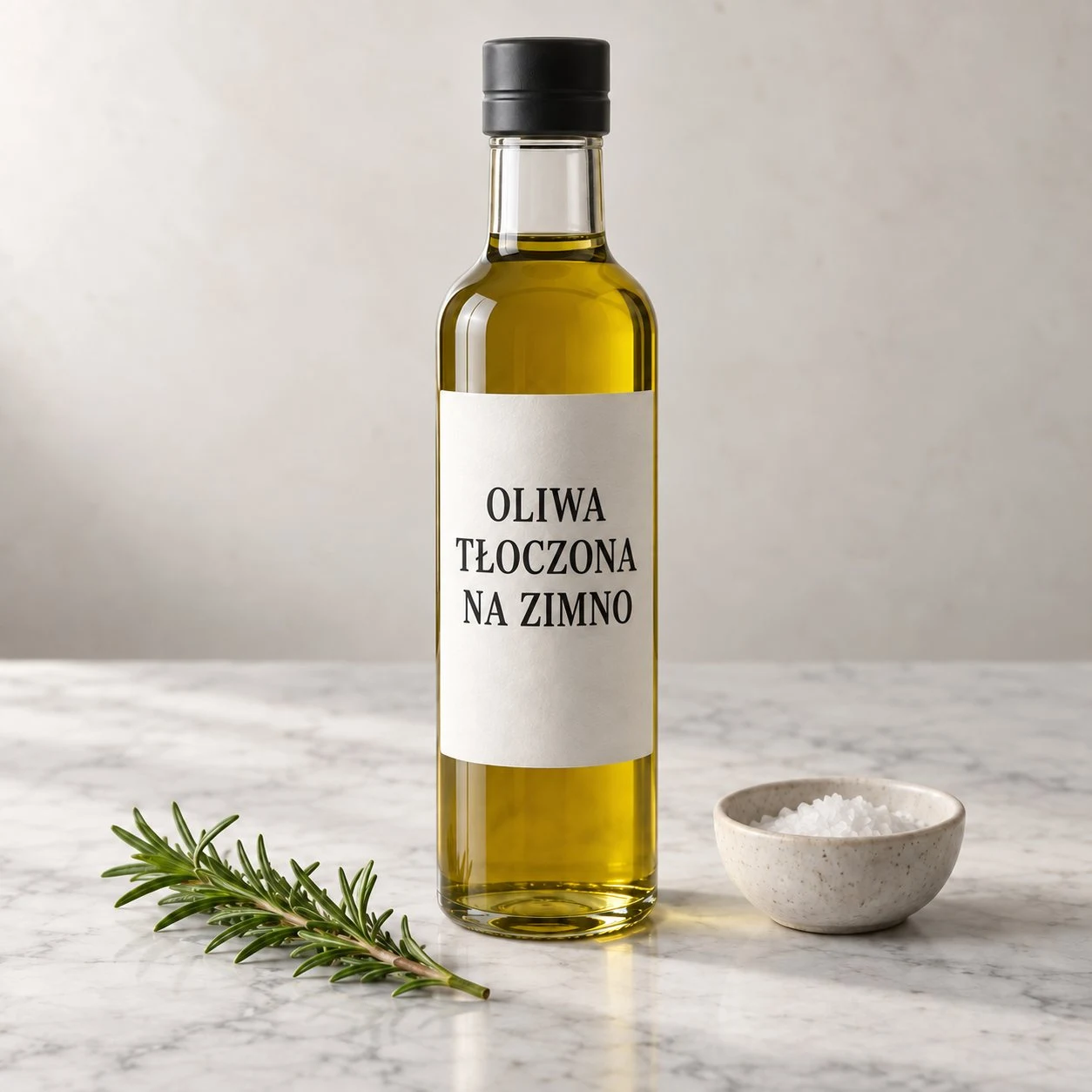
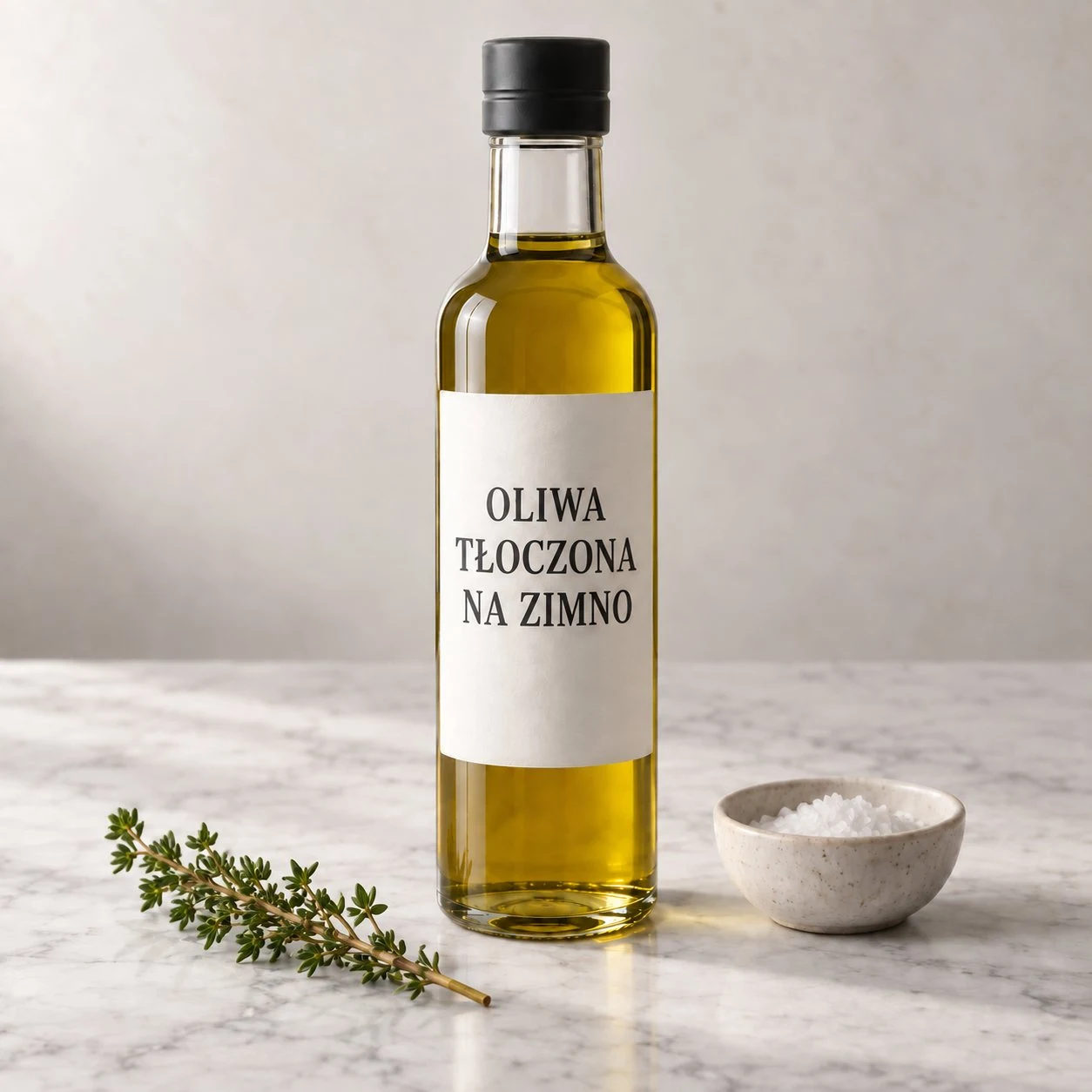
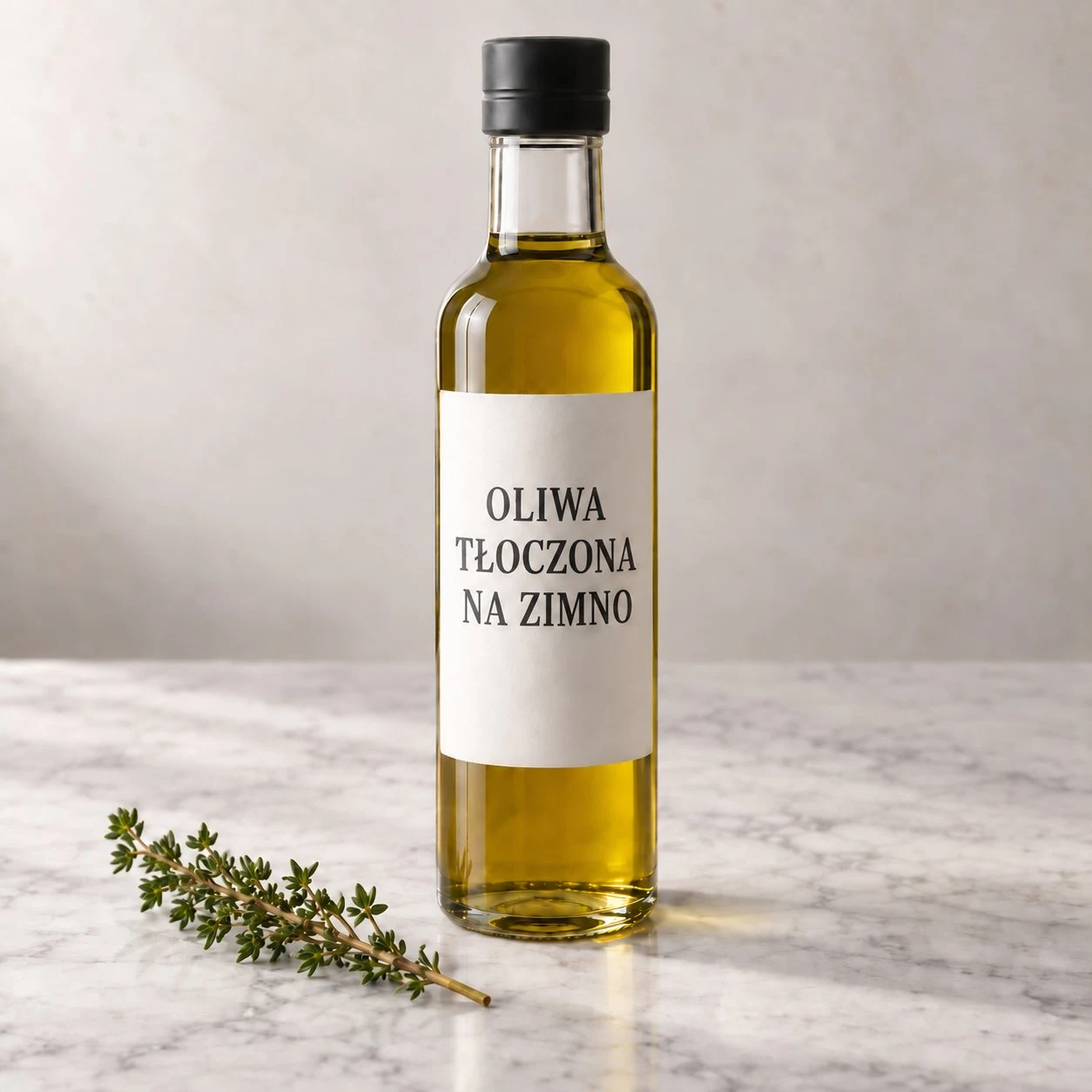
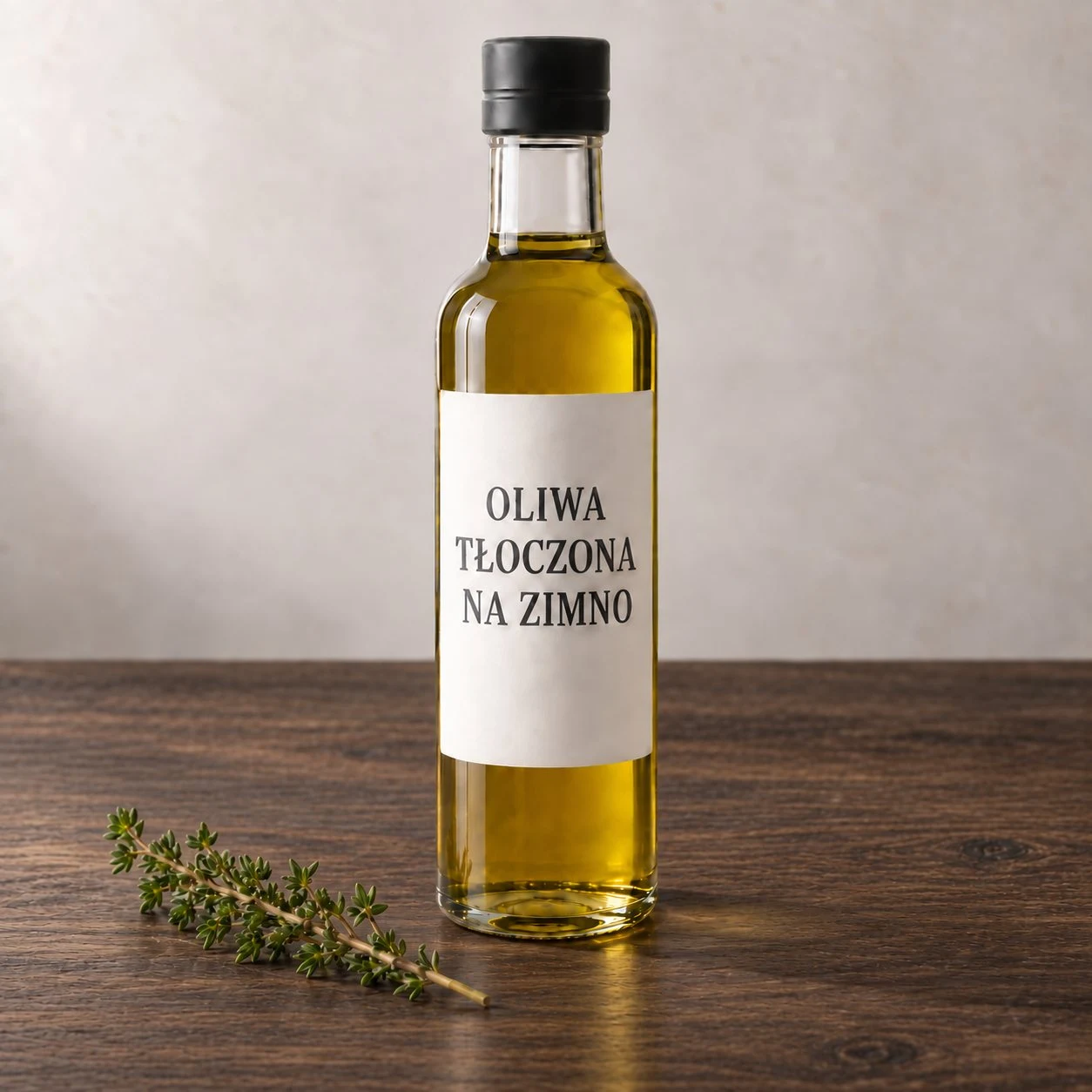
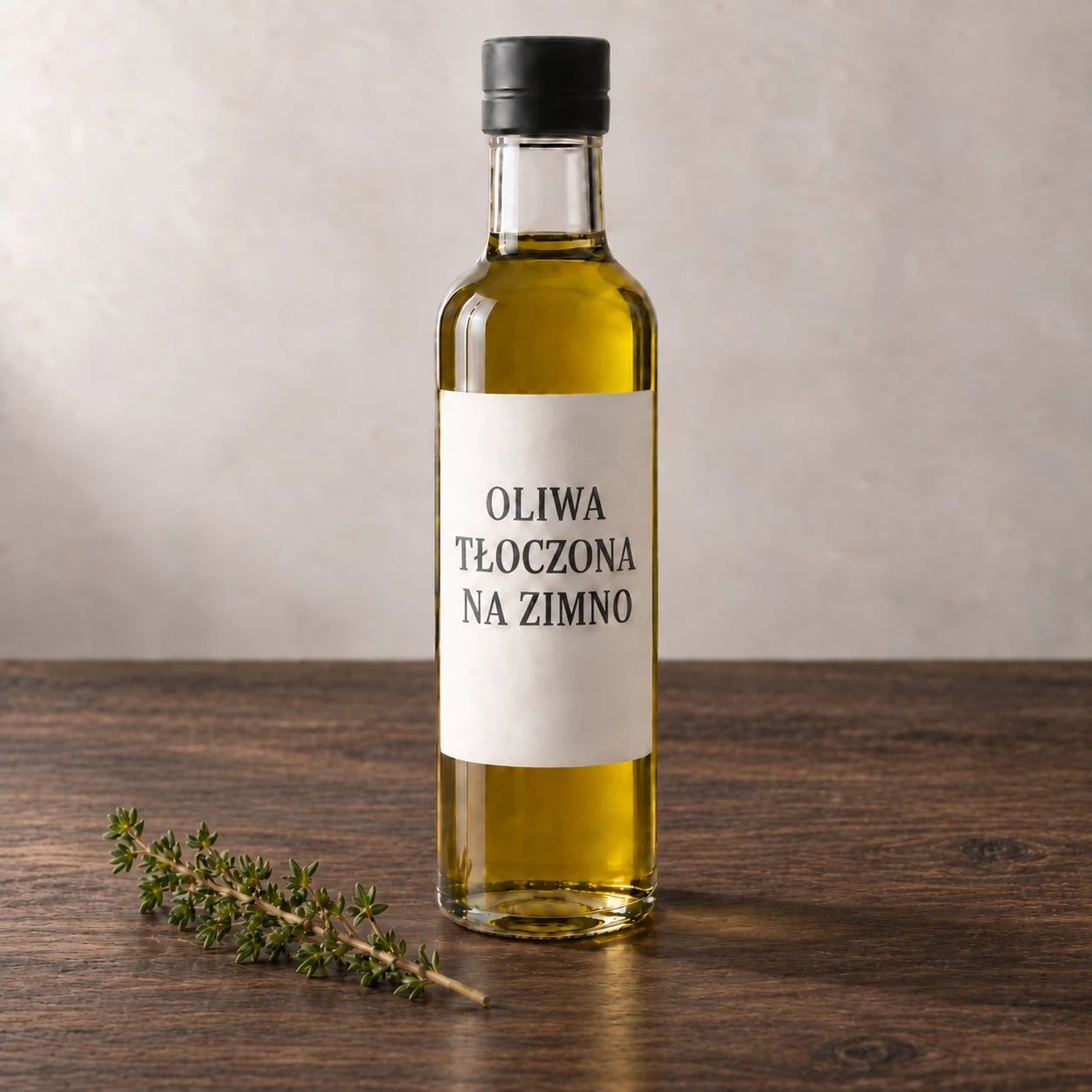
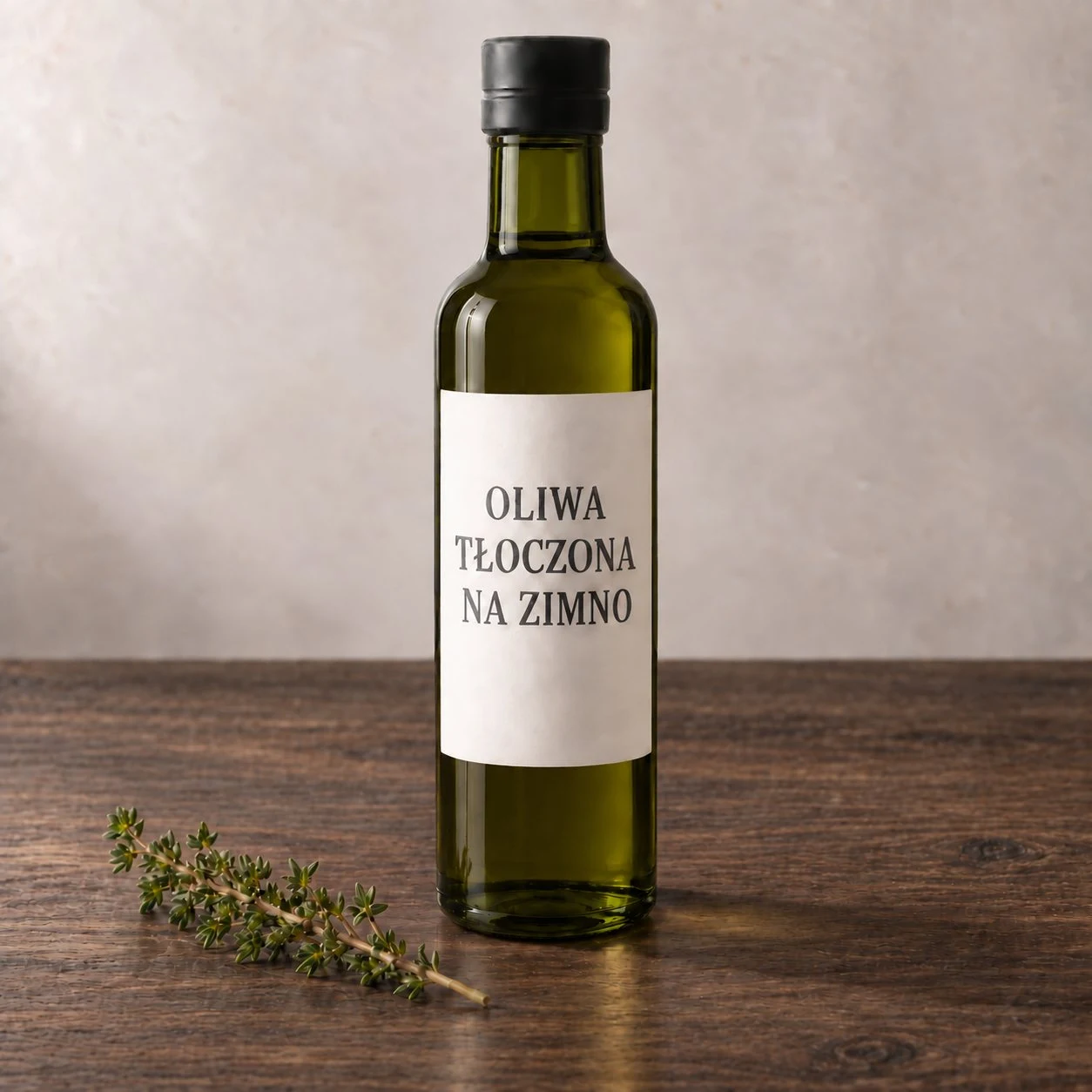
Again, the first correction, again changes beyond the indicated area. The text we tested in Polish came out correctly, including Polish diacritical marks.
What This Means in Practice
The fifth correction shows the mechanism best. We asked for a figure to be added on the right side of the frame, and the model changed details on the left. This is not fragment editing in the sense a graphic designer understands it. This is regenerating the entire image while maintaining similarity, during which fine details drift.
For most uses, this does not matter. With a photo for a blog post, no one will check whether the bush leaves have the same shape. But for work where the image must remain the same image, the weight is enormous: product catalog, series of graphics for a brand, illustration with a repeating element. There, each correction requires reviewing the entire image again.
Something That Worked Surprisingly Well
The Polish letter Ę in the neon sign with the text KSIĘGARNIA (bookstore) was rendered correctly, with a visible tail, and survived all subsequent corrections through to the final image. This is real progress, because diacritics in graphics are the weakest point of the entire category, and we test them separately in our Polish typography test for AI generators.
Limitations of This Test
Two series, two different base images, eleven corrections total. In the first series, evaluation was based on visual inspection; in the second, on pixel comparison. Still, without repeating the same command, we do not know how large the variation is between attempts. And most importantly: we do not know which model generation was responding. If it was an older version, the edit-by-comment promise announced with ChatGPT Images 2.5 remains untested, and this test only speaks to the current state.
We will repeat it when a way to unambiguously indicate the version appears, and add the result here. We maintain a comparison of both generations in the article 2.5 versus 2.0.
Google · Your sourcesQuantslant higher in your Google - one clickAdd to preferred sources →How to Test This Yourself in Ten Minutes
Take an image with many fine details: a storefront, a shelf, a set table. Request one change, then compare the before and after versions, looking not at what you changed, but at everything around it. Repeat five times. If you create series of graphics, this test will tell you more than any ranking.

More on this from QUANTSLANT



 benchmarks·Qwen3.8 Max Test: 13 Tasks, Scores, Pricing & AccessQwen3.8 Max scored 76.4/100 in our writing test, aced difficult proofreading (30/30), but used 33k thinking tokens. Costs $2/6 per million tokens.