Businesses in ChatGPT: how to claim your business profile
OpenAI's Businesses in ChatGPT lets you claim your business, fix its details and see mentions. Here is who can use it in the US, UK and India.
👁 113 reads
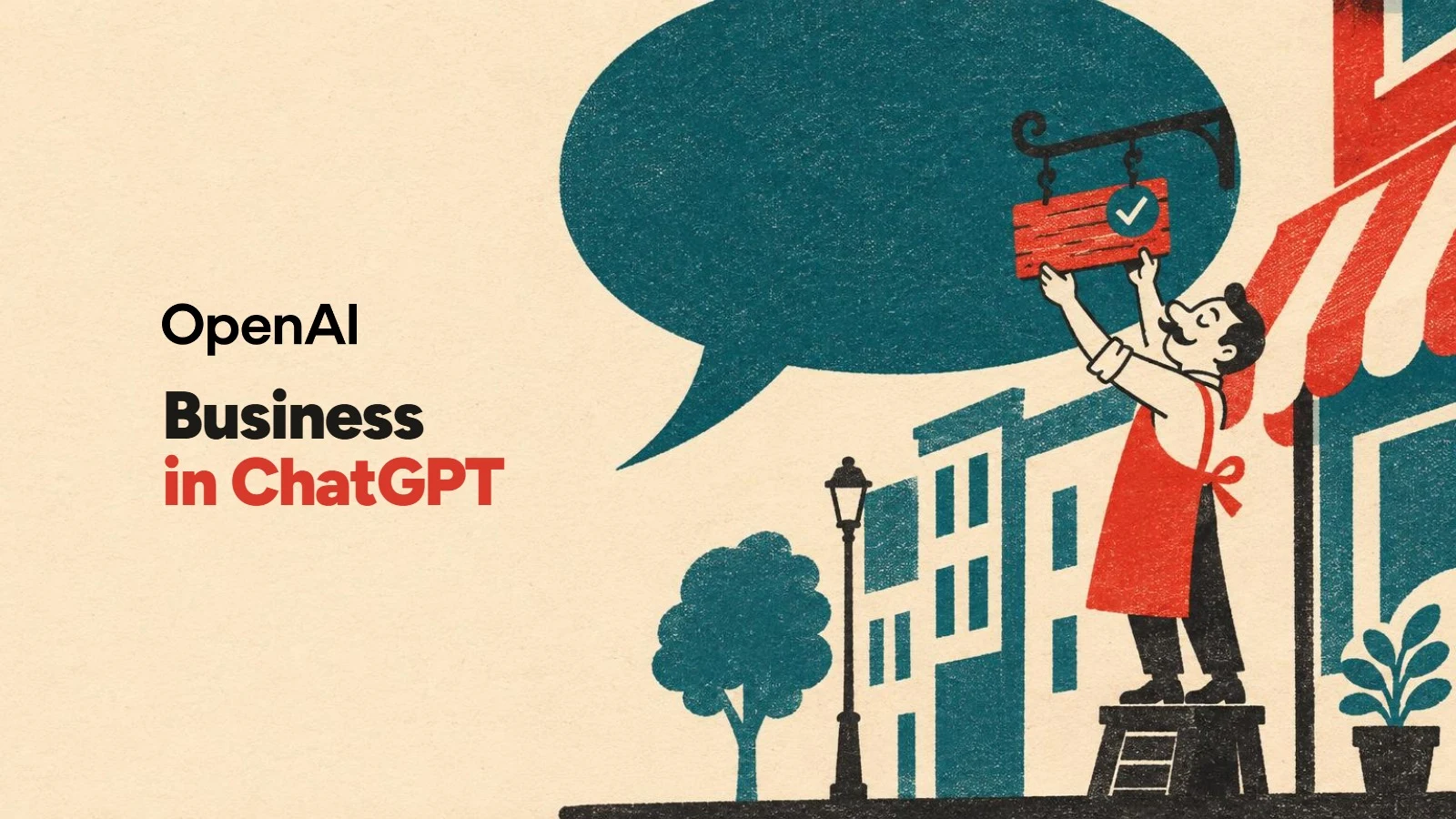
On 10 November 2026 OpenAI opened something businesses have been waiting for: you can now claim your business in ChatGPT, correct its details and see how often ChatGPT mentions you. The feature is called Businesses in ChatGPT, the dashboard is Business Hub, and it starts in beta. I read the announcement, the product page, both new policies and the fresh help article. The short version: an online business with a website can apply today in most countries where ChatGPT works, while local shops and restaurants can only claim listings in the US for now.
A business profile in ChatGPT, inside the chat
If you have ever set up a Google Business Profile, the mechanics will feel familiar. You search for your business in Business Hub, pick the listing, prove it is yours and, once approved, edit the details. The difference is where those details end up: not on a map, but in ChatGPT answers. When a business appears in an answer, people can click through to its ChatGPT profile. After full verification the profile gets a blue check.

OpenAI says 1.2 billion people use ChatGPT every week. Until now a business had no official way to influence what the chat says about it, apart from its own website and what others wrote. Now it has one.
What you can do in Business Hub
- Claim the profile. Verify by business phone (text message or automated call), business email, a TXT record in your domain’s DNS, or a Shopify store.
- Edit the details. Website, description, category, logo, cover photo, delivery and return policy. OpenAI reviews every change before it goes live.
- Add a product feed. A CSV file that follows OpenAI’s specification, a hosted URL or a Shopify store, with prices and availability.
- See insights. Mentions, website clicks and discovery topics, aggregated over the past 28 days.
- Build a Business Agent. A separate chat with your business, opened from your profile. US only for now.
Who can use Businesses in ChatGPT, and where
If you are in the US, eligible ecommerce and online service businesses can claim a profile, see insights and build a Business Agent, and US local stores and restaurants can claim existing listings. In the UK, India, Canada, Australia and other countries where ChatGPT is available, an online business with a website can claim or add a profile and see insights, but local stores cannot claim yet and Business Agents are not available. OpenAI gives no date for expansion.
| Type of business | Profile and insights | Business Agent |
|---|---|---|
| Online shop or online service with a website in the UK, India, Canada, Australia or another country outside the US | Yes, if verification is supported; you can also add a missing business | No, US only |
| Local store or restaurant outside the US | Not yet: local businesses can only claim existing US listings | No |
| Ecommerce and online services in the US | Yes | Yes, in eligible categories |
| Local stores and restaurants in the US | Existing listings only | Depends on category |
| OpenAI Enterprise customers and advertisers | Through their OpenAI representative | Depends on country and category |
At launch only businesses with a website can claim a profile. The help article is available in English only for now.
What it costs
Nothing. OpenAI does not list any fee, and the help article says you do not need an Ads account or a ChatGPT Enterprise agreement to claim an eligible business. The only paid part is sponsoring a Business Agent through ChatGPT Ads, which only applies where agents exist.
Identity check with Persona
Claiming is only half the job. To publish changes, connect a feed, see insights or build an agent you need to pass identity verification with Persona. You may be asked for a government-issued ID, business registration details and proof that you can represent the business, and the name, address and registration or tax number must match official records (for example an EIN and state registration in the US, Companies House in the UK, GSTIN or CIN in India). The blue check appears only after Persona is approved.
I already know Persona from ChatGPT Ads: when I set up an ads account in October, the business check asked for the registration number type, tax and VAT numbers and the address, and the business name could not be edited afterwards. Enter the name exactly as it appears in the register.
Will ChatGPT recommend you more often?
No, and OpenAI says so in three places. Claiming does not guarantee higher placement or sales, ChatGPT keeps making its own recommendations and comparisons, and advertising does not influence its independent answers. ChatGPT can show a business that nobody has claimed, because it also uses other sources. Still, in my view this is the biggest change for AI visibility in a long time: for the first time you get numbers.
The catch in the numbers
For an online business, a mention only counts when ChatGPT references your website. Your brand name alone does not count. For a local business, a mention counts when ChatGPT shows a result for that location, even without a click. You never see individual conversations, and a blank metric does not mean zero, only that a reporting threshold was not reached or data is still being collected.
And shopping in ChatGPT?
Eligible products from Shopify merchants are already in ChatGPT through Shopify Catalog, and purchases are completed on the merchant’s own site. Business Hub adds a product feed for shops that are not on Shopify. A Business Agent, where available, cannot take orders, make bookings or check order status: it explains products and policies and links to your website.
Step by step, with every screen and button name: how to claim your business in ChatGPT.
More on this from QUANTSLANT



 guides·MiniMax H3-Image: Price, API, Test Results and Comparison