GPT Image 2.5: Sunburst vs Flare - Which Model to Choose
Sunburst and Flare in GPT Image 2.5: use cases, quality settings, and API pricing. Documentation comparison and criteria for choosing the right model.
👁 119 reads
GPT Image 2.5 comes in two variants: Sunburst and Flare. The names alone don’t tell you which to choose for fixing a label versus generating a series of illustrations. It’s worth separating what the vendor claims from what you need to verify with your own material.
Our test: GPT Image 2.5: Sunburst and Flare on 5 prompts, image cost and timing
Below we compare OpenAI’s documentation as verified on September 9, 2026. This is an analysis of parameters and use cases, without independent speed measurements or image quality rankings. Based on this, we propose a method for choosing the right model for a specific task.
The Key Difference According to OpenAI
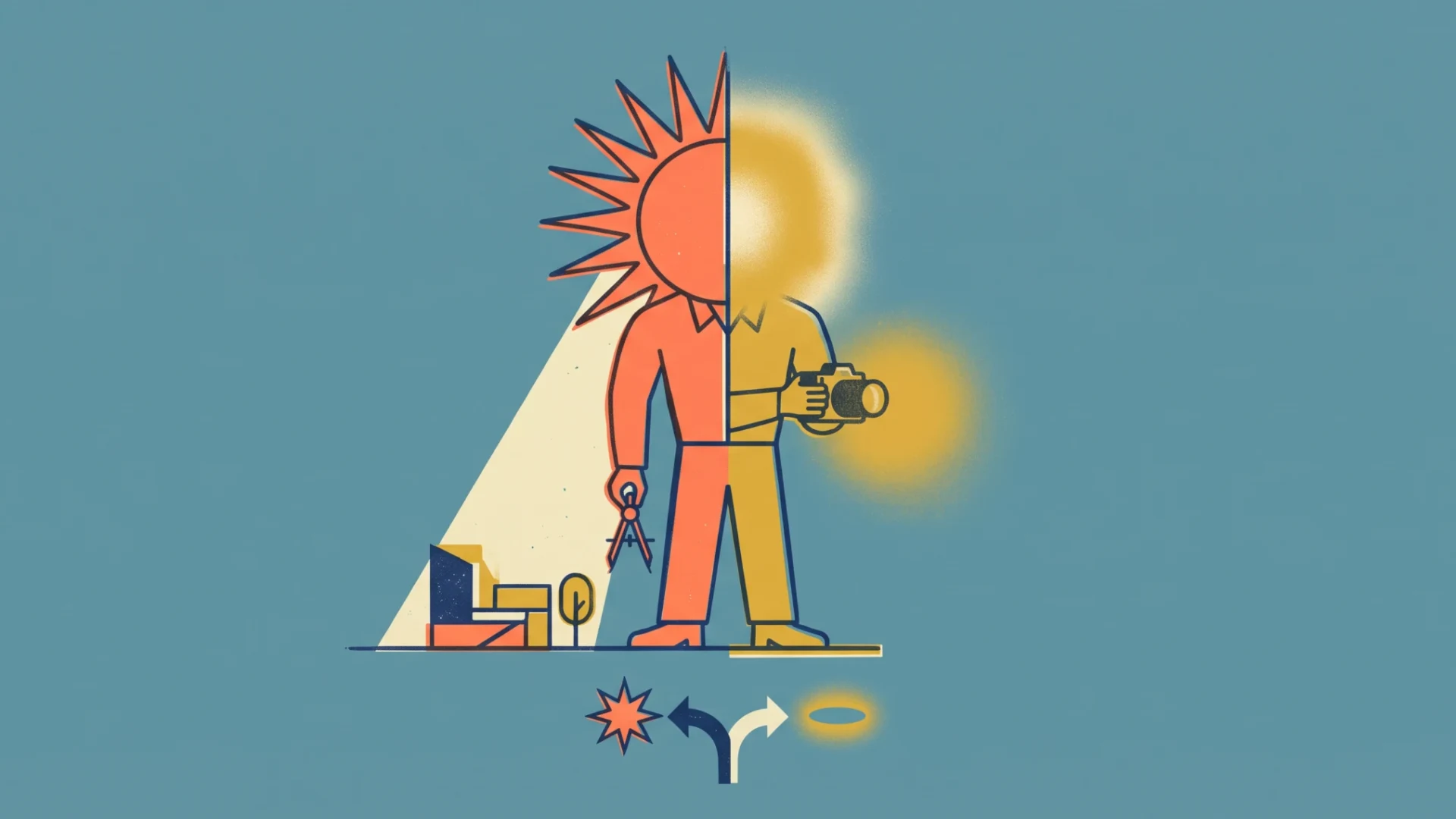
OpenAI describes Sunburst as the most advanced variant for generation and editing, with particular emphasis on precision of changes. Flare is positioned as the fastest model for everyday high-quality image generation. These are vendor claims, not the result of image comparison in this article. Sunburst documentation, Flare documentation.
Our practical interpretation: when correcting existing material, we’d start with Sunburst, and when exploring several visual directions, we’d try Flare. The final choice would depend on how well the result matches the prompt and the number of corrections needed.
What Both Models Have in Common
Both accept text and images and return an image. The documentation lists the same quality settings: low, medium, high, xhigh, max, and auto. The model identifiers are gpt-image-2.5-sunburst and gpt-image-2.5-flare. Sunburst, Flare.
A shared list of settings doesn’t mean identical results. A parameter with the same name is a starting point for comparison, not a promise of the same level of detail or wait time.
Sunburst and Flare API Pricing
Both model pages list the same rates per million tokens: text input 5 USD, image input 8 USD, and image output 30 USD. For cached input, these are 1.25 USD and 2 USD respectively. Sunburst pricing, Flare pricing.
However, this doesn’t mean identical cost per individual image. You need to account for token consumption, input materials, and the number of subsequent attempts. The documentation also notes that the GPT Image 2 calculator does not estimate token consumption for GPT Image 2.5. Information in documentation.
For your own project, we’d compare the cost of obtaining an accepted image. If one variant requires four corrections and another requires one, the price of the first call doesn’t describe the total expense.
Which Variant We’d Start With for Each Task
| Task | First choice to test | What to evaluate |
|---|---|---|
| Precise edit of a fragment | Sunburst | Accuracy of change and preservation of rest of image |
| Multiple illustration directions | Flare | Time to usable version and variety |
| Poster with text | Both, on the same content | Letters, completeness, and legibility |
| Product photo series | Both, with the same reference | Logo, proportions, and number of corrections |
The table presents a suggested order of attempts, not measurement results. In particular, it doesn’t assume that Flare’s faster positioning means worse text or that Sunburst always preserves every detail.
Three Tasks We’d Start the Comparison With
First: changing the color of a shirt in an existing portrait. We’d evaluate color accuracy, preservation of seams and folds, and no changes to the face. This separates prompt execution from overall photo appeal.
Second: a poster with a title, date, and time. We’d read every character and check content completeness. We wouldn’t give a good score for composition alone if the date were incorrect.
Third: extending a photograph of a room. We’d compare the position of windows, doors, and furniture, and floor continuity. In this task, an impressive new perspective might be an error if the goal was simply to add sides.
How to Make a Comparison You Can Trust
Use the same input files, prompt content, and target dimensions. Record the chosen model, quality setting, and version if the tool provides it. Repeat tasks several times so you’re not building an evaluation on one exceptionally successful image.
Measure the time from sending the prompt to receiving the finished file. Separate failed calls from correct ones, but include them in the evaluation of the entire process. For quality, it’s best to first evaluate images without visible model names.
Record results according to pre-established criteria: prompt compliance, text correctness, reference preservation, and number of errors requiring correction. Don’t change the rules just because you like one image better.
Google · Your sourcesQuantslant higher in your Google - one clickAdd to preferred sources →Which Model We’d Choose to Start
We’d treat Sunburst as the first choice for a task where we need to preserve a product or person and precisely change a fragment of the image. We’d try Flare for quick work on concepts and many variants. This is a recommendation based on the purpose described in the documentation.
There’s no basis here to claim that one model always wins or that the other is a specific percentage faster. That answer should come from comparison on tasks similar to yours. The best choice is the one that leads to a correct result with acceptable time and cost.


More on this from QUANTSLANT


 guides·Which AI Model for Work in 2026? Choose by Task, Not RankingWe match AI models to writing, code, documents, data, customer service and learning. We separate our own measurements from applications that need testing.