Choose a password manager for a small business by testing the handover
Evaluate a business password manager with practical checks for shared access, recovery, staff departures, and ownership of critical accounts.
👁 113 reads
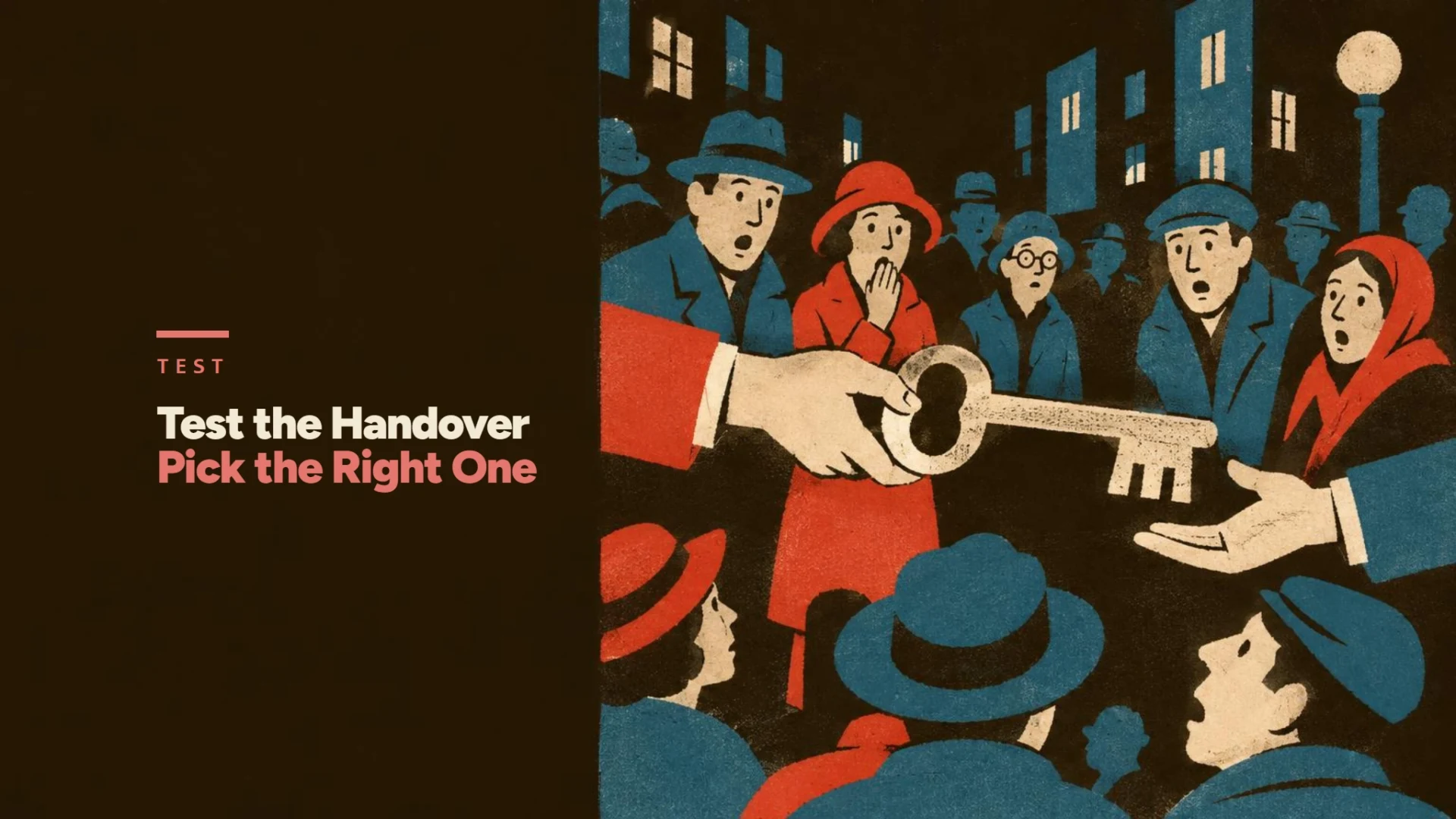
A business password manager should let the right people use company accounts without making one employee the only person who can recover them. I would compare candidates through a small access-and-handover pilot before moving the business’s critical credentials.
Start with the account that would stop the business
The most useful first question is not how many passwords the product can store. It is what happens if the person managing your domain, email administration, or billing is unavailable tomorrow.
List those accounts and identify their owner, recovery route, and authorized users. Keep the inventory separate from the passwords themselves. A list of account names and responsible roles is useful for planning without becoming another plaintext credential store.
CISA recommends strong, unique passwords and a password manager. NIST’s small-business guidance also recommends multi-factor authentication, with phishing-resistant methods where available, especially for sensitive accounts. A vault supports those practices, but it does not remove the need to configure the underlying services correctly.
I would distinguish personal accounts from company-owned accounts at this stage. Moving an employee’s personal login into a shared vault does not turn it into a properly administered business service.
Write a short requirements sheet
| Requirement | Evidence to request or test | Why it matters |
|---|---|---|
| Separate employee identities | Each pilot user signs in independently | Access can be assigned and removed individually |
| Shared company items | An authorized colleague can use the intended item | Work does not depend on private notes |
| Narrow access | An unrelated team cannot see the test item | Sharing follows job responsibilities |
| Administrative continuity | A documented backup administrator can act | One absence does not strand the company |
| Recovery procedure | The approved recovery route is understood | Recovery is planned before a lockout |
| Supported devices | The actual browsers and phones work | Staff do not invent insecure workarounds |
| Export and exit | An authorized export can be handled safely | The company understands its migration options |
Use the same requirements for each candidate and record whether the pilot meets them. A feature in a vendor comparison table still needs to work with your accounts and devices.
Build a shortlist around the workflow
I would start with three candidates and ask each to demonstrate the same access scenario. The products below document different administrative building blocks; the pilot determines which setup fits your team.
| Candidate | Documented building block | What I would verify in the pilot |
|---|---|---|
| Bitwarden | Organization-owned items shared through collections | Can the intended team use a collection while an unrelated employee cannot? |
| 1Password Business | Shared vault permissions and organization account recovery | Can a second authorized person recover a team member’s access without relying on the absent administrator? |
| Keeper Business | Role-based access controls, activity logging and secure sharing | Can the administrator give a role the required access and review what happened to the test account? |
Use the business edition and configuration that include the required controls. A personal subscription with password storage is not the same purchase as a system for administering company access. Ask for the exact features and billing terms in the quote, then use the disposable account below to check the workflow.
Test sharing with a disposable account
Use a low-risk test service and dummy credentials for the pilot. Assign one administrator and a small set of representative users. Check the browser extension, the mobile workflow if needed, and the route for requesting access.
For example, Bitwarden organizes shared items through collections and supports collection access for members or groups. Its documentation also describes revoking an organization member’s access. Those are features to examine in a pilot, not proof that every plan or configuration matches your requirements.
I would make the test outcome observable: the marketing user can access the dummy marketing account, the unrelated user cannot, and the administrator can explain how the permission was granted. Record screenshots of settings only when they do not expose secrets.
Avoid using a real payroll, banking, or domain-administration account as the first experiment. The pilot should expose workflow problems without making routine evaluation a business continuity incident.
Treat departure as a whole-account workflow
Removing someone from the vault stops an access route. It does not establish that they never copied a password or that an existing session at another service has ended.
For a departing employee, I would use the account inventory to identify the relevant services, transfer ownership where appropriate, remove individual access, and rotate shared secrets where the situation requires it. Review sessions and recovery details through each service’s own controls.
The distinction is especially important for shared logins. If a service supports named accounts with suitable roles, those can make accountability clearer than having several people impersonate one user. The vault should support a sensible access design rather than become a reason to share every login.
Write the departure checklist before selecting a product. If a candidate cannot support the required administrative workflow, a convenient autofill experience will not fix that gap.
Protect the recovery path
I would document who can perform recovery, how that person is authenticated, and what happens if the usual device is lost. Keep recovery materials in an approved place that remains available during the incident they are meant to solve.
A circular dependency is easy to create: the instructions for recovering the vault live only inside that vault, while the email needed for recovery also requires its password. Draw that chain once and give it a practical escape route consistent with the organization’s security requirements.
Use a strong, unique primary credential and MFA for the password manager where supported. Review vendor documentation for the chosen configuration rather than assuming that every recovery option preserves the same security properties.
Compare cost only after the workflow passes
Request the current price for the exact plan, seat count, billing period, and features required. Include any minimum purchase and administrative features needed for your setup. Compare annual commitments with annual commitments, and keep migration work separate from the subscription price.
My final selection note would state which workflows passed, which need an internal procedure, who owns deployment, and when the access inventory will be reviewed. That is more useful to a small business than an unexplained “best overall” badge.
FAQ
Is a personal password manager enough for a business?
It may store one person’s credentials, but evaluate company ownership, shared access, recovery, and departures separately. Those requirements often drive the need for business administration features.
Should everyone know the same vault password?
I would use individual identities and controlled sharing. A shared master credential makes individual access management much harder.
Does revoking vault access invalidate every saved password?
No. Review the underlying accounts, shared secrets, recovery routes, and active sessions as part of the departure process.
Can I choose from a feature table alone?
A feature table narrows the shortlist. A small pilot reveals whether the actual people and devices can complete the required workflow.
What should I migrate first?
After a disposable pilot, move a controlled group of ordinary company accounts and verify the process. Plan critical account migration with the people responsible for business continuity.
Google · Your sourcesQuantslant higher in your Google - one clickAdd to preferred sources →Sources
- CISA: password guidance - read November 16, 2026.
- NIST: small-business cybersecurity basics - read November 16, 2026.
- Bitwarden: collections - read November 16, 2026.
- Bitwarden: revoke and remove access - read November 16, 2026.
- 1Password: shared vault permissions - read November 16, 2026.
- 1Password: organization recovery plan - read November 16, 2026.
- Keeper: business administration and sharing - read November 16, 2026.
More on this from QUANTSLANT


 ai tools·Remove duplicates in Google Sheets without deleting valid ordersChoose the right duplicate key in Google Sheets, compare Remove duplicates with UNIQUE, and verify the result using a worked order-table example.