Qwen-Image-2.1 VRAM Requirements: All Variants Tested
From 31.7 GB in full precision to 7.9 GB with text encoder on CPU. What fits on 24, 16 and 12 GB cards - measured file by file.
👁 126 reads
Qwen-Image-2.1 comes in several precision variants, and the difference between the heaviest and lightest setup is 31.7 GB versus 13.6 GB. Which one you choose determines whether the model will fit on your card at all. We collected all the files with their sizes and calculated what fits where.
Related reading: Qwen-Image-2.1 Fashion Photography: Twelve Styles Tested.
Verdict in One Paragraph
On a 24 GB card, take the int8 variant: 16.6 GB with room to spare. We measured it ourselves - ComfyUI reports 6,920 MB for the image model and 644 MB for the decoder, so plenty of space remains. On a 16 GB card, drop the text encoder to the four-bit variant, which gives 13.6 GB. On 12 GB and below, you need to move the text encoder to system RAM - the model will work, but each new prompt costs a few extra seconds. Full precision is 31.7 GB and won’t fit on any consumer card.
All Files with Sizes
Image Generation Model
| File | Precision | Size |
|---|---|---|
qwen_image_2.1_bf16 |
full | 14.2 GB |
qwen_image_2.1_int8_convrot |
eight-bit | 7.26 GB |
Text Encoder - This Determines Your Memory Budget
| File | Precision | Size |
|---|---|---|
qwen3vl_8b_bf16 |
full | 17.5 GB |
qwen3vl_8b_int8_convrot |
eight-bit | 9.35 GB |
qwen3vl_8b_w4a8 |
four-bit | 6.31 GB |
This is worth noting: in full precision, the text encoder is larger than the image model itself - 17.5 GB versus 14.2 GB. The image model has 7 billion parameters, while the encoder is a separate multimodal model with eight billion.
Decoder and Variants with Prompt Enhancer
| File | Size | Purpose |
|---|---|---|
qwen_image_2.1_vae_bf16 |
676 MB | Required, single variant |
qwen3.5_9b_...pe_t2i.int8 |
9.47 GB | Prompt enhancer, text to image |
qwen3.5_9b_...pe_i2i.int8 |
9.47 GB | Prompt enhancer, image to image |
The last two are a nine-billion parameter variant that rewrites your prompt into a richer one. They’re not necessary - the model works without them in our setup and all measured times refer to the configuration without the enhancer.
What Fits on Your Card
| Configuration | Total | Card |
|---|---|---|
| Full precision | 31.7 GB | Beyond consumer card reach |
| Full model + int8 encoder | 24.2 GB | Borderline even at 24 GB |
| Both int8 | 16.6 GB | 24 GB with headroom, 16 GB tight |
| int8 model + four-bit encoder | 13.6 GB | 16 GB with headroom |
| int8 model, encoder on CPU | 7.9 GB | 8-12 GB |
File sizes aren’t the same as memory usage during operation - intermediate data adds up, growing with resolution. Add about 2 GB headroom to each row when working at 2K.
Our Measurements on RTX 4090
The card has 24,564 MB. int8 variant, 25 steps, euler sampler:
- ComfyUI reported 6,920 MB allocated for the image model and 644 MB for the decoder.
- 2048×2048 image - 44 seconds. 2752×1536 - 46 seconds. 1024×1024 at 12 steps - 8.4 seconds, or 4.8 steps per second.
- At no resolution did we see data swapping between card and system RAM.
What the int8 Variant Produces
The whole discussion about precision only matters when you can see the result. All images in this article and throughout this series were generated with the eight-bit variant - the one that fits on a 24 GB card with room to spare.
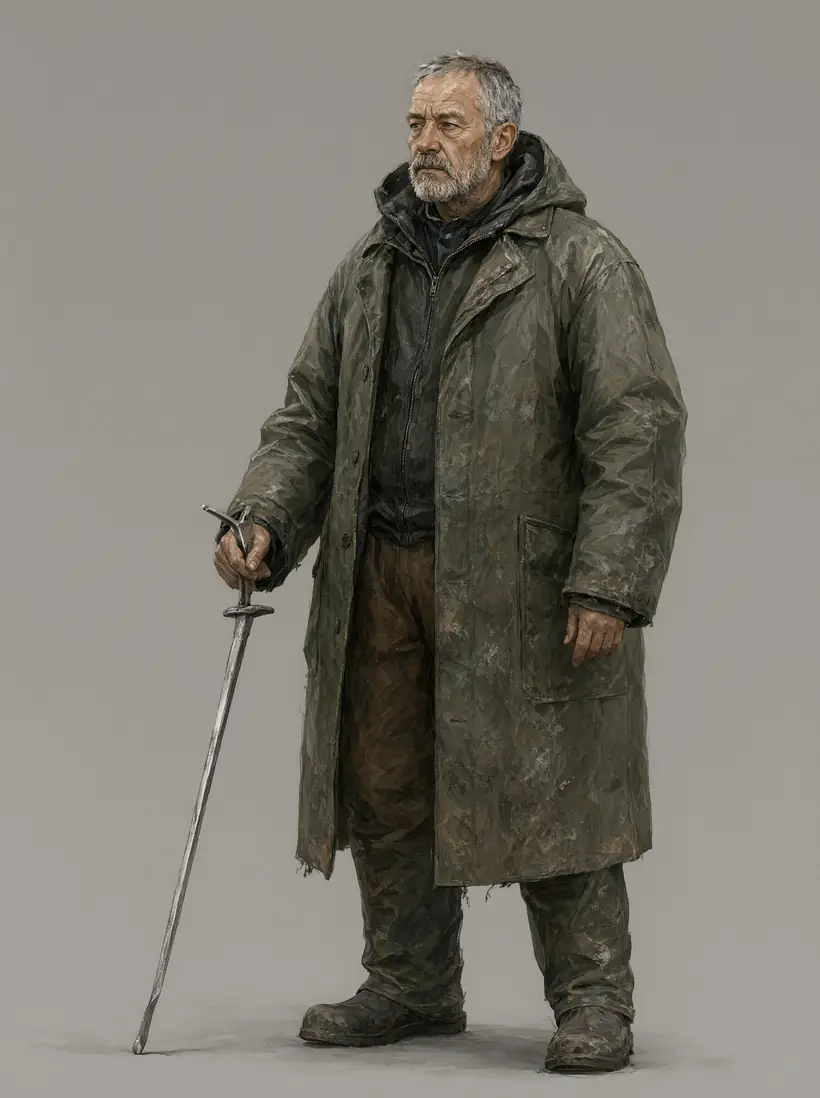
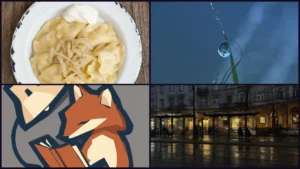
Character design from int8 variant - facial and fabric detail without visible quality loss.
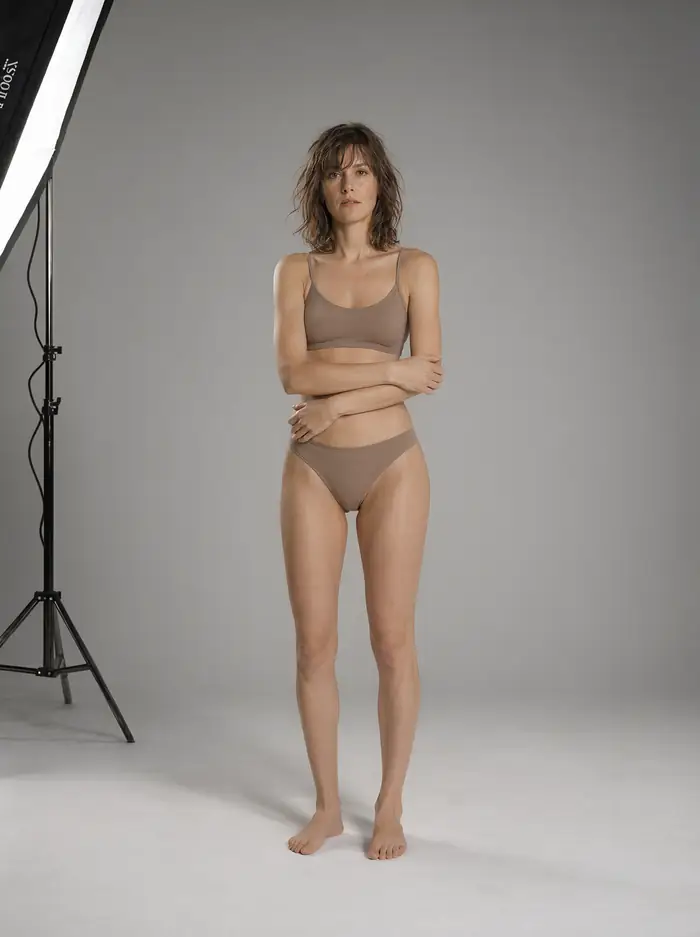
Medium format studio shot: smooth tonal transitions that break into banding with overly aggressive quantization.
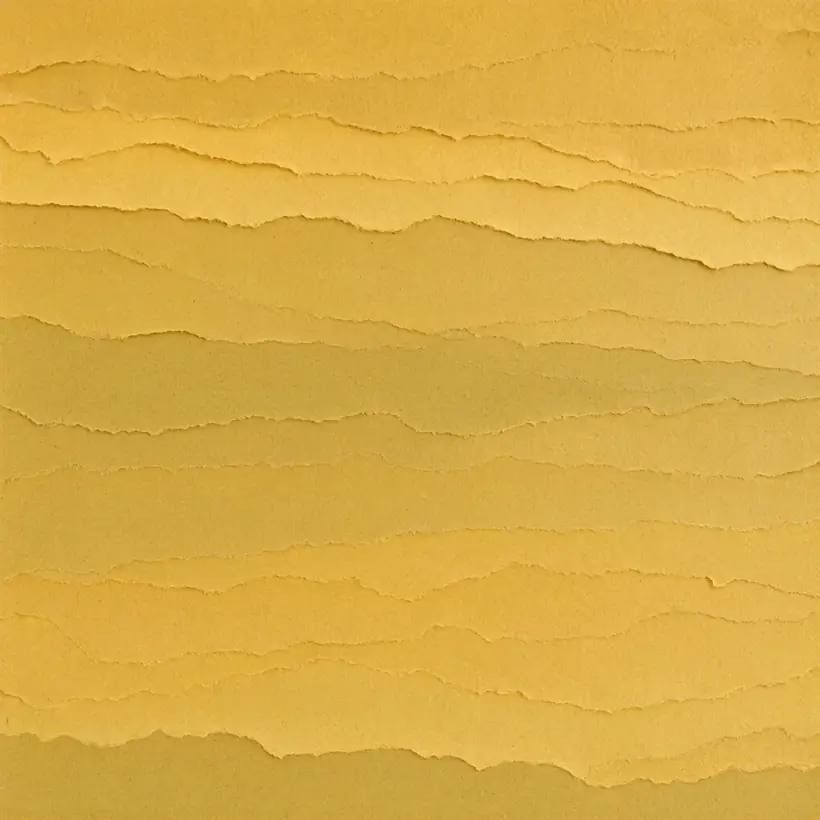
Handmade paper texture - test for noise and banding in flat areas.
Trick for Weaker Cards: Text Encoder on CPU
The text encoder does its work once per prompt, then sits idle through all generation steps. It’s the best candidate for moving off the card.
In ComfyUI, the node loading the encoder has a device setting - you switch it from default to CPU. You gain 6.31 to 17.5 GB of VRAM depending on the variant, and lose a few seconds on each new prompt.
When this pays off: when you generate many images from the same prompt - the encoder calculates once, and you get all the card memory for generation. When it doesn’t: when you change the description with each image.
Three Rules for Choosing a Variant
- Start with int8. The quality difference versus full precision is invisible for most applications, and it takes half the memory.
- Save on the encoder, not the image model. The encoder is larger, and its contribution to image appearance is indirect.
- Don’t mix full precision with int8 on a 24 GB card. The 24.2 GB configuration is theoretically within reach, but in practice you’ll run out of space for intermediate data at 2K.
How to assemble all this into a working installation is described in our separate guide - along with the trap that makes the model launch on CPU despite having a good card.
Frequently Asked Questions
How Much VRAM Does Qwen-Image-2.1 Need?
16.6 GB in the int8 variant for the complete set of files. A 24 GB card has headroom, 16 GB is borderline, below that you need to move the text encoder to CPU.
Will It Work on a 12 GB Card?
Yes, with the text encoder on CPU - that leaves 7.9 GB of files on the card. Each new prompt costs a few extra seconds.
Does the int8 Variant Hurt Quality?
In our tests we didn’t notice differences in typical applications, but we didn’t compare both variants on the same seed - this is an observation, not a measurement.
What Are the Prompt Enhancer Files For?
They rewrite your prompt into a richer one before feeding it to the model. They’re not necessary, the model works without them.
Why Is the Text Encoder Larger Than the Image Model?
Because it’s a separate multimodal model with eight billion parameters, while the image generation part has seven billion and simpler architecture.
Sources and Verification Date
File sizes read September 22, 2026 from the Comfy-Org/Qwen-Image-2.1 repository. Memory usage, generation times and observations about data swapping are our measurements on RTX 4090 with 24,564 MB. Totals in the configuration table are simple additions of file sizes and don’t account for intermediate data during operation.
More on this from QUANTSLANT

 guides·How to Install Qwen-Image-2.1 Locally on WindowsSet up Qwen-Image-2.1 on Windows with ComfyUI, and find the optional Turbo and prompt-enhancement models.