GPT-Image-2.5 Flare vs Sunburst: Same Price, Different Use
OpenAI released two image models in the API at identical pricing: $8 input, $30 output. Here's what actually separates them and which one to use.
👁 117 reads
Alongside ChatGPT Images 2.5, OpenAI released not one but two models to the API: GPT-Image-2.5 Flare and GPT-Image-2.5 Sunburst. We checked the official pricing and found something not visible in the announcement: both cost exactly the same, down to the cent. That changes the nature of the choice - you’re not deciding with your wallet, but with time.
Our test: GPT Image 2.5: Sunburst and Flare on 5 prompts, image cost and times · 5 lesser-known image generators
Pricing: Identical Across the Board
| Model | Image Input | Cached Input | Output | Text Input |
|---|---|---|---|---|
| gpt-image-2.5-flare | $8.00 | $2.00 | $30.00 | $5.00 |
| gpt-image-2.5-sunburst | $8.00 | $2.00 | $30.00 | $5.00 |
Rates per million tokens, from OpenAI’s official pricing. The rows are identical, so none of these line items decides the choice for you.
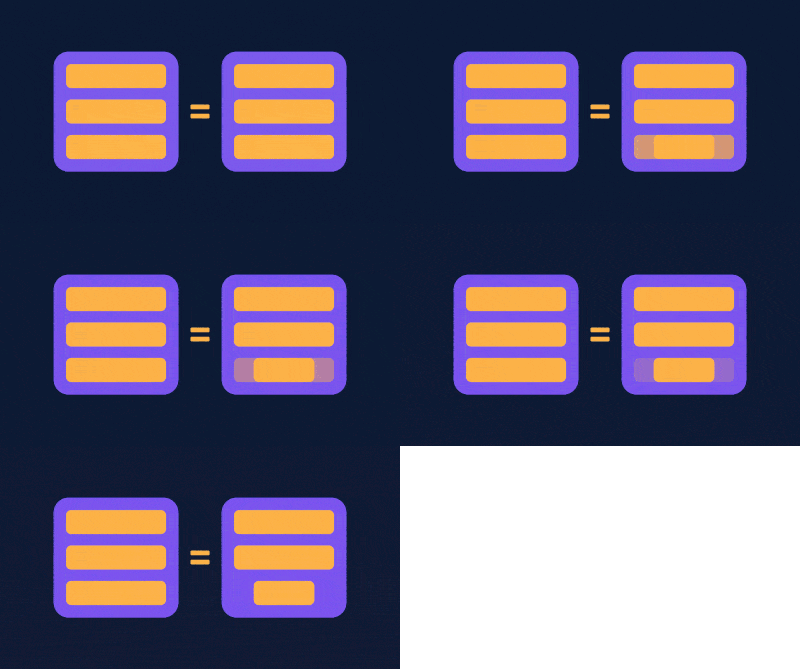
Practical note: this is not the price per image. Billing is token-based, and token count depends on resolution and frame complexity. Since Sunburst is described as a model for longer, more precise work, at the same rate it can end up costing more per image because it consumes more tokens. Real cost needs to be calculated on your own material, not read from the table.
What Flare Is For
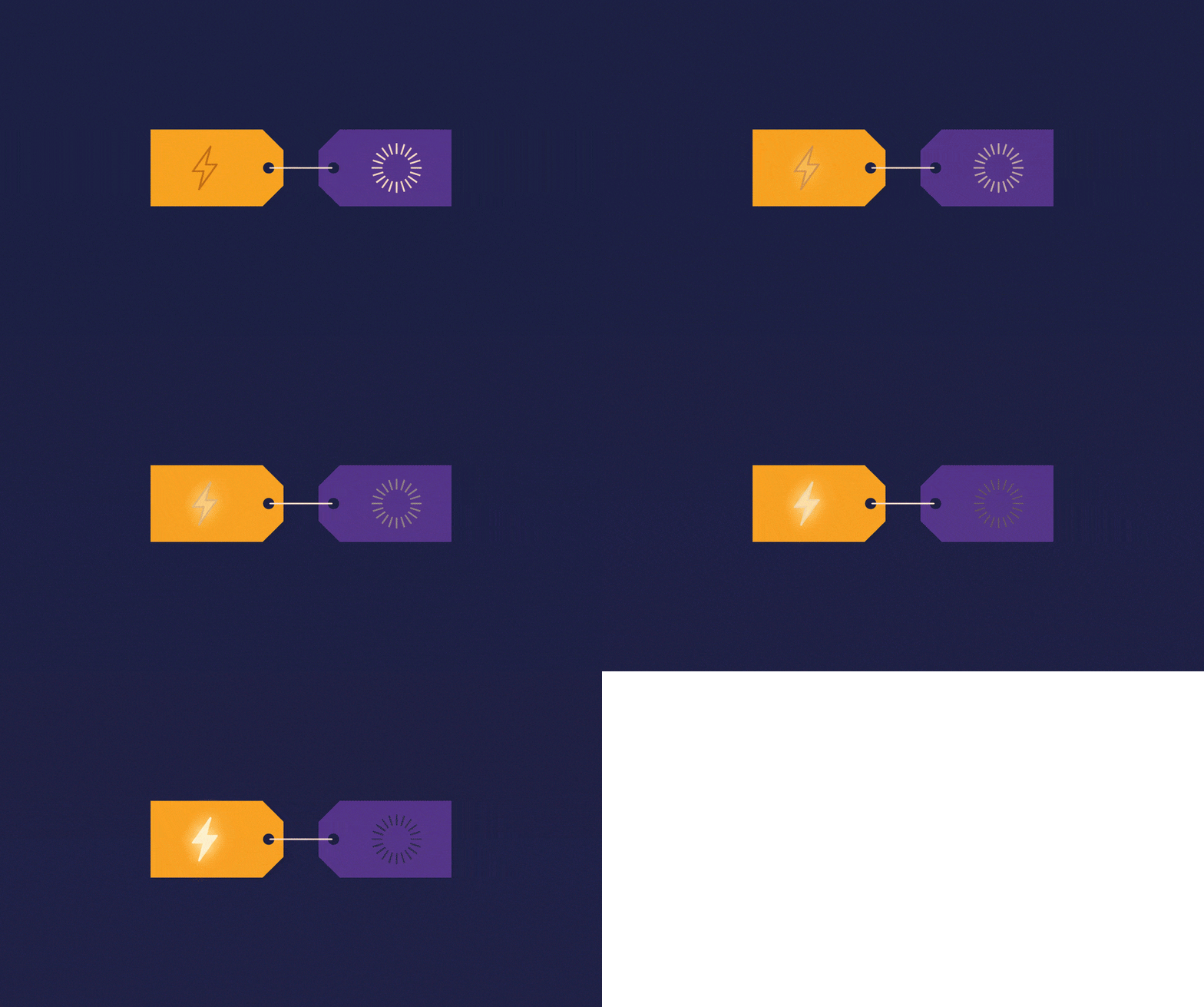
This is the default choice for most use cases. OpenAI declares higher quality than GPT-Image-2 with 50 percent lower latency. The company lists creator and social media content, product features, visual search, rapid image prototyping, and bulk generation.
In other words: anywhere you’re producing volume quickly and individual images aren’t masterpieces.
What Sunburst Is For
A model for premium materials that require tighter control across successive edits. The company points to publication-ready campaign creatives and polished product photography. The trade-off is time: generation takes longer.
The Selection Rule in One Sentence
If the image will go forward without human review, you take Flare. If someone will approve it before publication, you take Sunburst, because fewer revisions will pay back faster than saved seconds.
There’s also a third path, easy to forget with two new names in play: stick with the previous generation. If your process works and images don’t require rounds of corrections, newer doesn’t mean cheaper.
What OpenAI Doesn’t Provide
The announcement and pricing page contain no rate limits for the new models, no list of supported resolutions, and no token-to-image converter. There are also no figures for batch mode with these specific models, though batch mode itself appears in the pricing. For cost estimation, the company refers you to its own calculator in the image generation documentation.
There are also no independent comparisons of the two models yet, because they’ve been available since yesterday. We’ll publish our latency measurements and per-image costs here once we collect them.
Google · Your sourcesQuantslant higher in your Google - one clickAdd to preferred sources →Who’s Already Building on This
The announcement quotes Higgsfield AI, Adobe, Manus, and Runway. Higgsfield AI’s head of product praises the model for understanding “what not to change” during edits. That happens to align with what we tested ourselves: across eleven successive corrections in ChatGPT, unordered changes appeared from the first one. It’s worth checking whether the API models keep that promise better than the interface, which doesn’t even reveal its version.
We collected the full list of launch changes in our article on ChatGPT Images 2.5, and the comparison with the previous generation in 2.5 vs 2.0.
 GPT-6 Astra Pro: Same Price & Context as Astra. What’s Different?News
 GPT Image 2.5: Sunburst vs Flare - Which Model to ChooseGuides
 10 AI Product Ad Shots: Same Product, Different AnglesGuides
The link to Higgsfield is a partner link: if you buy through it, QUANTSLANT earns a commission and you pay the same price. It has no influence on the content, including where the coverage is critical.
More on this from QUANTSLANT



 ai tools·ChatGPT Sketch: Draw to Control Image Layout and CompositionThe new Sketch feature in ChatGPT lets you draw rough layouts to control where elements appear - solving a problem text prompts can't handle well.