AI Image Upscalers: Best Free and Paid Tools
Compare free and paid AI image upscalers, see how they performed in a 2026 test, and learn where they can distort faces, text and old photos.
👁 119 reads
An AI image upscaler enlarges a photo and fills in missing detail, rather than simply stretching its pixels. That is a fundamental difference: conventional methods calculate new pixels from their neighbours, which softens the image, while AI models predict what a sharper version might look like. They can therefore invent details that were never in the photo. Here’s what an upscaler can and can’t do, which free online and desktop tools have limits, what paid options cost, and what tends to go wrong with portraits and documents.
My test on 24 October 2026: four upscalers on the same images
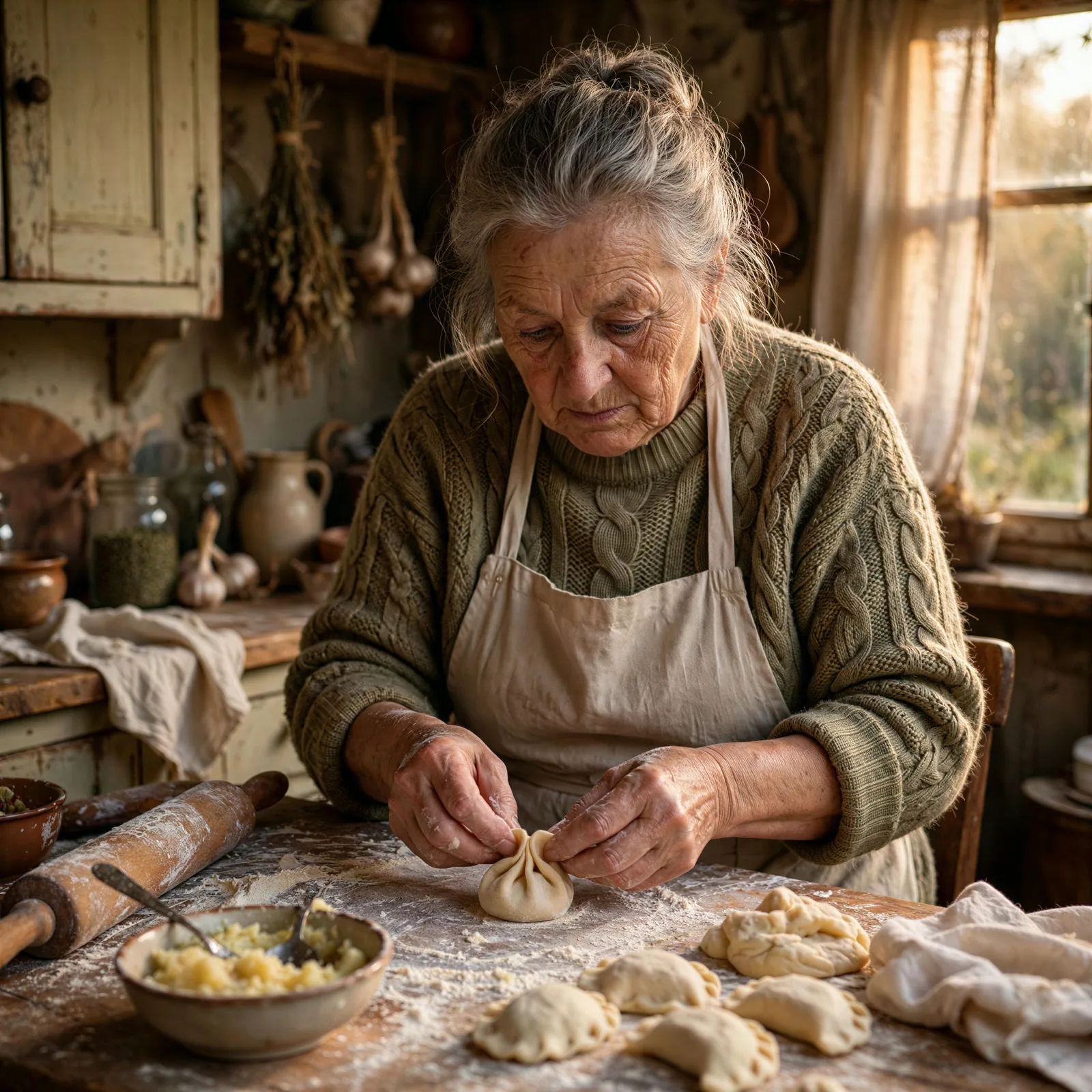
Three images were reduced to 512 px: a portrait, a product photo and a menu. Topaz Wonder, P-Image and Clarity scaled them up by 4x, while SD Latent scaled them up by 2x, so this is not a like-for-like comparison of scale. Scores from 0 to 10 are based on the test’s visual assessment; costs and timings come from API responses on 24 October 2026.
Topaz did the best job of reproducing the face, while P-Image scored similarly at a lower cost. Clarity cleaned up the lettering but changed the person’s appearance. A good result on a menu does not necessarily make a tool a good choice for a portrait.
| Model | Score /10 | Average cost (USD) | Average time (s) |
|---|---|---|---|
| topaz-wonder-3-5-x4 | 8.3 | 0.0428 | 12.3 |
| p-image-upscale-x4 | 8 | 0.005 | 17.9 |
| clarity-x4 | 6.3 | 0.0087 | 16.4 |
| sd-latent-upscaler-x2 | 5.3 | 0.0025 | 7 |
These are the costs of the API test runs, not subscriptions or official prices from the developers. PSNR and SSIM measure similarity to the original, not how appealing an invented detail looks. That is why ordinary bicubic scaling can score better on a metric than an image that looks sharper.


Test data
At a glance
For most photos, the free desktop app Upscayl is enough: no limits, no watermark and no need to upload files to the cloud, but you do need a graphics card with Vulkan support. For camera photos, Lightroom’s Super Resolution is a convenient option. Adobe’s Photography plan is listed at EUR 24.59 per month on its Polish website, approximately USD 27.60 using the ECB reference rate for 5 November 2026; this is an estimate, not a verified US checkout price. See the ECB reference exchange-rate data. For adding invented detail, consider Magnific Premium from USD 20 per month or Topaz Gigapixel at USD 149 per year. No tool can recover information that is not there: generative upscalers can make things up, especially in faces and text, so check the results. That’s my view.
What an AI upscaler can and can’t do
Conventional upscaling methods such as bicubic and Lanczos add no information: an image enlarged from 1,000 px to 4,000 px has four times as many pixels, but just as much detail. A GAN-based upscaler such as Real-ESRGAN learns from pairs of sharp images and degraded copies, then adds texture, edges and grain that statistically fit. Diffusion models, including Magnific and generative upscaling in Photoshop, go further and can invent whole elements such as hair, fabric weave and leaves.
That gives you three things an upscaler can do well: enlarge an image by 2x to 4x for printing, reduce noise and compression artefacts, and sharpen slightly soft photos. And three things it can’t do: read text that isn’t visible (it may add letters that fit the shape), recreate a face from a few pixels (the developers of GFPGAN, one of the best-known face models, acknowledge that it can cause a “slight change in identity”), or fix severe motion blur (Upscayl’s documentation says plainly that the program does not remove blur).
Free online and mobile tools
| Tool | Free option | Maximum enlargement or output | Watermark |
|---|---|---|---|
| Let’s Enhance | 10 one-time credits; output up to 8 MP | Up to 8 MP on Free | Yes |
| Pixelcut | No limit specified by the developer; input up to 6,000 x 6,000 px | “Up to 16K” according to the developer, depending on the source | No |
| Fotor | 2x free; 4x paid | 4x | According to the developer, not at 2x |
| Picsart | Low resolution only | 4x, up to 4,096 px | No, but output is limited |
| Krea | 100 units per day, up to 2K | Pro up to 22K | No |
| Canva (graphic editor, Free plan) | From a monthly AI allowance, once per image | 4x or 16x, up to 50 MP | No |
| Google Photos (Unblur) | Unlimited on Android 8+ and iOS 15+ | Sharpening, not upscaling | No |
| Samsung Gallery (Remaster) | Unlimited on One UI 6.1+ | Sharpening; generative editing up to 12 MP | Yes, for generative editing |
Developers can change their limits from month to month, and claims such as “up to 16K” refer to maximum output, not the number of free images. If a photo is private, bear in mind that each of these tools uploads it to a third-party server.
Paid tools: Topaz, Magnific and Adobe
| Tool | Price | How it works |
|---|---|---|
| Topaz Gigapixel | USD 29 per month or USD 149 per year | Runs locally on Mac and PC; up to 16x |
| Topaz Photo (noise reduction, sharpening and upscaling) | USD 39 per month or USD 199 per year | Runs locally |
| Topaz Studio (all apps) | USD 399 per year | Runs locally and in the cloud |
| Magnific Premium | USD 20 per month (USD 7.25 per year in a promotion through 28 September) | Browser-based, uses credits; Premium+ at USD 45 adds Topaz upscalers |
| Adobe Lightroom + Photoshop (Photography plan) | EUR 24.59 per month on adobe.com/pl (consumer price, including VAT); approximately USD 27.60 using the ECB reference rate for 5 November 2026. This is an estimate, not a verified US checkout price. | Super Resolution doubles each side (4x the pixels); output as DNG |
Developer prices are before VAT. Topaz has sold subscriptions only since October 2025; after a subscription expires, you keep the last installed version but no model updates. Adobe completed its acquisition of Topaz Labs on 23 September 2026 and says the brand and separate app sales will continue, while Topaz models are being added to Photoshop and Lightroom. Read more about Adobe’s acquisition of Topaz Labs. Since 28 April 2026, Magnific has been the name of the entire Freepik platform, with its upscaler among the features using shared credits.
Free upscaling on your computer
- Upscayl - an open-source app (AGPL-3.0 licence) for Windows, macOS and Linux. It requires a graphics card with Vulkan support (Nvidia, AMD or Intel; some integrated GPUs do not work). It offers Real-ESRGAN, Remacri and UltraSharp models, “up to 16x” enlargement (native 4x, multiplied in software), and batch processing for folders. According to 2026 roundups, 4 GB of GPU memory is enough.
- Real-ESRGAN - the model behind Upscayl; BSD-3 licence, with ready-to-run executables that do not require CUDA installation and a flag for face enhancement with GFPGAN.
- ComfyUI - for diffusion models: Clarity Upscaler (AGPL, an open alternative to Magnific) and SUPIR (24 GB VRAM, or 12 GB in 8-bit mode; non-commercial use only). This is for people with a 12-24 GB graphics card and patience for node-based workflows.
For details on how much memory different models need and how to choose a graphics card, see what computer to use for local AI.
Three types of photo: what works and what goes wrong
The observations below come from model documentation and 2026 roundups, including Morphed (April 2026) and Apatero (June 2026), not from my own tests.
- Portrait. Face models can produce sharp, convincing results, but they build them from an “averaged” face. Roundups describe altered eye shapes, smoothed skin and mesh-like hair. For photos of people close to you, compare the result with the original at high magnification and choose a higher-fidelity mode, such as Resemblance in Magnific or Face Recovery in Topaz.
- Documents, scans and text. A generative upscaler may add letters that fit the shapes, so a 3 can become an 8. For text, conventional Lanczos scaling followed by sharpening is a better choice, as is Gigapixel’s “Text & Shapes” model.
- Old photos. Noise reduction and 2x enlargement usually work well; colours can shift (rust tones may turn olive), and details on clothing may be invented. A sensible order is to clean up the image first, upscale it second and colourise it last, as explained in the article on AI photo restoration. For removing objects and changing backgrounds, see the article on AI photo editing.
Frequently asked questions
Can you improve photo quality for free?
Yes. On a computer, Upscayl has no limits or watermark. In a browser, try Pixelcut, Krea (100 units per day, up to 2K) or the AI allowance in Canva’s free plan. On a phone, try Unblur in Google Photos or Remaster in Samsung Gallery.
How much can you enlarge an image?
Enlarging by 2x to 4x per side is a sensible range. Gigapixel and Upscayl advertise up to 16x, Magnific up to 10K, and Adobe Super Resolution exactly 2x per side. Above 4x, more of the result consists of details invented by the model.
Can an upscaler change a face?
Yes. Face models such as GFPGAN and Face Recovery generate plausible features based on a pattern, and their developers acknowledge the possibility of a “slight change in identity.” Treat the result on evidence and archival photos as an interpretation, not a reconstruction.
Can you still buy Topaz separately?
Yes. After the acquisition closed on 23 September 2026, Adobe said Topaz Labs apps would remain separate products; no price changes were announced.
Sources and date checked
- Topaz Labs pricing
- Adobe on completing the acquisition
- Magnific pricing
- Adobe Super Resolution
- Upscayl on GitHub
- Real-ESRGAN
- GFPGAN
- SUPIR
- Let’s Enhance
- Canva image upscaling
- Krea
- Google Photos
- roundups from Morphed and Apatero (lower confidence). Checked 25 September 2026
More on this from QUANTSLANT
 guides·Suno Studio 2.0: How to Make a Song, Step by StepLearn how to build a track in Suno Studio 2.0, from importing stems and creating MIDI parts to mixing and exporting your song.