PixVerse AI: Features, Pricing and Free Plan
Find out what PixVerse offers for free, how its paid plans compare, and what our API tests found about V6 video quality, cost and speed.
👁 121 reads
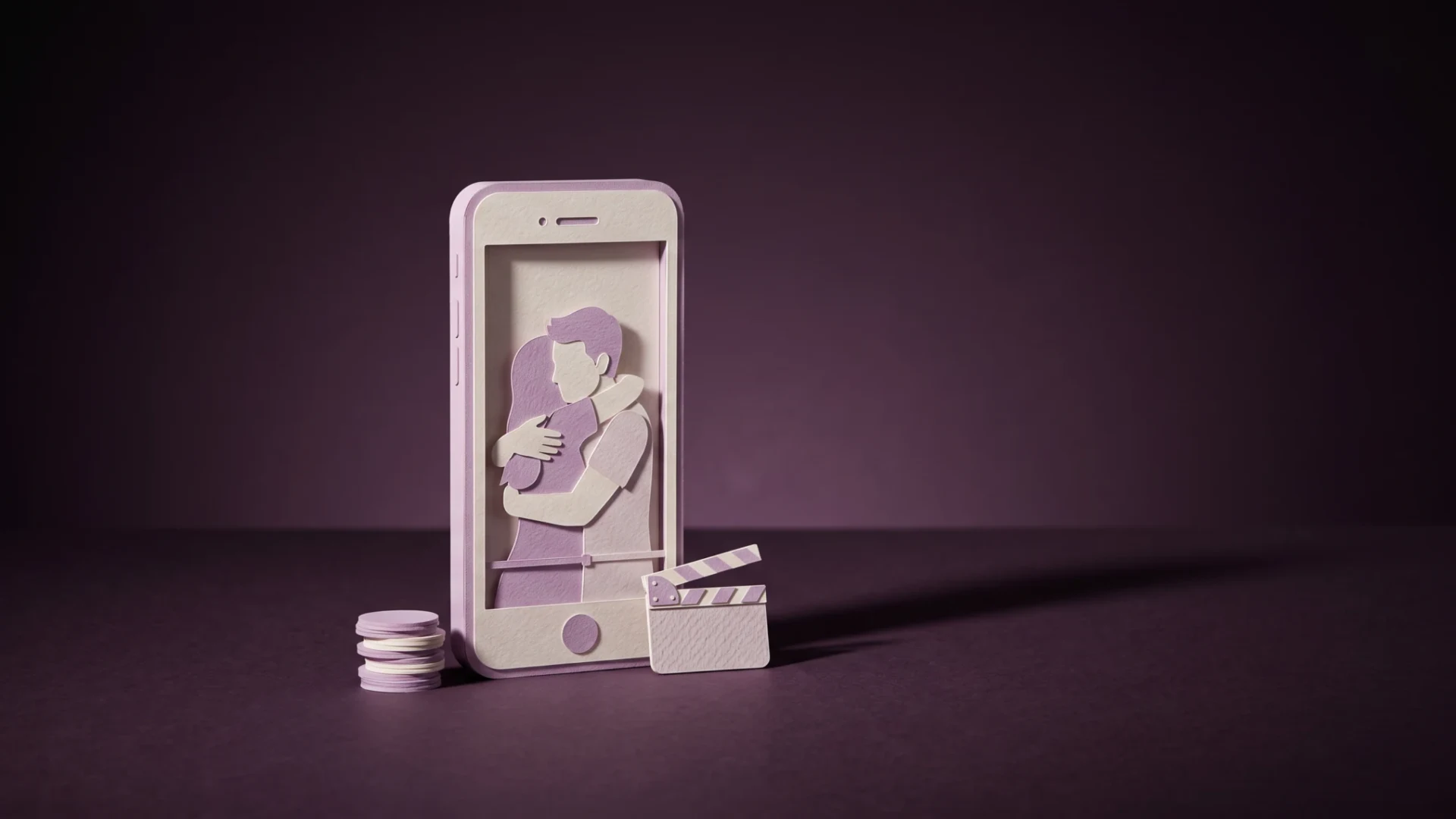
PixVerse is an AI video generator for turning a photo into a short clip with effects such as a hug, a squish or a transformation into a figurine. It is developed by Beijing-based company AIsphere. Since March 2026, its latest model, V6, has generated clips up to 15 seconds long with sound. Here’s what the free plan includes, what the paid plans cost in USD and how PixVerse compares with Kling and Veo.
Our October 24, 2026 test: seven PixVerse V6 clips
We tested five-second clips at 720p. Generation without sound cost $0.225 per clip; generation with sound cost $0.30. The anime setting was not preserved in one attempt, and animating an image sometimes added a second shopping basket. A separate test of Polish dialogue lasted eight seconds and cost $0.48; transcription had a CER of 0%.
Method: API test results from October 24, 2026. Models in each test received the same prompt or input material; differences in settings and limitations are described alongside the results. Scores from 0 to 10 come from the test documentation, costs from API responses, and times include waiting for the result.
| Model / variant | Score out of 10 | Average cost per result (USD) | Average time (seconds) |
|---|---|---|---|
| pixverse-v6 (with sound) t2v | 8 | 0.3 | 57.8 |
| pixverse-v6 t2v | 7.8 | 0.225 | 51.6 |
| pixverse-v6 i2v | 7 | 0.225 | 45.5 |
| pixverse-v6 (with sound) i2v | 7 | 0.3 | 58 |
These are the actual costs of the API test runs, not subscription prices or the provider’s advertised rates. The small number of attempts limits how broadly you can apply the results.
Test data
At a glance
PixVerse is a good starting point for short social media clips and effects. The free plan provides daily renewable credits (30 according to the subscription page, or 60 according to roundups from summer 2026), but limits output to 540p and adds a watermark. The Standard plan costs $10 per month ($8 per month with annual billing) and removes the watermark at 720p. For 1080p or 4K, the Pro plan costs $30 per month. If you want to work regularly with several models, Higgsfield can be a cheaper way in, with Kling and Seedance under one subscription.
What is PixVerse, and who makes it?
PixVerse turns text or an image into a short video. Its three main modes are text-to-video, image-to-video and effect templates: ready-made animations such as “AI Hug,” “Muscle” and “Squish” that you can apply to your own photo. It also offers lip-sync, clip extension and the option to combine several shots into one scene.
PixVerse is developed by AIsphere, a Beijing-based company founded by Wang Changhu, formerly of ByteDance. In March 2026, the company closed a $300 million Series C funding round. The service is formally operated from Singapore and governed by Singapore law, according to its terms. At the V6 launch, the company said the platform had more than 100 million users in 175 countries.
V6 launched on March 30, 2026, with clips up to 15 seconds, output up to 1080p, sound generated alongside video and multiple shots from one prompt. C1, released on April 7, 2026, is the “cinematic” version. The app also provides access to third-party models, including Seedance 2.0 and Kling 3.0.
How to make your first PixVerse video
- Create an account at app.pixverse.ai or in the Google Play app (publisher: “PixVerse”, package com.pixverseai.pixverse) or the App Store. Free credits renew daily at midnight UTC and expire if you do not use them.
- Choose “Image to Video” and upload a photo. A single person or object against a simple background tends to work best.
- Describe the movement, not the scene. For example: “A woman turns her head and smiles as the camera slowly moves closer.” The photo already establishes the subject’s appearance; your prompt should say what happens next.
- Set the duration and resolution. The documentation lists costs ranging from 25 credits for a five-second 360p clip to 900 credits for a 15-second 1080p clip. On a free account, 540p is the limit.
- Find effects in a separate tab: choose a template and upload a photo; no prompt is needed. This is the mode that helped make PixVerse popular on TikTok.
The mobile app and browser use the same account and credits.
PixVerse free plan and pricing
The official subscription page shows plan limits but does not display prices unless you are logged in. The prices below come from two independent roundups, dated July 9 and September 2, 2026. They agree except for the Ultra plan, listed at either $199 or $249 per month.
| Plan | Monthly | Annual billing | Credits | Resolution and watermark |
|---|---|---|---|---|
| Basic (free) | $0 | $0 | 30-60 per day; expire | 540p, with watermark |
| Standard | $10 | $8/month | 1,200 per month | 720p, no watermark |
| Pro | $30 | $24/month | 6,000 per month | Up to 4K, no watermark |
| Premium | $60 | $48/month | 15,000 per month | Up to 4K, no watermark |
| Ultra | $199-$249 | $149/month | 25,000 per month | Up to 4K, priority queue |
| Credit packs | 500 credits for $5, 2,000 for $20, or 10,000 for $100; credits do not expire | |||
The provider’s prices are in USD and exclude VAT. Subscription credits renew every 30 days from the purchase date and do not roll over. Credits bought in packs do not expire. In practice, producing one good clip usually takes two to five attempts, so 1,200 Standard credits may be enough for a few finished videos, not dozens.
Using PixVerse in Polish
The app interface has a Polish version, but prompts may work better in English: video models were trained mainly on English descriptions, and Polish prompts can be understood less reliably, especially when describing camera movement. Polish text in clips can be hit or miss. V6 improved text generation in several languages, but diacritics can still come out distorted. Adding captions in an editor after generation is more reliable. Lip-sync can work with Polish audio because the model matches mouth movements to sound, not to a particular language. Our separate Polish dialogue test lasted eight seconds and had a transcription CER of 0%; this is a result from testing in Polish, not an English-language benchmark.
PixVerse vs. Kling, Veo, Higgsfield and Sora
| Tool | Cheapest paid plan | Maximum clip length | Notes |
|---|---|---|---|
| PixVerse | $10/month | 15 seconds (V6) | Wide selection of ready-made effects and a generous free plan |
| Kling | $8.80/month ($6.99 for the first month) | 10 seconds; can be extended to 3 minutes | 66 free credits per day; 1080p only on paid plans |
| Veo 3.1 | Included with Google AI Pro | 8 seconds | 1,000 Flow credits per month; best sound. See our Veo pricing guide for details. |
| Higgsfield | $19/month (Starter) | Varies by model | Kling, Seedance and Veo in one place; see our comparison of Higgsfield, Kling and Veo |
| Sora | Unavailable | - | App discontinued on April 26, 2026; API discontinued on September 24, 2026 |
Our take: PixVerse stands out for speed and effects, but is less consistent with characters in longer shots. See our roundup of AI video generators for more comparisons.
Watch out for “mod APK” downloads. Sites offering “PixVerse Premium Unlocked” promise unlimited credits. That is not possible: credits are counted on the server, not in the app. These files come from anonymous sources and trigger Play Protect warnings. The safer options are Google Play, the App Store or app.pixverse.ai.
Frequently asked questions
Is PixVerse free?
It has a limited free plan with a daily allowance of credits, 540p resolution and a watermark. To remove the watermark, you need a paid plan starting at $10 per month.
Can you use PixVerse videos commercially?
According to PixVerse’s FAQ, commercial-use rights are available to paid-plan subscribers. Clips made with a free account are for personal use.
Is my data sent to China?
The terms identify Singapore as the company’s location and specify Singapore law. The privacy policy says uploaded files are stored on the service’s servers but does not name a country. AIsphere, the parent company, is based in Beijing. If this matters to you, avoid uploading other people’s photos or documents.
How can you remove the watermark legally?
Subscribe to Standard or a higher plan. Clips generated on a paid plan can be downloaded without a watermark. Blurring the watermark on free clips violates the terms of service.
Sources and fact-check date
- PixVerse subscription page
- PixVerse documentation
- V6 launch announcement
- PixVerse terms of service
- pricing roundups from Atlas Cloud and CostBench
- and OpenAI’s Sora discontinuation announcement. Prices were checked on September 25
- 2026
 Best AI Video Generator Apps for Your Phone (2026)AI Tools
 Higgsfield AI Review 2026: Features, Pricing, Pros, Cons & VerdictAI Tools
 Hailuo AI and MiniMax H3: Features, Pricing & Free AccessAI Tools
The link to Higgsfield is a partner link: if you buy through it, QUANTSLANT earns a commission and you pay the same price. It has no influence on the content, including where the coverage is critical.