James Bond AI Character Sheet: Build Your Own Spy for Video
Build an original spy with a turnaround sheet, a fixed descriptor block and reference images, then keep him identical across AI video shots.
007All James Bond and AI guides in one place
👁 111 reads
On 16 November 2026 Amazon MGM Studios announced that Robert Pattinson will play James Bond in the next 007 film, and many fans now want a spy of their own to put on screen. The reliable way to do that with AI is an original character sheet that you reuse as a reference image in video tools such as Seedance, Kling and Veo.
Robert Pattinson James Bond: why fans want their own agents
The new James Bond film, the 26th in the official series, will be directed by Denis Villeneuve from a screenplay by Steven Knight. There is no release date, title or shooting schedule yet, and no trailer exists, only the casting announcement video, so anything titled “Bond 26 official trailer” is fan-made. That gap is where the creativity happens: people want to see their own tuxedo-wearing agent in a casino or on a rooftop chase, and that is a perfectly good project if you build the character from scratch.
One note on boundaries, once and briefly: mainstream image and video generators usually block or restrict photorealistic likenesses of real public figures, and the 007 logo, the gun-barrel sequence and the theme music are protected. So this guide never asks for an actor’s face or for 007 branding. You will create an original agent “in the style of a classic British spy film”, and that character will be yours.
What an AI character sheet is and why video tools need one
Video models drift. Describe “a spy in a tuxedo” twice and you get two different men. A character sheet fixes that by giving you one approved image set (turnaround, expressions, outfits, props) and one block of text that always travels with it. Image-to-video tools accept a reference image, and that image anchors the face, hair and wardrobe far better than words alone.
The workflow has three parts: write a fixed descriptor block, generate the sheet on a neutral background, then feed the best frames back in as references for every shot.
The fixed descriptor block
The descriptor block is a short paragraph you paste, word for word, into every prompt. Change one adjective and the model treats it as a different person. Keep it to visible, concrete traits: age range, build, hair, eye colour, one distinctive mark, signature clothing and one accessory. A scar through an eyebrow or a particular watch gives the model something specific to hold on to.
Avoid naming any real actor or existing character. Describing “a charming agent” is vague, while “grey-green eyes, thin scar through the left eyebrow” is a fixed target. Save the block in a notes file and treat it as the character’s passport.
AI prompt 1: turnaround sheet (front, side, back)
Start here. The turnaround is your master reference, so spend the most attempts on it. Text-to-image tools such as Midjourney, GPT Image or Nano Banana can all handle this kind of layout request.
Character turnaround sheet of an original fictional spy, three full-body views in a row: front, side profile, back. Man in his mid-30s, lean build, short dark-brown hair with side parting, grey-green eyes, thin scar through left eyebrow, light stubble, navy single-breasted wool suit, white shirt, slim black tie, steel watch with black dial, black leather shoes. Neutral flat grey background, soft even studio lighting, 85mm lens look, consistent proportions, realistic film-still style, 16:9.
For variants, change only the wardrobe and hair length, or swap the grey backdrop for a lighter one. If the three views look like different men, regenerate until the face matches, rather than editing the descriptor.
AI prompt 2: expression sheet
Expressions matter because video shots need emotion: a calm smile at the baccarat table, suspicion when a villain enters. Reuse the descriptor block exactly and, if your tool allows it, attach your best turnaround frame as a reference.
Expression sheet of the same original spy character, six head-and-shoulders portraits in a 3x2 grid: neutral, calm smile, suspicion, anger, surprise, exhausted. Man in his mid-30s, short dark-brown hair with side parting, grey-green eyes, thin scar through left eyebrow, light stubble, navy suit, white shirt, slim black tie. Plain neutral grey background, soft even light, 100mm portrait lens, identical framing in every cell, realistic cinematic style, 3:2 aspect ratio.
To get variants, replace the six emotions with ones your story needs, such as amused, wary or heartbroken. Keep the framing instruction, because it stops the model zooming differently in each cell.
AI prompt 3: outfits and props
Classic spy stories run on costume changes and gadgets. Think of Q, the head of MI6’s gadget section (Q Branch), handing over a watch or a case, and of the famous vodka martini “shaken, not stirred”. Props like these give your agent a recognisable world without borrowing anything protected.
Costume and props sheet for the same original spy character: four outfits side by side, full body - navy business suit, black tuxedo with bow tie, charcoal overcoat with scarf, dark tactical jacket. Below, a row of props on the same grey background: a compact silver case, a wristwatch with a hidden dial, a brass key, a vodka martini glass. Same face, scar through left eyebrow, short dark-brown hair. Flat neutral background, even studio light, 50mm lens, 16:9.
For variants, swap the outfits for a ski suit, a dinner jacket or a summer linen suit, and change the props to a cigarette case, a camera or a vintage car key. Keep the face description untouched.
Seed and reference image: how consistency really works
Two levers keep a character stable. The first is the seed, a number that starts the random generation. If your image tool lets you fix it, reuse the same seed while you adjust one detail at a time, so changes stay small. Not every tool exposes it, and a seed will not carry a face between very different prompts.
The second lever, and the stronger one for video, is the reference image. Crop a clean, front-facing frame from your turnaround, and upload it as the starting image or reference in image-to-video tools like Seedance, Kling or Veo. Then repeat the key descriptor words in the text so the model has both signals. When a result drifts, go back to the reference rather than describing harder.
Why a neutral background matters
Plain grey or off-white backgrounds keep the model from baking a location, colour cast or props into your character. A reference with a red casino behind it will keep dragging red into a snowy scene. Even studio lighting does the same job for shadows: you want a face you can relight, not one stuck in a single mood. Place the agent in a setting only at the video stage.
AI video prompt 4: casino shot from your reference
Casinos are a staple of the genre, and Casino Royale (2006) centres on a high-stakes poker game. You do not need that film’s imagery, only the mood. Upload your tuxedo frame as the reference and keep the prompt about action and camera.
Using the reference image of the spy in the black tuxedo, he walks through a lavish 1960s-style casino, past roulette tables, then stops and adjusts his cufflink. Warm tungsten chandeliers, deep red velvet, cigarette haze, shallow depth of field, 35mm lens, slow dolly-in from medium to close-up, calm and tense mood, classic British spy film look. Keep face, scar, hair and tuxedo identical to the reference. 16:9, 8 seconds. No text, no logos, no extra characters.
For variants, change the camera move to a slow orbit or a push-in on his hands, or move the scene to a baccarat table. Shorter durations tend to hold a face better than long ones.
AI video prompt 5: rooftop chase in a classic spy style
Skyfall (2012) opens with a chase across the rooftops of Istanbul’s Grand Bazaar, which shows how well old-city rooftops suit the genre. Use that as inspiration for an original scene, with your own agent and no recreated shots.
Reference image: the same spy in the navy suit. He sprints across sunlit rooftops of an old bazaar district at golden hour, leaps a narrow gap, lands and keeps running, domes and minarets behind. Handheld tracking shot from the side, then a low angle as he jumps, 28mm lens, dust in the air, tense adventurous mood, classic British spy film look. Same face, hair, scar and suit as the reference. 16:9, 6 seconds. No text, no logos, no other recognisable people.
To change it, try a snowy mountain ski slope, a night drive in a vintage grand tourer or a villain’s lair with a long table. Adjust the lens and lighting to match, and leave the character lines alone.
Prompt and term summary
| Step | Output | Key terms | Aspect ratio |
|---|---|---|---|
| 1. Turnaround | Front, side, back views | Descriptor block, neutral background, 85mm | 16:9 |
| 2. Expressions | Six-portrait grid | Identical framing, 100mm, reference frame | 3:2 |
| 3. Outfits and props | Four looks, prop row | Same face, flat background, 50mm | 16:9 |
| 4. Casino video | 8-second dolly-in | Reference image, 35mm, negative instructions | 16:9 |
| 5. Rooftop video | 6-second chase | Reference image, tracking shot, 28mm | 16:9 |
Common mistakes to avoid
- Rewriting the descriptor each time. Paste it unchanged, and add only scene details around it.
- Using a busy reference. Cropped, front-facing, neutral-background frames work best.
- Overlong clips. Build a scene from several short shots and cut them together.
- Asking for a real face or franchise branding. It usually gets blocked, and it defeats the point of having your own character.
- Skipping negative instructions. Add “no text, no logos” so stray lettering does not appear on props and walls.
Once the sheet is done, you have a small production bible: a face, a wardrobe, a few props and a way of talking to the machine. The film will arrive when Amazon MGM is ready, and your own agent can be on screen well before then.
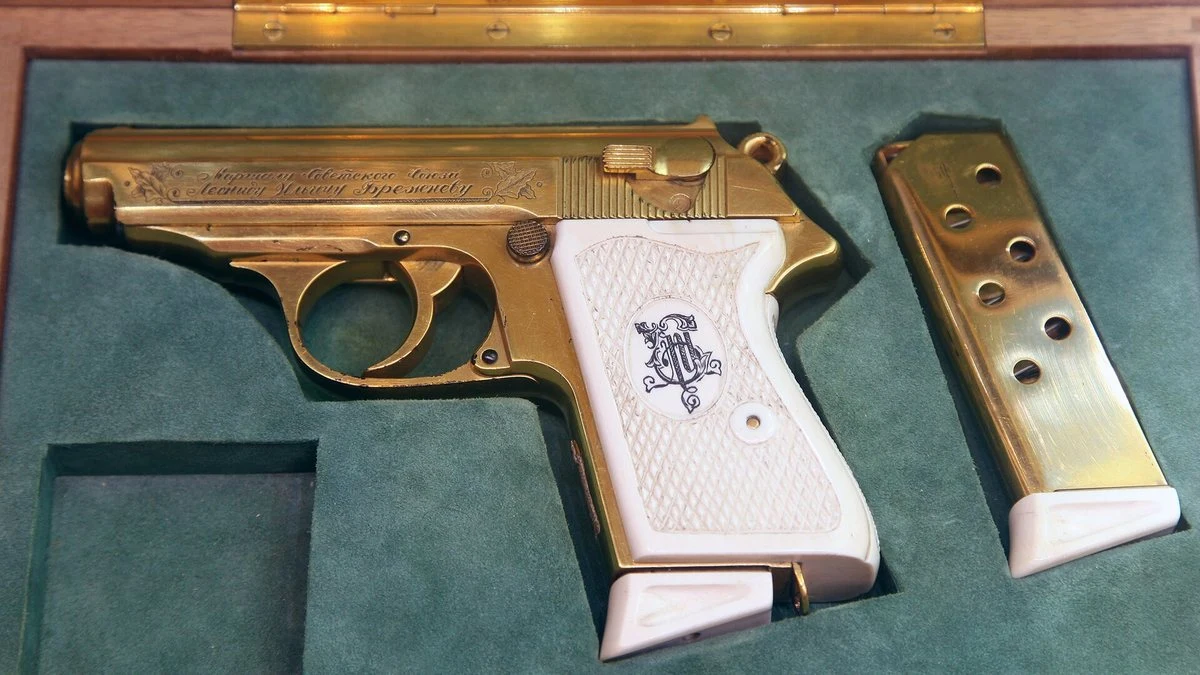
Photo: Vitaly V. Kuzmin / CC BY-SA 4.0 / Wikimedia Commons
More on this from QUANTSLANT

 ai tools·Kimi K3.1 Pro British English Test: How It Compares to Claude Opus 5.5, GPT-6 Astra and DeepSeekI tested Kimi K3.1 Pro across 12 UK-specific tasks via OpenRouter.