Nano Banana 2: What It Is and How to Use It in Gemini Free
Google's Nano Banana 2 edits photos while keeping faces intact, writes readable text, and changes formats without cropping. Here's how to use it for free.
👁 123 reads
Nano Banana is the name of Google’s image generation and editing models built into the Gemini app. It started as a playful codename under which the model appeared anonymously in rankings, and ended up as an official brand: today Google itself writes “Nano Banana 2 now available” on the Gemini page. In this article we explain what this model does better than others, how to enable it for free, how the versions differ, and what prompts give good results when editing your own photos. Status checked September 17, 2026.
What Nano Banana is and where to find it
Nano Banana works in three places. In the Gemini app and website you choose to create an image or upload a photo and describe the change; this is the route for most people, including those on the free plan. In Google AI Studio (aistudio.google.com) the same model is available under its own name, with more control over parameters and with an API key for developers; we described the differences between AI Studio and the app in our article about Google AI Studio. The third place is the Gemini API, which third-party apps use, including many sites pretending to be “free Nano Banana online” that actually resell access.
What Nano Banana 2 does better than competitors
Preserves people and objects. The biggest advantage when editing photos: face, silhouette and clothing stay the same, only what you ask for changes. This is why this model is the foundation of most of our tutorials on editing photos with AI and on the trend for 80s-style photos.
Edits with one sentence. “Change the weather to overcast,” “show this from a lower angle,” “sharpen the subject and blur the background” work on an existing image without regenerating it from scratch. Google describes this as changing the image’s mood, camera angle, and focus.
Transfers style from another photo. You upload two images: yours and a reference for color palette or texture, and the model applies one to the other.
Changes format without cropping. One image is converted to portrait, square, and panorama, filling in missing parts instead of cutting.
Writes readable text, including in Polish. Text on posters, invitations, and comics comes out correctly, which was still an exception a year ago. We tested this in Polish. How to get the most out of this, we described in our guide on readable text in Nano Banana 2.
Is Nano Banana free
Yes, on the free Gemini plan, with a daily limit on the number of images that Google doesn’t specify as a fixed number: it depends on load and changes without notice. After exhausting the limit, the app shows a message and suggests the Google AI Plus or AI Pro packages, which provide higher limits and faster queuing; we covered subscription pricing in our article on Gemini AI and its pricing. For occasional photo editing, the free plan is enough for us. A Pro version of the model and separate API rates also appear in search results; because Google changes them more often than we update this article, check the Gemini API pricing page for specific per-image costs.
Three prompts to get started
For editing your own photo: “Keep the face, silhouette, and clothing of the person in the photo unchanged. Only change the background to a cafe interior on a sunny morning, light from a window on the left, natural colors, no skin retouching.”
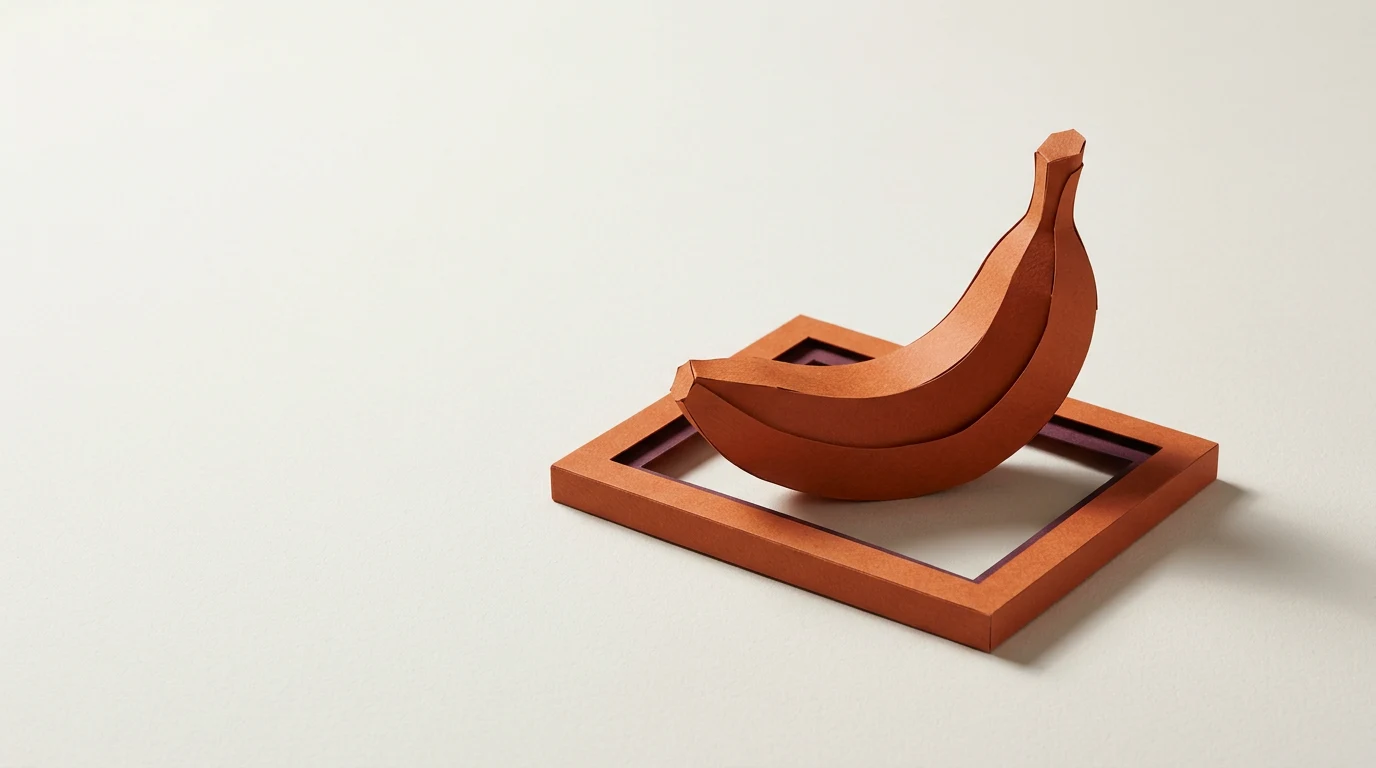
For graphics from scratch: “3:4 poster for board game night, one large paper game piece on cream background, title BOARD GAME NIGHT at top, date at bottom, no other text.”
For corrections: “In this image only change the jacket color to dark green. Don’t touch anything else.” The words “only” and “don’t touch anything else” are more important in Nano Banana than in other generators, because the model likes to add details.
We’ve collected more ready-made prompts in our articles on 10 prompts for Nano Banana 2, on designing logos, and on YouTube thumbnails.
Watermark and limitations
Every image from Nano Banana has an invisible SynthID watermark and C2PA metadata, which can verify that it was created with a Google tool; how this works and what it doesn’t guarantee, we break down in our article on SynthID and C2PA in Nano Banana 2. The model refuses to generate recognizable public figures in compromising situations and adult content, and Google notes that feature availability depends on country and requires being 18 years old. From our tests: hands in unusual grips and small text below a dozen or so characters in height come out worst.
See also: Gemini: complete guide - plans, pricing, uses and tests
Google · Your sourcesQuantslant higher in your Google - one clickAdd to preferred sources →Frequently asked questions
Nano Banana or ChatGPT for editing photos?
For preserving faces and for corrections to a single element, Nano Banana wins more often. For graphics from scratch with lots of text and for scenes with multiple people, results are similar, and ChatGPT is sometimes better at understanding complex prompts. A comparison of four tools on the same photo is in the main article on 80s photos.
How does Nano Banana 2 differ from the first version?
Better understanding of the world and prompts (Google calls this world knowledge and reasoning), more readable text on images, and format changes without cropping. The first version was mainly a photo editor, the second is also a full generator.
Can you use images commercially?
Google’s terms allow use of generated images, including for commercial purposes, but responsibility for content (people, trademarks, others’ work as style reference) remains with you. The SynthID watermark stays in the file.
Sources checked September 17, 2026: Gemini page on image generation (gemini.google, “Nano Banana 2 now available”), model card in Google AI Studio, our own tests described in linked tutorials.

More on this from QUANTSLANT


 magazine·Sam Altman: OpenAI CEO Age, Net Worth & AI Views in 2026Sam Altman has led OpenAI since 2019. At 41, the Stanford dropout is worth around $2 billion.