Viggle AI: Animate Photos and Create Memes with AI
Viggle AI transfers motion from one video to a character in your photo. Free plan gives 5 videos daily with watermark; paid plans start at $7.99/month.
👁 113 reads
Viggle AI is a tool that pastes a character from one photo into motion from another video: your cat dances like in a music video, and a character from a drawing repeats a famous meme. The free plan gives you 5 videos daily with a watermark, and paid plans start at $7.99 per month. I checked prices and terms on September 28, 2026 at viggle.ai. I should note upfront: I have not tested Viggle. I did not create an account, so I generated nothing in it and am not showing my own clips.
Summary
Viggle serves primarily one purpose: it transfers motion from a clip to a character in a photo, without editing. For free you get 5 videos daily, one generation at a time, watermark, and 7-day storage. Pro costs $7.99 per month and gives 80 credits without watermark. Who it’s for: memes, dance trends, pets, and drawn characters. Who it’s not for: videos with other people’s likeness without their consent and productions where full frame control matters.
What is Viggle AI
Viggle describes itself as a “Spatial GenAI” platform based on its own JST (Joint Space-Time) model, which generates character, motion, and scene together. According to the site, over 50 million people use it. In practice, the Meme Maker - swapping a character into an existing clip - is most commonly used.
On the main page, Viggle lists these modes and products today:
- Mix - character from a photo inserted into motion from a selected video or template.
- Multi-Editor - multiple characters in one clip (in pricing called “Multi-Track sessions”).
- Live, or Real-Time Swap - live character swap, e.g. in front of a camera.
- PINOC - 3D character from one photo and motion capture from video to Blender, Unity, or Unreal.
- Third-party models - the pricing includes Seedance (from Live plan), Kling, Veo, Wan, Happy Horse, ChatGPT, and Nano Banana.
Viggle AI Pricing in USD
Data comes from viggle.ai/pricing in monthly view. For paid plans, the site shows a crossed-out higher price and a reduced one, and promises an additional 20% discount for annual payment.
| Plan | Price | Credits | What you get |
|---|---|---|---|
| Free | $0 | 0 | 5 videos daily, 1 generation at a time, watermark, files for 7 days, motion upload up to 1 min, Real-Time Swap 5 min |
| Pro | $7.99, previously $9.99 | 80 monthly | unlimited videos, no watermark, 4 generations at once, upload up to 10 min, Real-Time Swap 30 min, all models except Seedance |
| Live | $15.99, previously $19.99 | 200 monthly | 6 generations at once, 6 hours Real-Time Swap, all models including Seedance |
| Max | $63.99, previously $79.99 | 800 monthly | 10 generations at once, unlimited Real-Time Swap |
The site does not state how many credits one video costs: according to the FAQ, it depends on the feature and model. It also does not list resolution for each plan. In reviews from 2026, I found various Pro prices, from $4.99 to $9.99, so treat the table as the state on September 28, 2026. Monthly credits expire on the billing date, and purchased credits only work with an active plan.
First Video Step by Step
This description is based on the Viggle site and API documentation, not on my own session in the app.
- Go to viggle.ai and click “Create now” or download the app (“Get App”). Log in. Terms require you to be of legal age.
- Choose Meme Maker and Mix mode.
- Add a character photo: ideally full figure, facing forward, on a plain background. In the API, this step creates a “character” from one photo.
- Choose motion: a template from the library or your own clip (up to 1 min on the free plan).
- Start generation and download the result. On the Free plan, the video has a watermark and disappears after 7 days.
You can add a voice to the clip with a text-to-speech synthesizer. I described options in the article AI narrator.
Memes and Trends: What People Use Viggle For
- Dancing pet - photo of a dog or cat plus a dance clip. This is the safest topic because an animal has no image rights, and you took the photo yourself.
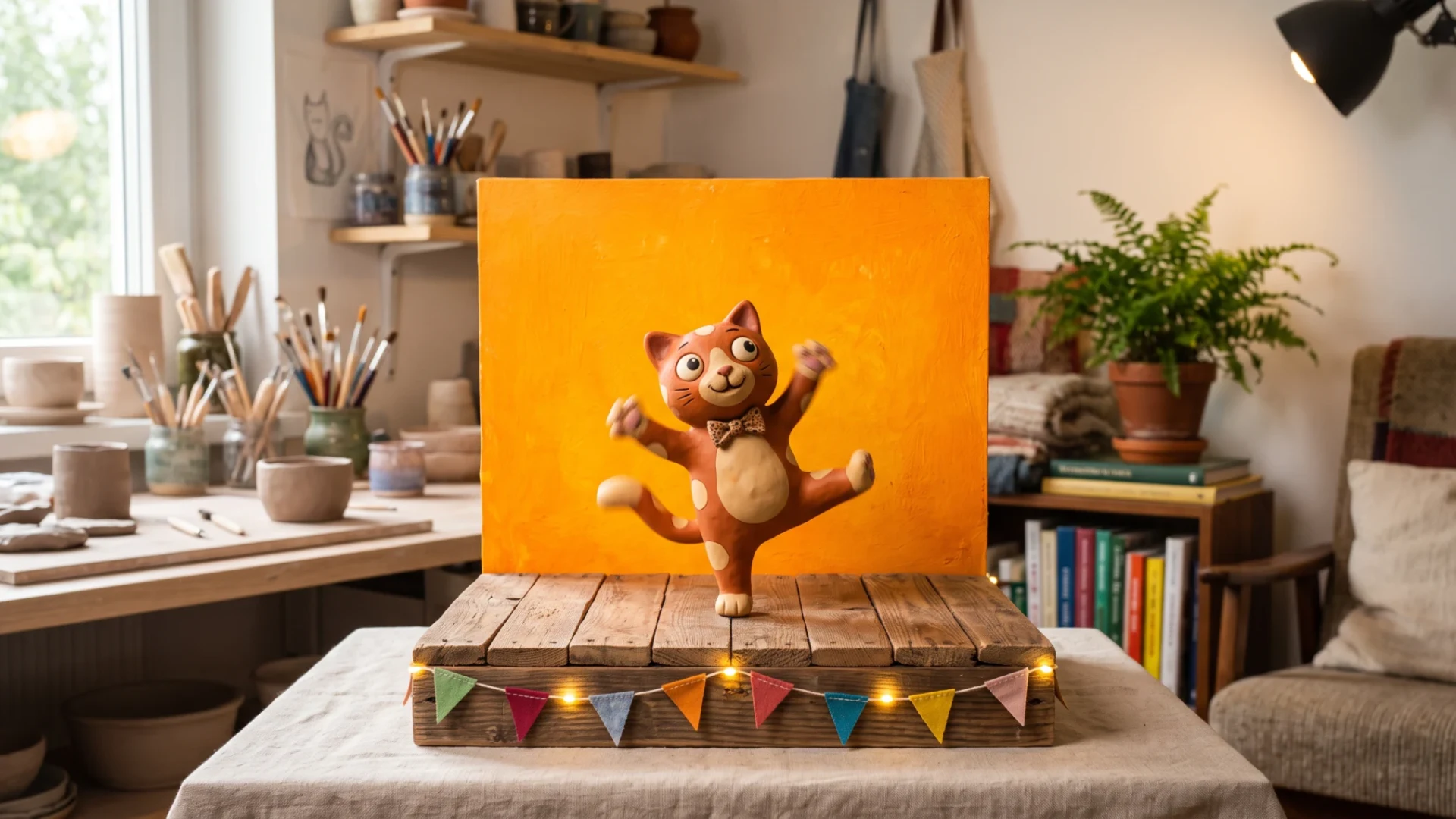
- Hotel Lobby trend - character inserted into a performance with an orange background. How to make it with several tools is described in the article Hotel Lobby AI.
- Your own character - hero from a drawing or company mascot in motion from a phone recording.
Viggle, Kling, or Higgsfield
| Tool | Strength | When to choose |
|---|---|---|
| Viggle | character swap in existing motion, library of meme templates | quick meme or trend on phone |
| Kling | video generation from text and image, motion control | when you need a new scene, not just character swap |
| Higgsfield | multiple models from different companies in one place | when you want to compare several models in one subscription |
This comparison is my opinion based on feature descriptions, not on a comparative test. Face swapping in photos and videos is a separate topic, described in the article about faceswap.
Rights: Likeness, Music, and Commercial Use
- Other people’s photos. Viggle’s community rules state plainly: do not use photos of friends, family, or anyone else without consent. Viggle also reserves the right to remove content with celebrity likenesses, and asks you to avoid politicians.
- Music. Terms require that you have rights to the music or written consent from the owner. A known track in a clip may be muted or blocked on YouTube or TikTok.
- Your files. Free users give Viggle an irrevocable, perpetual license to uploaded content, including for training models. Content from paid users does not go to training without their consent, but this protection ends after the plan expires.
- Watermark. Terms prohibit removing it. You only get a clip without watermark on a paid plan.
- Commercial use. Terms explicitly allow commercial use of API results and paid PINOC. If you want to use a clip from Meme Maker in advertising, first read the current terms, because I did not find a simple statement about this mode.
Why There’s No Clip from Me Here
I wanted to show an example on a fictional character, made through the API. Viggle has an API (character from photo, motion from video, render), but the key is issued by the portal.viggle.ai panel, which requires login. Viggle is also not on OpenRouter, which I use for tests. I did not create an account, so I have no clips of my own to show. I am not evaluating motion quality, generation time, or credit usage. Everything in this article is based on Viggle’s pages, not on my use.
Frequently Asked Questions
Is Viggle AI free?
Yes, to a limited extent: 5 videos daily, one generation at a time, watermark, and file storage for 7 days. The free plan has no monthly credits.
How much does Viggle Pro cost?
On the pricing page on September 28, 2026: $7.99 per month, with a crossed-out price of $9.99. Annual payment gives 20% discount according to the site.
How do I remove the watermark in Viggle?
Only through a paid plan, from Pro upward. Terms prohibit removing the watermark from videos on the free plan.
Can I put a photo of a friend into Viggle?
Only with their consent. Viggle’s rules prohibit using photos of other people without consent, and in most jurisdictions distributing someone’s likeness also requires their permission.
Does Viggle work in languages other than English?
The site and pricing are in English, and the language switcher offers English and Chinese. Motion and character themselves do not require writing, so language matters little.
Sources and Date Checked
Viggle
- pricing
- main page
- terms
- community rules
- API documentation
- PINOC. Checked September 28
- 2026

More on this from QUANTSLANT
 magazine·When Two Independent Checks Fail the Same Way: A Case StudyA satellite data pipeline used two different verification methods - Python and SPARQL. Both confirmed the same wrong answer. Here's why redundancy failed.