Audio to Text Transcription: Free Tools & When They Fail
Transcription tools can turn an hour of audio into text in minutes. Here's how to do it for free, which tools handle multiple languages, and where they still fail.
👁 114 reads
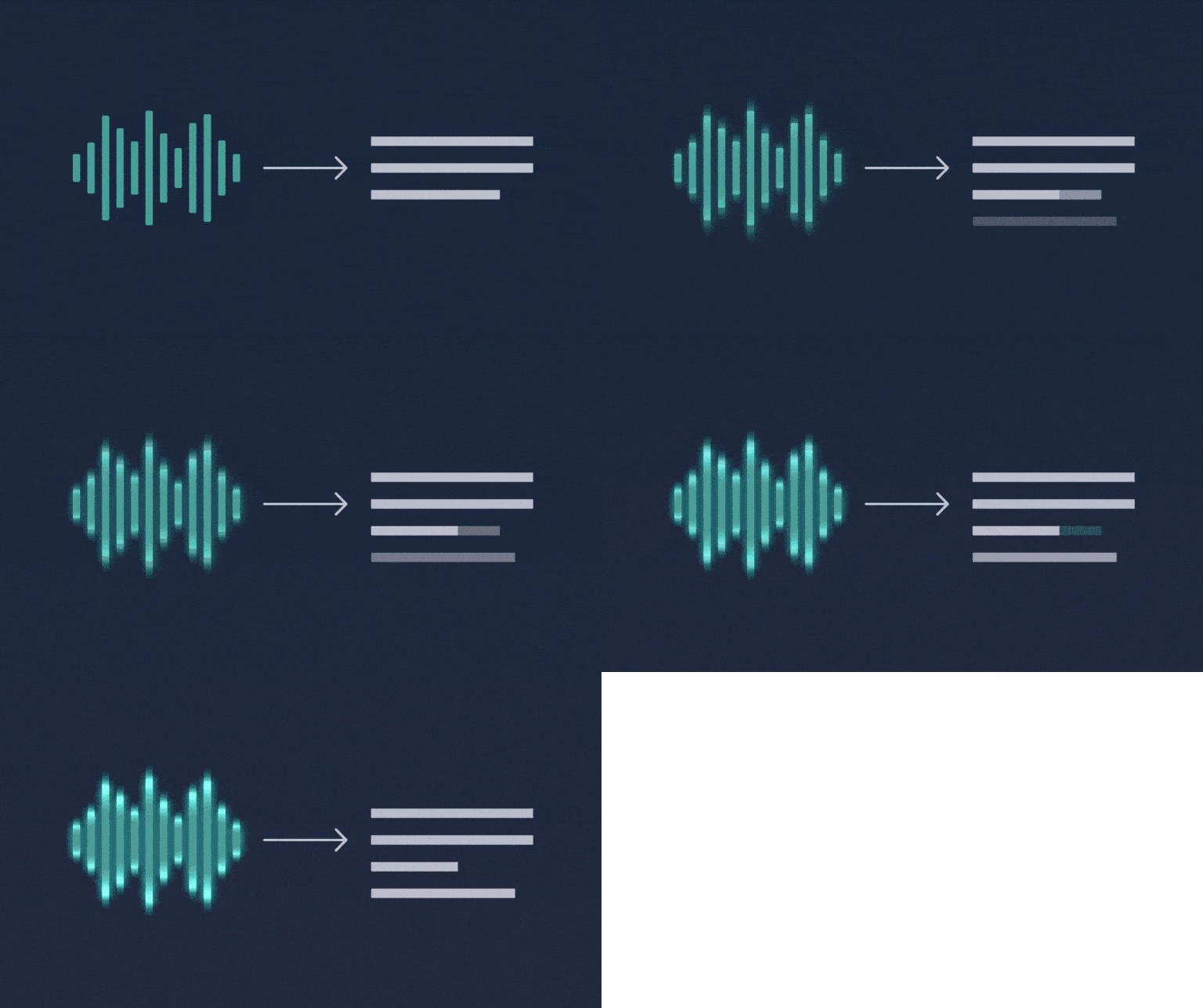
Transcription turns audio recordings into text. Just a few years ago, an hour-long interview meant three to five hours of typing or hundreds of dollars for a professional transcriptionist; today a model produces a first draft in minutes, and you just fix proper names and punctuation. Below: how to do it for free, how the process works step by step, which tools handle non-English languages, what it costs, and where these tools still fail.
Three Ways to Get Text from Audio
| Method | When to Choose It | Cost |
|---|---|---|
| Browser-based tool (transcription services) | single recording, you want subtitles and speaker labels right away | free minute limit, then subscription |
| Model running locally (Whisper and variants) | many recordings, sensitive data, can’t send files out | $0 beyond electricity, needs a computer and brief setup |
| Chat with audio file support | short recording plus immediate summary and insights | included in subscription, file size limits apply |
How to Do It for Free
The simplest free method without installing anything: upload your file to a service with a free limit and download the text. Limits are usually given in minutes per month, so they’re enough for one interview, not for a weekly podcast.
The method with no limits and no file upload: OpenAI’s Whisper model is available under an open license, and its faster variants run on a regular laptop. Installation comes down to installing one package and calling it from the command line on a file. Larger versions give better results in non-English languages but require more memory; on a graphics card it runs many times faster than on a processor. If you want everything on your own machine, the same thinking applies as with text models described in the articles about Ollama and LM Studio.
Non-English Languages: What Works, What Doesn’t
Languages other than English are second-class citizens for these models, but the gap compared to English is smaller today than most people assume. From our practice: a clean monologue from a microphone comes out very well and mainly needs punctuation fixes; a conversation between two people with overlapping voices and a recording from a phone lying on a table is the level where corrections take a lot of time. Proper names, industry abbreviations, numbers with units, and personal names come out worst. These are observations from work, not measurements with calculated error rates.
Seven Things That Improve Quality More Than Switching Tools
- Record each speaker separately if you can; two clean channels beat the best model.
- Microphone close to the mouth, not in the middle of the table.
- Turn off background music; the model will treat it as speech.
- Tell the tool the language upfront instead of letting it guess.
- If the tool accepts a dictionary of proper names, enter surnames and company names.
- Split long files into chunks of ten to twenty minutes if the tool gets lost toward the end.
- After transcription, run the text through a chat with instructions to fix punctuation without changing words; this cuts editing time in half and doesn’t introduce content that wasn’t there.
What to Do with the Finished Text
Transcription is raw material, not a finished product. From the same file you can create a summary with meeting decisions, a list of quotes for an article, subtitles for a video in timestamped format, or study notes. We show this step by step in the article how to transcribe a recording with AI. If you need to count how many characters or words the finished text has, you can use a word counter.
Want to dictate instead of type? We’ve launched a free tool for speech to text conversion: recognition happens in the browser, the recording doesn’t go to any server.
Google · Your sourcesQuantslant higher in your Google - one clickAdd to preferred sources →Common Questions
What’s the best free transcription tool?
For a single recording: any service with a free minute limit. For regular work without fees: Whisper running locally. The choice depends on whether you care more about convenience or about no limits and privacy.
How much does transcription of an hour of audio cost?
In paid services, billing is per minute and typically ranges from a few cents to a couple of dollars per hour of material. With a human transcriptionist it’s still tens to over a hundred dollars per hour of recording, because you’re paying for accuracy and editing.
Can transcription recognize who’s speaking?
Some tools have speaker recognition and divide the text by person. With two people it works fairly well; with more people and when they interrupt each other, it confuses roles.
Can you transcribe a YouTube video?
Yes, by downloading the audio track and running it through a tool, but first check if the video already has captions, because then you can just download them.
Current as of September 18, 2026. Prices and free limits in transcription services change frequently, so check them before choosing. Quality assessments are our opinion from editorial work, not measurements with methodology.
More on this from QUANTSLANT
 ai tools·LM Studio: Run AI Models Offline on Your ComputerLM Studio lets you run language models on your own computer - no account, no subscription, no internet required. Here's what you need and how to get started.