Whisper AI: Speech-to-Text Transcription Review
OpenAI's Whisper converts speech to text and runs locally without sending recordings anywhere. How it performs, three ways to use it, and where it fails.
👁 119 reads
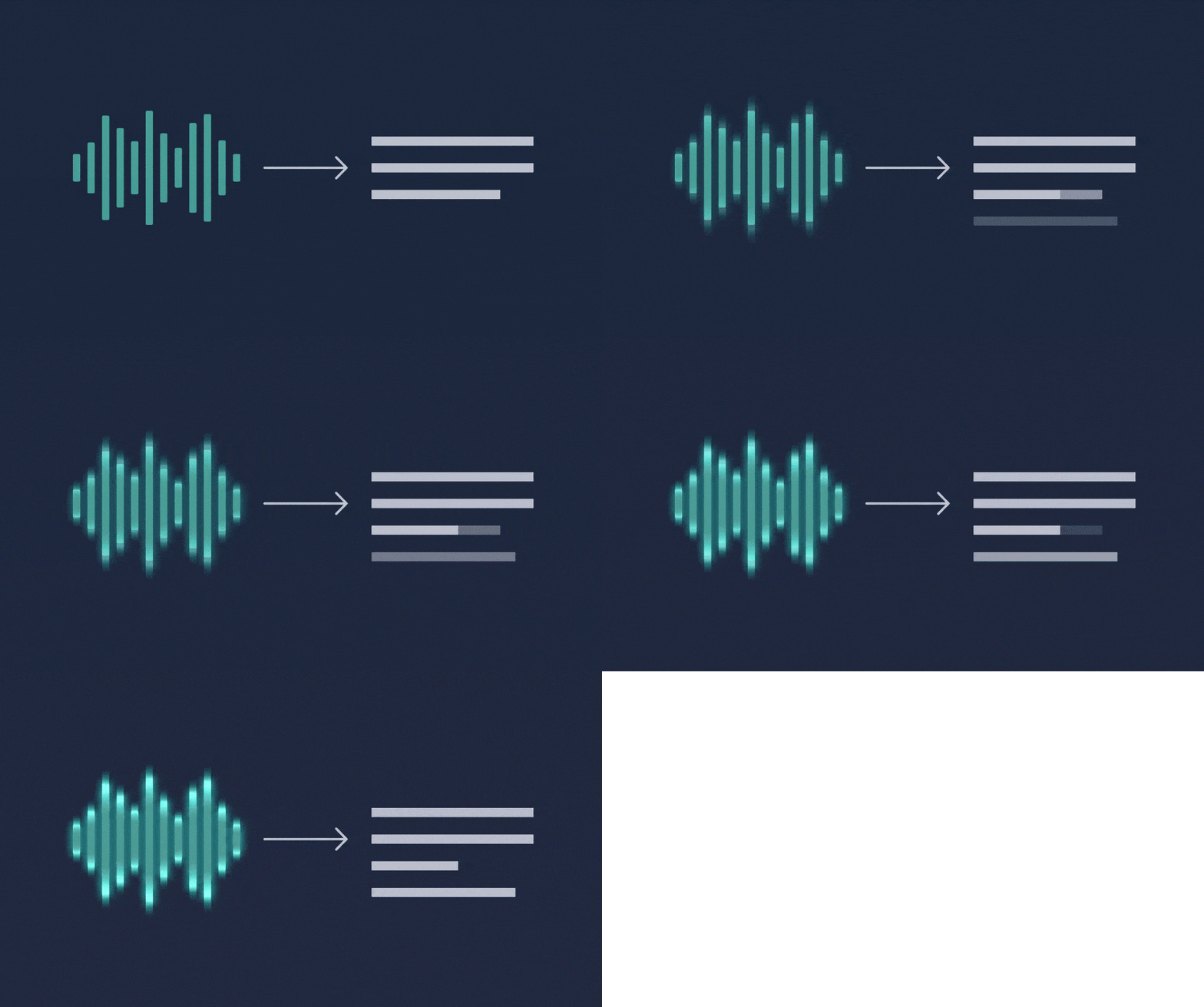
Whisper is a model from OpenAI that converts speech to text, and for years it was the best free transcription solution available. It’s still worth your attention for one specific reason: you can run it on your own computer, so recordings never leave your machine. For client conversations, interviews, and confidential material, that’s an argument no cloud service can beat.
How Well It Handles Transcription
Very well with clear speech and a single speaker: interviews, lectures, voice notes, podcasts without overlapping voices. Problems start with multiple people talking at once, strong background noise, and recordings from a phone placed far from speakers. It also doesn’t separate speakers automatically, so with a five-person meeting you’ll get one continuous text.
Second thing worth knowing: Whisper sometimes adds fragments that weren’t there, especially in silence or with noise. This is a known characteristic of this type of model and the reason why transcription of evidence material shouldn’t be used without listening back.
Three Ways to Use Whisper
Without installing anything. The simplest way is to drop a recording into a chat that handles audio files and ask for transcription and summary in one step. Convenient, but the file goes to someone else’s server.
Built-in phone features. Pixel, Samsung, and iPhone now have their own recording transcription, often working locally. For notes and interviews it’s usually enough, which we cover in our article about the best AI apps for phones.
Locally on your computer. Whisper is an open model, so you can install it and process recordings offline. Requires a moment of configuration, but gives you complete privacy and no limits. This is the choice for journalists, lawyers, and anyone who can’t send recordings out into the world.
What It Costs
Local deployment is free, you only pay with processor time. Through OpenAI’s API, transcription is billed per minute of recording and is one of the cheaper services in their entire offering. Competing transcription services sell subscriptions with hour pools and add speaker separation plus an editor, which for regular interview work can be worth the extra cost.
Google · Your sourcesQuantslant higher in your Google - one clickAdd to preferred sources →What to Actually Use It For
Three applications where the return is immediate: transcribing interviews before writing articles, converting voice notes from your phone into task lists, and subtitles for video materials. In each of these, transcription is only the first step, because the real savings appear when you run the finished text through a chat with instructions to summarize or extract conclusions. How to formulate such instructions is explained in our guide what is a prompt and how to write prompts.
Models on your own computer: Ollama from command line, LM Studio in a window, Whisper for recordings, and Bielik when Polish language matters to you.
See also: Local AI: text models, images and video on your own computer · test of 7 local models in Polish

More on this from QUANTSLANT


 guides·GPT-6 Astra: What Astra Pro, Daybreak & Fast Mode MeanEvery new model brings confusing names. GPT-6 Astra has more than most. Here's what Astra Pro, Daybreak, fast mode, and critical threshold actually mean.