Raven Can Geolocate Your Home From One Photo. What It Costs
Raven says it can identify a home from an indoor photo. The estimated technical cost of checking one image is about 3 cents.
👁 114 reads
What’s most striking about this story isn’t that AI can guess where a photo was taken. GeoGuessr players have been doing that for years. It’s the price. When identifying an address from a photo goes from days of analyst work to an API request costing cents, the technology isn’t the only thing that changes - the scale of its use does, too. I estimated what it could cost in practice.
Raven says it can identify interiors, not just streets
This week, 404 Media reported on a tool called Raven, formerly known as Geospy. The original version was a conventional geolocation tool: upload an outdoor photo, and a model uses architecture, vegetation, power-pole styles and curb shapes to suggest a region, city or sometimes a street. The company’s latest claim goes further: it says the tool can identify a specific home from a single photo taken indoors - in a living room or bedroom, for example, where you might expect to see nothing but furniture.
That sounds like marketing hype, and partly it is, but the mechanism isn’t magic. Interiors carry plenty of clues: window layouts and the views beyond them, outlet styles, finishes associated with a particular decade or developer, radiator types, light angles that suggest a building’s orientation, and often simply a glimpse of the view outside. A model trained on billions of real-estate listing photos may know typical apartment layouts in a given city better than most estate agents. In developer-built blocks from 2015 to 2024, layouts can be so repetitive that a combination of window, view and ceiling height may act like an almost unique signature.
The key point in 404 Media’s report is who the customers are: US law enforcement agencies. This isn’t an academic lab, but police departments using a tool that replaces painstaking analysis with a single click.
What does one geolocation search cost?
Here’s my estimate. Raven doesn’t publish an open price list for individuals, but there are public prices for comparable services. Commercial image-recognition APIs used in many such pipelines cost around $1 to $1.50 per 1,000 requests for label and landmark detection. Google Cloud Vision charges $1.50 per 1,000 units for usage up to 5 million images a month, according to its official pricing. A geolocation search typically needs two or three calls: object detection, landmark recognition and a match against a database.
Here’s the arithmetic: three units at $1.50 per 1,000 cost $0.0045. Add a multimodal model that turns those clues into an address hypothesis. At a typical price of $2 to $3 per million input tokens, a photo costing about 1,000 tokens adds roughly another fraction of a cent. Add operating overhead, index storage and the provider’s margin - which can be three or four times the underlying cost - and the estimate comes to about 3 cents per search.
To be clear, this is an estimate of the lower end of the technical cost, not the price on a police department’s invoice. Licensing contracts can cost much more. But the marginal cost - what it takes to check one more photo - could be just a few cents.
Why does that matter? At that price, it may not make sense to ask whether a photo is worth checking. You can check them all. Three cents per image means 1,000 photos cost about $30. A profile with 300 posts would cost around $9 to process - potentially enough to build a map of where someone goes, lives and drops off their child.
“The provision concerning visual content was unjustifiably omitted. Photos and videos may constitute biometric data, and their processing for the purpose of uniquely identifying a natural person is subject to specific restrictions.”
- Recital 51 of the EU General Data Protection Regulation (GDPR), which addresses the status of photographs as personal data
What the US cases show about AI evidence
In the same 404 Media podcast episode, two cases illustrate where things may be heading: a judge ruled that a particular search in the Flock license-plate recognition system was unconstitutional, and in another case, an AI-generated video influenced a court’s decision. An appeals court said the material carried “undue emotional weight”. The mechanisms differ, but the pattern is the same: tools are entering courtrooms faster than standards for evaluating them.
Google · Your sourcesQuantslant higher in your Google - one clickAdd to preferred sources →Three things you can do on your phone in five minutes
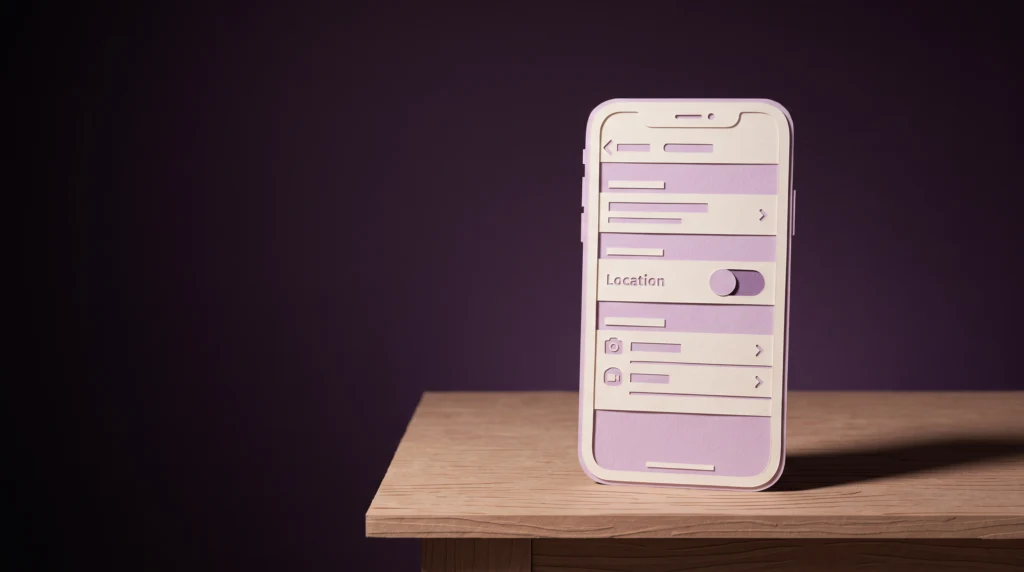
Start with your photo settings. Turn off location tagging in your camera app. On Android, look for the location setting in the camera app. On iPhone, go to Settings - Privacy - Location Services - Camera and select “Never”. This blocks the easiest route: EXIF metadata, which some messaging apps and cloud services may pass on without removing it.
But metadata is now the smaller problem. Raven doesn’t need EXIF data if it can read the image itself. If you post photos taken at home, pay attention to what’s in the background: the view from a window, a distinctive building outside, a number reflected in a mirror or a neighbor’s curtains. Repeated apartment layouts can make it harder to identify one unit from its interior, but a house on its own plot may have more distinctive surroundings.
The more lasting change is not about technology, but about what you assume. For twenty years, many people treated a photo without a geotag as anonymous. At an estimated cost of just a few cents per search, that assumption may no longer hold - not because it has been disproved scientifically, but because checking images has become cheap enough to do at scale.
Facts checked October 18, 2026. Sources: 404 Media’s podcast on Raven/Geospy, Google Cloud Vision API pricing and the EU General Data Protection Regulation. Cost figures are my estimates based on public API pricing, not law enforcement contracts.


More on this from QUANTSLANT


 guides·Why Is My Internet Slow at Night? 3 Fixes to TryFind out whether evening slowdowns come from your internet connection or Wi-Fi, then try three practical fixes.