GPT-Image-2.6: Flare vs Sunburst Speed and Quality Test
Flare and Sunburst cost the exact same per image, but Flare runs three times faster. Our API benchmark reveals where Sunburst actually justifies the wait.

👁 124 reads
Flare and Sunburst cost exactly the same. The same pricing, the same tokens, and down to a thousandth of a cent, the exact same generation bill in my tests. They differ in only one thing: generation time. Flare generated an image at medium quality in an average of 8 seconds; Sunburst took 26 seconds. The rest of this test answers whether those 18 seconds of waiting actually give you anything extra.
I tested both models on November 5, 2026, on launch day, via the API (using OpenRouter routing requests to OpenAI). I ran 12 identical prompts across both models, alongside a quality ladder test ranging from low to max on a single prompt. For a complete launch overview, see the ChatGPT Images 2.6 overview hub.
Generation speed and API costs across quality levels
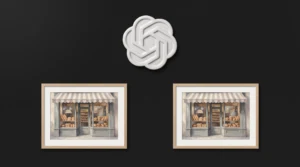
For the benchmark ladder, I used a single test prompt: a bakery in the rain featuring two Polish signs, rendered in a 3:2 aspect ratio. Each quality setting was tested once per model. The dollar amounts reflect actual costs pulled directly from the usage object in the API response.
| Quality | Flare: Time | Sunburst: Time | Cost (Both) |
|---|---|---|---|
| low | 7.4 s | 19.0 s | $0.020 |
| medium | 7.4 s | 23.7 s | $0.034 |
| high | 10.1 s | 39.2 s | $0.041 |
| xhigh | 14.4 s | 59.7 s | $0.074 |
| max | 24.7 s | 118.3 s | $0.165 |
Two findings stood out. First, every image came back at the identical resolution: 1536 by 1024 pixels. Selecting a higher quality tier does not return a larger file; it simply runs deeper iterative refinement over the same canvas. Second, jumping from high to max quadruples your cost. For a single image, that is a matter of cents; for a batch run of a thousand product renders, it is the difference between $41 and $165.
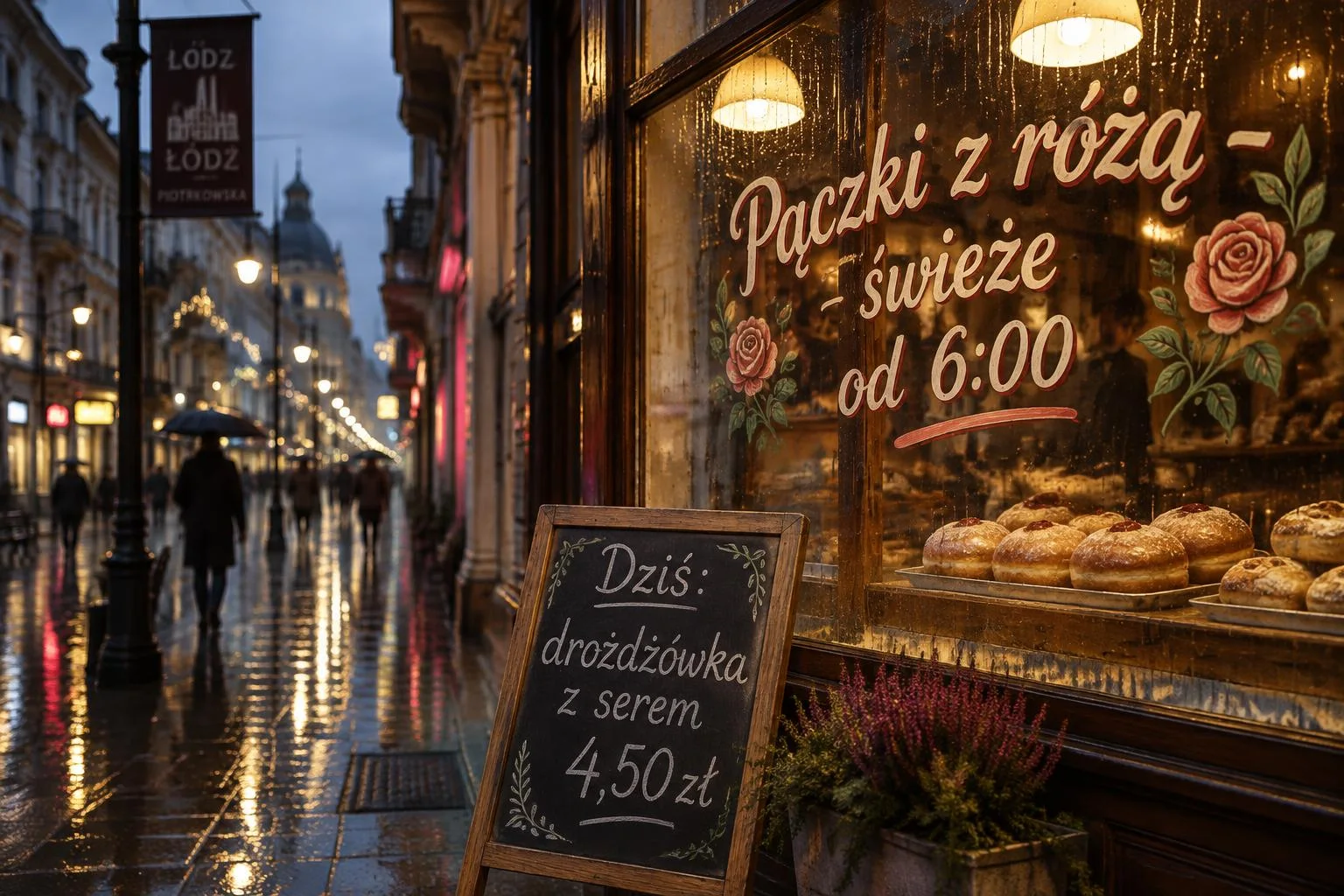
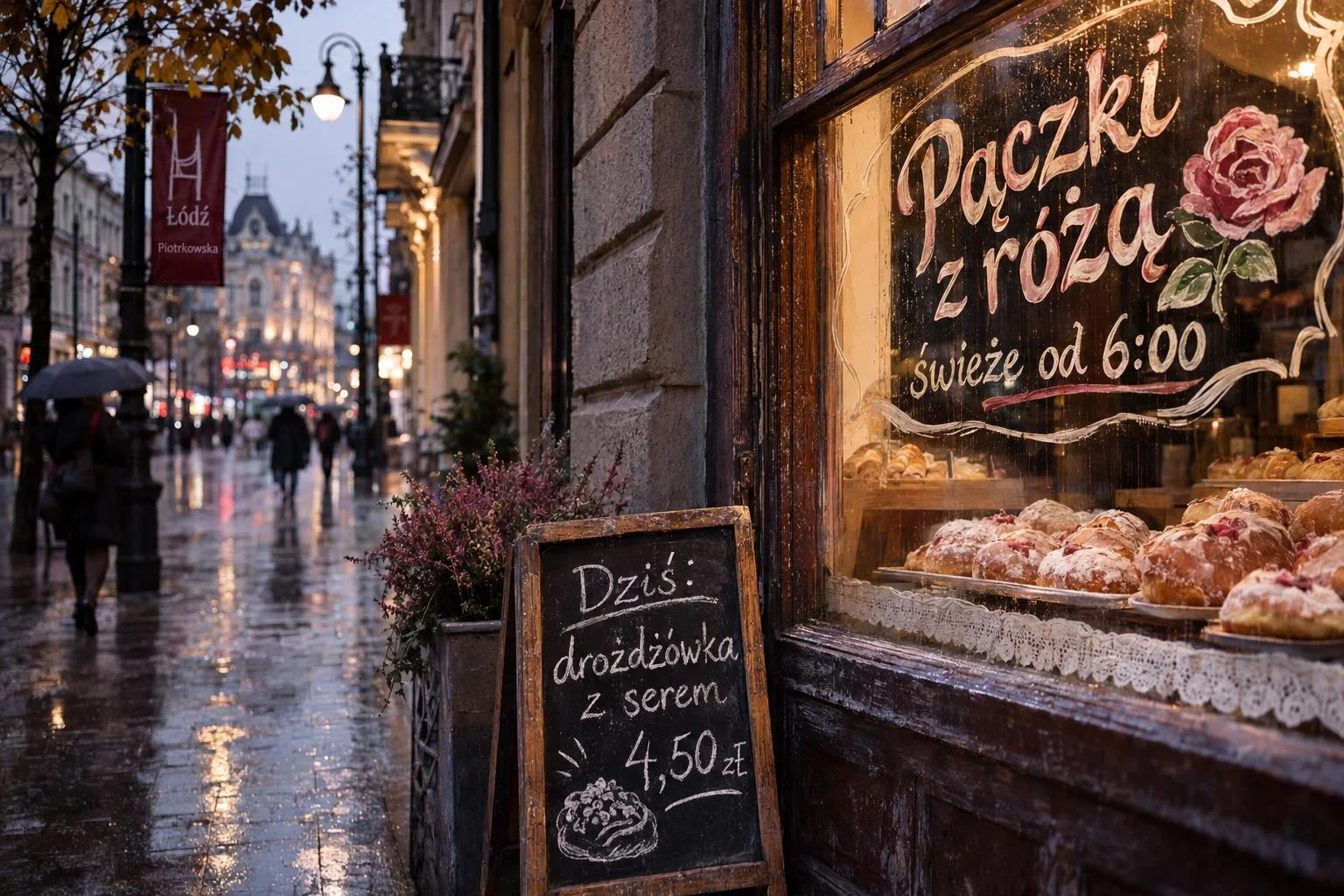
Frankly, on a standard display, the visual gap between low and max is visible primarily in the rain droplets and the surface texture on glass. Text elements were spelled accurately even at the lowest tier. If paying out of pocket for automated pipelines, I would default to medium, reserving high only for assets destined for print.
Where Sunburst actually wins
In simple test tasks, like drafting a cafeteria menu or a basic infographic, both models produced clear layouts with accurate text. Sunburst pulls ahead in three distinct scenarios:
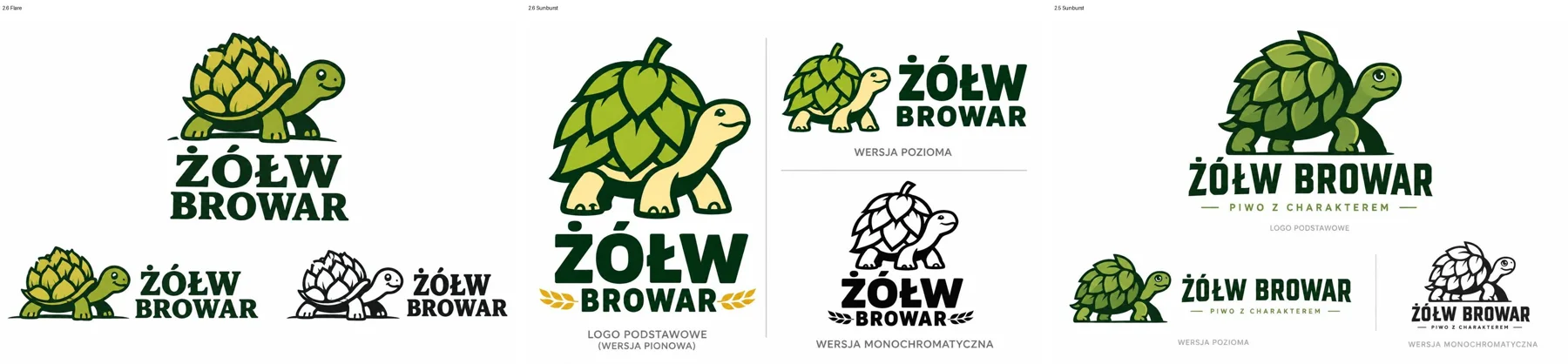
- Prompts with multiple compound constraints. When generating a brewery logo sheet requesting a primary badge, a horizontal lockup, and a single-color variant, Sunburst mapped out all three layouts complete with clear labeling. Flare supplied three variants, but omitted labels and produced a less cohesive arrangement.
- Background complexity and micro-elements. In crowd scenes at outdoor markets or dense regional maps, Sunburst populates sensible background details: itemized price chalkboards, geographic park boundaries, and coherent map insets.
- Multi-turn image editing. OpenAI notes that Sunburst preserves character and object consistency better across iterative prompt chains. My three-step sequential edit test in our 2.6 vs 2.5 comparison confirmed this advantage.
Where Flare is the smarter choice
Flare shines wherever you generate multiple candidates before selecting a winner. At 8 seconds per render, you can cycle through a dozen conceptual prompts in the time it takes Sunburst to complete a single high-tier pass. For rapid sketching, website UI mockups, thumbnails, and brainstorming, Flare is clearly the superior tool because that raw execution speed fundamentally changes creative flow: you stop overthinking each individual prompt submission.
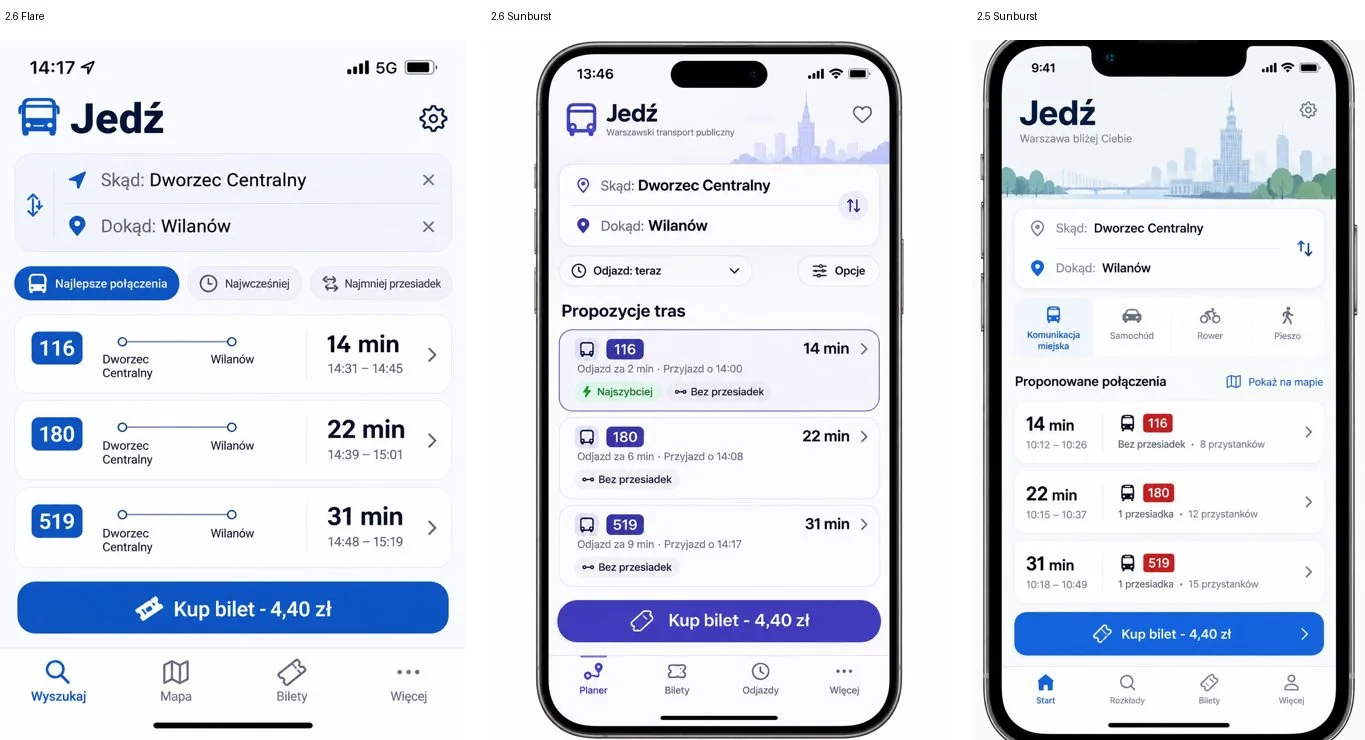
My recommendation: iterate freely on Flare, then route only your finalized prompt through Sunburst for production delivery. Because they share the same token pricing, using Flare saves no money on tokens-it simply saves you valuable time. To see how these models compare across varied artistic environments, see my benchmark on rendering architectural estates across ten video game styles.
Sources
- Author’s own API benchmarks (via OpenRouter using openai/gpt-image-2.6-flare and openai/gpt-image-2.6-sunburst), November 5, 2026, with costs recorded from API usage responses.
- OpenAI: GPT-Image-2.6 Flare Model Documentation
- OpenAI: Image Generation Developer Guide
Verified: November 5, 2026.

More on this from QUANTSLANT



 state of ai·Who Pays When an AI Agent Causes Damage?AI agents can delete data, send money or make commitments. Terms, court cases and EU law suggest the person who grants access may bear the risk.