ChatGPT GIF Maker: How to Animate Images and API Limits
ChatGPT Images 2.6 lets you generate animated GIFs directly from prompts. Here is how it works in the app and the API limits you need to know.
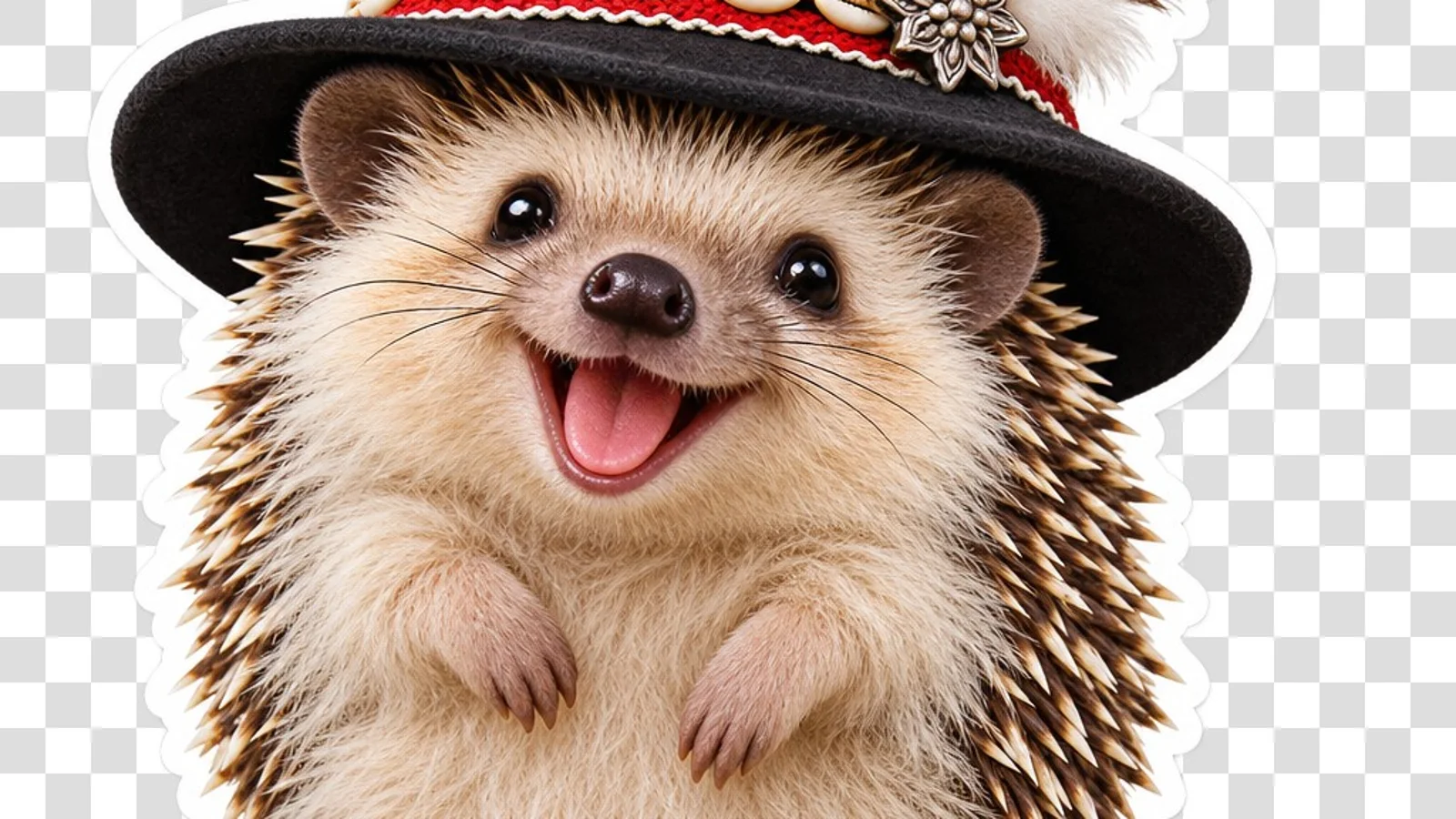
👁 115 reads
The first demo OpenAI showed on the night of November 5 for the launch of ChatGPT Images 2.6 was not a static photo. It was a cat inside flower petals, swaying back and forth. The prompt in the box simply read “can you make a dancing cat gif?”. That sums up the feature neatly: images in ChatGPT can now move, and you do not need dedicated animation software to pull it off.
Here is an overview of how it functions inside ChatGPT and the API, based on the limits OpenAI published in its official documentation. To be completely upfront: I have not generated GIFs directly via the API yet, because the gateway service I used to benchmark the 2.6 models has not exposed that parameter just yet. My measurements for static outputs are available in the Images 2.6 hub.
How to Make a GIF in ChatGPT
In the ChatGPT web and mobile interface, there is no dedicated button. You simply type in natural language that you want a GIF, specifying the movement. You can start with a fresh text prompt or upload an existing image and ask the model to animate it. According to OpenAI, you can subsequently adjust the animation tempo, preview individual frames, and regenerate specific frames.
Judging by OpenAI’s demos, the feature works best with short, looping movements centered on a single subject: a wave, a double take, or a victory dance that resets to the starting pose. That aligns with the advice in the official developer notes: start with a clean graphic and describe an action that returns to frame one by the end. This prevents awkward jumps in the loop.
- Upload an image or describe your character.
- Describe a single, distinct motion rather than an entire plotline. “A hedgehog waves its paw and blinks” yields far cleaner results than “a hedgehog walks into a forest, meets a squirrel, and eats an apple.”
- Explicitly state that the animation should loop seamlessly back to the starting pose.
- If the playback speed feels off, ask the model to adjust the frame timing rather than generating a brand-new concept from scratch.
Rollouts are phased. On day one, some user tiers still lacked the toggle, so if ChatGPT returns a static still instead of an animation, it is likely just a deployment delay rather than an issue with your phrasing.
API Parameters: Frame Limits and Pixel Budgets
In the API, requesting a GIF uses the standard image generation endpoint with the output format set to gif. This works across both new models: gpt-image-2.6-flare and gpt-image-2.6-sunburst. OpenAI documentation outlines the following boundaries:
- Frame count (
frame_count): Between 2 and 64 frames; default is 9. - Frame duration (
frame_duration_ms): Between 20 and 2,000 milliseconds, rounded to the nearest 10 ms; default is 200 ms. By default, you receive a 9-frame loop at 0.2 seconds per frame, totaling 1.8 seconds. - Dimensions (
size):autoor custom width by height in multiples of 16. - Generation only: The image editing endpoint cannot output GIFs, nor can a GIF serve as an input image.
There is an important constraint: all frames share a single, overall pixel budget. You cannot pull 64 frames at maximum resolution. If your call exceeds that threshold, OpenAI recommends reducing the frame count, shrinking the resolution, or generating fewer variants per request.
Pricing runs on image token consumption, identical to stills: $30 per million output tokens. OpenAI does not list a flat fee per GIF file. Since every additional frame consumes extra pixels, expect an animation to cost several times more than a standalone image. Once I run my first programmatic batch via the API, I will measure the exact overhead and update this guide.
Practical Use Cases
A ChatGPT GIF is not meant to replace full-fledged AI video platforms like Kling or Seedance. Instead, it handles lightweight visual assets that previously required an animator and an hour inside After Effects: custom Slack reactions, looping animated email signatures, loading spinners for an app, or sprite sequences for simple indie games. For those quick jobs, a clean 1.8-second loop is often all you need.
If you need cinematic sequences complete with camera paths and generated audio, check out my deep dive on Kling 4.0. If you are just getting started with OpenAI’s visual tools, begin with the baseline guide on generating images in ChatGPT.
Sources
- OpenAI: Image generation guide (GIF, SVG, sizes)
- OpenAI: GPT-Image-2.6 Flare model card
- OpenAI on X: ChatGPT Images 2.6 announcement
- OpenAI Developers on X: GPT-Image-2.6 in Codex and API
Verified: November 5, 2026.
More on this from QUANTSLANT



 benchmarks·GPT-Image-2.6 vs 2.5: Same Rate, Triple the BillOpenAI claims GPT-Image-2.6 is 50% faster at the same price as 2.5. However, API token usage tripled the actual cost per image in our launch-day tests.