Google AI Studio: What It Is, Free Access & How to Start (2026)
Google AI Studio is a free browser tool for testing Gemini models and building apps. Learn which models you get, API costs, and what happens to your data.
👁 125 reads
Google AI Studio (aistudio.google.com) is Google’s free browser-based tool for testing Gemini models and building applications on top of them. Using AI Studio itself is free in all supported countries, requires a Google account, and you must be 18 or older. You only pay when you move a working prompt into your own program through the API. This isn’t a successor to the Gemini app or a ChatGPT competitor - it’s a workshop: a place where you test how a model behaves with a specific prompt before you write it into code.
Google AI Studio at a Glance
| Question | Answer (as of September 30, 2026) |
|---|---|
| URL | aistudio.google.com |
| Is it free | Yes, using AI Studio is free; free access has daily limits |
| Age requirement | 18 years or older (Gemini API terms) |
| Latest model | Gemini 3.8 Flash; most powerful for reasoning: Gemini 3.1 Pro (preview version) |
| What else is included | Nano Banana 2 and Pro (images), Veo 3.1 and Omni (video), Lyria 3.5 (music), speech models and live conversation |
| API cost | Pay per use, e.g. Gemini 3.8 Flash: $0.75 per million input tokens and $3.75 output (promotional price through end of 2026) |
| Higher limits in AI Studio | Google AI Pro subscription or Ultra |
How It Differs from the Gemini App
The Gemini app is a finished product for end users: you ask, you get an answer, there are almost no settings. AI Studio is for someone who wants to control how the model responds, and it shows things the app doesn’t show.
- Model selection. You decide which variant responds, instead of relying on automation.
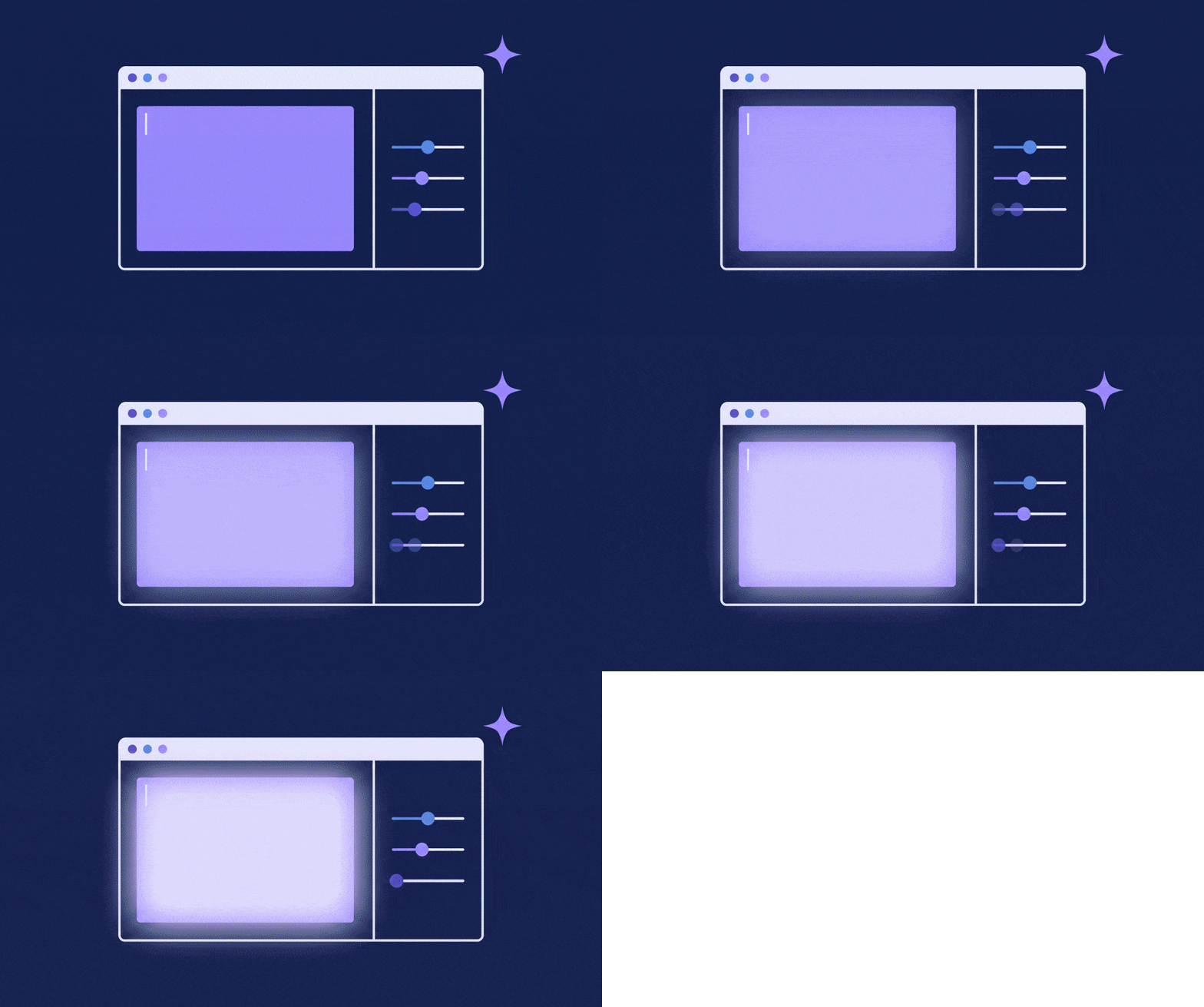
- Run settings. In the Run settings panel you change model parameters, safety settings, and enable tools: JSON format response, function calling, code execution, and Google Search grounding.
- System instructions. A permanent instruction that applies throughout the conversation, which determines the character of responses more than individual questions.
- Code and API key. The “Get code” button shows a ready-made call in your chosen programming language, and in the same place you can generate a key and check usage.
If you just want to chat with AI or summarize a document, AI Studio is too much tool for the job. For everyday use, the regular app is better, described in the article about Google Gemini.
How to Start: Your First 10 Minutes
- Go to aistudio.google.com and log in with your Google account. A Workspace business account may require administrator approval.
- The Playground opens with a new conversation. In the upper right corner, expand Run settings and select a model.
- In the System instructions field, enter a permanent instruction, for example “You always answer concisely, without preambles”.
- Ask the same question with and without the instruction. You’ll see the difference immediately, and that’s the fastest lesson in prompt writing.
- When you’re happy with the result, click Get code and copy the call into your script.
The interface is denser than the Gemini app and that’s often the first obstacle: instead of a single text field you get a panel with settings. I’ve gathered the basics of prompt writing in the article about what a prompt is, and a walkthrough of specific screens in the complete guide to AI Studio.
What You’ll Find There: Models in September 2026
All Google model families are in one place. Below is a selection from the Gemini API pricing as of September 24, 2026, with prices for paid API. AI Studio itself in the browser remains free, and some of the more expensive models are only available in it with a paid key or subscription.
| Model | Purpose | Paid API Price | Free API Limit |
|---|---|---|---|
| Gemini 3.8 Flash | text, reasoning, agents; newest model | $0.75 / $3.75 per 1M tokens (promotion through Dec 31, 2026) | yes |
| Gemini 3.1 Pro (preview) | most difficult tasks, code, “vibe coding” | $2 / $12 per 1M tokens (up to 200K tokens) | no |
| Gemini 3.5 Flash-Lite | cheap bulk tasks | $0.30 / $2.50 | yes |
| Nano Banana 2 (Gemini 3.1 Flash Image) | image generation and editing | from $0.045 per 512px image, $0.067 per 1K | no |
| Nano Banana Pro (Gemini 3 Pro Image) | higher quality images, text on graphics | $0.134 per 1K/2K image, $0.24 per 4K | no |
| Veo 3.1 | video with sound | from $0.05 per second (Lite, 720p) to $0.60 (Standard, 4K) | no |
| Gemini Omni Flash (preview) | next-generation video creation and editing | approximately $0.10 per second 720p | no |
| Lyria 3.5 | music | $0.08 per track | no |
| Gemini 3.8 Flash TTS | speech synthesis with tone control | $0.50 input (text) / $9 output (audio) per 1M tokens, promotion through Dec 31, 2026 | yes |
| Gemini 3.8 Live | real-time voice conversation and image | $0.75 input / $4.50 output (text) | yes |
This is a collection you’d normally have to visit several different services for. Here it sits side by side. More about the image model in the article about Nano Banana.
Build: App from Description, No Code Writing
Build mode is the part of AI Studio for so-called vibe coding: you describe in words what you want to build, and Gemini generates a working application. According to Google documentation, Build supports web applications with full server backend and native Android applications in Kotlin. You can attach ready-made “blocks” to your description, such as image generation or Google Maps data. The “I’m Feeling Lucky” button suggests a project idea.
The fastest path to understanding is the app gallery: you open a finished project, copy it with the Copy App button, and change one element. You’ll find personal pages, two- and three-dimensional games, and interactive graphic works there. It sounds like fun and partly is, but opening a working project teaches faster than reading documentation from the beginning. A finished app can be deployed or moved outside AI Studio.
AI Studio also has agents: Deep Research and Antigravity. Note: according to Google, access to them is not included in Google AI subscriptions and requires a paid API key. What goes into such an agent is detailed in the article about AI agents.
How Much Google AI Studio Costs
There are three tiers and they’re easy to confuse.
| Tier | Price | What You Get |
|---|---|---|
| AI Studio for free | $0 | Playground and Build with modest daily quota, access to some models, free API limit |
| AI Studio with Google AI Pro or Ultra subscription | varies by region | Higher daily quota and premium models (Gemini Pro, Nano Banana, Lyria) in AI Studio; works only in browser window, not through API key |
| Paid API | per usage, in USD | Higher limits, context caching, Batch API with 50% discount, all models; billing first from prepayment, then per usage |
This is a completely different model than a subscription in the Gemini app: there you pay a fixed amount and have limits, in the API you pay exactly for what you use. A paid Google AI plan raises limits in AI Studio, but doesn’t cover calls from your code. All plans are detailed in the Gemini pricing, packages and API in one place in the article how much Gemini costs, and students get a paid package free for a year.
One piece of advice that saves money: record the cost of each query from the API response, don’t calculate it from the price list. With reasoning models, most output tokens are the model’s thinking, counted toward output pricing, and the bill can be several times higher than the estimate. I measured this and described it in the article about a model with mandatory reasoning.
What Google Does with What You Enter
This is the part that’s missing from most guides. The Gemini API terms state that with free services - meaning in AI Studio and in the free API limit - Google may use content to improve its products, and humans may read it. Google asks that you not enter sensitive and confidential data there.
However, there’s an important exception for readers from Europe and the UK: people from the European Economic Area, Switzerland, and the United Kingdom are covered by paid service policies even in free AI Studio. In practice, this means data protection like in paid API. Even so, I wouldn’t paste customer data there without a data processing agreement and legal department approval.
Who It’s For and Who It’s Not For
Use AI Studio if you’re building anything on models, writing prompts professionally and want to compare variants side by side, or want to test video and music generation without creating accounts in several separate services. It’s the shortest path from idea to working query.
Don’t use it if you’re looking for an assistant for everyday questions or you’re under 18. The interface is designed for building, not conversation, and the terms require you to be 18 or older.
If you want to compare Google models with competitors on specific tasks, I have my own measurements: model test on grammar (we tested in Polish) and test of eleven models on code and instructions.
Frequently Asked Questions
What is Google AI Studio?
It’s Google’s free browser-based tool for testing Gemini models, setting system instructions, generating code and API keys, and building applications from descriptions in Build mode.
Is Google AI Studio free?
Yes. Using AI Studio is free in all supported countries, with daily limits. The API used from your own code above the free limit is paid. A Google AI Pro or Ultra subscription raises limits in AI Studio itself.
Does Google AI Studio work worldwide?
Yes, it works in all countries where Gemini API is available. A Google account and being 18 or older are required.
How does AI Studio differ from Gemini?
Gemini is an app for conversing with an assistant. AI Studio is a workshop for builders: model selection, system instructions, parameters, tools, API key, and Build mode for creating applications.
How do I get a Gemini API key?
In AI Studio, click “Get API key” and create a key for your project. The free limit works immediately, and higher limits require enabling billing with prepayment.
Can you generate images and video in AI Studio?
Yes. There are Nano Banana 2 and Nano Banana Pro for images, and Veo 3.1 and Omni for video. Most of them don’t have a free API limit and require a paid key or Google AI subscription.
Does Google read what I enter in AI Studio?
Outside Europe, with free use, Google may use content to improve products and humans may review it. Users from the EEA, including the UK, are covered by paid service policies even in the free version.
See also: Gemini: Complete Guide - Plans, Pricing, Applications and Tests
Sources
- Google: Gemini API pricing (updated September 24, 2026) · Google: Gemini API terms (age, data in free services) · Google: available regions · Google: AI Studio quickstart · Google: Build mode in AI Studio · Google: Google AI plans in AI Studio · Google: Google AI plans · pricing of Google AI plans. Verified September 30
- 2026
More on this from QUANTSLANT


 guides·What Is AI: How It Works and Where to Start (2026)AI explained without jargon: how models learn, what they can do today, what they can't despite appearances, five key concepts, and where to start.