Qwen-Image-2.1 “Uncensored” Versions: What Official Weights Do
When you run Qwen-Image-2.1 locally, there's no filter to remove - because the filter was never in the weights. We tested what the official model actually does.
👁 134 reads
When Qwen-Image-2.1 launched, a wave of “uncensored” variants appeared online. We tested what the official weights do without any modification - and it turns out the question is wrong. When you run the model locally, there’s nothing to remove, because there’s no filter there.
Verdict in One Paragraph
The filter you know from cloud services is a separate layer before and after the model - not part of the weights. When you run the model yourself, that layer simply isn’t there: there’s no server checking your prompt, and no one checking the output. We verified this with official weights: ordinary catalog photos that cloud services sometimes refuse to generate come out normally on the first try. “Uncensored” variants change something else - the distribution of training data, not the presence of a filter. And they don’t remove the license restriction that prohibits commercial use.
Where the Confusion Comes From
When a model refuses in a cloud service, it usually happens in one of three places, and none of them is the image model itself:
| Layer | What it does | Is it local |
|---|---|---|
| Prompt checking | Classifier reads the prompt before generation | no |
| Output checking | Second model examines the finished image | no |
| Service terms | Account conditions and consequences for violations | no |
| Training data distribution | Affects what the model can draw at all | yes |
The last row is the only one a variant can change - and not by “removing” anything, but by fine-tuning the model on different material. The rest are layers that were never in the weights file.
What Official Weights Do Without Modifications
We ran two prompts from a category that cloud services sometimes reject: catalog photos of clothing worn on the body - a swimsuit and a lingerie set, in the style of a department store campaign.
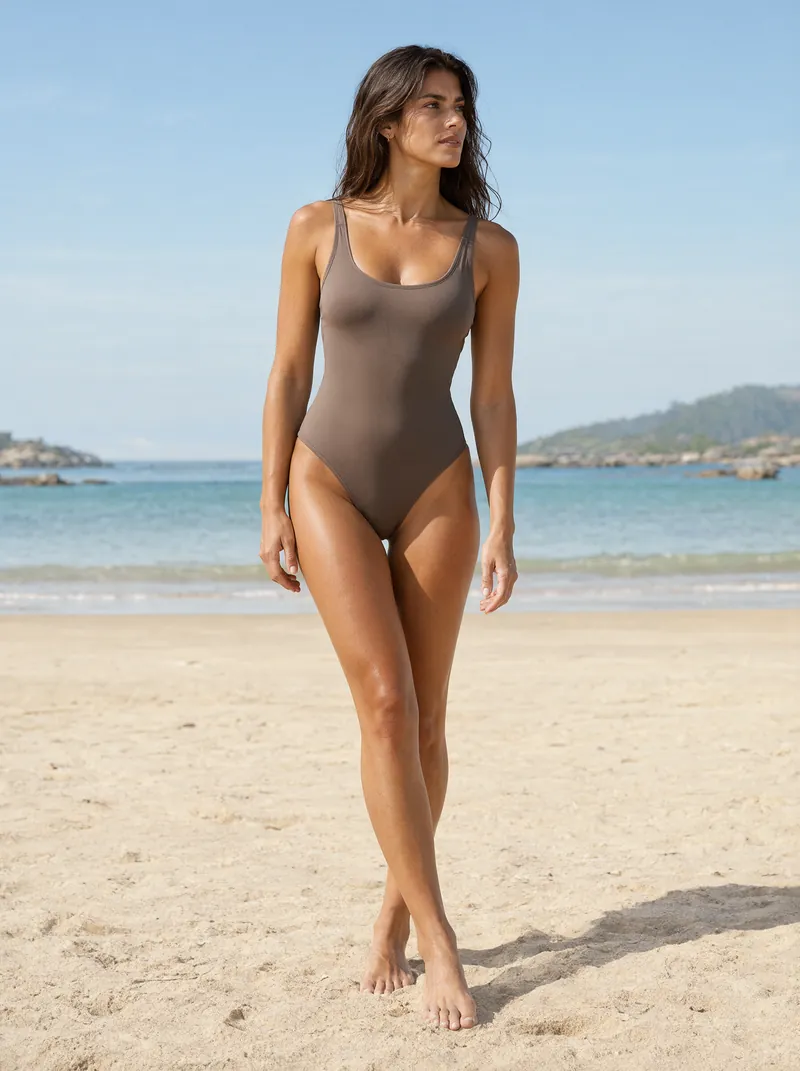
Catalog photo generated with official weights, no modifications. The model did not refuse and did not distort anatomy.
Both passed on the first try. No refusal, no blurred areas, with correct anatomy - hands and feet without typical errors. This is the kind of photo a store, catalog, or advertising material needs.
Practical takeaway for someone who had real problems with refusals in cloud services: for commercial applications in fashion and beauty, modified versions aren’t needed. Official weights are sufficient.
Three Styles, Zero Refusals
For completeness, three more frames from the same series, in three different photographic techniques. All from official weights, all on the first attempt.
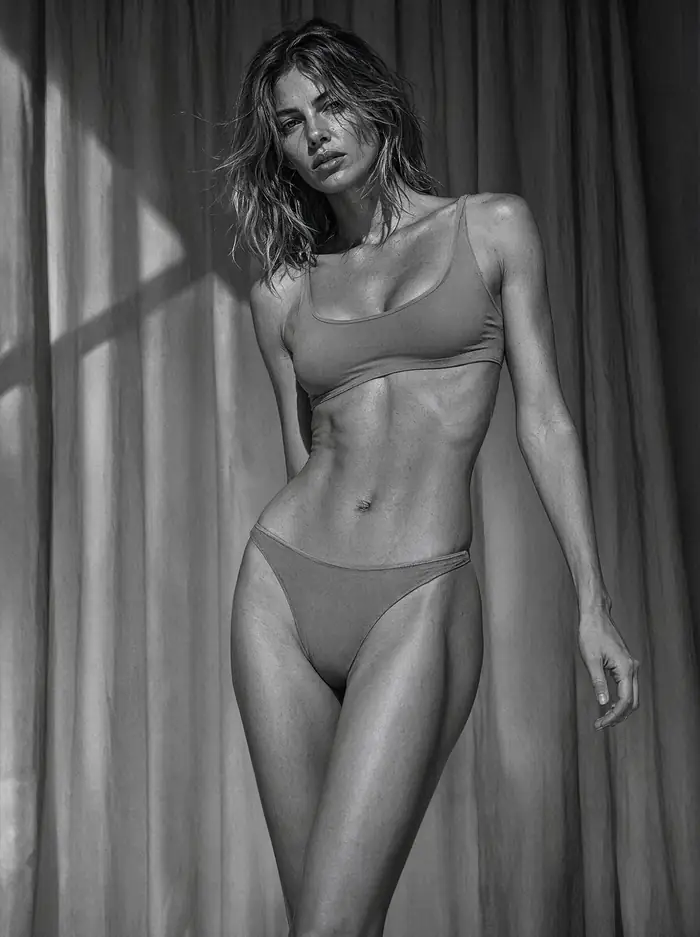
Black and white, single hard light, strong chiaroscuro.
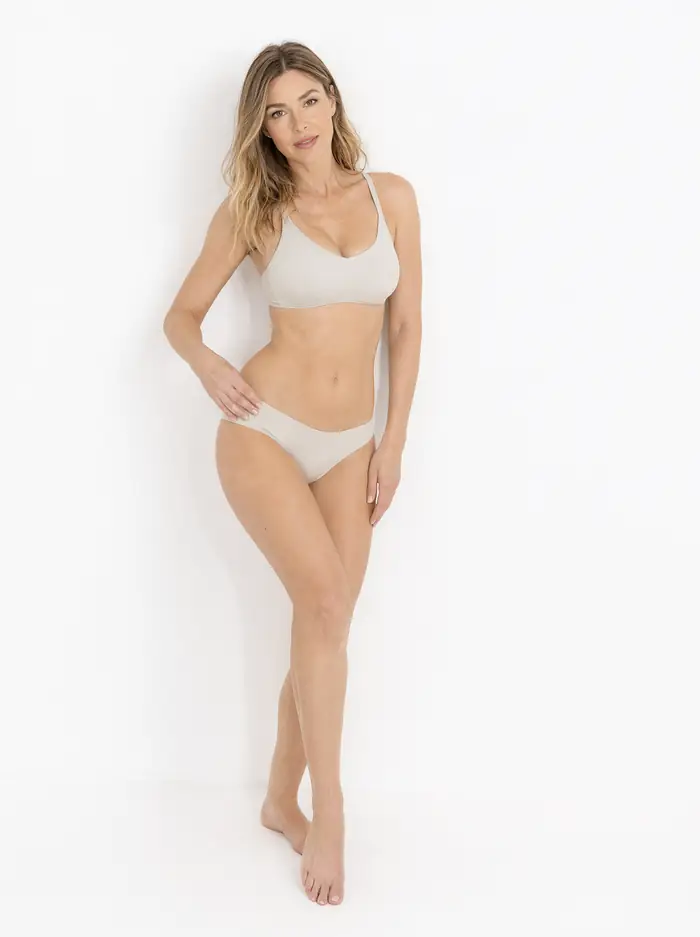
High key: white background, even light, almost no shadows.
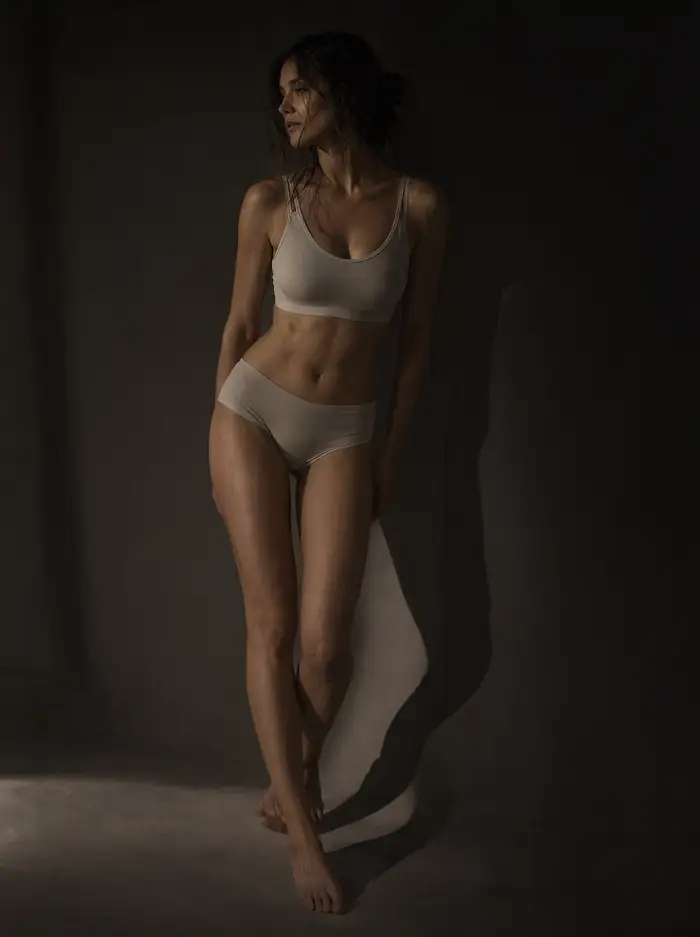
Low key: single narrow light, most of the frame in darkness.
What You Still Can’t Do
No filter doesn’t mean the model will do everything. There remains a boundary that no variant moves: the model draws what it learned. If something wasn’t in the training data or was rare, it will come out poorly, regardless of what you name the weights file.
You can see this in our other tests: a model that easily produces photorealistic portraits performs noticeably worse with graphics on transparent backgrounds, and doesn’t handle small text on posters at all. These aren’t blocks - they’re gaps in capabilities.
Ten More Frames, Zero Refusals
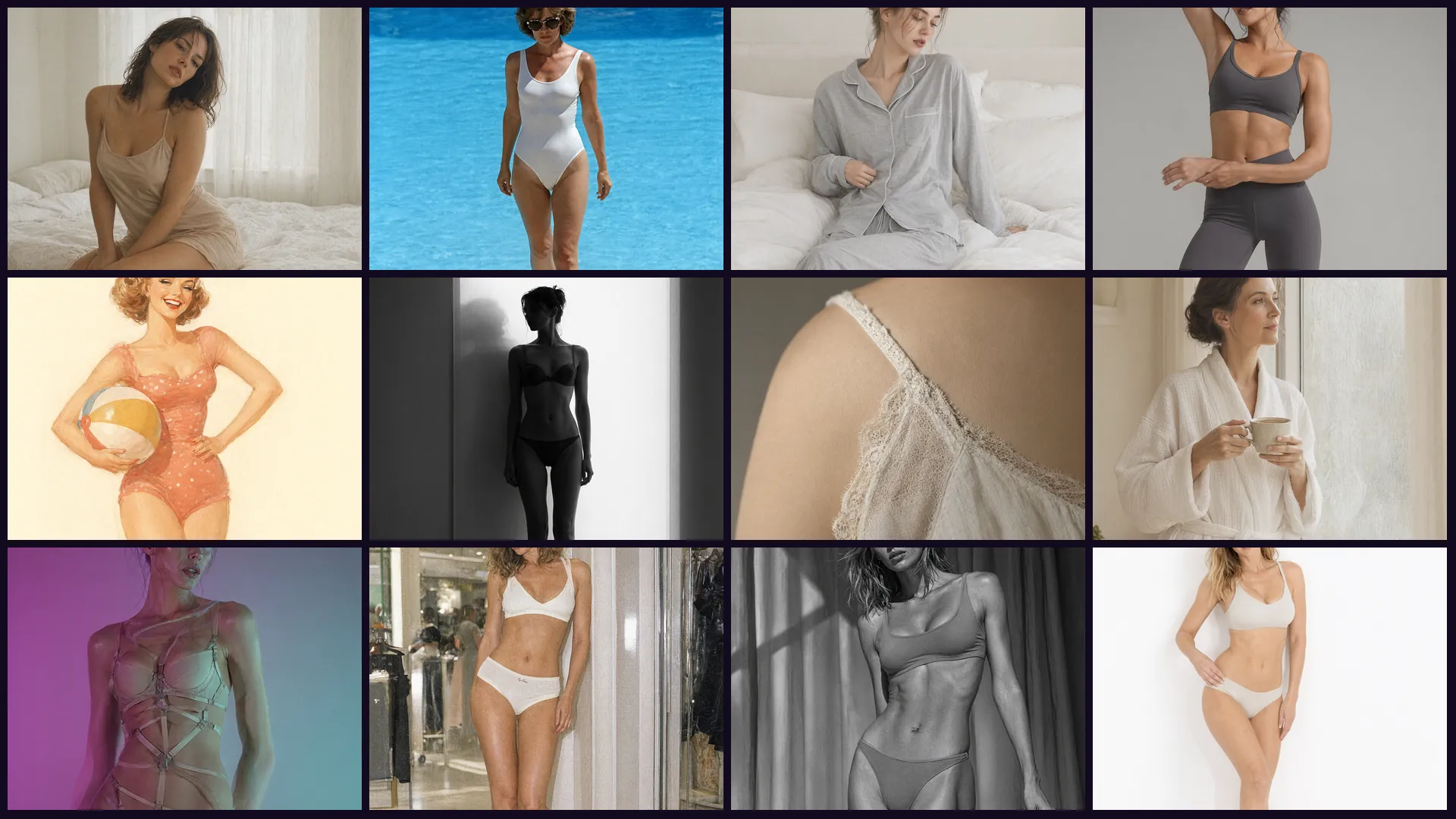
To avoid basing our conclusion on two samples, we ran ten more prompts from the same category, but in ten different styles - from boudoir through sportswear to painted illustration. All ten executed on the first try, on official weights, without any modification. Hand and foot anatomy correct throughout the series.
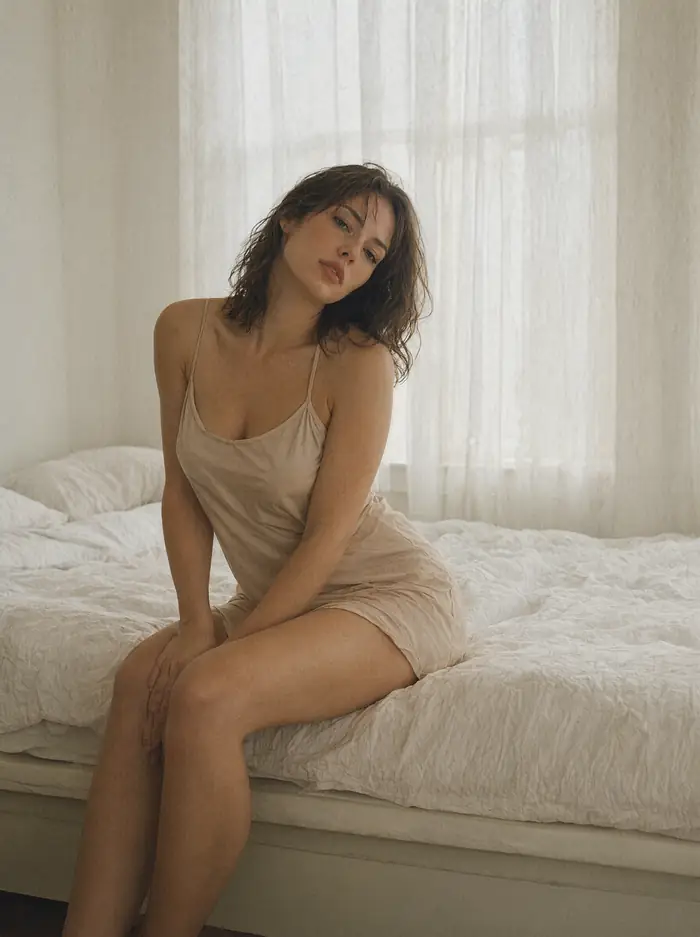
Boudoir in editorial style: soft light through curtain, film grain, muted warm palette.
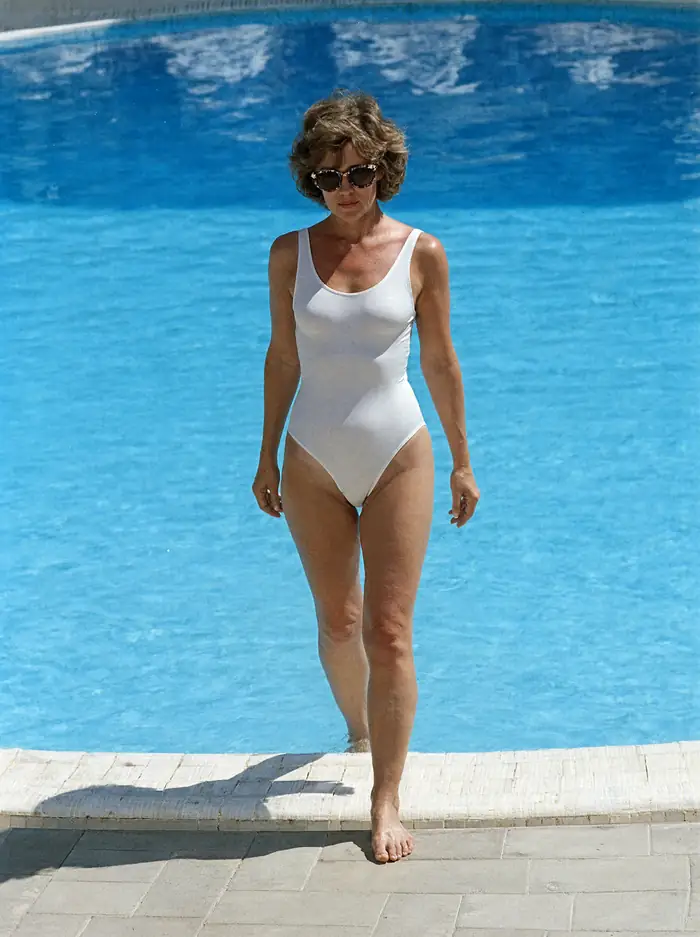
Swimsuit by the pool: harsh overhead sun, hard shadows, saturated blue water.
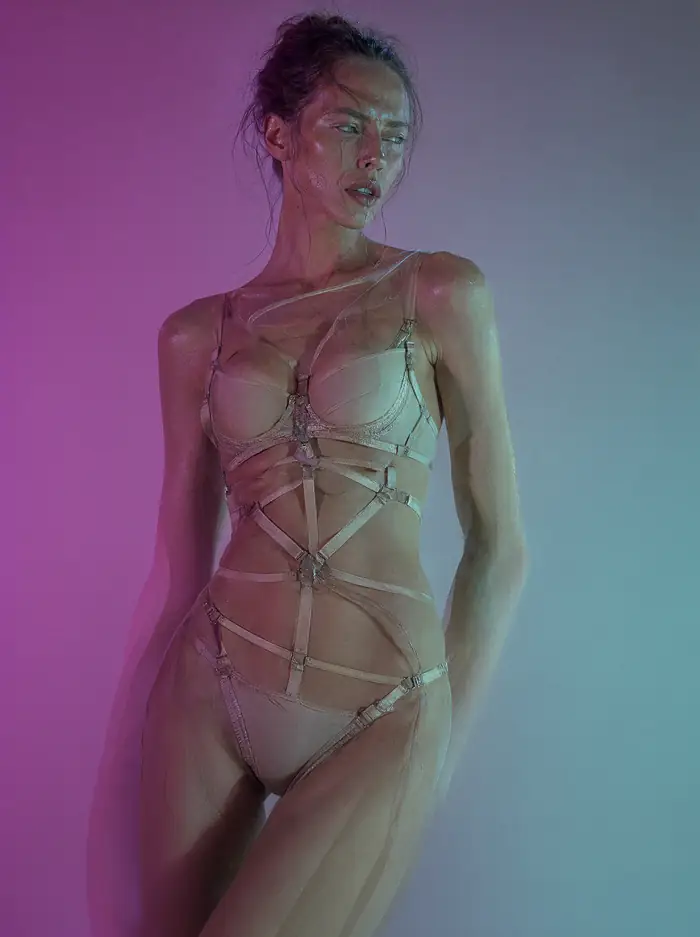
Avant-garde editorial with colored light - magenta and turquoise, hard shadows.
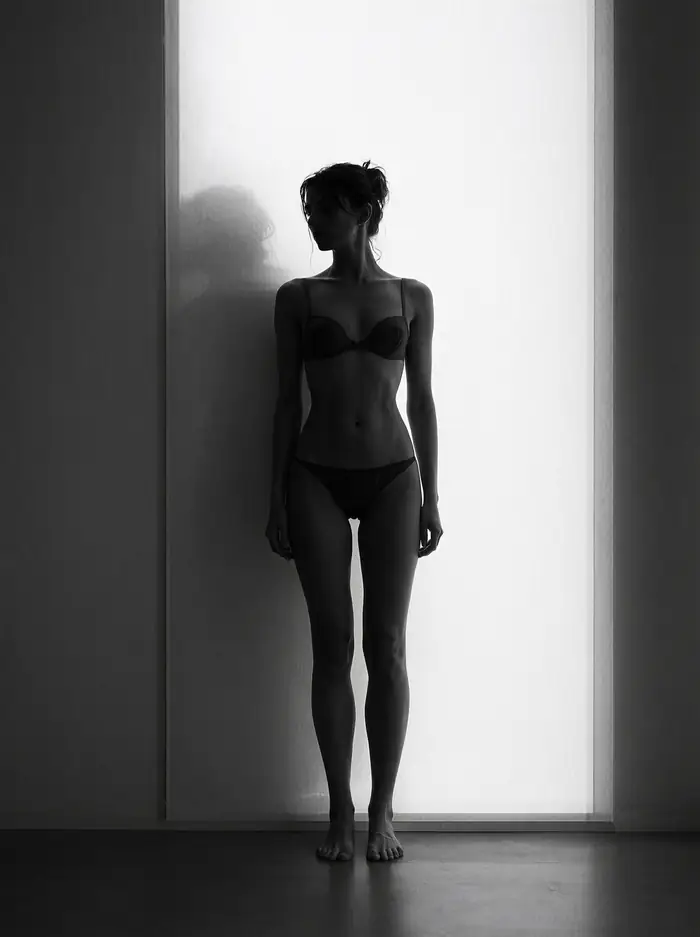
Silhouette backlit in window, black and white, face and body in shadow.
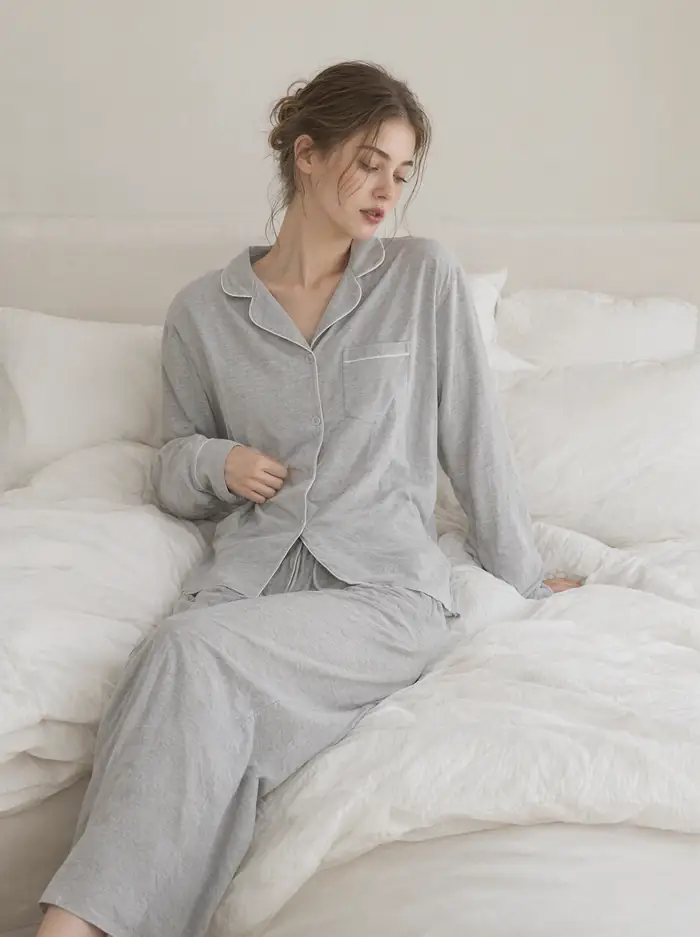
Pajamas in catalog style: calm domestic scene, soft morning light.
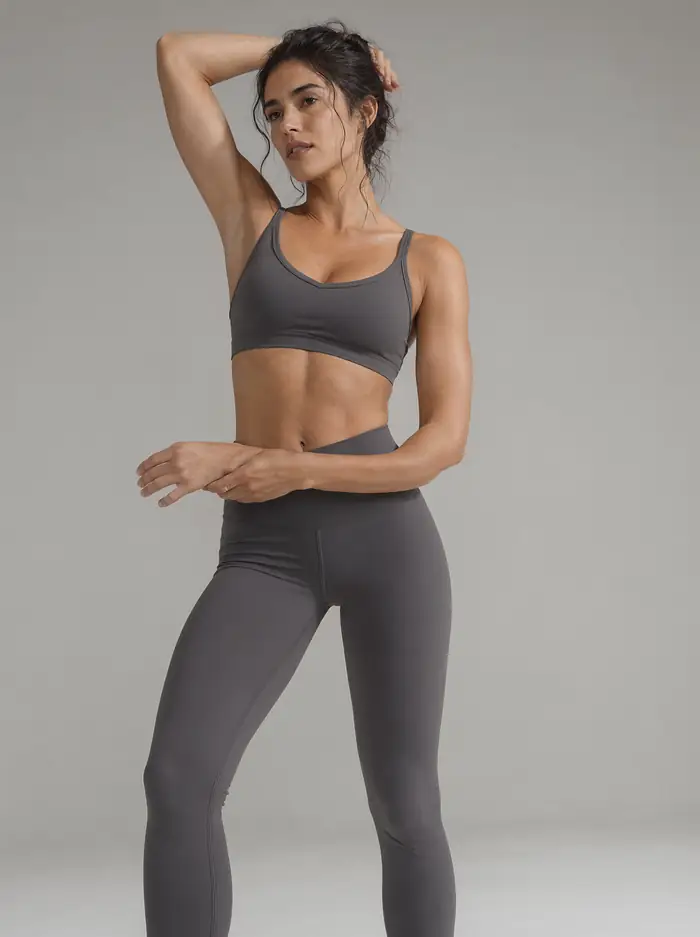
Sportswear in studio: seamless gray background, sharp rim light.
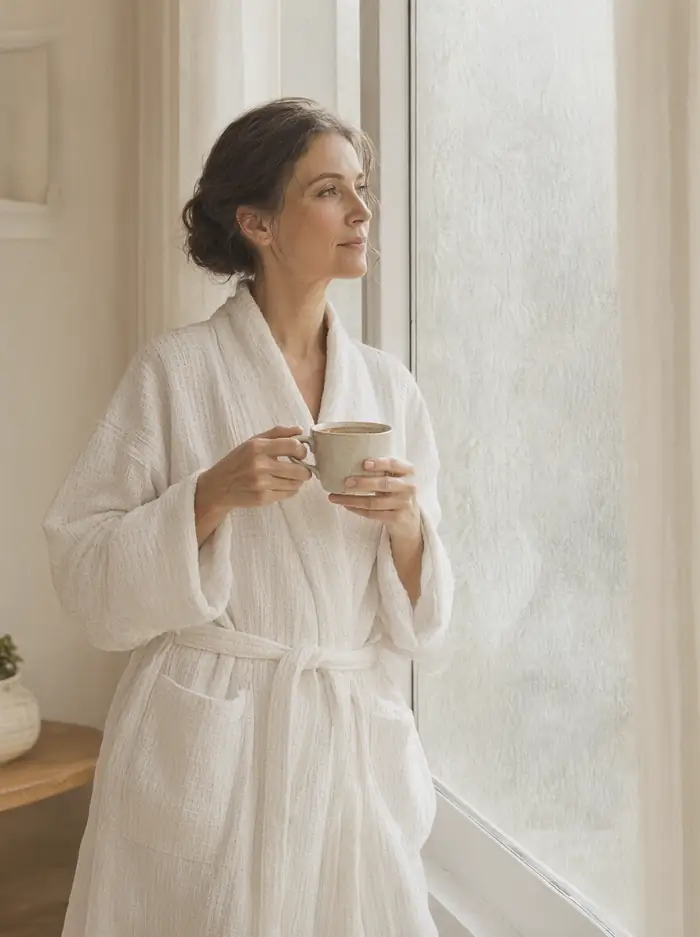
Bathrobe in spa setting - hotel brochure style.
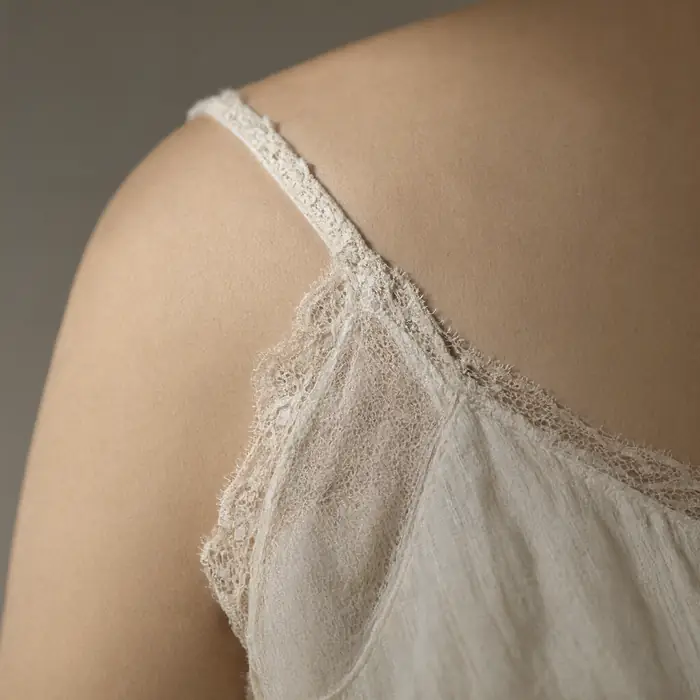
Lace detail on strap - textile macro with shallow depth of field.
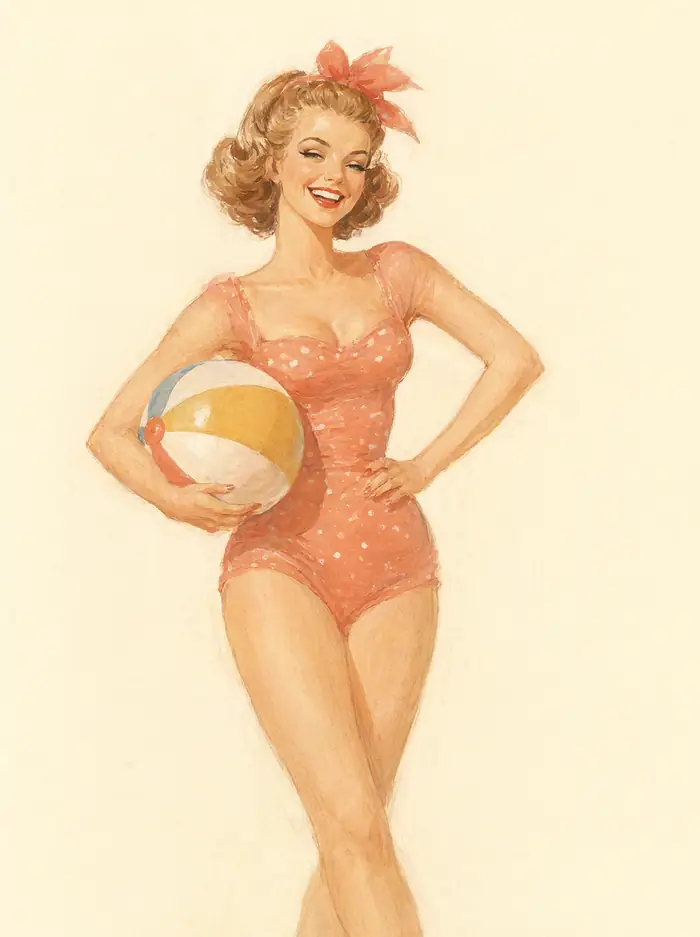
Painted illustration in 1950s pin-up style - not photography, but gouache.
Conclusion from twelve attempts total: we didn’t encounter a boundary that a variant would move. The model refused zero times, and quality didn’t drop with any style. This is exactly what you should expect from a weights file without a checking layer.
Three Things to Know Before Using Variants
- The license follows the model. A derivative work doesn’t remove the research and evaluation restriction. Moreover, the agreement explicitly requires modified files to carry visible information about the change and a copy of the license - which most variants don’t do. We break this down separately.
- You don’t know who made them. On the day we checked, the model hub showed 38 quantized versions and 20 fine-tuned ones, mostly from accounts with no history. Weights in safe format are data, not code - but repositories are sometimes published with scripts, and those do execute. Download weight files, don’t run someone else’s code.
- Responsibility passes entirely to you. With a cloud service, the provider takes on part of the risk. Locally there’s no one in between. This especially applies to specific people’s likenesses - right of publicity laws apply regardless of what tool made the image, and the model accepts up to ten reference photos and preserves facial similarity. This is a powerful tool, and the exact same mechanism that lets you create a team photo from six separate portraits lets you create a photo no one authorized.
How This Looks From the Company Side
This is opinion: open model producers are in a bind. A filter built into weights can be removed by fine-tuning, so putting it there has limited value. A filter in the service works, but doesn’t cover downloaded files. That leaves a third path, which we see here: release the weights, but restrict them with a license prohibiting commercial use. This moves the problem from the technical layer to the legal one - and while you can bypass a filter with a script, you can’t bypass a contract.
Frequently Asked Questions
Does Qwen-Image-2.1 Have Censorship?
Run locally, it has no layer checking prompts or outputs. What the model draws depends on training data, not a filter.
What Are “Uncensored” Versions For?
They change data distribution through fine-tuning, not remove a filter that isn’t in the weights. For typical commercial applications, they aren’t needed.
Do Official Weights Refuse Catalog Photos?
Not in our test. Swimsuit and lingerie set in catalog style came out on the first try, with correct anatomy.
Do Variants Have a Different License?
No. A derivative work inherits the research and evaluation restriction, and the agreement additionally requires marking modified files.
Is Downloading Such Files Safe?
Weights in safe format are data. The risk is in scripts bundled with repositories - don’t run those from unknown sources.
Who’s Responsible for What I Generate Locally?
You are. There’s no provider in between, and right of publicity laws apply regardless of the tool.
Sources and Test Date
We conducted the generation test on September 22, 2026 using official Qwen-Image-2.1 weights in the int8 variant, locally on RTX 4090 through ComfyUI - without any modifications and without additional models. Derivative version counts from the model card Qwen/Qwen-Image-2.1 from the same day. License terms from the LICENSE file in that repository. The description of filtering layers in cloud services is our description of typical architecture, not documentation from a specific provider - none publish details. This is not legal advice.
More on this from QUANTSLANT

 benchmarks·Qwen-Image-2.1 Posters: 8 Styles, 1 ConclusionSeven out of eight posters got the headline right. Zero out of eight produced readable fine print. The truth about AI image models and poster design.