AI Hair Color Change: How to Avoid the Wig Look
Changing hair color in AI image generators often looks fake. Here's the prompt that creates natural-looking results with realistic roots and highlights.
👁 118 reads
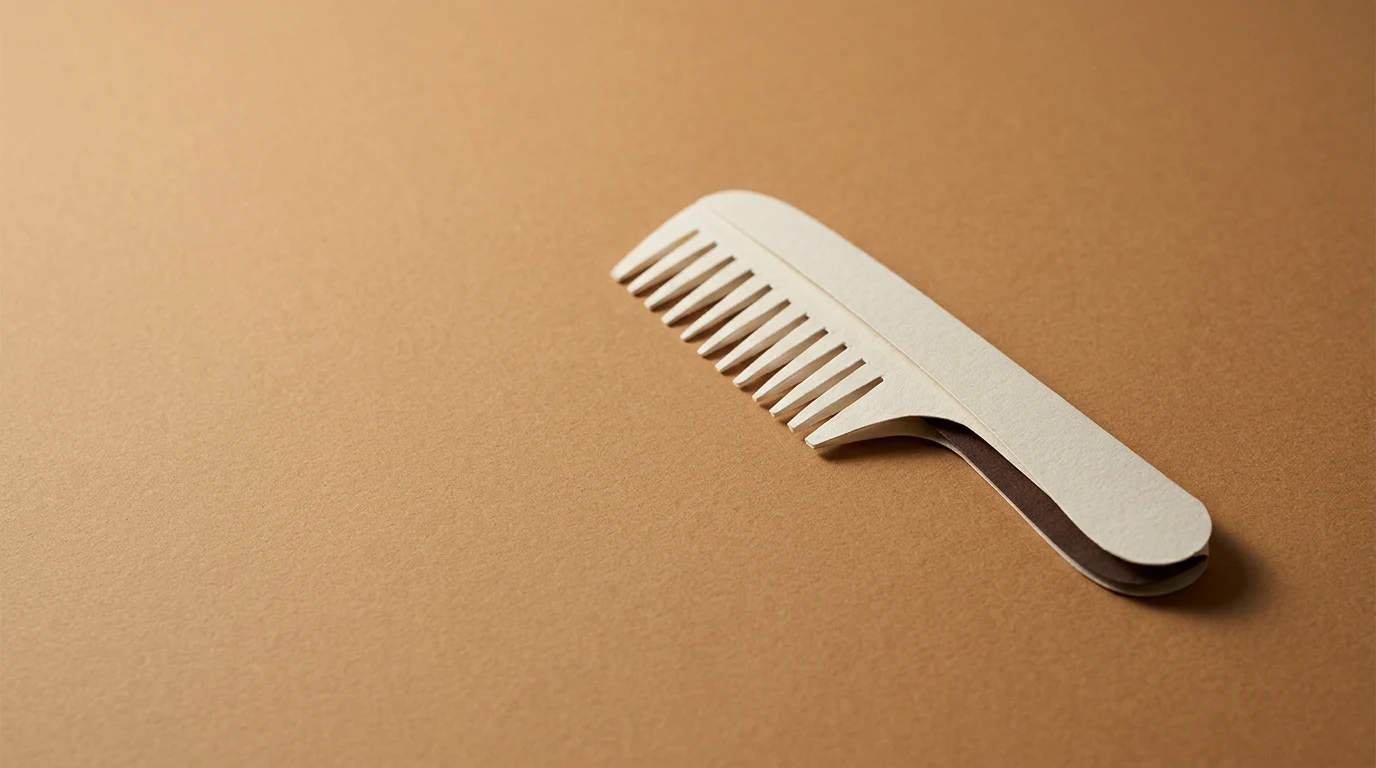
Changing hair color in photos is one of the most common requests for AI image generators right after background removal, and it’s also where you’re most likely to get a result that looks like a wig. The reason is simple: hair color isn’t a single shade - it’s transitions, highlights, and shadow near the skin. Here’s how to describe it to the model for believable results, and how to test a new color before visiting the salon.
The prompt that gives natural results
“In the attached photo, change only the hair color to dark blonde with lighter highlights framing the face. Keep the hairstyle, length, arrangement, and hair texture unchanged. Preserve facial features, skin tone, and lighting from the photo. Natural color transitions, darker roots near the scalp, visible individual hairs. Realistic photography, no retouching.”
Three elements determine believability: darker roots (in nature, no one has a single color from scalp to ends), lighter highlights framing the face, and prohibiting texture changes, because models tend to straighten or thicken hair when changing color.
How to choose a color that suits you
- Name the color precisely. “Blonde” covers dozens of shades; write “cool ashy blonde” or “warm honey blonde”.
- Consider skin tone. Cool complexions suit cool shades, warm suits warm; this is a hairdressing rule the model will only follow if you write it in.
- Generate several variants side by side. Three shades on three copies of the same photo tell you more than one result.
- Test in two types of lighting. Request a version in daylight and in artificial light; hair colors behave completely differently in each.
What the model won’t tell you
That your hair can’t be lightened six tones in one session, that dye takes differently on previously colored hair, and that gray hair requires a different approach. Visualization shows the goal, not the path to it; even with a finished image, it’s best to go to a hairdresser and ask what’s achievable with your hair. This is common-sense advice, not professional hairdressing guidance.
Google · Your sourcesQuantslant higher in your Google - one clickAdd to preferred sources →Common questions
Is there a free app for changing hair color?
Yes, free plans from image generators are sufficient for several attempts; a tool overview is in the article about AI image generators.
Why does the hair look like a wig?
Because the model applied uniform color without roots and without individual hairs at the edges. Add both these elements to your prompt.
Can you change just the shade without changing the hairstyle?
Yes, provided you explicitly write “keep the hairstyle, length, and texture unchanged”. More photo operations in the article how to edit photos with AI.

More on this from QUANTSLANT


 guides·AI Jobs: Roles, Salaries & What Recruiters Actually WantAI work splits into two categories: jobs where AI is the subject, and jobs where it's a tool. Here's what roles exist, what they pay, and how to break in.