How to Transform a Photo with AI Free: Prompt & 5 Styles
Transform your photo with AI for free in ChatGPT or Gemini in 5 minutes. Tool comparison, ready-to-copy prompt, 5 styles, and mistakes that change your face.
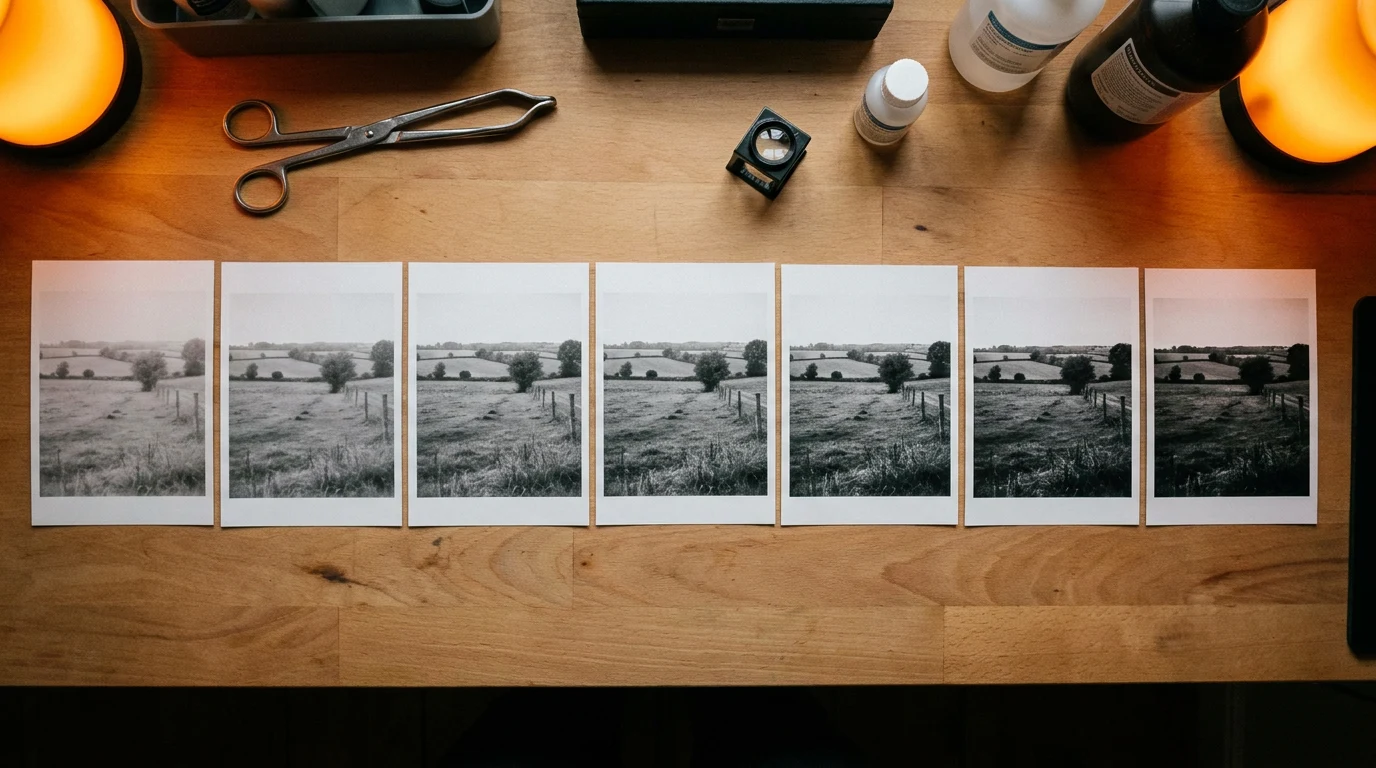
👁 120 reads
To transform a photo with AI for free, upload it to ChatGPT or Gemini, add one photo with the style you like, and paste a prompt that tells the model what each file is for. The whole process takes five minutes. Most tutorials skip this last step, and that’s why people end up with someone else’s face. Below: where to do it in September 2026, a universal copy-paste prompt, five ready-made styles, single-element editing, and mistakes that ruin the result.
Where to Transform Photos with AI: Comparison
| Tool | Model | Free | What’s Not Free | Best For |
|---|---|---|---|---|
| ChatGPT | ChatGPT Images 2.5 (from September 8, 2026) | yes, with image limit; login required | images with reasoning (from Plus), faster queue | portraits from photos, style and era changes, templates |
| Gemini | Nano Banana 2 | yes, limit renews every 5 hours up to weekly limit | regeneration in Nano Banana Pro (from Google AI Plus) | single-element editing, product photos, series of variants |
| Google AI Studio | Nano Banana 2 and Pro | no, images require paid key or subscription | everything | bulk transformation via API |
We checked limits and model names in OpenAI and Google help on September 30, 2026. The recipe from this guide works in both ChatGPT and Gemini because both accept multiple photos at once and understand prompts with role division.
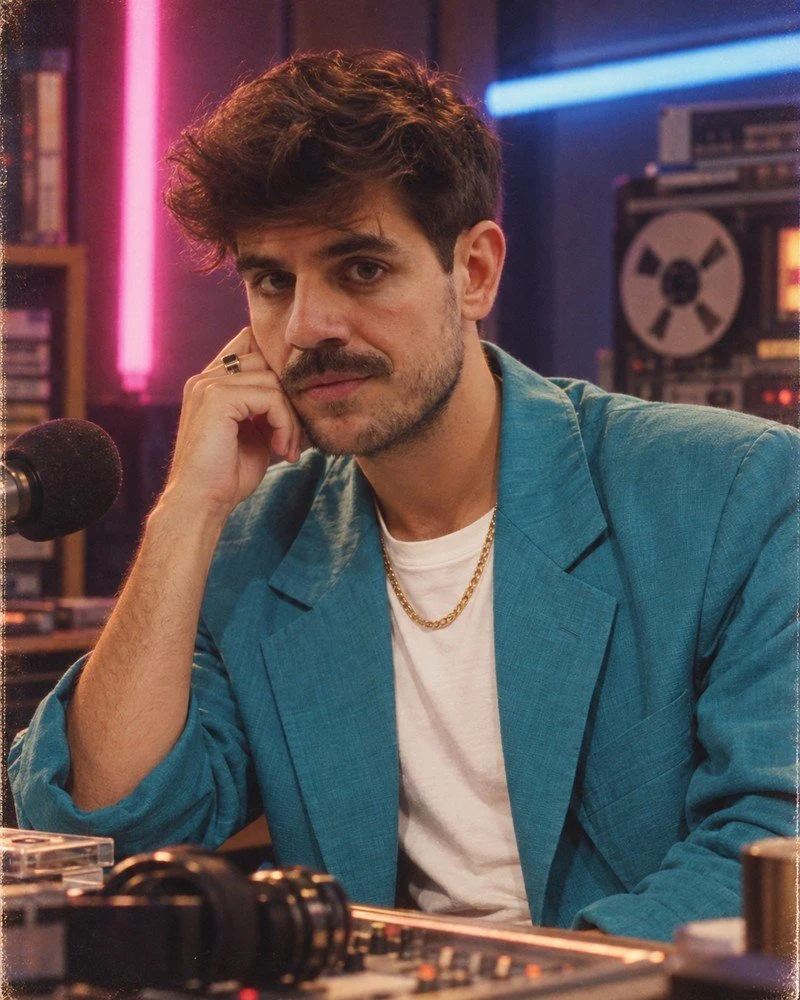
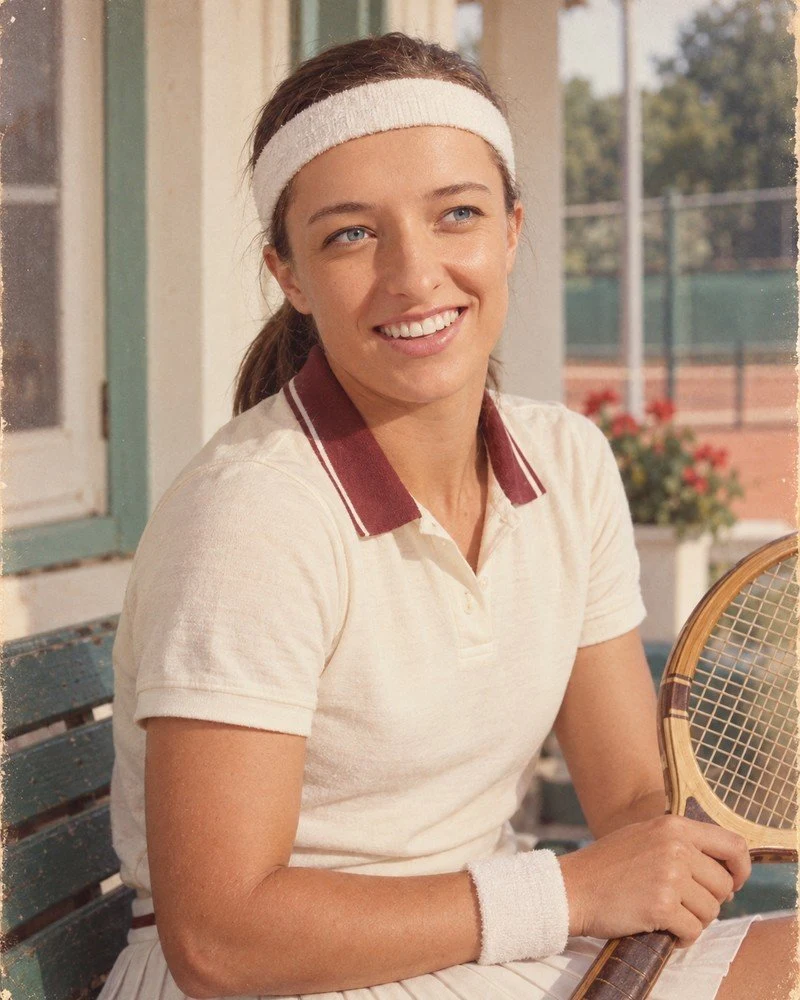
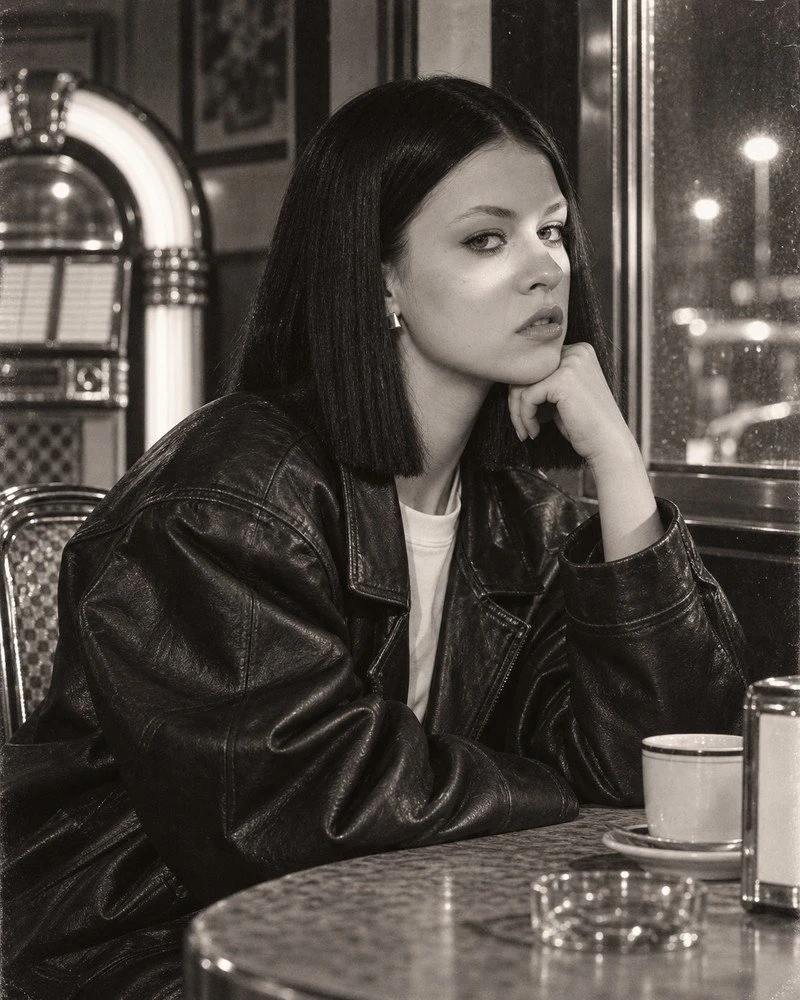
Step 1. Prepare Your Photos
Two or three face photos. Sharp, with a clearly visible face, ideally from different angles: one straight-on, one at an angle. A selfie in poor light gives poor results because the model has nothing to read the features from.
One reference style photo. Any frame with the mood that suits you. It can be from Instagram, it can be an old print. This photo serves only to borrow the lighting and atmosphere; the face from it will not be used.
Step 2. Where to Upload
Open a new conversation in ChatGPT or Gemini, click the paperclip or plus next to the text field, and upload files in this order: face photos first, style photo last. Order matters because the prompt refers to “first” and “last.” In ChatGPT, you can also set frame proportions with the aspect ratio toggle instead of typing them in the prompt. We describe new tool features in the article about ChatGPT Images 2.5, and if you want to impose frame layout in advance, Sketch will help.
Step 3. Universal Prompt
Copy in full. It’s in English deliberately because models follow photographic terms more strictly in this language. You only replace two fragments, described below the box.
Create ONE original photorealistic portrait of the person from my reference
photos. Exact vertical 4:5 standalone photo at highest available resolution.

INPUT ROLES: the first TWO photos are IDENTITY references only: preserve
this person's current adult facial likeness, body build and distinctive
features. The LAST photo is a STYLE reference only: borrow the lighting,
the mood and the print feeling, never copy that person's face or exact
composition.

SCENE: [SCENE DESCRIPTION: where, wearing what, what lamps visible in frame, what
light falls on face, what moment and expression, what posture].
All clothing opaque.

Intended visual medium: [CAMERA / FOCAL LENGTH / FILM].

Keep the true current identity. New composition, lifelike caught
expression, ordinary skin texture and pores, small asymmetries, slightly
imperfect exposure and framing. Correct hands and contact shadows.

No HDR, no excessive clarity, no porcelain faces, no generic model
features. No text, captions, dates, numbers, logos, watermarks, borders,
collage or split-screen. No readable writing on any prop. Never invent
tattoos; where covered, leave covered. One single photograph.
You replace two things: the SCENE block and the Intended visual medium line. The rest are safeguards and should remain unchanged.
Five Styles and What to Enter for Each
Studio portrait. Scene: one large light from the side and reflector from the other side, smooth background, gaze into lens. Medium: Hasselblad 500 C/M / 150mm / Kodak Portra 400. The most important thing here is demanding ordinary skin texture, otherwise you’ll get an advertising face. We described the work version in the article about business photos with AI.
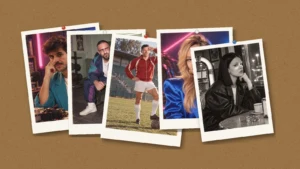
Polaroid mood. Scene: strong flash from front, slightly blown highlights, accidental framing. Medium: Polaroid SX-70 / instant film. Ask for a square frame, and add the white border yourself in an app because the generated one comes out crooked. The simplest style and hardest to ruin.
90s analog photo. Scene: apartment interior or backyard, compact camera flash, date in corner of frame. Medium: Canon Sure Shot / 35mm / Fujicolor Superia 800. This is the only case where you remove the text ban because the date is desired here. Full recipe with ten frames: 90s-style photos.
Old family print. Scene unchanged, all the work goes into describing the paper: yellowing, gently bent corner, soft focus, slightly faded colors. The effect comes from the material, not the scene. If you want the opposite, meaning restoring a real old photo, check out the article on restoring old family photos.
80s styling. Most popular this year and most often ruined because the generator confuses retro with cyberpunk. We broke it down separately, with a complete prompt and ten examples: 80s-style photos.
How to Change Just One Element of a Photo
You don’t always want a new portrait. Often a different background, different shirt, or removed passerby is enough. Here both tools have separate mechanisms:
- ChatGPT: click the image, choose the selection tool (Select), paint over the area, and describe the change. OpenAI notes that selection is not precise and the change may extend beyond the indicated area. In the mobile app, an image opened full-screen also has options for resizing and removal.
- Gemini: upload the photo and describe the change in one sentence, with the object name and location in the frame, e.g., “replace the blue mug on the left side of the table with a white one, don’t touch the rest.”
In both cases the same principle works: one prompt, one change, and the sentence “don’t change the rest of the photo.” We described three attempts at such editing in the article change just one thing.
Five Style-Independent Mistakes
1. Porcelain skin. If you don’t demand ordinary texture and pores, you’ll get a cosmetics ad face. This is the most common reason a photo “looks like AI.”
2. Too clean image. Sharpness everywhere and perfect exposure are signs of a modern camera. Ask for slightly failed exposure and accidental framing.
3. Text on props. The model writes gibberish on signs, books, and packages. A sentence about banning readable text solves it.
4. See-through clothes and invented tattoos. Two details nobody remembers. The word opaque for clothing and the ban on inventing tattoos are in the prompt above and should stay there.
5. Lack of file role separation. Uploading photos without explaining which is identity and which is style ends with a replaced face. This is the number one cause of failed attempts.
Transforming Photos with AI Free: What Works Without Paying
Yes, you can execute the entire recipe without paying. Differences concern speed and number of attempts.
- ChatGPT Free creates and edits images with a limit. After exhausting it, you get a message with the renewal time. You need to be logged in to transform photos. Warning: if in the free plan you choose the ad-free version, you lose image creation.
- Gemini without a paid plan edits photos with the Nano Banana 2 model. The limit renews every 5 hours up to the weekly limit. The stronger Nano Banana Pro for regeneration is only available from the Google AI Plus plan.
- Limits are counted separately, so with a larger series I switch between ChatGPT and Gemini.
Three things that work just as well in the free plan as in paid: preserving the face when changing background and clothing, changing era, and correcting one element without generating everything from scratch. Where the free plan stops being enough: with group photos (more than two faces to preserve), with prints above 8×12 inches, and with series above a dozen images daily. Then I calculate the subscription cost in the ChatGPT pricing and compare with Gemini pricing. What to do when you work only on a phone, we described in the article about transforming photos on phone and for free.
Before You Publish
The 4:5 format is already in the prompt because it’s the tallest frame that fits in the Instagram feed. Don’t have the model write text, add it in an app instead, because letters generated in the frame can be crooked.
If there’s a recognizable person in the frame who isn’t you, write in the description that the image is generated. At this quality, nobody will guess on their own. Transforming someone else’s photo without that person’s consent is asking for trouble with image rights. What you can and can’t do with AI images, we collected in the article AI images and copyright. Look for ready-made tools instead of writing prompts in the guide to AI image generators, and if you’d be doing this in bulk, a programmatic model makes more sense, which we break down in the article Flare versus Sunburst.
See also: Background removal, business photo, and hair color change - ready prompts.
Frequently Asked Questions
How do you transform a photo with AI for free?
Log into ChatGPT or Gemini, upload 2-3 face photos and one style photo, then paste a prompt that divides file roles: first ones are identity, last one is only lighting and mood. Both tools do this in the free plan, with an image limit.
What’s the best AI photo transformation app?
For portraits and style changes I use ChatGPT with Images 2.5, for single-element editing and series of variants Gemini with Nano Banana 2. Both are free at the basic level, so it’s best to check the same photo in both.
Why does AI change my face?
Most often because the prompt doesn’t say which photo is identity and which is style. The model then mixes faces. It helps to upload 2-3 sharp face photos at the start and a sentence that the last photo serves only for lighting and mood.
Can I transform a photo on my phone?
Yes. ChatGPT and Gemini apps accept photos from the gallery, and ChatGPT on phone additionally has selected-area editing and sketch drawing (Sketch).
How many photos can I transform daily for free?
Neither OpenAI nor Google gives a fixed number. In ChatGPT the image limit is counted separately from conversations, and in Gemini it renews every 5 hours up to the weekly limit. For a few photos daily this is enough.
Can I transform another person’s photo?
Technically yes, but publishing a transformed likeness without that person’s consent may violate their rights. With photos of other people, ask for consent and mark the image as generated.
More on this from QUANTSLANT



 guides·Is ChatGPT Down? Check OpenAI Status & Troubleshoot IssuesCheck the current OpenAI status and learn how to diagnose ChatGPT problems. Distinguish between service outages, rate limits, and account issues.