Why AI Hallucinates and How to Verify Its Answers
Language models can state false information confidently. We explain why AI hallucinates and show you how to check claims, sources, and facts systematically.
👁 116 reads
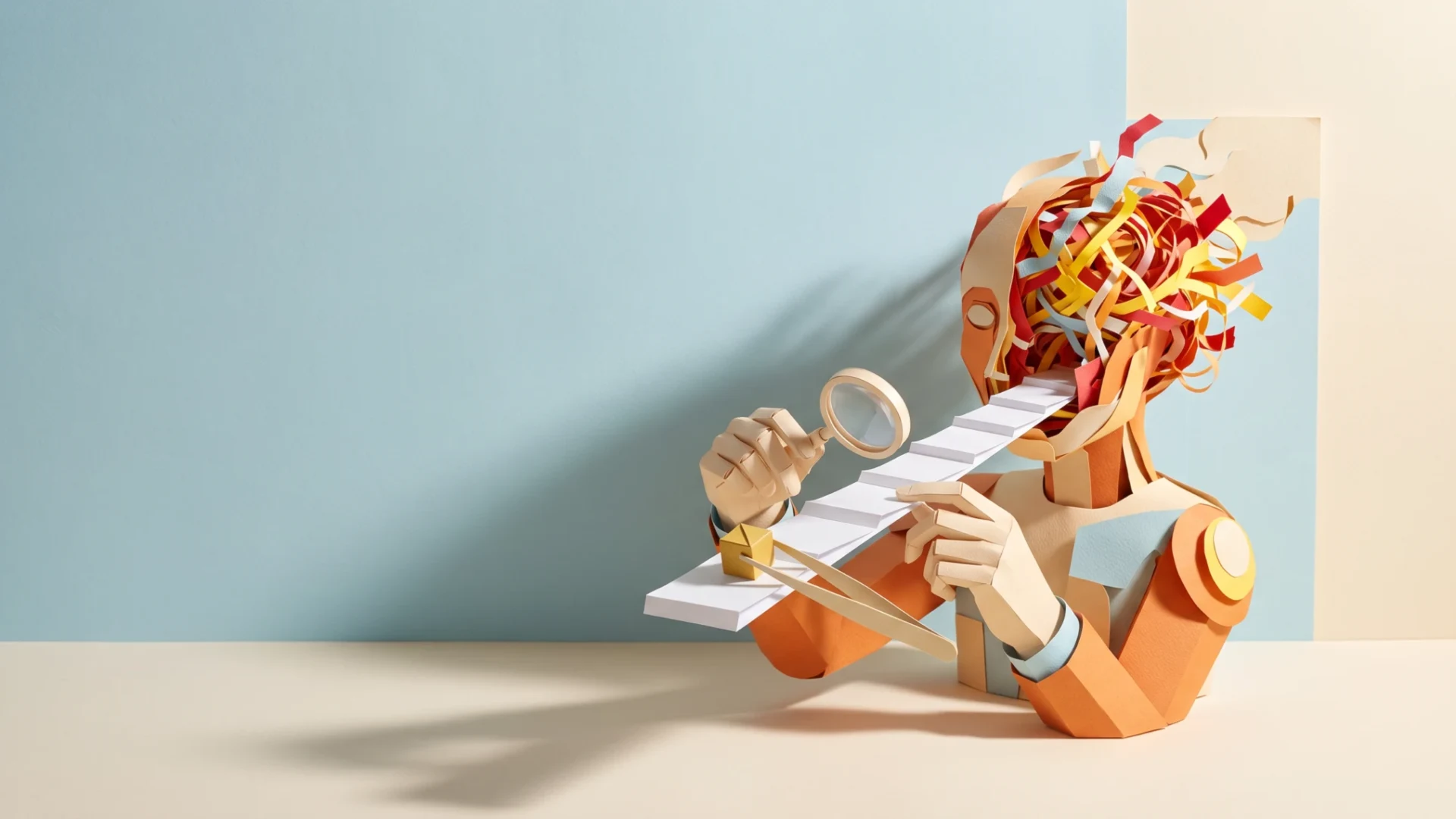
Why does AI hallucinate? In language models, we explain this as the difference between generating plausible-sounding answers and checking facts. A model can state false information with complete confidence. That’s why when you encounter an important claim, you should ask for a source, open it, and compare the content. When confirmation is missing, remove the claim instead of polishing its wording.
What We Mean by Hallucination
We call it a hallucination when an answer presents false or unconfirmed information as fact. This could be a non-existent article, an invented quote, or a product feature you can’t find in the documentation. We don’t confuse this with clearly marked fiction that you explicitly requested.
We don’t treat the word “hallucinate” as proof of deliberate deception. We use it to describe a result you need to evaluate. In the ChatGPT accuracy and reliability documentation, OpenAI points out the possibility of incorrect information, fabricated references, and answers that sound confident despite being wrong. Style alone doesn’t determine truthfulness.
Why Asking Isn’t Enough
The study Why Language Models Hallucinate analyzes the role of training and evaluating models. The authors describe how rewarding correct answers without properly accounting for uncertainty can encourage guessing. We’re not presenting this as the sole cause of all errors. It’s an explanation of a specific mechanism.
For our own work, we draw a simple conclusion: we don’t demand answers at all costs. We allow for missing data and clarifying questions. When you provide incomplete material, ask the model to point out gaps. You still need to check the result, because an instruction to be cautious isn’t proof that every sentence has been verified.
We also separate general knowledge from information about your specific file. A model can write a convincing description of a typical report. But you need the content of a specific document. If an attachment wasn’t read, a general discussion doesn’t replace analysis of the source.
How We Verify Answers
- List the claims your decision or publication depends on.
- Separate facts from opinions, suggestions, and fictional examples.
- Open the cited sources, preferably manufacturer documentation or research.
- Find the passage that confirms exactly the sentence you’re checking.
- Check the scope: product, situation, conditions, and limitations.
- Correct or remove everything you can’t confirm.
For each link, ask yourself separate questions. Does the page exist? Does it address this topic? Does it actually confirm the claim? A working URL solves only part of the verification. If a sentence describes a specific feature, a general page about artificial intelligence isn’t enough.
For quotes, compare the words with the original. For tables, check units and column meanings. For meeting summaries, look for the difference between a suggestion and a decision. We don’t apply an identical procedure to all materials, because in each one you can overlook a different type of error.
Ready-to-Use Prompts
The following prompts help organize verification. Paste them into a conversation, but evaluate the result yourself. When sources are missing, the assistant should ask for them.
Help me verify an AI answer. Ask for the text and available sources. Divide the content into factual claims, opinions, and suggestions. For each fact being checked, indicate the basis or lack of confirmation. Don't invent publications and links. If you can't open a source, ask for an excerpt from it. Don't use your own confidence as proof.I want to get an answer based solely on source material. First ask for the material and my question. Answer only within the scope that follows from the provided content. Separate literal information from your own conclusion. If the answer isn't in the material, write what's missing. Don't fill gaps with general knowledge without my instruction.Conduct a source check on my text. Ask for text with references. For each link, check separately whether it can be opened and whether the content confirms the attributed claim. If you don't have internet access, ask for the content of the pages. List sentences to remove or narrow. Don't mark an inaccessible source as verified.What Not to Expect
- Don’t expect the instruction “don’t hallucinate” to replace sources.
- Don’t treat a model’s apology as confirmation of the corrected version.
- Don’t consider a detailed explanation as proof of truthfulness.
- Don’t assume a quote is correct based on a well-known author’s name.
- Don’t accept consistency across multiple answers as independent verification.
How to Correct Material After Finding an Error
In your notes, keep track of which sections you’ve already checked. Separate them from places still open. This way, another round of style smoothing doesn’t give the entire draft an appearance of approval. During re-editing, compare precisely those sentences where changing a word might expand the confirmed scope.
Stop working on a section based on a false assumption. First correct the foundation, then the argument and conclusion. Swapping just a number isn’t enough if the conclusion depended on that number. Also check captions, headings, and abbreviations that may have repeated the error.
If you can’t confirm a detail, leave it out of the text. In an editorial note, record what you looked for and what’s missing. This prevents it from returning in the next draft as seemingly established information. Don’t add a source only after writing an attractive thesis.
We describe the basics of how these tools work in the article what is artificial intelligence. We separately discuss AI detectors. We distinguish the question of text authorship from the question of whether its content is true. We conduct our own fact-checking independently of suspicions about how the material was written.
AI hallucinates because generating a convincing statement doesn’t mean confirming its truthfulness. When working with a model, we allow for uncertainty, provide sources, and verify important claims. It’s on that basis that we decide whether to use the answer.
More on this from QUANTSLANT

 guides·90s Style Photos on Your Phone Free with GeminiTurn your photos into 90s-style snapshots using Gemini on your phone without a subscription. Here's how to edit images with the right prompts.