ChatGPT Sketch: Draw to Control Image Layout and Composition
The new Sketch feature in ChatGPT lets you draw rough layouts to control where elements appear - solving a problem text prompts can't handle well.
👁 119 reads
Of the four new features OpenAI added to ChatGPT alongside the Images 2.5 model, one solves a problem no text description handles well: element placement in the frame. It’s called Sketch, and you activate it by typing @Sketch.
Let me be clear upfront, because it changes the nature of this article: this is a description of what was announced, not a test report. When the feature appears on my account, I’ll measure it the same way I did editing with iterative corrections and add the results here.
How ChatGPT Sketch Works
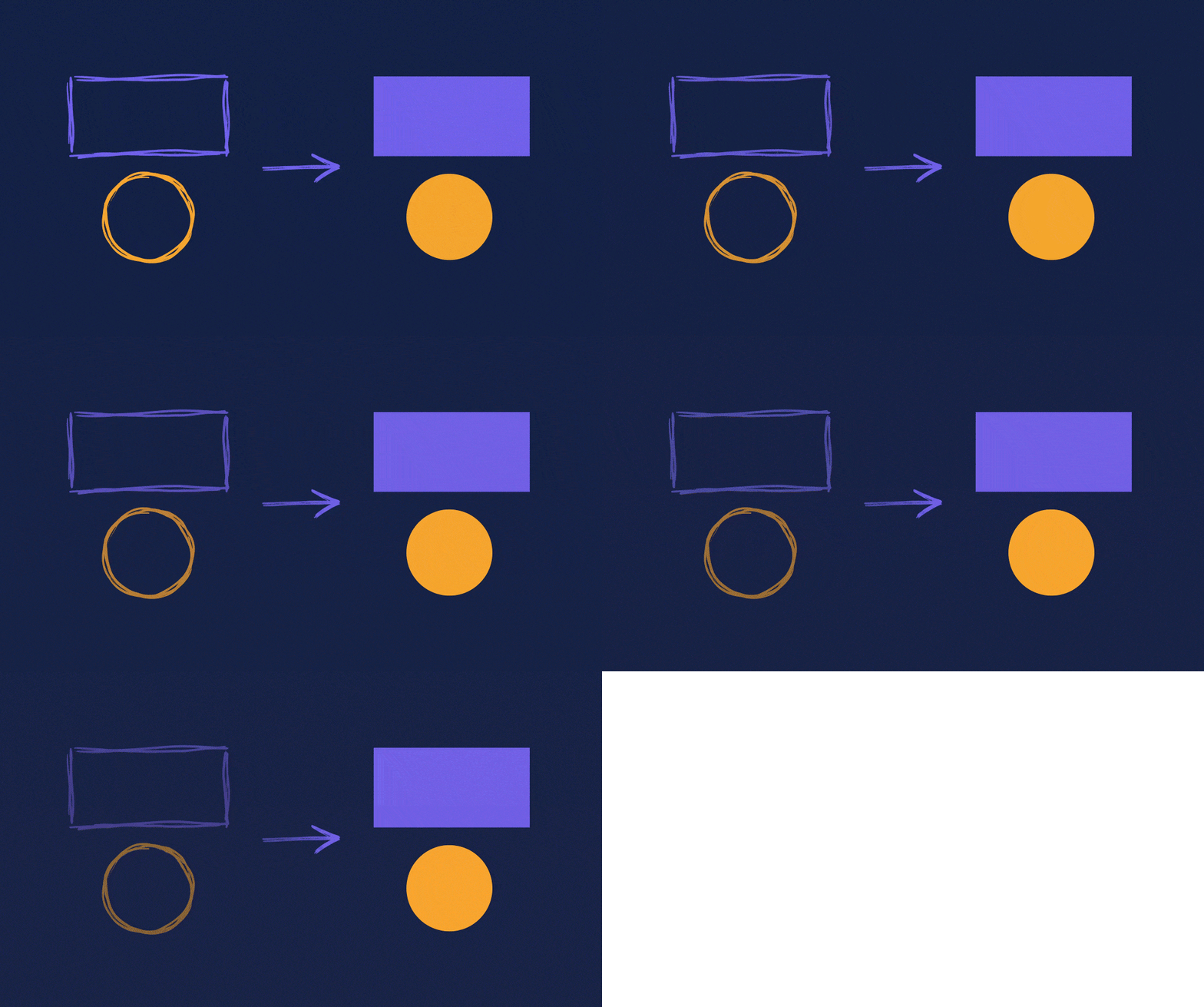
You draw freehand directly in the ChatGPT window, and that drawing serves as compositional guidance for the final image. The company gives three example use cases: room layout, clothing design outline, and simple doodles. You add a description of style and details alongside the drawing.
OpenAI explicitly states you don’t need to know how to draw. That makes sense, because the sketch isn’t source material here - it’s a blueprint: it tells the model where things should be, not what they should look like.
Why This Matters More Than It Sounds
Anyone who’s generated images for longer than a week knows this moment: you know exactly how the frame should look, and you can’t describe it. “Character on the left, but not quite in the corner, looking right, with empty space above for text” is a sentence the model will execute six different ways, none of them what you meant.
Text description is a poor tool for conveying geometry. Two minutes of scribbling on screen carries more information about composition than a paragraph of refined instructions. It’s the same difference as explaining directions over the phone versus drawing a map on a napkin.
What Sketch Is Actually Useful For
Thumbnails and covers. Anywhere you need to leave empty space for text you’ll add later. Describing such a hole in the frame with words is a lottery; drawing a rectangle isn’t.
Print materials. A poster has fixed proportions and safe zones. A sketch guards them better than asking to “leave margins”.
Interiors and layouts. The company lists this as the first use case, and rightly so: a room floor plan is purely spatial information.
Series with repeating layouts. If you’re making six graphics where an element must always be in the same place, the same sketch is a harder reference point than a repeated instruction. Worth comparing with what came out of my test of logo variations, where repeatability turned out to be a weak point.
The Other Three Features, Briefly
Templates. Instead of an empty field, you choose a ready-made format - for example, poster or merch - and fill in content and style. The company also lists flyers and product photos.
Comments on images. You apply feedback directly to the spot that should change, instead of describing it in words. Same philosophy as Sketch: show instead of explain.
Prompt sharing. When sharing an image, you can include the prompt that created it. Someone else can run the same idea on their own photos.
Google · Your sourcesQuantslant higher in your Google - one clickAdd to preferred sources →What the Announcement Doesn’t Say
It’s unclear whether Sketch works as well in the mobile app as on desktop, though drawing with your finger on a phone screen sounds more comfortable than with a mouse. There’s no information about how strictly the model adheres to the sketch - whether it treats it as a rigid plan or a loose suggestion. That’s the deciding question about the feature’s usefulness, and only measurement will answer it.
I’ve collected the full list of changes from the launch in the article about ChatGPT Images 2.5, and I break down the developer models in the comparison of Flare versus Sunburst.
More on this from QUANTSLANT



 guides·How to Transform a Photo with AI Free: Prompt & 5 StylesTransform your photo with AI for free in ChatGPT or Gemini in 5 minutes. Tool comparison, ready-to-copy prompt, 5 styles, and mistakes that change your face.