Q Branch Gadget Concept Art: James Bond Style AI Prompts
Six original spy gadget prompts in studio, exploded view, blueprint and workshop bench styles, ready for any AI image tool.
007All James Bond and AI guides in one place
👁 122 reads
To make Q-Branch style spy gadget concept art with an AI image tool, prompt like a product designer: name the object, the studio light, the view (exploded, blueprint or workshop bench) and the aspect ratio. Below are six original gadget prompts and a table to keep them organised.
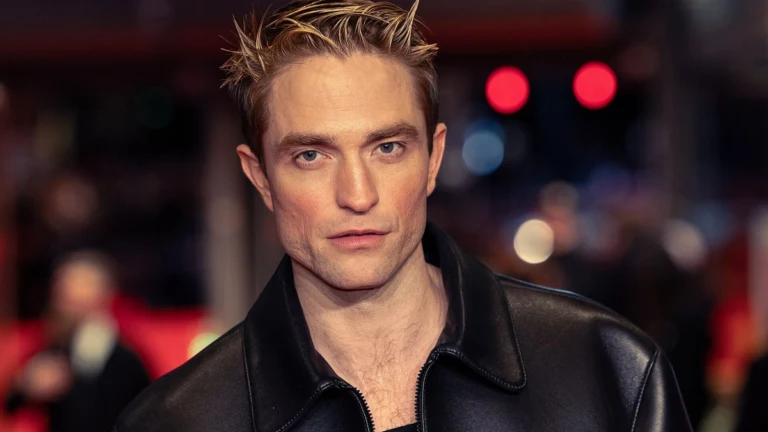
The timing is good: on 16 November 2026 Amazon MGM Studios announced that Robert Pattinson will play James Bond in the 26th film in the official series, directed by Denis Villeneuve. There is no title, release date or trailer yet, so the new James Bond is still a blank canvas, and gadgets are a fun way to fill it with your own ideas.
Q Branch gadget concept art: what you are actually making
In the films, Q is the head of MI6’s gadget section, known as Q Branch. That is the mood to aim for: objects that look like believable engineering prototypes, not fantasy props. A good gadget image makes you think someone could pick the thing up, unscrew it and find a battery inside.
One practical note, said once: mainstream image and video generators usually block or restrict photorealistic likenesses of real public figures, and the 007 logo, the gun-barrel sequence and the theme music are protected. So everything here is original. Never ask a tool for Pattinson’s face or the 007 logo. If you want atmosphere, write “in the style of a classic British spy film” and describe a generic setting such as an agent in a tuxedo, a casino, a vintage grand tourer or a villain’s lair.
Four product-render styles that sell the idea
Studio light
This is the clean commercial look. Specify one key light (softbox, overhead, from the left), a rim light to define edges, and a surface such as black acrylic or a graduated backdrop. Add a lens such as a 100mm macro for small objects. This style works in Midjourney, GPT Image, Nano Banana or any comparable text-to-image tool.
Exploded view
Ask for parts “floating in a vertical line” or “in a loose spiral” and list the components yourself. If you leave the list out, the tool invents vague machinery. Naming a battery, a circuit board and a lens gives the image a sense of logic.
Blueprint sheet
Choose a paper colour, a line colour and the views you want: side elevation, cross-section, top view. Image generators struggle with real words, so ask for “placeholder squiggles instead of text” and add your own labels later in an editor.
Workshop bench
This is the storytelling style. A cluttered bench, a warm desk lamp and a few tools turn a gadget into a scene. Keep the clutter specific (screwdrivers, wires, a mug), or the tool will fill the frame with random noise.
Six AI prompts for original spy gadgets
Each prompt is written in English, which is how most people use these tools. Paste it, then adjust the details described underneath.
1. Watch with a hidden laser (studio light, 4:5)
Product render of an original luxury dive watch with a hidden laser emitter in the bezel, brushed titanium case, midnight blue dial with fine lume markers, black leather strap. Studio light: large softbox above left, thin rim light, soft reflection on a black acrylic surface. 100mm macro lens, shallow depth of field, crisp edges, a thin red beam glowing faintly from the bezel. Calm, expensive, understated mood. Aspect ratio 4:5, vertical. No text, no logos, no people.
Swap the case material (rose gold, matte ceramic) or the beam colour for quick variants. Change the surface to wet slate for a moodier version.
2. Briefcase that becomes a drone (exploded view, 16:9)
Exploded view render of an original slim aluminium briefcase that unfolds into a quadcopter drone, parts floating in a vertical line: case shell, four folding rotor arms, battery cells, camera gimbal, circuit board, leather handle. Neutral light grey studio backdrop, soft overhead light, subtle shadows, fine technical callout lines without readable text. 50mm lens, front three-quarter angle, high detail, engineering-catalogue feel. Aspect ratio 16:9. No logos, no people.
Change the number of rotor arms or the case finish (crocodile-grain leather, carbon fibre). For a different mood, replace the grey backdrop with deep navy.
3. Pen with a hidden recorder (blueprint sheet, 3:2)
Blueprint sheet for an original fountain pen with a hidden audio recorder: dark cyan paper, white technical linework, side elevation, cross-section showing microphone capsule, battery and memory chip in the barrel, a close-up detail of the clip and a top view of the nib. Grid lines, dimension arrows, a small title block with placeholder squiggles instead of words, slightly worn paper edges. Precise drafting style, flat lighting, calm mood. Aspect ratio 3:2, landscape.
Try cream paper with black ink for a vintage drawing office look. Add “coffee ring stain in one corner” if you want it to feel handled.
4. Car dashboard with hidden panel (workshop bench, 16:9)
Prototype dashboard for an original silver 1960s-style grand tourer, resting on a cluttered workshop bench: walnut trim, round analogue dials, a hinged panel opened to reveal a small radar screen and a row of toggle switches under glass covers. Warm tungsten desk lamp, cool fill from a window, scattered screwdrivers, wires and a coffee mug. 35mm lens, shallow depth of field, slight film grain, quietly mischievous mood. Aspect ratio 16:9. No brand badges, no readable text.
Change the trim to burr leather or aluminium, or the car colour to British racing green. Moving the lamp to the right changes the shadows and the whole mood.
5. Glasses with a heads-up display (studio light, 3:2)
Product photograph of original wire-frame glasses with a discreet heads-up display: thin gunmetal frame, clear lenses with a faint teal overlay showing a tiny map and a pulse-line graph, no readable words. Floating slightly above a graduated charcoal backdrop, key light from the right through a diffuser, sharp rim light along the frame, soft floor reflection. 85mm lens, f/4, clean commercial look, cool confident mood. Aspect ratio 3:2, landscape. No face, no logos.
Switch the overlay colour to amber or the frame to tortoiseshell. Keep the “no face” instruction, because it stops the tool from adding a model.
6. Ring tracker (exploded view, 1:1)
Exploded view render of an original signet-style ring tracker: oxidised silver band, onyx top plate, a hidden micro antenna coil, tiny battery, GPS chip and a sapphire cover glass, all hovering in a loose spiral above each other. Pale warm-grey seamless backdrop, large softbox, crisp soft shadows, 90mm macro lens, razor-sharp detail. Elegant, jewellery-catalogue mood with technical precision. Aspect ratio 1:1. No engraved text, no hands, no logos.
Replace the onyx with jade or the silver with brushed gold. A darker backdrop makes the sapphire glass stand out.
Gadget prompt summary table
| Gadget | Render style | Aspect ratio |
|---|---|---|
| Watch with hidden laser | Studio light, macro | 4:5 |
| Briefcase drone | Exploded view | 16:9 |
| Pen recorder | Blueprint sheet | 3:2 |
| Car dashboard | Workshop bench | 16:9 |
| Glasses with HUD | Studio light | 3:2 |
| Ring tracker | Exploded view, macro | 1:1 |
How to get more consistent spy gadget images
- Describe the object before the style. The first lines of a prompt carry the most weight, so put the gadget and its materials first and the lighting second.
- Use negative instructions. If your tool has a separate field, put “logos, readable text, people” there. Otherwise write “no logos, no text” at the end of the prompt, as above.
- Keep a design family. Reuse the same materials across all six gadgets (gunmetal, walnut, teal glow) and they will look like one department’s output. If your tool accepts a reference image, feed in your best result to lock the look.
- Fix words afterwards. Generators garble lettering. Add labels, serial numbers and a codename in an editor.
- Move into a scene last. Once a gadget looks right, place it in an original setting such as a casino table, a vintage grand tourer interior or a villain’s lair, using the “classic British spy film” wording from earlier. An image-to-video tool can then add a slow push-in on the finished render.
The real skill is restraint. One light, one backdrop, one clear object: that is what makes a render look like it came from a design studio rather than a prompt.
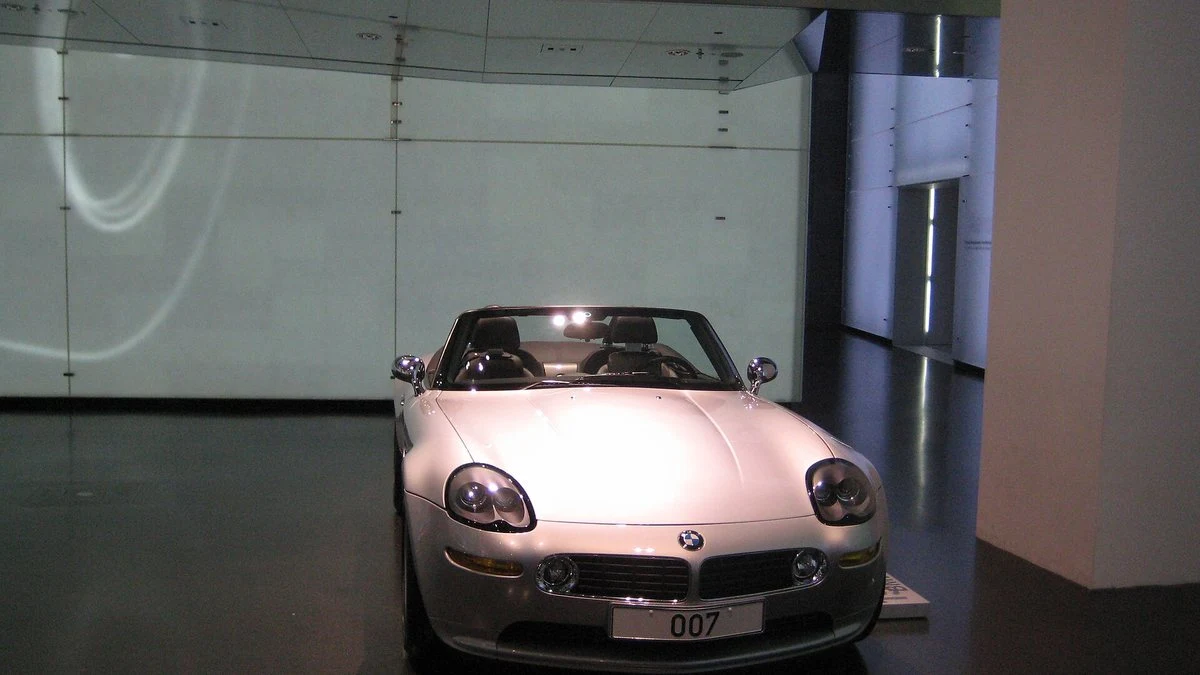
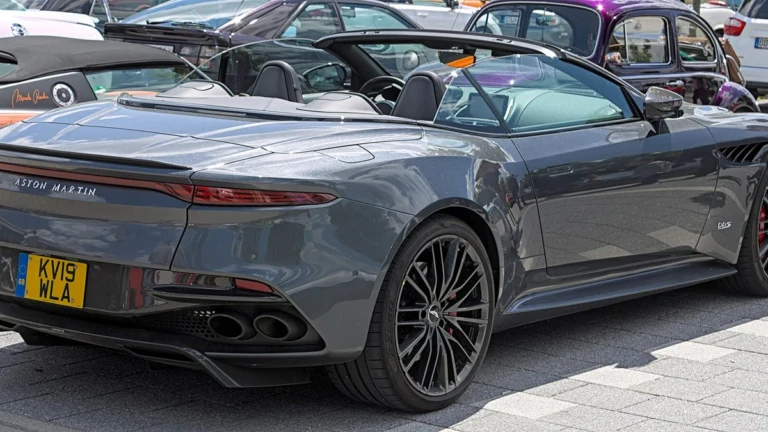
Photo: Biso / CC BY 3.0 / Wikimedia Commons
More on this from QUANTSLANT

 guides·GTA 6 review: Rockstar built a world that is hard to leave - 10/10GTA 6 review: a 10/10 for Leonida, Jason and Lucia and a police system that remembers. 30 fps on every console, tested on Xbox Series X.