James Bond Style AI Video Prompts: 6-Shot Spy Thriller Guide
Robert Pattinson is the new James Bond. Here is how to build an original six-shot spy thriller in AI video, with prompts for each shot.
007All James Bond and AI guides in one place
👁 113 reads
Amazon MGM Studios announced on 16 November 2026 that Robert Pattinson will play James Bond, and spy-film prompts have been trending ever since. The best way to join in is to write your own six-shot spy sequence for Seedance, Kling or Veo, and this guide gives you the shot list, the continuity rules and six prompts.
Robert Pattinson James Bond: why spy prompts are trending
The announcement covers the 26th film in the official series, with Denis Villeneuve directing and a screenplay by Steven Knight. There is no release date, title or shooting schedule yet. The only footage so far is a short first-look video on the official 007 account on X, so anything titled “Bond 26 official trailer” is fan-made.
One practical note, and then we move on. Mainstream image and video generators usually block or restrict photorealistic likenesses of real public figures, and the 007 logo, gun-barrel sequence and theme music are protected. So do not ask a tool for any actor’s face or for the logo. Build an original agent instead, in the style of a classic British spy film: a tuxedo, a casino, a vintage grand tourer, a villain’s lair. That is more fun to direct anyway, and you own the result creatively.
The 6-shot spy thriller shot list
A short sequence works because each shot has one job. Think of the list below as a tiny storyboard. Each clip should run 5 to 10 seconds, which is the range where current video generators tend to stay coherent. Longer clips usually drift in faces, clothing and physics.
| Shot | Camera | Length | Job in the story |
|---|---|---|---|
| 1. Establishing | Crane up | 8 s | Place and mood |
| 2. Walk-and-talk | Handheld, backwards tracking | 8 s | Character and tension |
| 3. Gadget insert | Macro dolly-in | 5 s | Plant the clue |
| 4. Chase | Low tracking, handheld energy | 8 s | Raise the pace |
| 5. Standoff | Slow dolly-in | 10 s | Peak tension |
| 6. Final reveal | Crane down, then push in | 8 s | Twist and payoff |
How to keep the same character across every AI video prompt
Continuity is where most AI spy sequences fall apart. Three habits fix most of it.
- Paste the same character line into every prompt. Do not paraphrase it. “Lean man in his late thirties, short dark hair, thin scar through left eyebrow, navy shawl-collar dinner jacket, black bow tie” should appear word for word each time.
- Use a reference image. Generate one clean portrait of your agent in a text-to-image tool such as Midjourney, GPT Image or Nano Banana, then feed it to the video tool as a reference or first frame, if it supports image-to-video.
- Lock the lighting. Pick one palette, for example warm amber practical lights against teal shadows, and repeat it in every prompt. Matching light is what makes six separate clips feel like one night.
Also keep the aspect ratio identical, say 16:9, and add a short negative instruction such as “no text, no logos” where the tool allows it.
Camera language: dolly-in, crane and handheld
Name one camera move per clip, and only one. A dolly-in builds pressure and suits the gadget and standoff shots. A crane move gives scale, so use it to open and to close. Handheld adds urgency for the walk-and-talk and the chase. Combining three moves in one clip usually produces mush. Add a lens cue too: a wide lens for the chase, a long lens with shallow depth of field for the standoff.
Six AI video prompts for a spy thriller sequence
Shot 1: establishing shot
Slow crane shot rising over a rain-slicked old city at dusk, domes and minarets silhouetted, amber streetlights, teal evening haze. Below, a lean man in his late thirties, short dark hair, thin scar through left eyebrow, navy shawl-collar dinner jacket, black bow tie, walks across a stone square. Anamorphic lens, 35mm film grain, cinematic spy thriller, 16:9, 8 seconds. No text, no logos.
For variants, swap the city for a snowbound alpine village or a neon harbour, and change dusk to pre-dawn. Keep the character line untouched.
Shot 2: walk-and-talk
Handheld tracking shot, camera walking backwards ahead of two people in a marble hotel corridor: a lean man in his late thirties, short dark hair, thin scar through left eyebrow, navy shawl-collar dinner jacket, black bow tie, speaking quietly with a woman in an emerald silk dress. Warm amber wall lamps, teal shadows, shallow depth of field, 35mm lens, subtle camera shake, tense mood, 16:9, 8 seconds, no subtitles.
Try a casino floor or a night-train carriage instead of the corridor. Reduce “camera shake” to “steady” if the faces start to warp.
Shot 3: gadget insert
Extreme close-up, macro lens, slow dolly-in on a hand in a navy dinner jacket cuff turning the bezel of a vintage steel wristwatch; a tiny red light blinks beneath the glass. The man with short dark hair and a thin scar through his left eyebrow is softly out of focus behind. Warm amber key light, teal shadows, shallow depth of field, film grain, 16:9, 5 seconds.
Replace the watch with a cigarette case, a signet ring or a pen. A shorter clip of 5 seconds keeps small objects stable.
Shot 4: chase
Low tracking shot alongside a silver vintage grand tourer speeding through narrow old-town streets at night, spray flying off wet cobblestones. At the wheel, a lean man in his late thirties, short dark hair, thin scar through left eyebrow, navy shawl-collar dinner jacket, black bow tie. A black sedan chases behind. Wide lens, handheld energy, motion blur, amber streetlights, teal shadows, 16:9, 8 seconds.
Change the vehicle to a motorboat on a canal or a motorcycle across rooftops. If the car morphs, shorten the clip and cut earlier.
Shot 5: standoff
Slow dolly-in across a private baccarat room, green felt table between two men: the lean man in his late thirties, short dark hair, thin scar through left eyebrow, navy shawl-collar dinner jacket, black bow tie, and an older villain with white hair, round glasses and a charcoal three-piece suit. Neither moves. Amber chandelier light, teal shadows, long lens, shallow depth of field, 16:9, 10 seconds.
Move the standoff to a rooftop helipad or a glass-walled lair above the city. For more menace, lower the camera and add “low angle” for the villain.
Shot 6: final reveal
Crane shot descending toward a leather armchair in a dim villain's lair with a wall of monitors, then pushing in as the chair slowly swivels to reveal the woman in the emerald silk dress, smiling. The lean man with short dark hair, thin scar through left eyebrow and navy shawl-collar dinner jacket stands frozen in the doorway. Amber lamp, teal monitor glow, anamorphic lens, 16:9, 8 seconds.
Reveal someone else, such as an empty chair or the villain alone, to change the twist. End on a held frame, because it gives you room to cut.
How to edit AI video clips into one spy scene
Import the six clips into any editor and trim each by a few frames at the start and end, where generated footage is weakest. Cut on movement: end the establishing shot as the agent crosses frame, and start the walk-and-talk on a step. Let the gadget insert breathe for the full 5 seconds, then use a hard cut into the chase.
Apply one colour grade across everything, pushing amber into the highlights and teal into the shadows, so small differences between clips disappear. Add light film grain on top. Sound carries the rest: layer rain, footsteps, an engine and a low drone. You can make an original score with a music generator such as Suno, using a description like “tense brass and tremolo strings, 1960s spy mood” rather than naming any existing theme.
Common mistakes to avoid
- Rewriting the character description in each prompt, which changes the face.
- Asking for fast action and complex dialogue in the same clip.
- Switching lighting between shots, so the sequence reads as six unrelated videos.
- Generating 10-second clips for every shot, when 5 seconds is often cleaner.
Treat the first run of each prompt as a draft. Fix one variable at a time, keep the best take, and move on to the next shot.
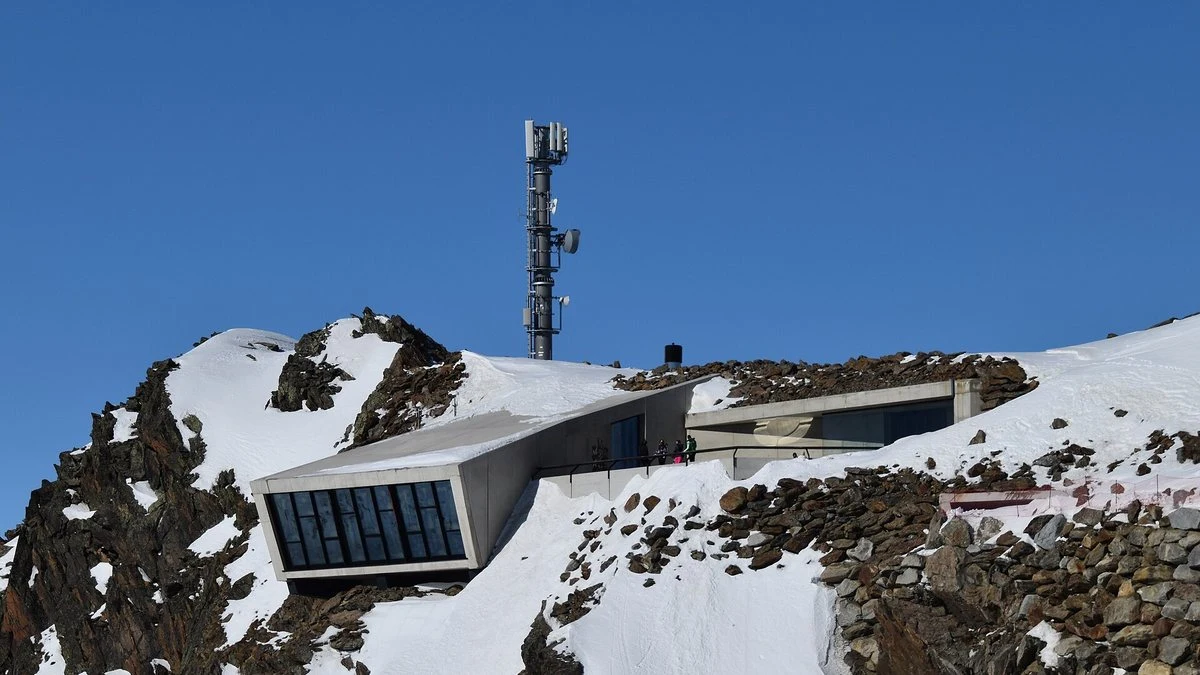
Photo: Thomas Dahlstrøm Nielsen / CC BY-SA 4.0 / Wikimedia Commons
More on this from QUANTSLANT

 guides·James Bond Style AI Prompts: Dictionary for Image and VideoWardrobe, lighting, location, camera and mood terms for spy-thriller AI images and video, plus an avoid list and three combined prompts.