AI Background Removal: Hair, Glass & Shadow Tips
AI removes backgrounds better than most people in Photoshop. Here's how to handle tricky edges like hair, fur, smoke and glass.
👁 117 reads
Background removal is one of the few things AI now does better than the average person in Photoshop, and it takes two seconds. The problem starts with hair, fur, smoke and glass - anywhere the edge isn’t really an edge. Below: what tools to use, how to fix difficult cases, and how to choose a new background so the result doesn’t look like a cutout.
Three Approaches to AI Background Removal
| Approach | When to Use | Cost |
|---|---|---|
| One-click browser tool | simple shapes, products, portraits on solid backgrounds | free at low resolution, paid for high resolution |
| Graphic editor function | when you’re doing further editing anyway | included with the software |
| Image generator with prompt | when you want to replace the background with a generated one immediately | plan limits |
Difficult Cases and How to Fix Them
- Hair. Individual strands disappear or remain with a halo in the color of the old background. Solution: choose a new background in a similar shade to the old one, so the halo becomes invisible.
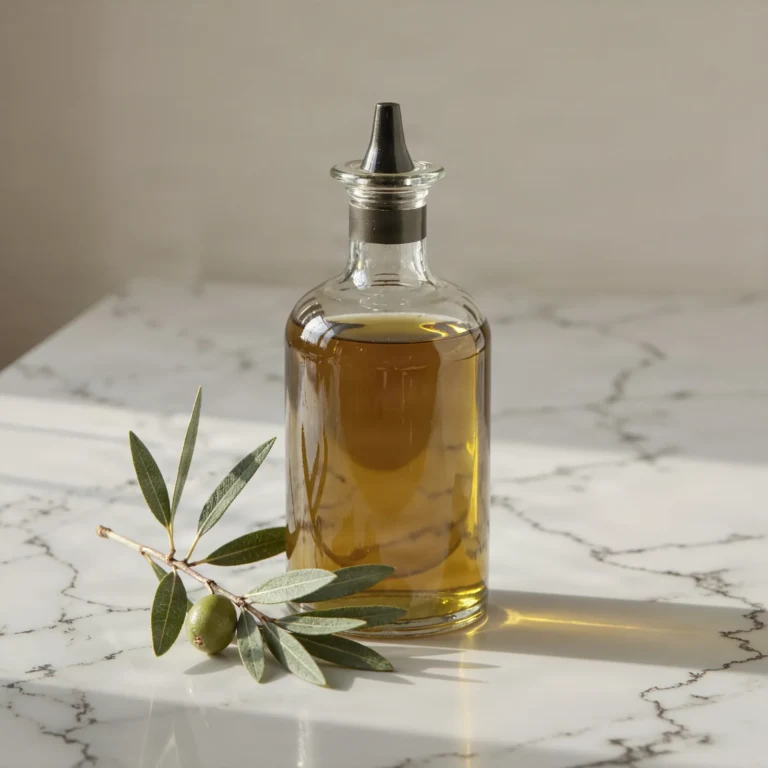
- Glass and transparencies. Tools cut them out like solid objects. For bottles and glasses, it’s better to choose a solid background rather than a photographic one.
- Shadow under the object. A cut-out object without a shadow looks like it’s levitating. Draw a soft shadow or ask the generator for “subtle natural shadow under the object”.
- Light color. An object lit with warm light pasted onto a cool background always looks foreign; equalize the color temperature of one of them.
Prompt for Background Replacement
“Keep the object from the attached photo without any changes. Replace only the background with a solid light gray with a subtle brightening behind the object. Add a soft natural shadow under the object. Preserve the original lighting and colors of the object.”
The sentence about preserving the object is necessary because generators tend to “improve” what was supposed to remain untouched when replacing backgrounds.
What You Can Use This For
Product photography for stores, business portraits, resume photos, website graphics and collages. I’ve collected other photo operations in the article how to edit photos with AI.
Google · Your sourcesQuantslant higher in your Google - one clickAdd to preferred sources →Common Questions About AI Background Removal
Is background removal free?
Yes, at low resolution; full resolution is paid in most tools.
How do you save a photo with a transparent background?
In PNG or WebP format. JPG doesn’t support transparency and will add a white background.
More on this from QUANTSLANT
 guides·From Idea to Finished Song in Suno: Complete WorkflowWe walk through the entire process of creating an original song in Suno: theme, style description, full lyrics, pre-generation edits, and post-listening fixes.