AI Photo Restoration: What You Can Fix and What to Leave Alone
We show you what to fix on an old photograph and where AI starts inventing history. Includes prompts for conservative restoration and separate colorization.
👁 119 reads
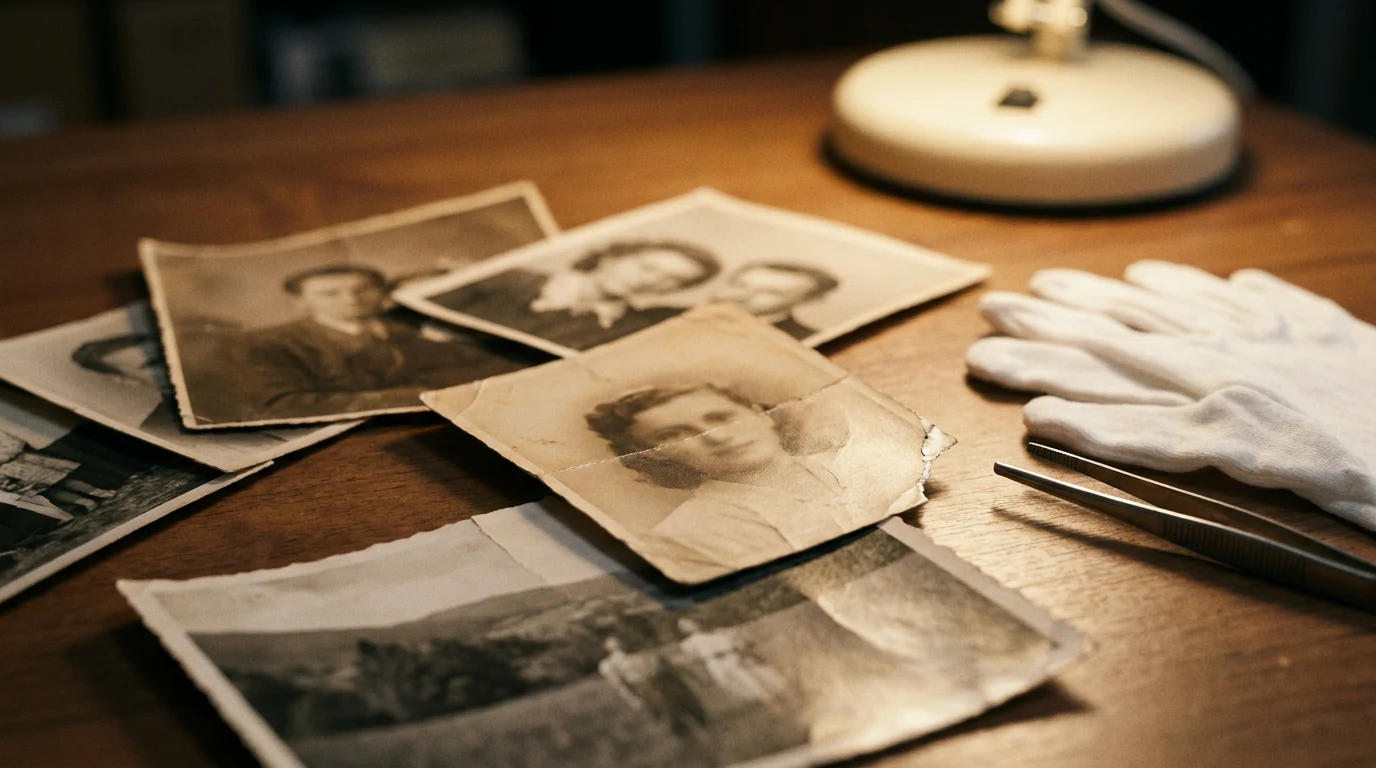
When you restore old family photos with AI, you need to ask what you actually want to recover. Removing a scratch from the background can improve readability. Drawing in eyes on a damaged face creates new information. We don’t consider it true just because the result looks convincing.
That’s why we prepare a separate archival copy and a possible interpretation. In the first, we improve the readability of what remains. In the second, we can experiment, but we describe what was generated. We don’t mix these files in the family archive. We apply this division before running the tool, not after seeing the result.
First, protect the original
The U.S. National Archives recommend preserving originals after digitization. They also emphasize choosing a scanning method appropriate to the material’s condition, without crushing it with a lid and without using a feeder for delicate documents. These are guidelines for the physical object, not the AI model. Source: NARA, digitizing family archives, checked September 11, 2026.
We start with the most readable capture of the entire print. We leave the edges, even if we later prepare a tighter crop for viewing. If there are notes on the back, we record them separately. We don’t try to peel a photo from an album just to fit it on the scanner.
We don’t give a universal scanning resolution, because it depends on the condition and size of the specific photo. We also haven’t measured which setting gives the best result in every generator. We check that the capture doesn’t crop the photograph and that it shows details better than a small thumbnail. We set aside the source file without overwriting it.
With fragile or stuck material, we don’t turn AI instructions into a conservation guide. NARA warns against physical alterations to prints and makeshift repairs. We limit this text to work on the digital copy. Source: handling family photographs, checked September 11, 2026.
What you can fix without inventing history
Not every correction requires generation. We first check rotation, crop, and careful adjustment of brightness and contrast. We want to see the existing image before ordering the creation of new content. If a person is readable after simple tonal correction, we see no reason to immediately rebuild their face.
With dust and scratches, we distinguish background from important detail. A spot on a uniform wall is a different task than damage running through an eye or inscription. In both cases, filling occurs, but the consequences for the photograph’s content are different. We don’t call every fill a recovery of the original.
| Photo condition | Our decision | Boundary |
|---|---|---|
| Crooked scan and unnecessary margin | We prepare a straightened copy for viewing. | We keep the full print capture separately. |
| Scratch on uniform background | We order local filling. | We check that no new object appeared. |
| Damaged eye or mouth | We preserve the gap or clearly mark the interpretation. | We have no proof of the lost fragment’s appearance. |
| Illegible caption | We leave the illegible area. | We don’t accept the model’s proposal as a reading. |
| Monochrome photograph | We save colorization as a separate variant. | Colors don’t become historical fact. |
These are our editing principles, not program comparison results. The more important a detail is for identity or event, the more carefully we approach generative filling.
Why a sharper face may be less truthful
The 2021 paper “Towards Real-World Blind Face Restoration With Generative Facial Prior” by Xintao Wang, Yu Li, Honglun Zhang, and Ying Shan describes using generative knowledge about faces for their restoration. This mechanism allows building a credible appearance despite degraded input. However, it doesn’t mean access to the lost original. Source: GFP-GAN publication, checked September 11, 2026.
CodeFormer’s documentation shows a similar boundary: it allows adjusting the trade-off between visual quality and fidelity. We’re not claiming every online “photo fixer” uses this project. We cite a specific example of why we don’t equate aesthetics with accuracy. Source: CodeFormer, checked September 11, 2026.
Our practical conclusion is simple: when eyelashes, teeth, and skin texture appear after restoration that were illegible in the scan, we don’t know if they belong to the photographed person. We can admire the image, but we don’t record these details as recovered. We apply the same caution with face changes in stylized portraits.
Ready prompt for conservative restoration
We paste this block after adding the scan. If the tool allows marking an area, we indicate the damage instead of the entire face. The prohibition in the prompt doesn’t guarantee the result, so comparison with the original remains a mandatory stage of our work.
Work on the attached digital copy of an old photograph. Prepare a conservative version for viewing. Preserve people, their age, expressions, facial proportions, clothing, objects, and composition.

Limit corrections to gentle leveling of brightness and contrast and removal of minor dust and scratches from unambiguous background. Do not smooth skin. Do not change the shape of eyes, mouth, nose, and jaw. Do not straighten or whiten teeth.

Do not reconstruct illegible faces, inscriptions, jewelry, and uniform details. Do not add color. If damage obscures an important detail, leave it rather than inventing content. Do not remove people or objects. Do not add captions or dates.
After receiving the file, we don’t only ask if it’s cleaner. We check if it still represents the same material. We don’t accept a changed smile as a side cost of removing a scratch.
Separate repair of damaged background
With a larger crack, we prefer a separate approach to the fragment. We start with a place where the surroundings actually suggest continuation: wall, floor, smooth curtain. We don’t automatically extend this logic to a face or document held in hand.
Fix only the visible crack in the photograph's background. Fill it based on immediate surroundings, preserving existing texture and brightness. Do not create new objects. Do not change people, clothing, hands, inscriptions, or the print's edge. If the crack runs through a face or important detail, leave that fragment without reconstruction.If the application also fixes the entire photo, we return to the source. We don’t continue with a version where we no longer know what was changed. The goal is a readable copy, not a series of increasingly distant interpretations.
Color: separating family knowledge from model proposals
From a monochrome photo, we don’t get certainty about the color of a dress, eyes, or walls. If the family remembers clothing, we record that information along with who provided it. Memory can help with interpretation, but we don’t turn it into a measurement of original colors.
We don’t ask to “restore true colors” when we don’t have a color source. We order a color proposal and keep it separately. When viewing, it may be moving, but it doesn’t become documentation just because it looks natural.
Prepare a separate, clearly interpretive colorization of the attached photograph. Colors should be restrained and must not change shapes, facial features, expressions, or scene content.

Do not claim you are recovering original colors. Do not reconstruct illegible details. Preserve the source's tonal relationships and do not add makeup. Do not place a description on the image. In your text response, note that colors are a proposal, not a confirmed historical record.
What we don’t fix in family history
We don’t add a missing relative. We don’t change clothes to ones that seem more festive to us. We don’t remove an object because it spoils the composition. Such alterations may make sense as conscious creativity, but we save them outside the archival copy.
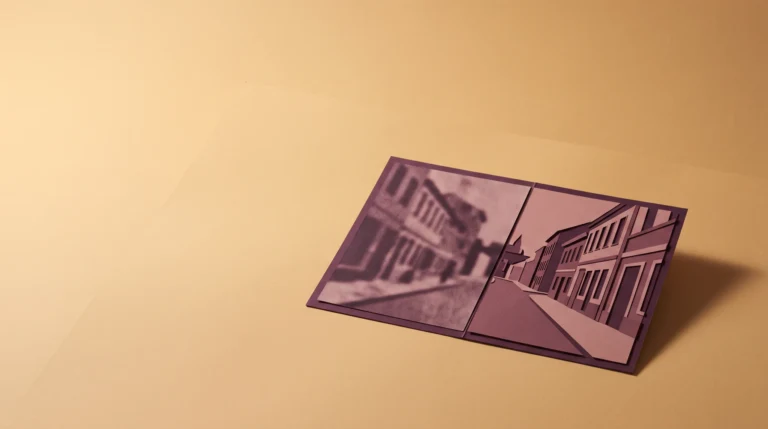
The four images below are fictional material, prepared for this text. This is not a photo from our family album or any existing family. They show where restoration ends and inventing history begins.
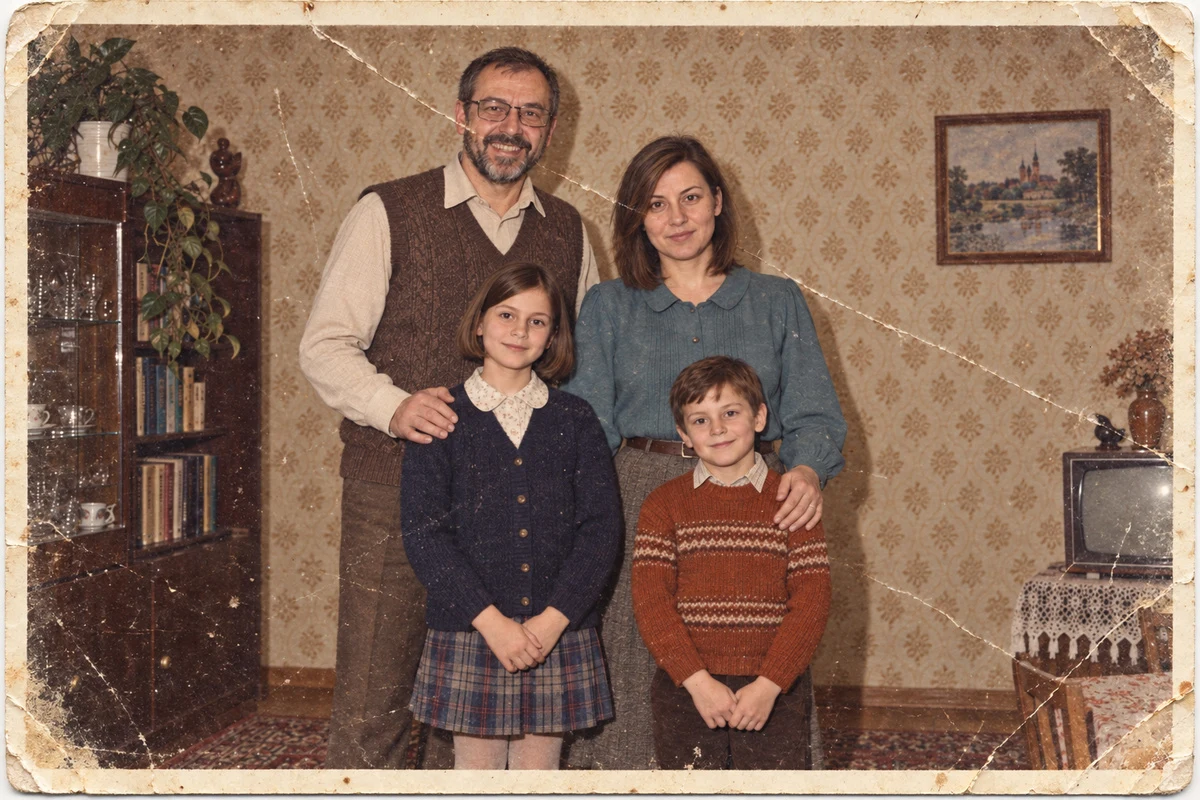
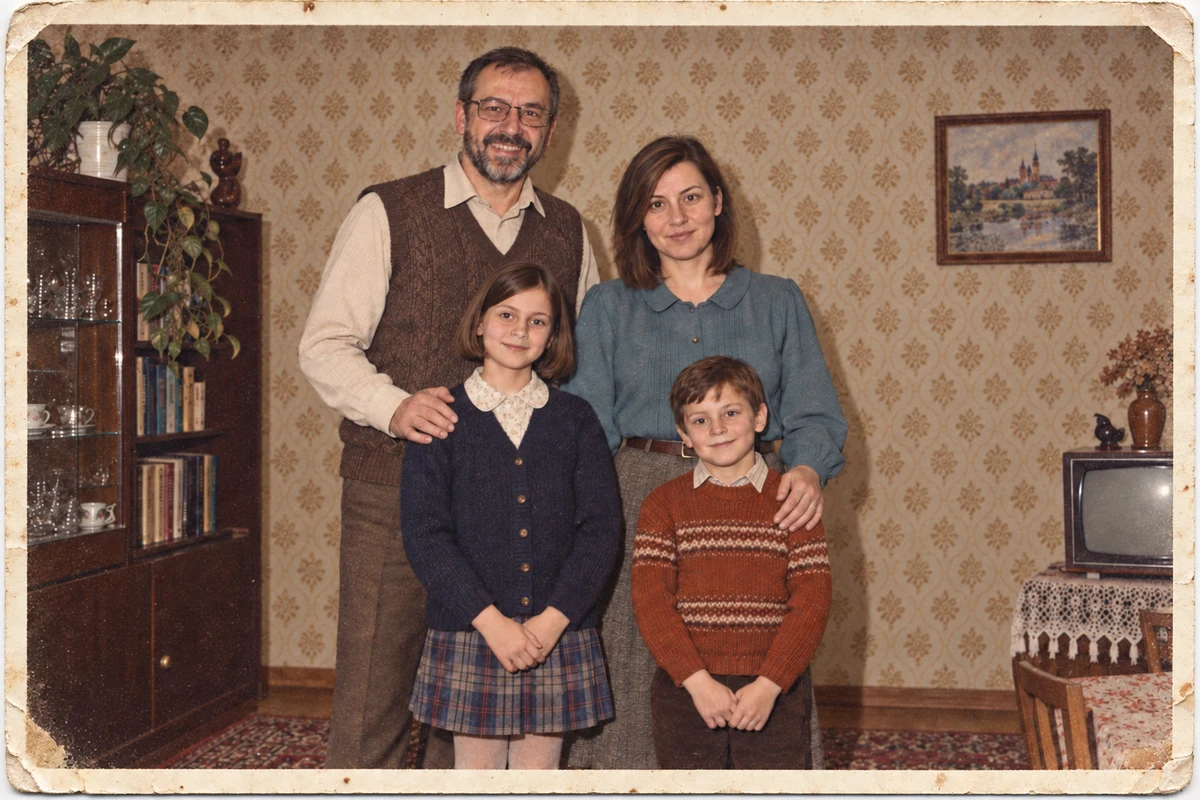
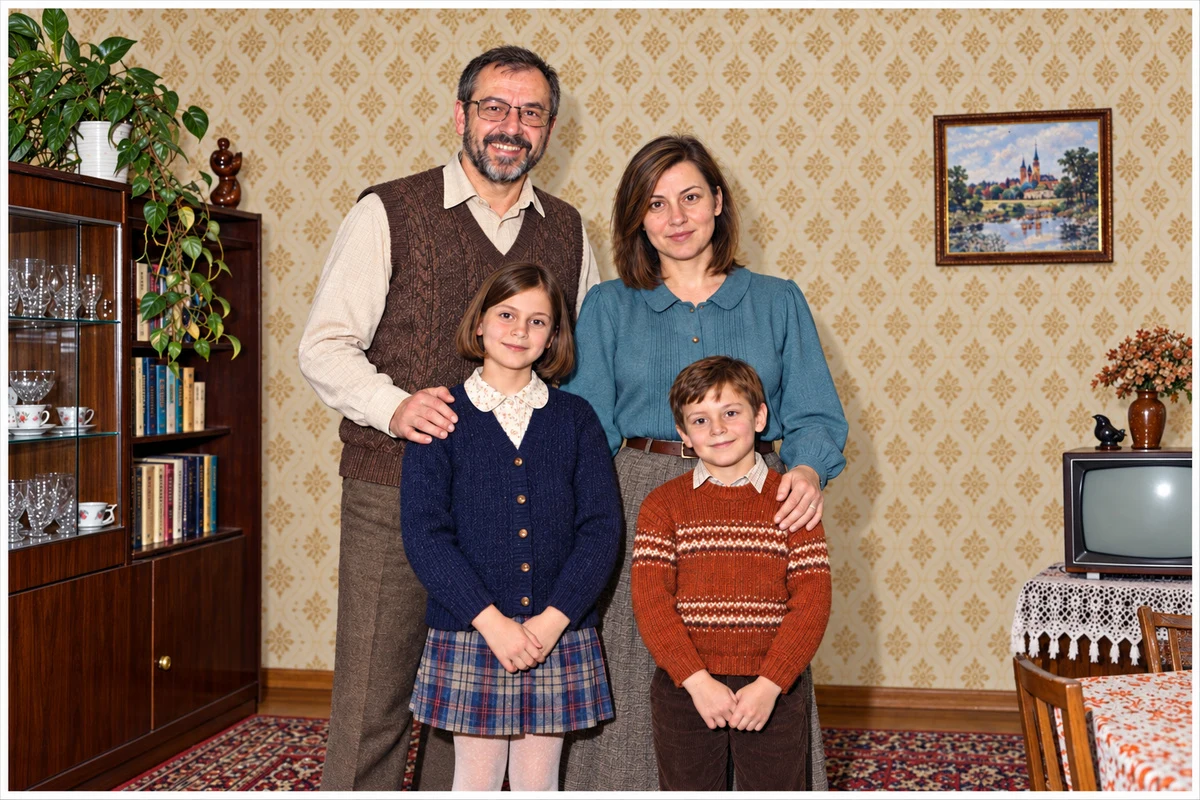
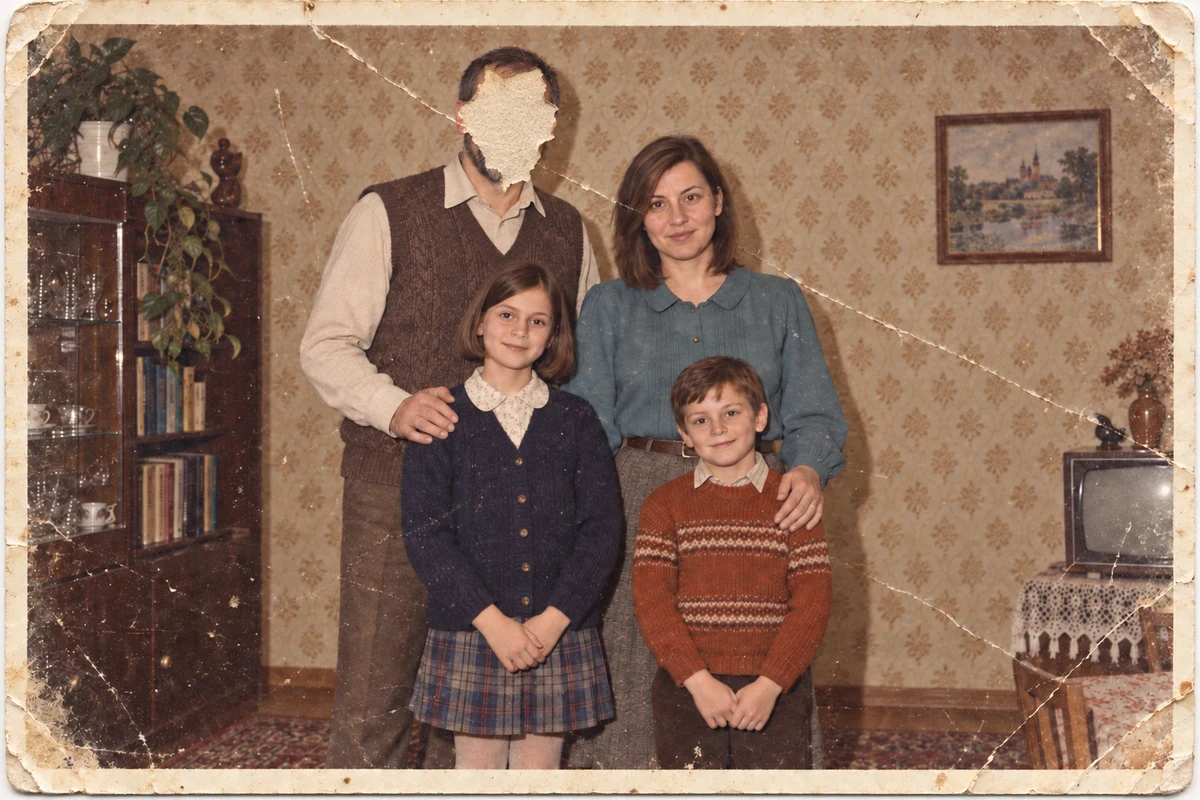
We also don’t establish place and date based on what the model drew in. A generated sign doesn’t identify a street, and an added medal doesn’t confirm military history. We add to the family description only information from the source or explicitly indicated memory.
If we want to place a contemporary family in a period setting, we use the prompt for stylizing couples and families. There the goal is a fictional scene. Restoration has a different task: it helps us view an existing photograph without pretending we know its lost fragments.
How we save and check the result
Next to the source file, we keep the corrected version and a brief description of changes. We record the tool used and the day we performed the work, when we actually do it. We don’t enter the restoration date in advance. We mark color interpretation in the file name and description passed to the family.
We compare face edges, eyes, mouth, hair, hands, and inscriptions. We also look at the background, because it also carries information. If a detail became clearer, we try to identify its basis in the original. When we don’t find it, we treat it as an unconfirmed addition.
Google · Your sourcesQuantslant higher in your Google - one clickAdd to preferred sources →What not to expect
We don’t get certain reconstruction of lost faces, original color, or automatic reading of damaged captions. We also don’t have our own test that would allow us to identify the best program for every family print. We use AI for limited corrections to copies. Where it would have to add a person or event, we leave the gap or clearly call the result an interpretation.
More on this from QUANTSLANT
 magazine·Sora and Veo 3: When Video Learned to LieAI video generation crosses a threshold that static images never did. Why Sora and Veo 3 aren't just another Midjourney - and what that means for truth.