What Will My Baby Look Like: AI Prompt & Why It’s Not a Prediction
AI image models can blend two faces into a realistic child portrait. Here's the prompt that works, what to remember, and why it's not a genetic forecast.
👁 116 reads
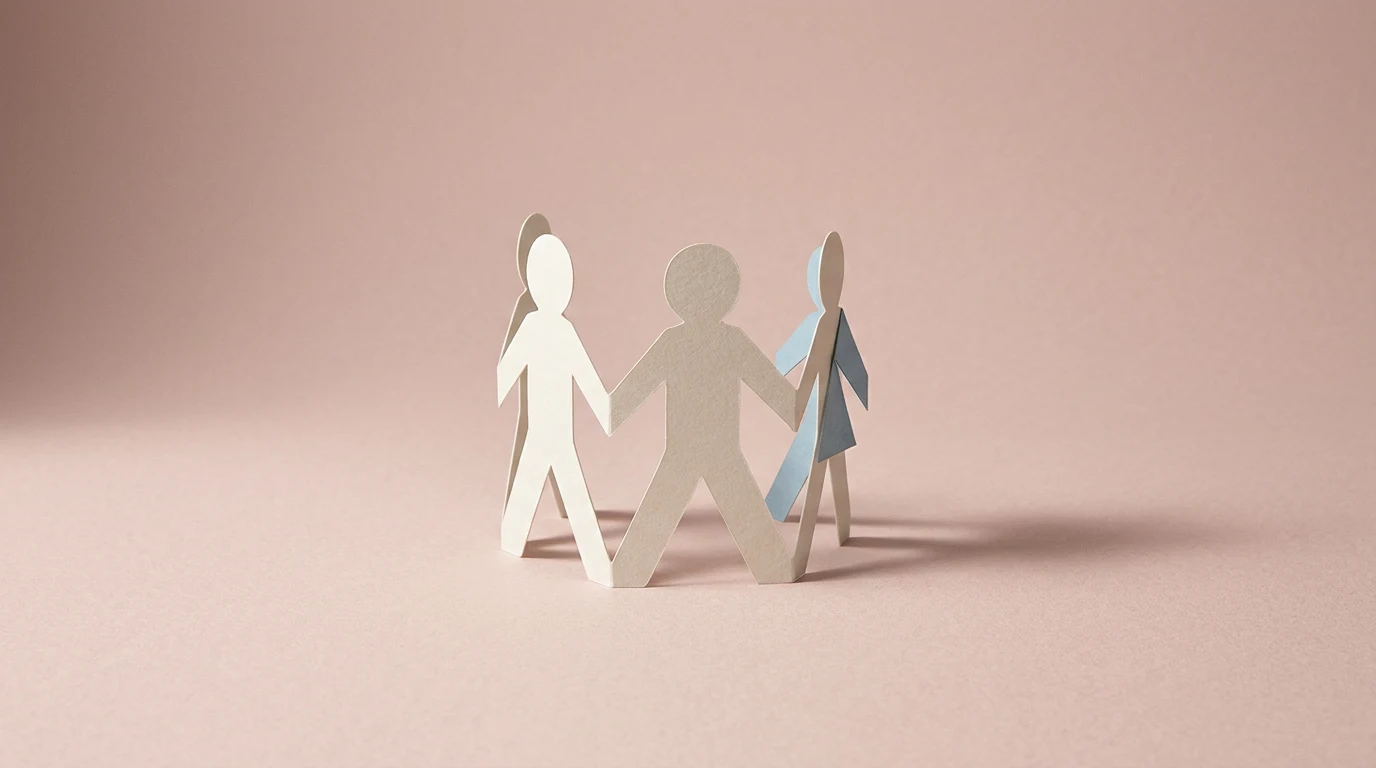
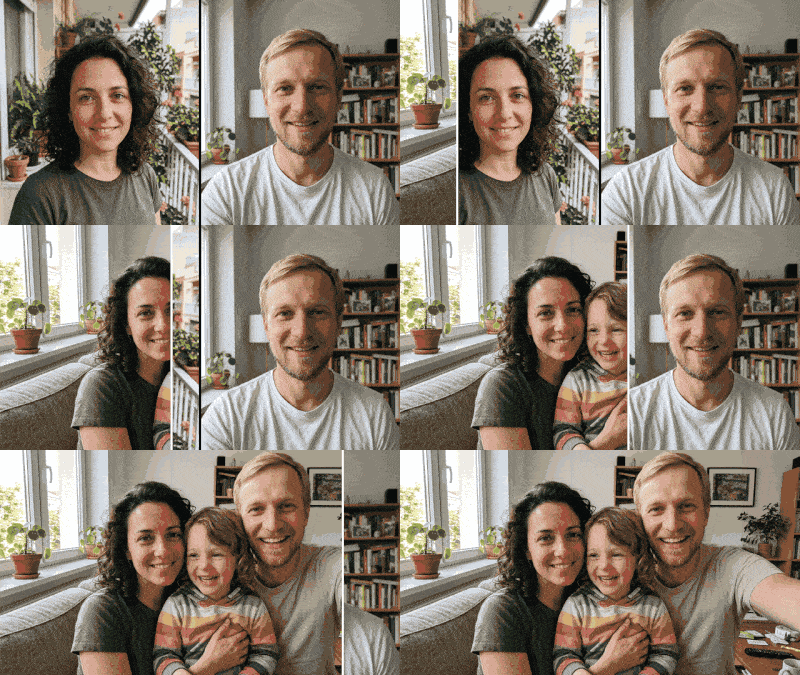
Image models can now combine two photos into a face that looks like a believable child of that couple. The result can be surprisingly convincing, which is why it’s important to say this upfront: this is not a genetic prediction, just an averaging of features. The model knows nothing about genes or which traits are dominant; it simply blends shapes. Below, we describe how to do this well, what prompt to use, and what to remember before you upload someone else’s photo to the internet.
What You Need
- Two front-facing photos with good lighting, no glasses, and no hat.
- An image editing tool that supports reference photos, such as Nano Banana that we’ve covered, or a generator built into a chat interface.
- Consent from the other person. This isn’t a formality: you’re uploading their likeness to an external service.
The Prompt That Works
Attach both photos and use a prompt along these lines:
“Based on the two attached photos, generate a portrait of a child around five years old who could be the offspring of these two people. Natural daylight, neutral light background, looking at the camera, ordinary clothing. Realistic photo, no filters, no studio styling.”
Three things improve the result most: specifying the child’s age (otherwise the model defaults to an infant), indicating a neutral background, and explicitly saying “realistic photo,” because by default models lean toward a polished advertising aesthetic. If the face comes out too similar to one parent, add instructions about which photo should provide the eyes and which the face shape.
Why Results Are Too Pretty
Models were trained on photos from the internet where children are smiling, symmetrical, and well-lit. That’s why almost every result looks like it’s from a catalog. This is not a prediction, just an average of training data filtered through your features. Treat it as entertainment, not information about the future.
What to Remember
Another person’s likeness is their personal right, and you shouldn’t upload it without consent or publish the result if they don’t want you to. Special caution applies to photos of real children: don’t use them as input material for these experiments. For how to respond when someone has manipulated your photos without asking, see our guide on deepfakes.
Google · Your sourcesQuantslant higher in your Google - one clickAdd to preferred sources →Common Questions
Is This Accurate?
No. The model doesn’t simulate inheritance, it just combines visual features. Two runs of the same prompt will produce two different children.
Is There a Free App for This?
Yes, free plans from image generators are enough for several attempts; we maintain a roundup in our article on AI image generators.
Do Photos Stay on the Service?
Usually yes, at least during processing, and the terms of service for some tools allow them to use uploaded materials to improve the service. Before uploading someone else’s face, check the terms of service.
More on this from QUANTSLANT

 guides·How Will I Look When I’m Old: AI Prompt That WorksAge progression works when you stop asking for 'older me' and start describing specific changes. Here's the prompt that delivers realistic results.