Why AI Changes Your Face: Six Reasons and How to Fix Them
AI face edits often lose likeness. We explain six technical reasons why your face becomes someone else's and give prompts to preserve identity.
👁 122 reads
When AI changes a face in a photo, we don’t start with a prompt saying “make it more similar.” We first identify what exactly changed: proportions, eyes, mouth, skin, or areas covered by glasses. Then we limit the edit to that specific problem. Simply repeating that it should be the same person doesn’t explain to the model why we rejected the previous result.
When stylizing, it’s easy to get excited about clothing and background. We reverse the order. First we compare the face to the original, then check hands, and finally assess the photo’s atmosphere. A beautiful portrait of someone similar still doesn’t fulfill the task. This applies to both 80s-style photos and shots from the next decade.
What the model does instead of applying a simple filter
In generative editing, we don’t assume the program merely changes the color of existing pixels. The result may contain regenerated portions of the image. ChatGPT’s image documentation warns that changes may affect areas beyond the selection. That’s why we treat even precise area selection as an instruction to check, not a guarantee that the rest will be preserved. Source: image editing description, verified September 11, 2026.
We don’t know the full architecture of every consumer generator. We don’t attribute a common mechanism to them just because they all accept a photo. However, a good example of a distinct identity problem is the InstantID technical paper by Qixun Wang and co-authors, published in 2024. It describes conditioning generation with facial information. This is a description of a specific method, not a study of all applications or a promise of their effectiveness. Source: InstantID, verified September 11, 2026.
The following reasons are our diagnostic checklist, not a ranking of error frequency. We haven’t measured which occurs most often. The prompts are meant to narrow the task. They won’t fix missing information in the photo and don’t guarantee facial identity.
Reason one: the photo doesn’t show what you’re asking for
If you only have a frontal portrait but order a strong profile, you’re asking to show a surface you can’t see in the reference. You create a similar problem with a dark photo, a covered cheek, or a face occupying a small portion of the frame. The model must fill in something if it’s supposed to produce a detailed portrait despite this.
That’s why we choose a clear source and set the desired angle close to the reference view. We don’t first improve the face with a beautifying filter. When we need a different angle, we prefer to provide a photo from that angle rather than describe the line of the nose and ear from memory. We give instructions for preparing material in the article how to transform a photo with AI.
Preserve the head direction and viewing angle from the reference photo. Do not create a profile or reveal parts of the face that aren't visible. Change only the surroundings, clothing, and lighting method. When information is missing, limit pose changes instead of inventing features.After this correction, we check primarily the outline of cheeks and nose. If we still get a new face, we simplify the scene. We don’t add more adjectives about similarity.
Reason two: style competes with identity
“Beautiful portrait, perfect skin, cinematic leading man, youthful energy” are not neutral additions. You’re actually asking for a change in appearance. If you simultaneously order preservation of current age, you create a conflict. Instead of counting on the model to choose the right part, we remove the contradiction.
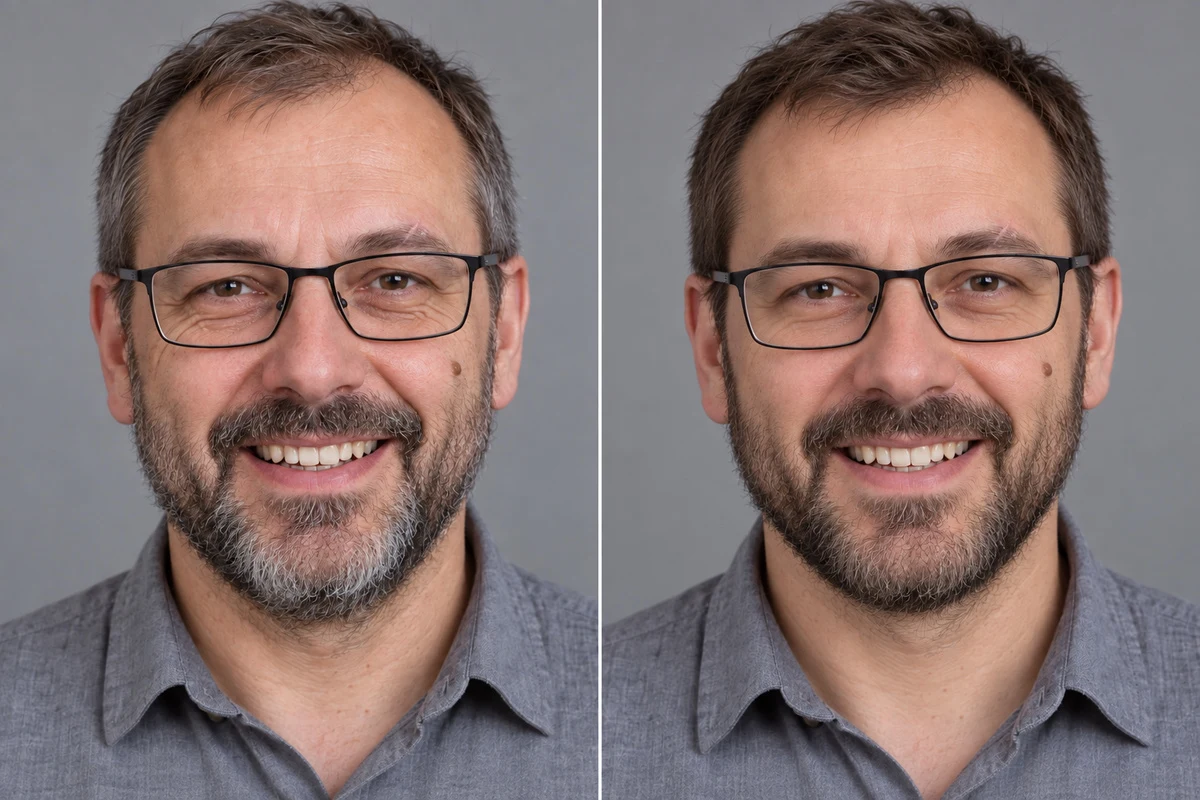
A style example also needs a role. A photo of another person may show good lighting, but their nose, smile, and jaw shouldn’t become the template. We don’t promise that describing roles will force complete separation. We treat it as organizing material that makes later evaluation easier.
Photos of my face define identity. Any stylistic image defines only lighting, colors, and surroundings. Do not transfer features or age from the style reference person. Remove beautifying retouching. Preserve natural asymmetry, face width, and current skin appearance.In preview, we ask whether the change really concerns photo style. A narrower jaw is not film grain, and a smaller nose doesn’t result from clothing. We reject such differences separately from aesthetic evaluation.
Reason three: eyes are redrawn along with lighting
We evaluate eyes by eyelid shape, spacing, gaze direction, and relationship to eyebrows. We don’t limit control to iris color. Even a small change in these relationships may be more important to us than a well-reproduced hairstyle.
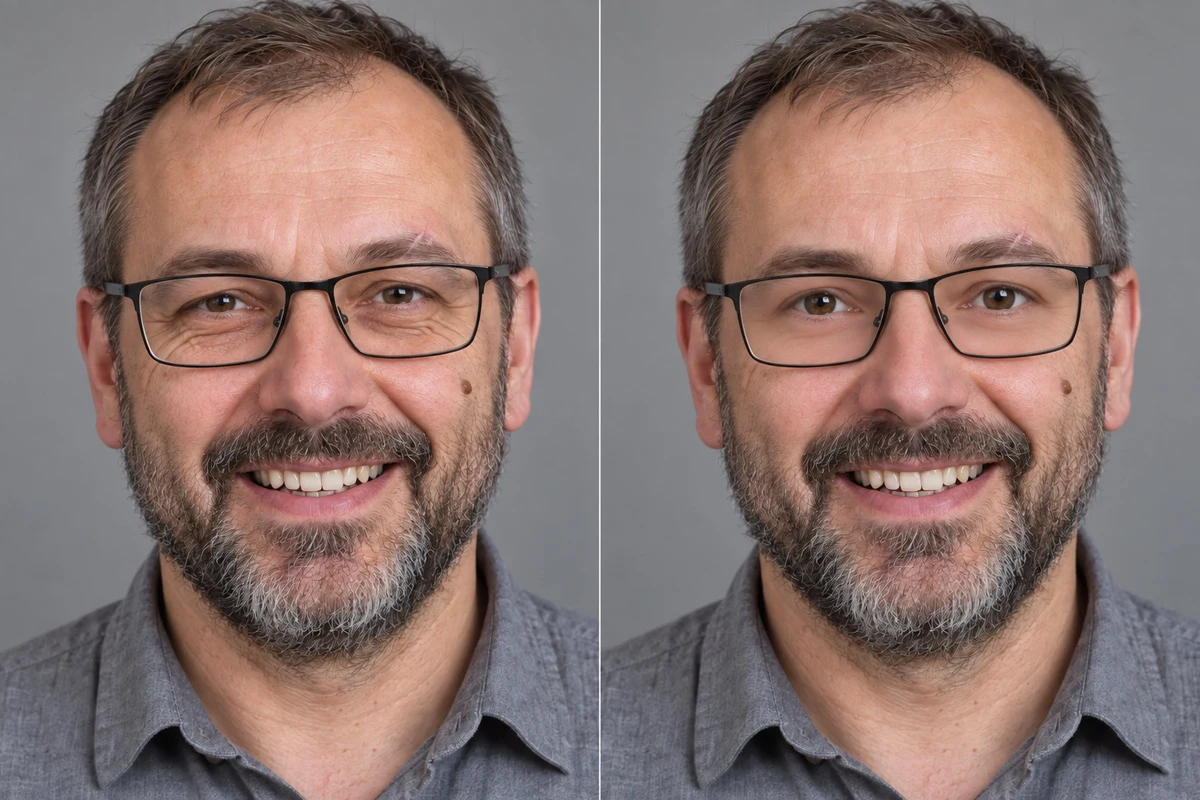
With heavily changed lighting, we don’t assume every different reflection means new anatomy. We separate light reflection from eye shape. We don’t order copying the old iris highlight into a scene where the lamp stands elsewhere. We do demand preservation of features that shouldn’t depend on lamp direction.
Correct only the eye area according to the original photo. Preserve spacing, eyelid shape, eye size, natural asymmetry, and gaze direction. Do not enlarge eyes or smooth eyelids. Adjust light reflections to the scene without changing anatomy or iris color.After correction, we also look at eyebrows and the bridge of the nose. We don’t accept “fixed” eyes if their surroundings have become someone else’s. A local prompt still requires checking the entire face.
Reason four: a new smile requires unknown teeth
With closed lips in the original, we have no basis for evaluating generated teeth as faithful. If you demand a wide smile, you’re ordering an invisible detail. Our practical answer is simple: we preserve the mouth opening range from the reference or add a real photo with a similar smile.
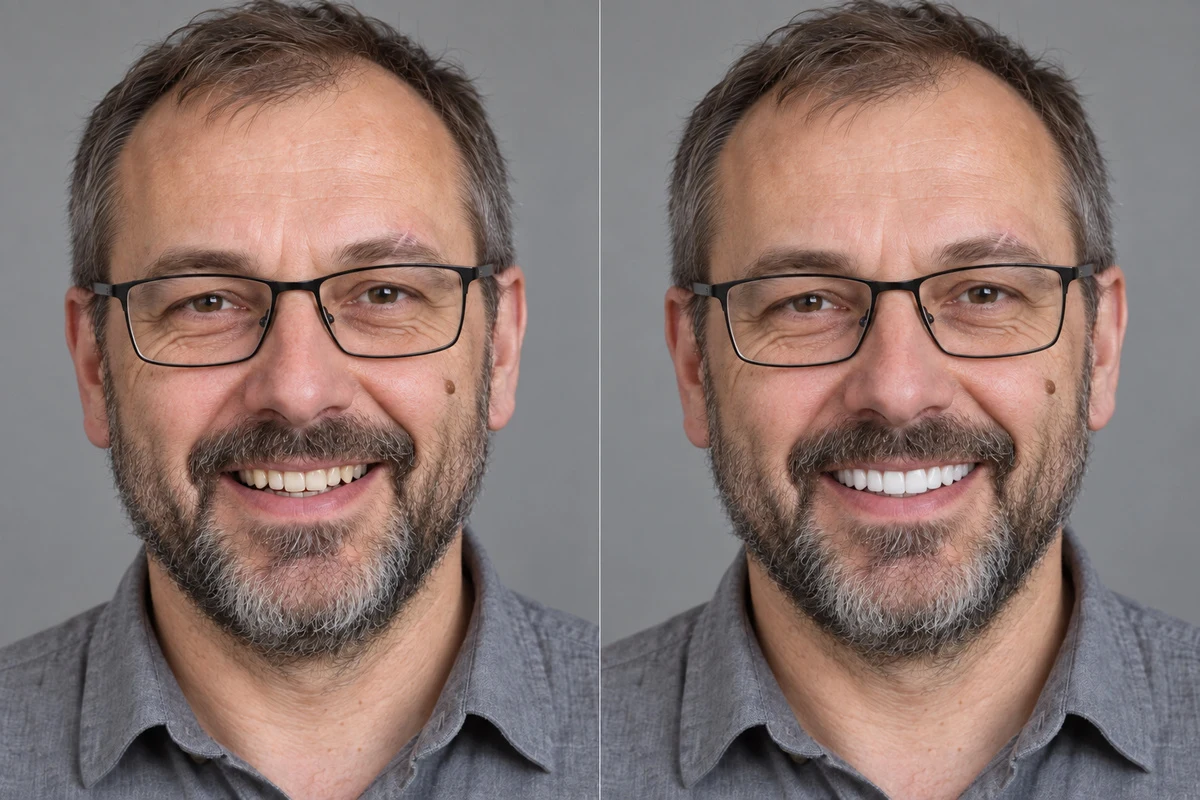
We don’t treat perfectly white teeth as automatic improvement. In a stylized portrait, we care about a recognizable person, so we don’t correct spacing, shape, or visible irregularities just for aesthetics. This kind of change must be called retouching if we consciously want it.
Preserve facial expression and degree of mouth opening from the reference photo. Do not add a wide smile if the source doesn't show one. Do not invent invisible teeth. When teeth are visible, preserve their shape and natural color, without whitening or straightening.If the application can’t make this change without rebuilding the mouth, we return to calmer expression. We don’t replace lack of material with increasingly firm prohibitions.
Reason five: distinguishing marks vanish under “quality improvement”
A freckle, scar, wrinkle, and asymmetry are not noise to remove for us. We first check whether a given detail is actually readable in the source. Then we note that it belongs to the person’s appearance, not to photo damage. We don’t guess the position of a mole we can’t point to.
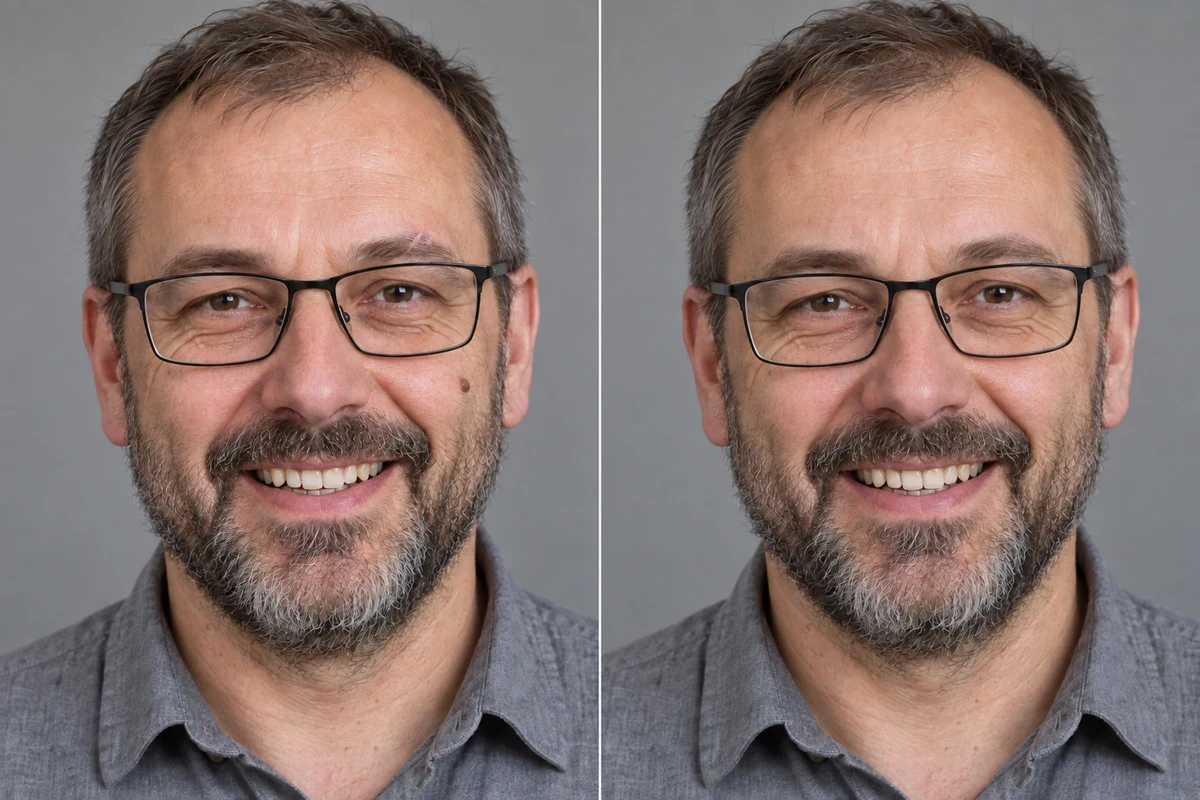
The difference between an attractive detail and accuracy has a technical counterpart. The CodeFormer project provides control over the tradeoff between visual quality and facial restoration fidelity. This is a specific restoration system, not a description of every application’s operation. Our conclusion: a more detailed result isn’t sufficient proof of similarity. Source: CodeFormer documentation, verified September 11, 2026.
Do not treat freckles, scars, wrinkles, and facial asymmetry as image defects. Preserve only those distinguishing marks that are readable in the original, in the same location. Do not add new ones. Remove skin smoothing and do not increase detail by inventing texture.We proceed the same way when restoring old family photos. Removing a scratch crossing the cheek shouldn’t become a pretext for redesigning the cheek from scratch.
Reason six: glasses and facial hair hide important information
If glass covers an eye with reflection, we don’t know exactly how that eye looks in the photo. If a beard covers the chin, the prompt “remove facial hair” won’t automatically reveal true anatomy. The change may be visually credible, but its accuracy can’t be established from a covered reference.
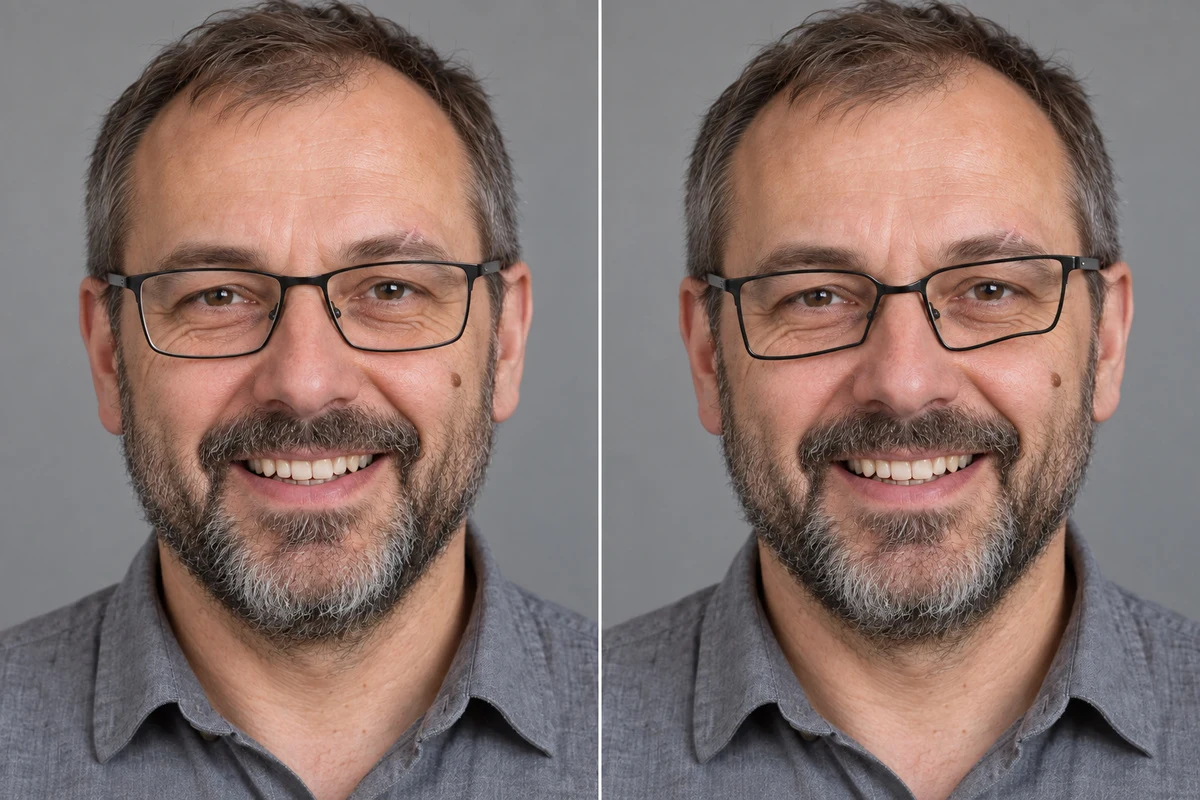
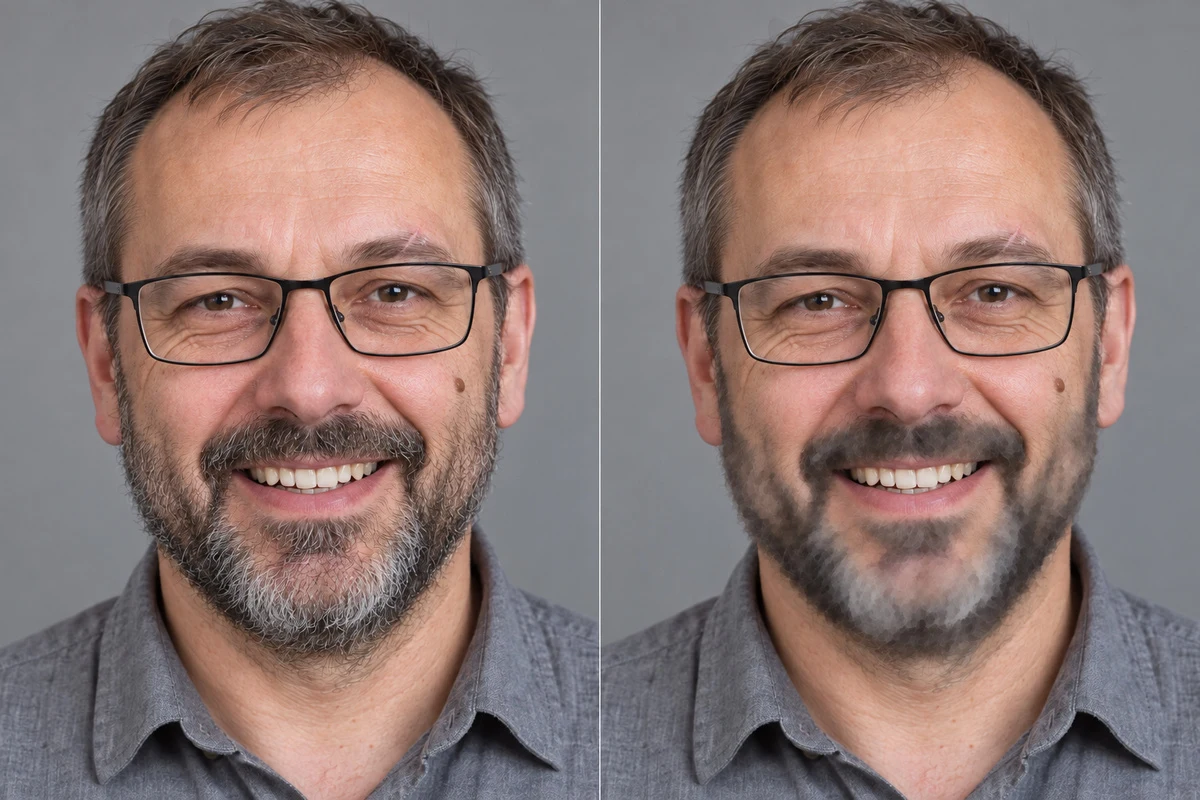
With glasses, we separate frame shape from accidental reflection. With a beard, we monitor facial hair coverage and cheek lines. We don’t use photos with conflicting appearance simultaneously if we don’t explain which represents the target state. We first choose the current reference point.
Preserve glasses, frame shape, and facial hair coverage according to the reference. Do not remove beard or reconstruct covered jaw. Limit reflections covering eyes only when their appearance is visible in another attached photo. Otherwise preserve the obstruction.This limitation may be less impressive than complete portrait cleanup. However, we prefer to honestly leave a missing detail rather than accept someone else’s eyes behind the lenses.
Google · Your sourcesQuantslant higher in your Google - one clickAdd to preferred sources →What not to expect from a better prompt
- You won’t get a guarantee of identity or a measure of similarity.
- You won’t recover information invisible in the source material.
- Don’t assume that fixing one spot will leave the rest unchanged.
- Don’t treat the model’s declaration “I preserved the face” as verification results.
Our final check is simple: we compare original and result at similar size, examine face outline, eyes, mouth, and distinguishing marks. If we can’t identify improvement, we return to the earlier image and simplify the request. AI makes someone different when the result stops adhering to information about a specific person. We limit this with better reference, smaller scope of change, and feature control, not with promises contained in the prompt alone.

More on this from QUANTSLANT
 magazine·Satya Nadella: The Man Who Brought AI to MicrosoftHow Microsoft's CEO turned the company into OpenAI's biggest partner and brought GPT models to Word, Excel, and Teams.