Qwen-Image-2.1 vs Closed Models: 4 Tests on RTX 4090
We tested Qwen-Image-2.1 locally on RTX 4090 against Ideogram 4.5 and FLUX 3. Fast and cheap, but closed models win on text, layout, and edits.
👁 145 reads
Qwen-Image-2.1 is currently the top open image model in the Artificial Analysis ranking, so we put it through the same four tests we ran for Ideogram 4.5 and FLUX 3. It ran locally on our RTX 4090, while competitors used API access. The results are mixed. A single image looks great and generates in 6-20 seconds for pennies in electricity. But for text rendering, adhering to specified layouts, and consecutive edits, closed models are clearly superior.
Related reading: Qwen-Image-2.1 Fashion Photography: Twelve Styles Tested.
The Artificial Analysis ranking is based on votes from people choosing the better-looking of two images. It’s a good measure of aesthetics, but it doesn’t tell you whether a model will correctly render complex text, place a mug in the corner of the frame, or survive the tenth edit. That’s why we measure these separately, using the same scripts and prompts we used for the competition.
How We Tested Qwen-Image-2.1
- Hardware: RTX 4090 (24 GB), ComfyUI, Qwen-Image-2.1 int8 variant (16.6 GB files), 25 steps, euler sampler, cfg 1.0 - settings from the official template.
- Competitors: same tasks via fal.ai API, described in Ideogram 4.5 and FLUX 3 tests from October 1, 2026.
- Single attempt per task, fixed seed, no cherry-picking results.
- Date: October 2, 2026.
Results Summary
| Test | Qwen-Image-2.1 (local) | Best result in field |
|---|---|---|
| Text rendering (13 strings to reproduce, tested in Polish) | 6/13 | 13/13 - GPT Image 2.5, Nano Banana Pro, Nano Banana 2, Grok |
| Objects in specified positions (16) | 2/16, IoU 0.17 | 16/16, IoU 0.89 - FLUX 3 with JSON boxes |
| Detail in large frame | 2752 × 1536, effectively 3.1 Mpx | 16.8 Mpx - FLUX 3 in 4K |
| Readable small signs (8) | 2/8 | 8/8 - GPT Image 2.5, Grok, Seedream |
| 10 consecutive edits (SSIM after 10th step) | 0.11 | 0.95 - Ideogram 4.5 |
| Time per 1024 × 1024 image | ~6 s | competitors via API: 20-60 s |
| Cost per image | electricity, fraction of a cent | $0.024-0.22 via API |
Test 1: Text Rendering
Four tasks: a sale poster, a milk bar menu, a book cover, and a pierogi box. A total of 13 text strings to reproduce letter-for-letter. We ran this test in Polish, a heavily inflected language with diacritical marks, making it a useful proxy for non-English text rendering. We verified automatic OCR on each image manually. In the menu, we corrected one false error (the text was actually correct).
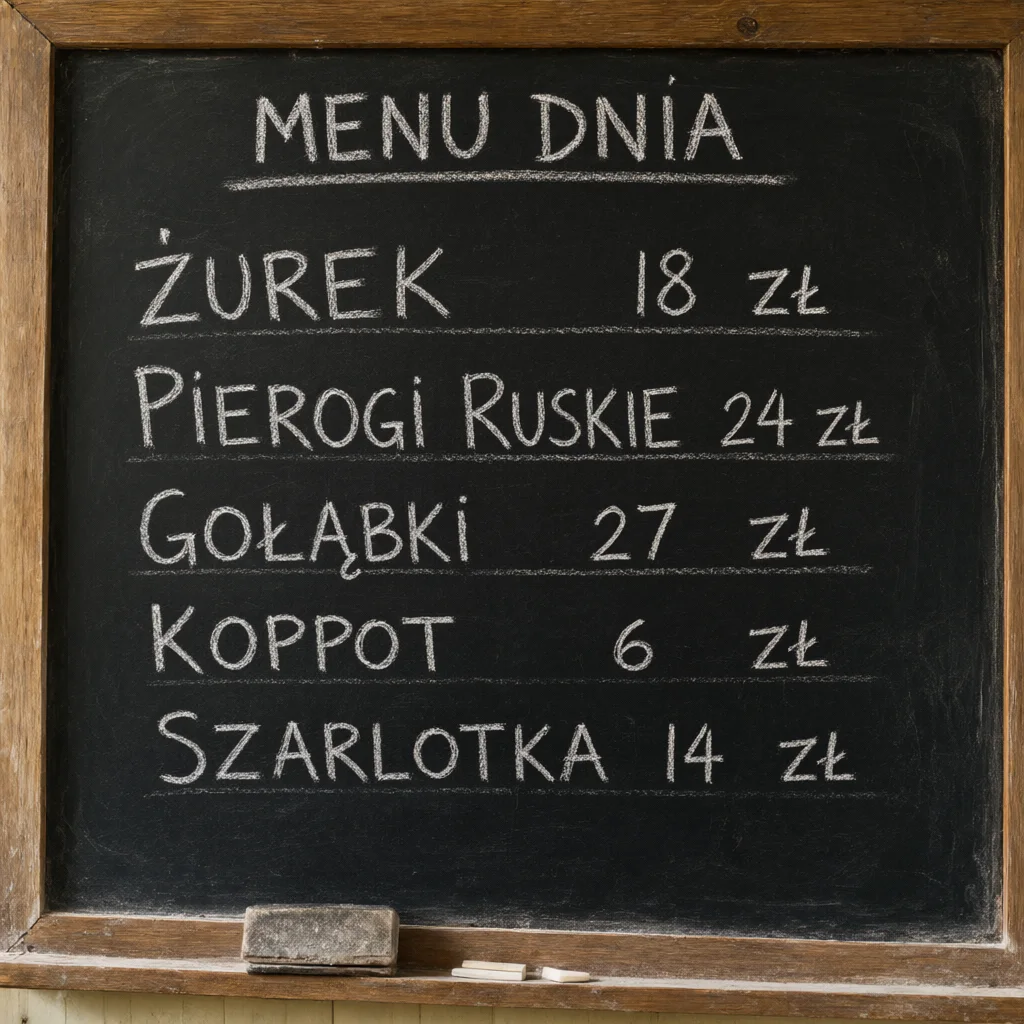

Large, clear words with diacritics came out well. The problem starts with more difficult character combinations and small print. On the pierogi box, text was misspelled, and on the poster as well. This model isn’t suitable for graphics with complex diacritical text without manual correction.
Test 2: Objects in Specified Positions
Four scenes with four objects each, each with precisely described position in percentages of frame width and height. Qwen-Image-2.1 doesn’t have a bounding box format, so it received the same text description as Nano Banana Pro, GPT Image 2.5, and Seedream. A vision model marked where objects landed, and we calculated overlap with the specified box (IoU).
| Model | Average IoU | Objects in position |
|---|---|---|
| FLUX 3 Image (JSON boxes) | 0.89 | 16/16 |
| Seedream 5.0 Pro | 0.79 | 15/16 |
| GPT Image 2.5 Sunburst | 0.54 | 11/16 |
| Nano Banana Pro | 0.48 | 7/16 |
| Ideogram 4.5 | 0.37 | 7/16 |
| Qwen Image 3 (API) | 0.35 | 6/16 |
| Qwen-Image-2.1 (local) | 0.17 | 2/16 |
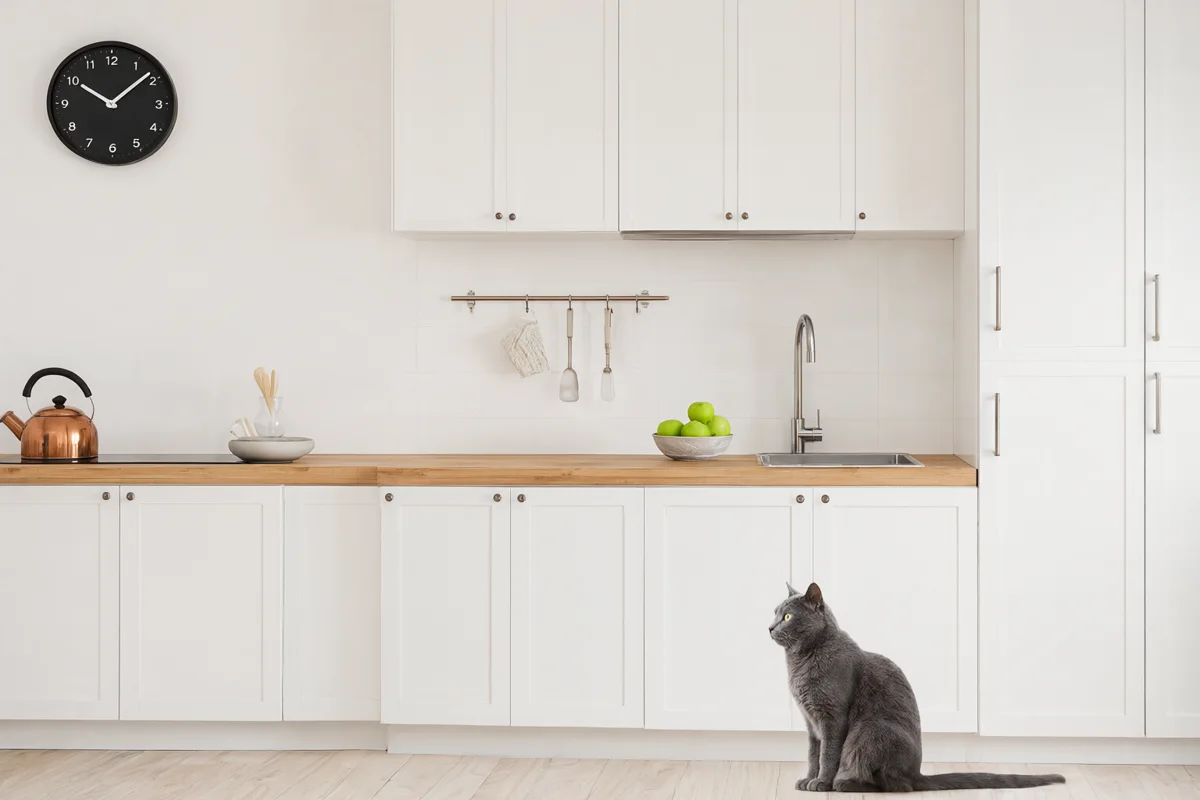
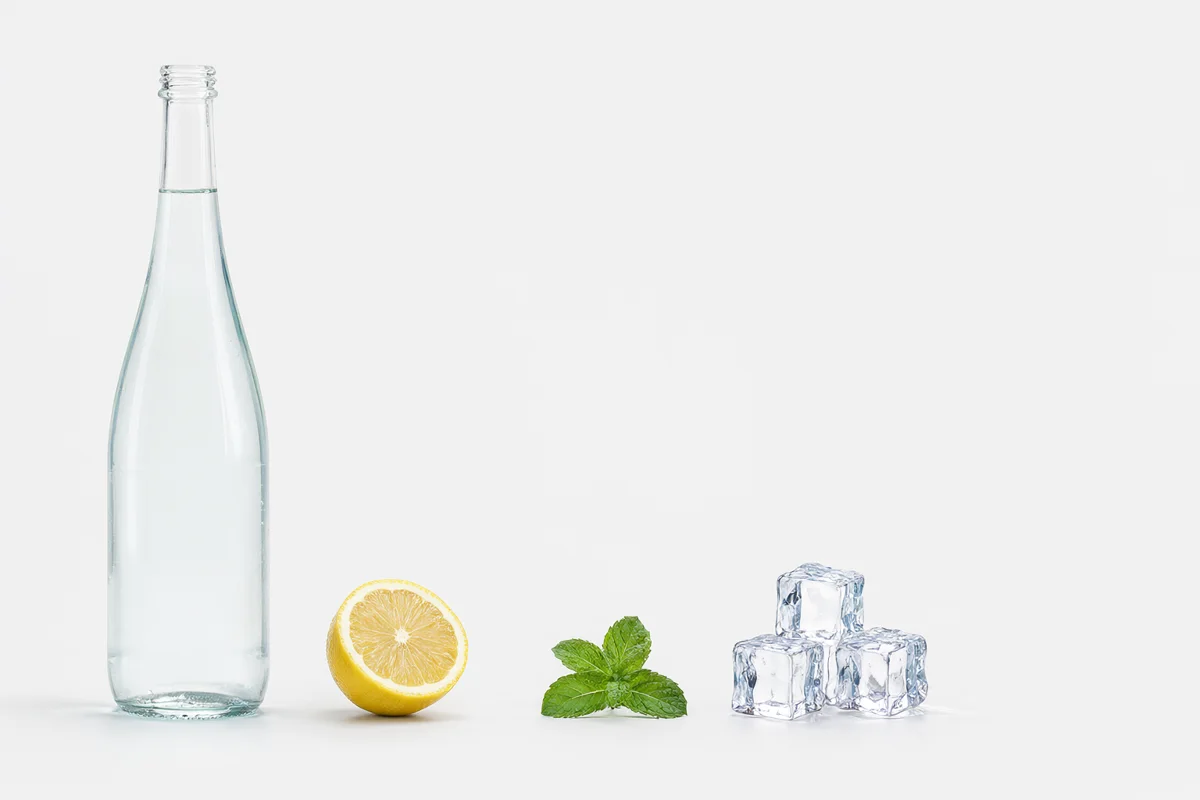
The images are beautiful and have everything we asked for. The model simply arranges the scene its own way, treating the described percentages as a loose suggestion. If your project requires space for a logo or text, FLUX 3 with boxes or Seedream is a better choice.
Test 3: Detail in Large Frame
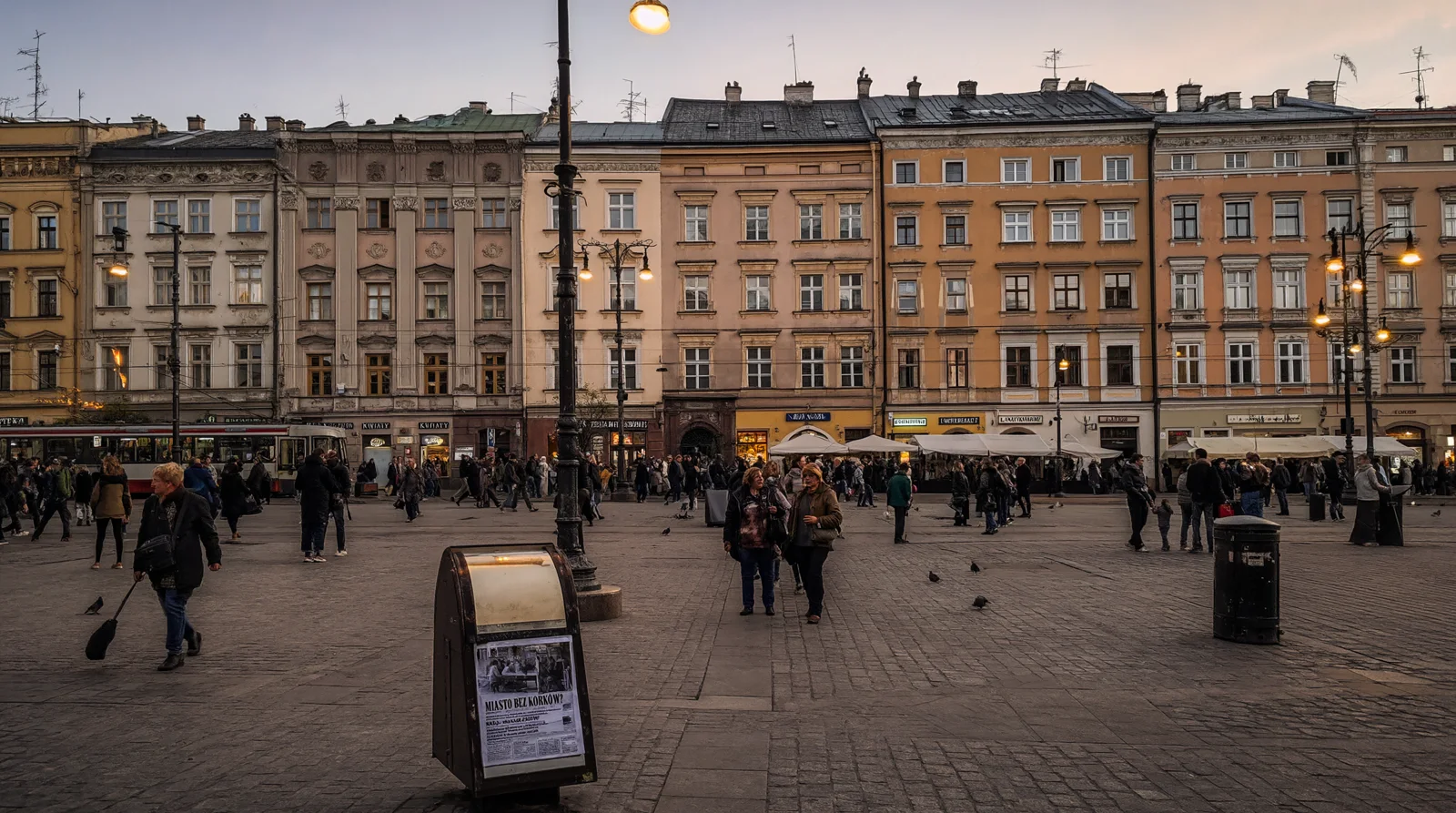
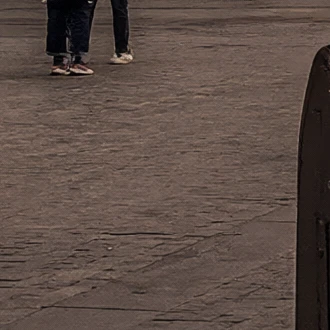
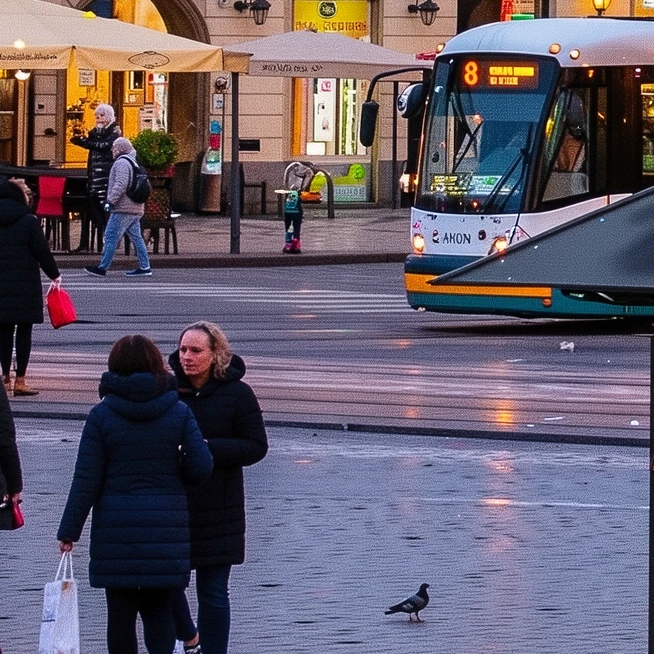
The same frame of a market square with six signs, a kiosk, and a tram. Qwen-Image-2.1 generated it in the largest supported 16:9 format, 2752 × 1536 px, in 49 seconds. Effectively that’s about 3.1 Mpx of true detail, roughly the same as Grok Imagine 2 (3.3 Mpx). Only 2 out of 8 text strings are readable. The signs became so small they merged into blobs.
Test 4: 10 Consecutive Edits
A photo of a bakery and 10 edits in sequence: door, sticker, scooter instead of bike, no car, new sign, lavender, coat, cat, price, no trash can. Each subsequent edit starts from the result of the previous one. We measured how much remained of fragments that shouldn’t have changed (SSIM, 1 = no change).
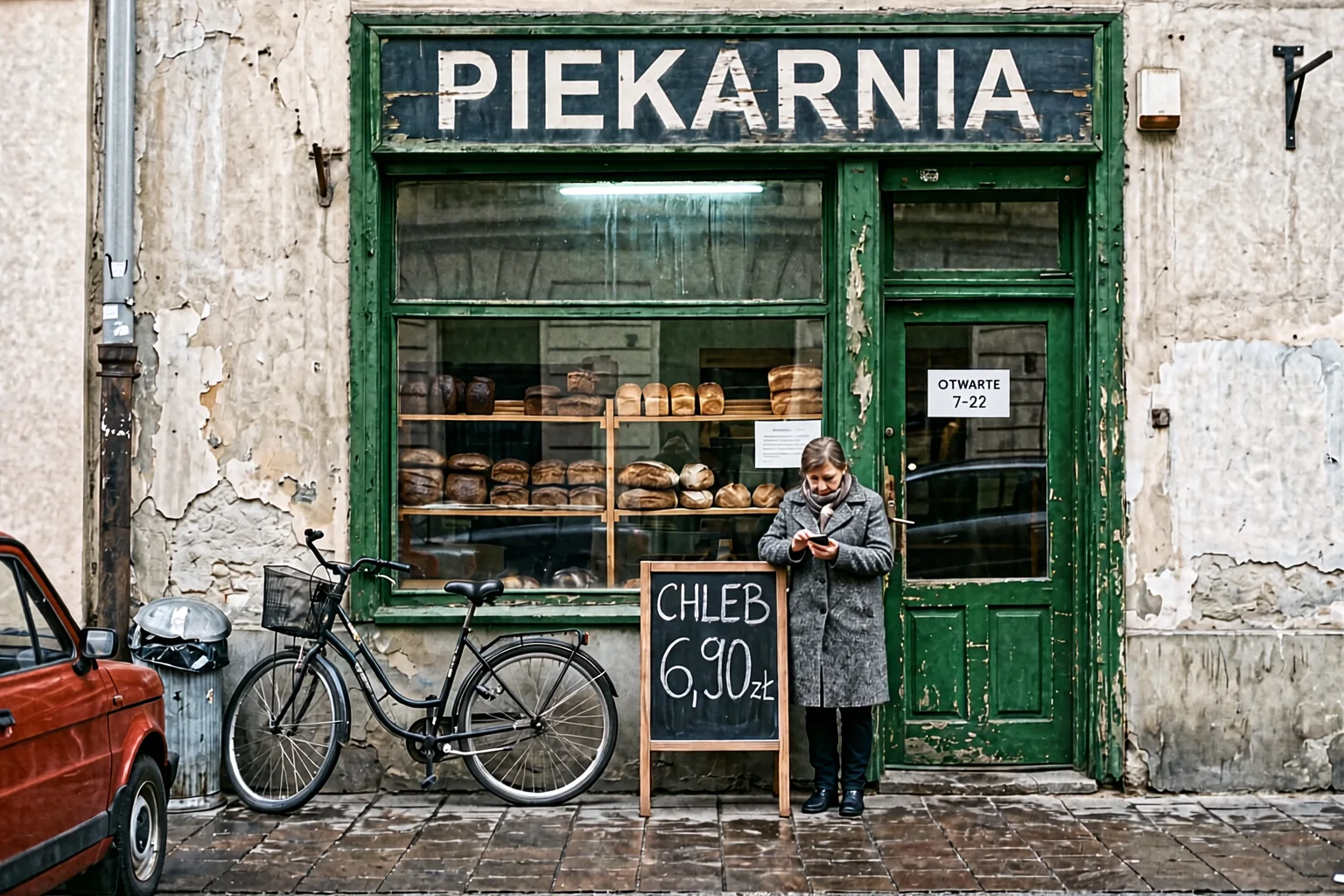
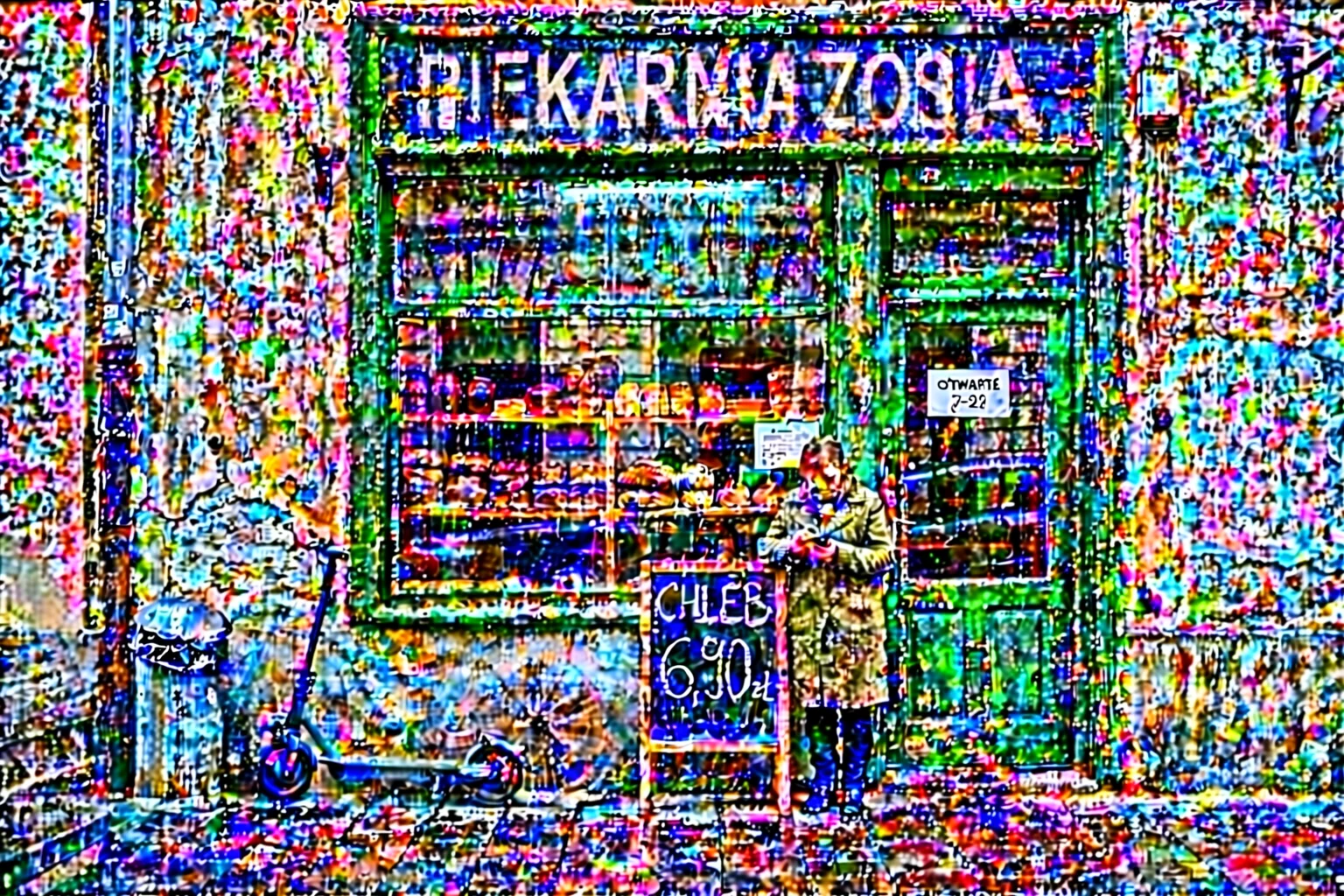
Qwen-Image-2.1 executes the instructions themselves well: the door turned green, the bike became a scooter, the car disappeared, and a sign appeared. However, each subsequent pass adds grain and oversaturates colors. After the third edit, artifacts are visible, and after the sixth, the image is only fit for the trash. A single edit looks good, which aligns with the model’s high 18th place in the Artificial Analysis editing ranking. However, that ranking evaluates one step, not ten.
Fair disclaimer: we tested the int8 variant in ComfyUI. On our first attempt, we set the reference image resolution to 1024 with 2048 output, and noise grew even faster (SSIM 0.08). After equalizing both resolutions, it improved, but the problem didn’t disappear. It’s possible that the full bf16 version or different sampler settings would give a cleaner result. We didn’t verify this because bf16 doesn’t fit in 24 GB together with the text encoder.
Practical advice: when making several edits in a row, always edit the original with all changes added in one prompt, instead of editing edits.
What This Means
- For fast, beautiful images without text Qwen-Image-2.1 is excellent: 6 seconds per 1K image, zero API fees, and high scores in blind voting.
- For graphics with text choose GPT Image 2.5 or Nano Banana Pro.
- For projects with precise layout choose FLUX 3 with JSON boxes.
- For series of edits on one photo choose Ideogram 4.5 or FLUX 3.
- Remember the license. Qwen Research only permits research and evaluation. Commercial use requires a separate agreement with Alibaba - details in the text about the license.
The complete comparison of open models is in our open image models ranking, and we cover Qwen-Image-2.1’s place in the Artificial Analysis ranking in a separate news item.
Google · Your sourcesQuantslant higher in your Google - one clickAdd to preferred sources →Frequently Asked Questions
Is Qwen-Image-2.1 better than Nano Banana Pro?
Not in Artificial Analysis blind voting: Nano Banana Pro has 1101 points, while Qwen-Image-2.1 has 1034. In our tests, Nano Banana Pro clearly won in text rendering (13 to 6) and maintaining layout. Qwen wins on price and the fact that it works offline.
How long does one image take on RTX 4090?
In our measurements, about 6 seconds at 1024 × 1024, 10 seconds at 1536 × 1024, 44 seconds at 2048 × 2048, and 49 seconds at 2752 × 1536. Editing at 1536 × 1024 took about 20 seconds. The first run after loading the model is several times slower.
Why do consecutive edits degrade the image?
Each edit encodes and decodes the entire image from scratch, and small distortions accumulate. Ideogram 4.5 and FLUX 3 have modes that restore unchanged pixels from the original. Qwen-Image-2.1 in ComfyUI doesn’t have such a mode.
Can I use Qwen-Image-2.1 commercially?
Not without a separate license. Qwen Research only permits research and evaluation of the model.
- Artificial Analysis - text-to-image ranking
- Artificial Analysis - image editing ranking
- Hugging Face - Qwen-Image-2.1
- Our tests from Oct 1-2, 2026: scripts, images and measurements (OCR, IoU, SSIM, effective resolution)
More on this from QUANTSLANT


 benchmarks·Qwen-Image-2.1 Tops Open Models in Artificial Analysis RankingQwen-Image-2.1 scores 1034 Elo in text-to-image and 1074 in editing - first place among open-weight models in Artificial Analysis. What it means and the catch.