How to Create GTA 6 Style Art in AI: Prompts, Covers and Photos
Recreate the iconic GTA 6 aesthetic in AI image generators. Test loading-screen styles, grid cover collages, and transform your own photo using proven prompts.
👁 115 reads
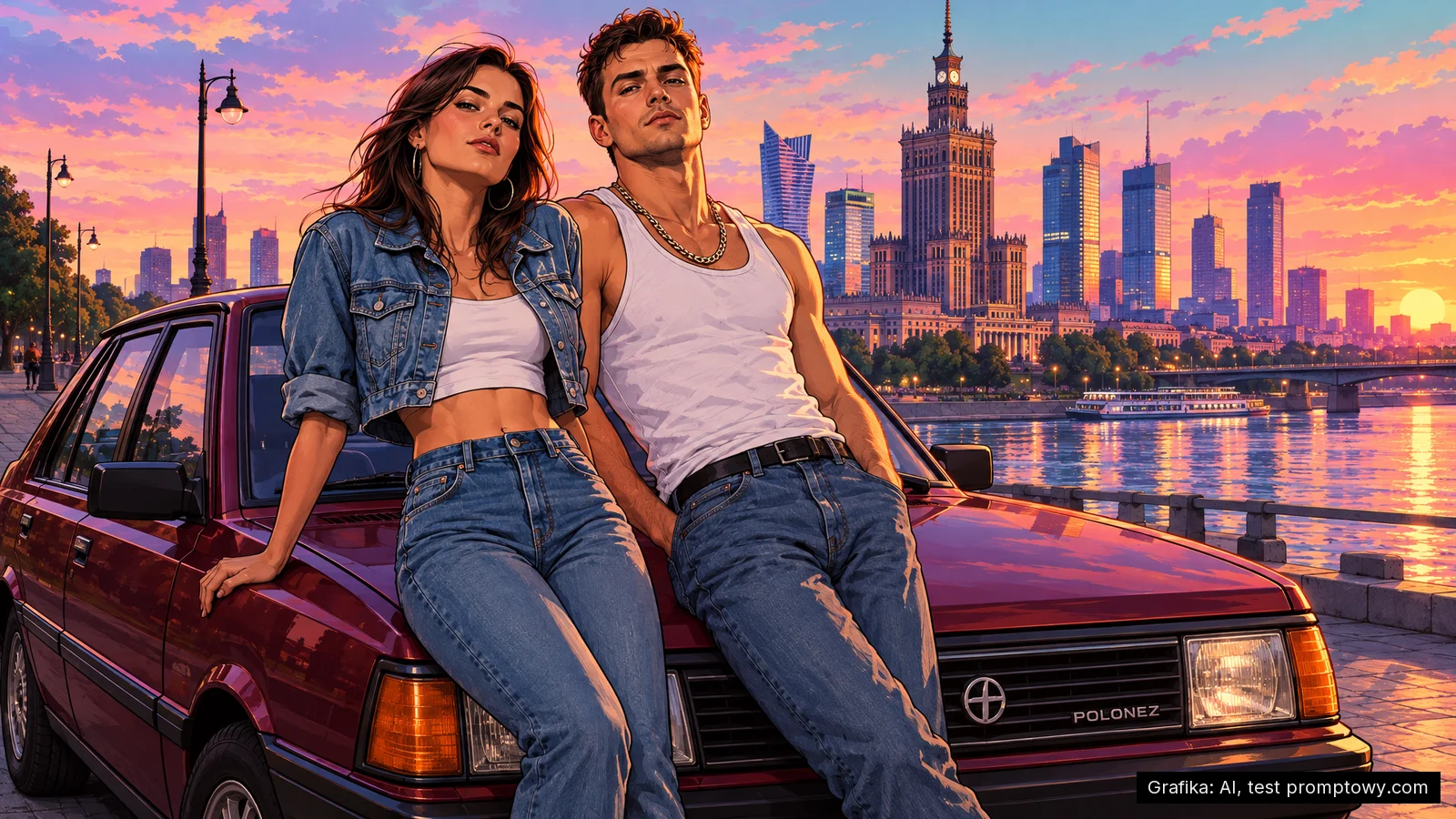
Everyone recognizes the signature GTA 6 aesthetic: sunset pinks and oranges, bold ink outlines, stylized poster figures, and dynamic multi-panel cover layouts. I tested how to replicate this look using AI image generators on real-world reference scenes: a couple by a vintage car on a riverside promenade, a multi-panel collage poster, a retro tourist postcard, and a personal snapshot turned into an official loading-screen illustration.
I personally generated all the images featured in this guide on November 3, 2026. You will find the complete, ready-to-copy prompts beneath each sample. GPT Image 2.5 delivered the best results by far. For comparison, I also ran one of the prompts through Nano Banana Pro.
Key takeaways
- Top model: GPT Image 2.5 captured the visual style, environmental details, and custom typography accurately.
- The secret formula: Avoid writing “GTA”. Instead, describe the aesthetic directly: loading-screen illustration, clean ink contours, comic-style cel shading, pastel sunset gradient, and intense rim lighting.
- Using your own photo: Upload your photo as an image reference and instruct the model to maintain “the same face” and a “recognizable likeness” in that visual style.
- Copyright: Rockstar Games owns the trademarks and character likenesses of GTA VI. Personal fan art is fine, but commercial sales and ad campaigns will trigger copyright claims.
What defines the GTA 6 art style
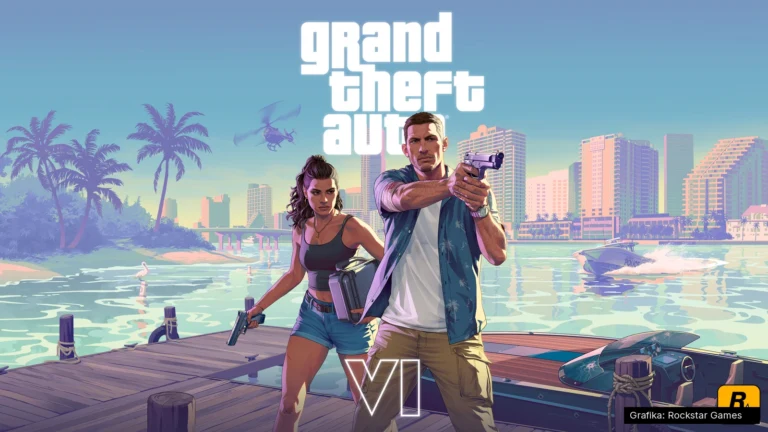
The official promotional artwork from Rockstar’s press kit is neither a standard photo nor a traditional comic book panel. It is semi-realistic digital painting. Anatomy and vehicle proportions remain grounded, but colors are grouped into clean, stylized shapes, lines are emphasized with sharp ink contours, and skin is rendered using distinct cel-shaded tonal steps. The color palette remains remarkably consistent: magenta, violet, sunset orange, and teal, backed by smooth gradient skies and a vivid rim light separating subjects from the background. The signature cover layout relies on a tight grid framing different story snapshots.
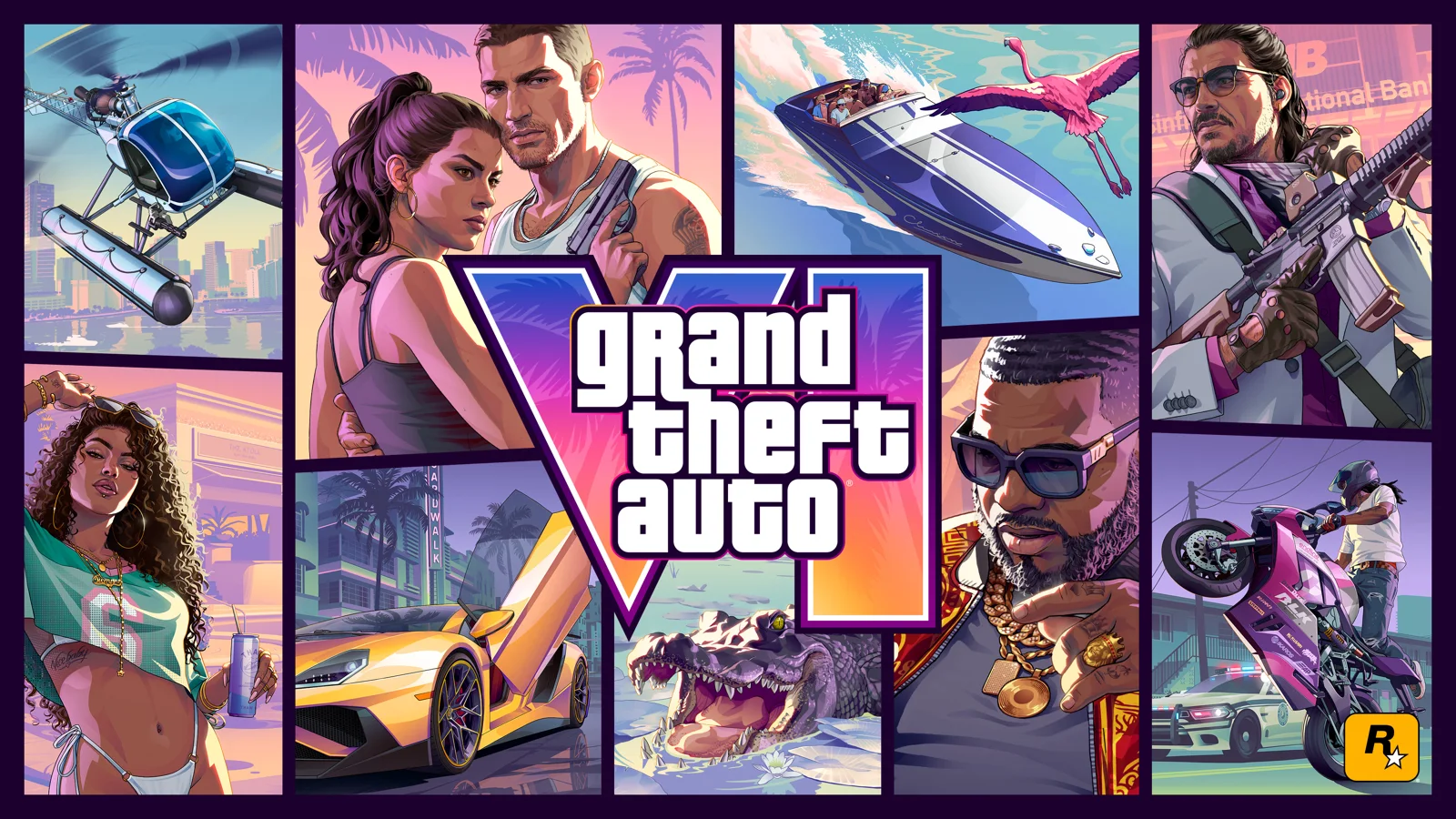
Translating these exact characteristics into words gives you a dependable styling block. AI image generators often censor video game titles and commercial brands or generate mangled logo artifacts, so describing the visual language directly produces much cleaner results. I appended this style snippet to the end of each test prompt:
Test 1: Couple by a vintage car on a riverside boulevard
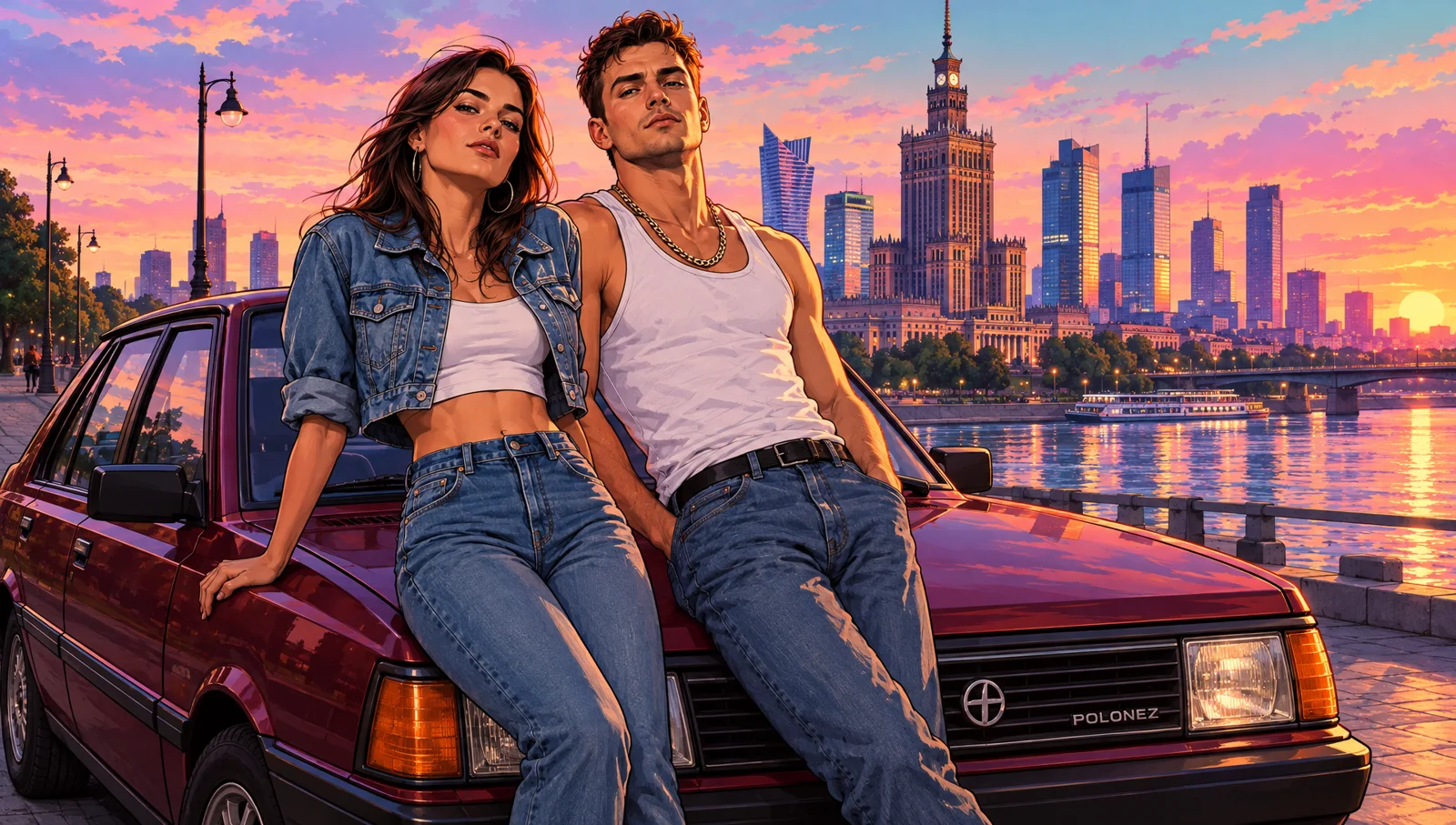
GPT Image 2.5 matched the target look on the first try: bold contours, a saturated pink-and-orange sky, and rim lighting accentuating the faces. It even placed an accurate period emblem on the radiator grille, keeping recognizable city landmarks positioned naturally in the background, all without ever mentioning the GTA trademark.
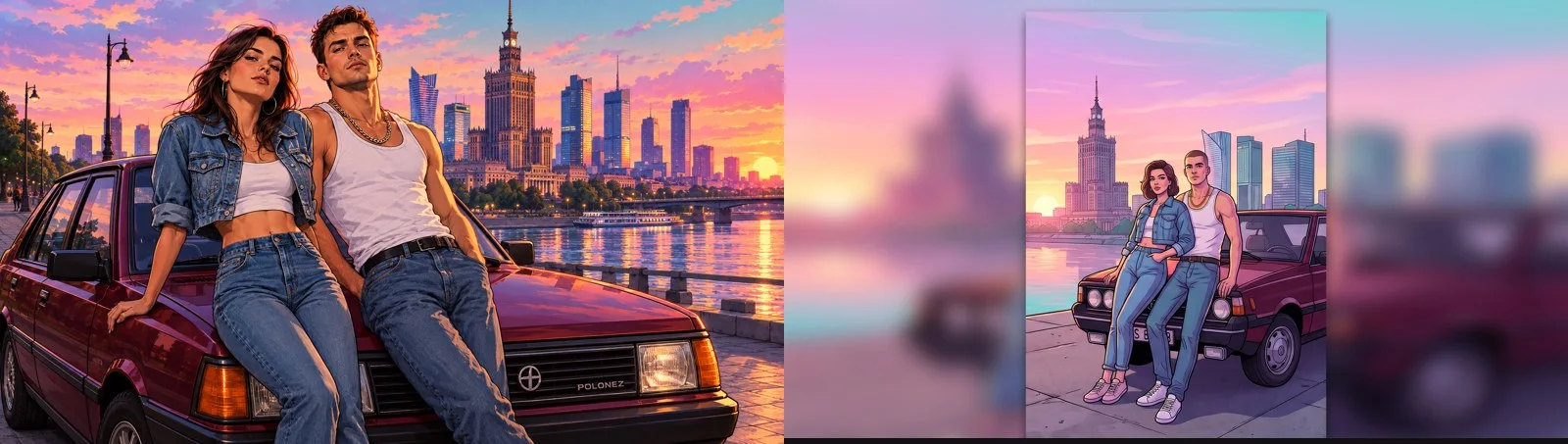
Passing the identical prompt to Nano Banana Pro produced a flatter, more comic-like image. The tool composed a vertical poster centered inside a horizontal canvas with blurry edges, and the background lost architectural fidelity. The result still had a video game flavor, but lacked the polish of Rockstar’s official key art.
Test 2: Multi-panel grid cover collage
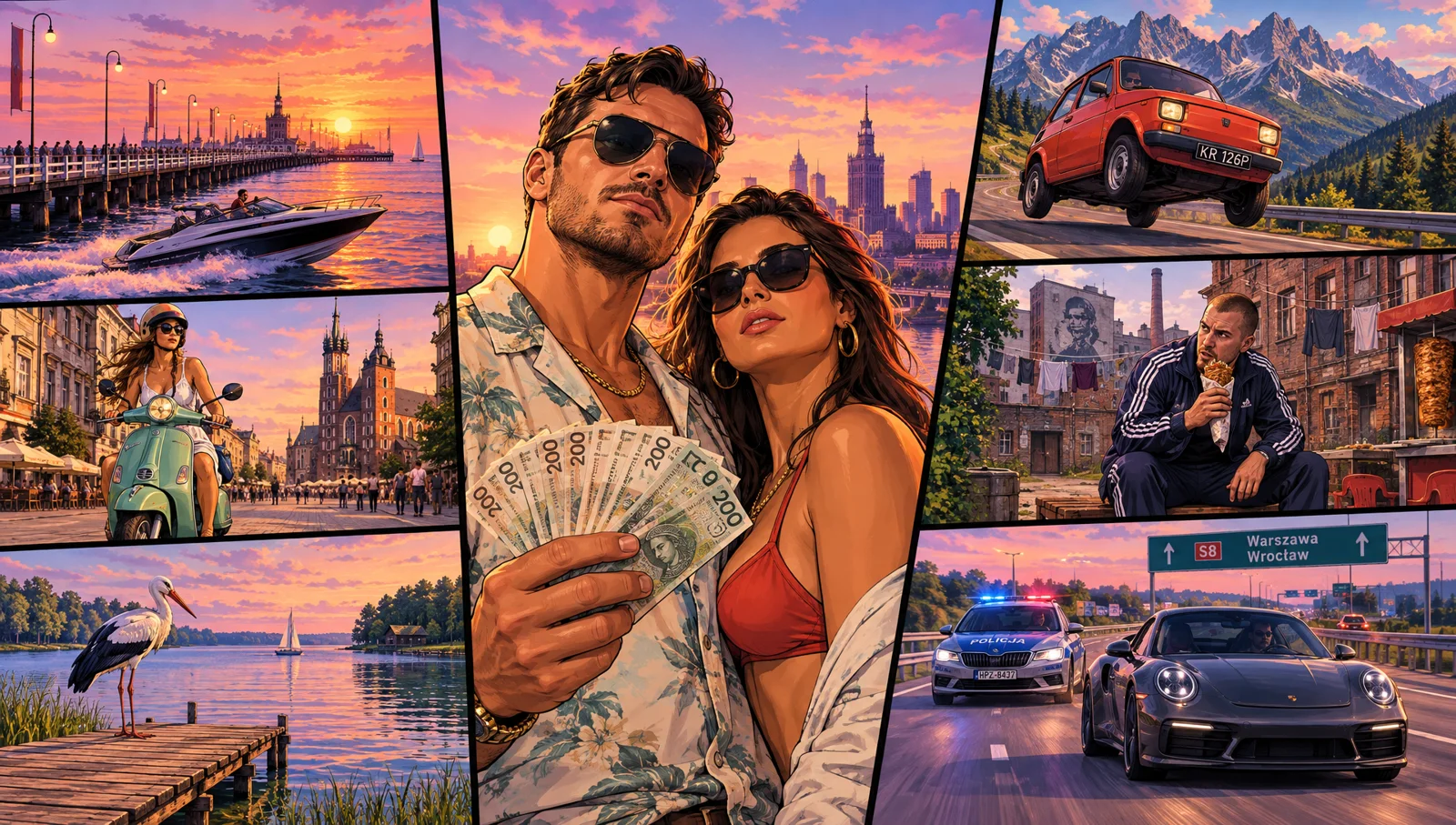
Every single one of the seven requested panels appeared in the output. The compact car received an authentic regional license plate, the motorway showed proper directional road signs, and the central figures held recognizable local currency notes. The police cruiser displayed correct local markings while pursuing a sports car. When generating grid collages, always state the exact number of panels upfront and describe each one in a single clear sentence so the generator does not drop scenes.
Test 3: Vintage tourist postcard layout
Rockstar promoted GTA 6 with vintage promotional postcards highlighting in-game locations. Swapping Vice City for an East European seaside resort town, this test skips the illustration style in favor of saturated travel photography paired with script lettering:
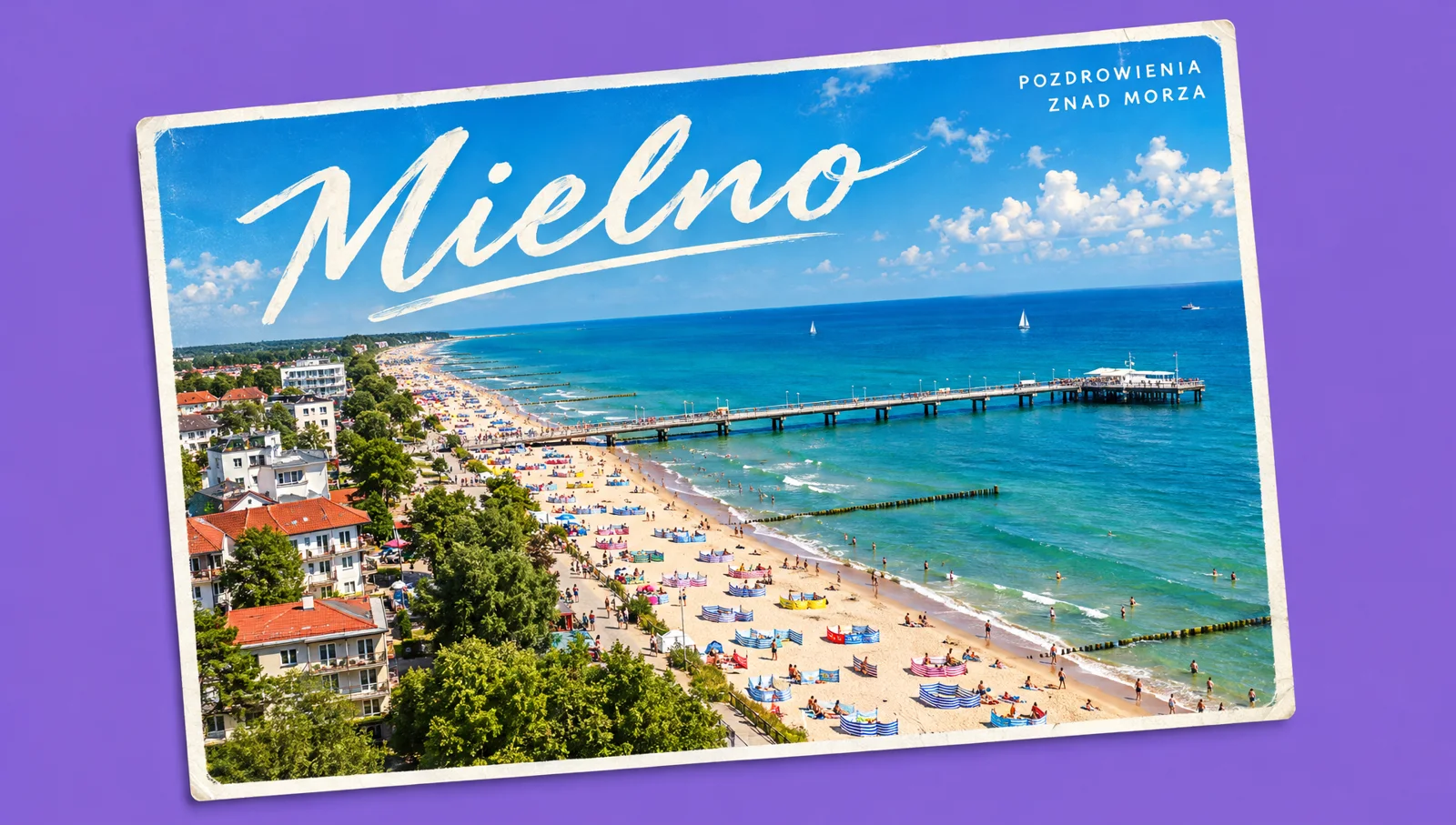
Both typographic elements rendered cleanly without spelling mistakes, even in non-English text, which highlights one of GPT Image 2.5’s greatest strengths. The landscape itself is an idealized composite rather than a 1:1 geographical panorama.
Test 4: Transforming your photo into a GTA 6 character
A frequent request is how to convert a real-world portrait into an authentic game loading screen. I took an ordinary everyday snapshot at a transit stop and fed it as a visual reference alongside this instruction:
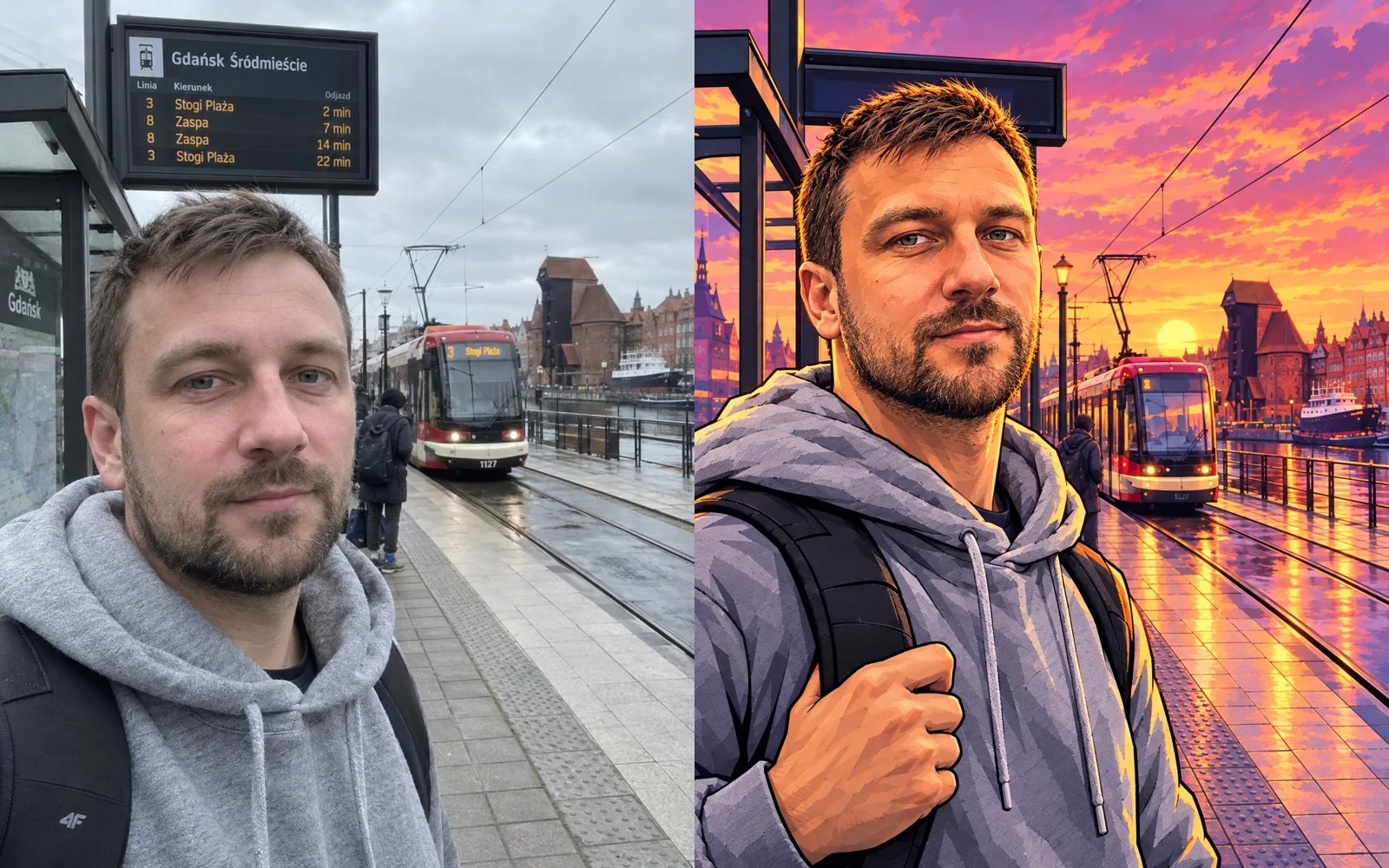
The subject’s facial features remained distinct, the hoodie and backpack carried over, and the background landmarks were recreated cleanly in the graphic novel aesthetic. The model replaced the overcast afternoon light with the requested vibrant sunset. Keep three guidelines in mind:
- Provide a well-lit source photo with clear facial features, ideally taken straight on.
- Explicitly list which elements to retain: facial anatomy, beard, haircut, and specific clothing items.
- Include the term “recognizable likeness” to prevent the model from heavily altering or glamorizing facial proportions.
Cinematic in-game screenshot prompt
Trailers for GTA 6 lean heavily into cinematic realism. To generate a realistic game still instead of a 2D loading screen, swap the illustration styling prompt for descriptors of modern game engine rendering:
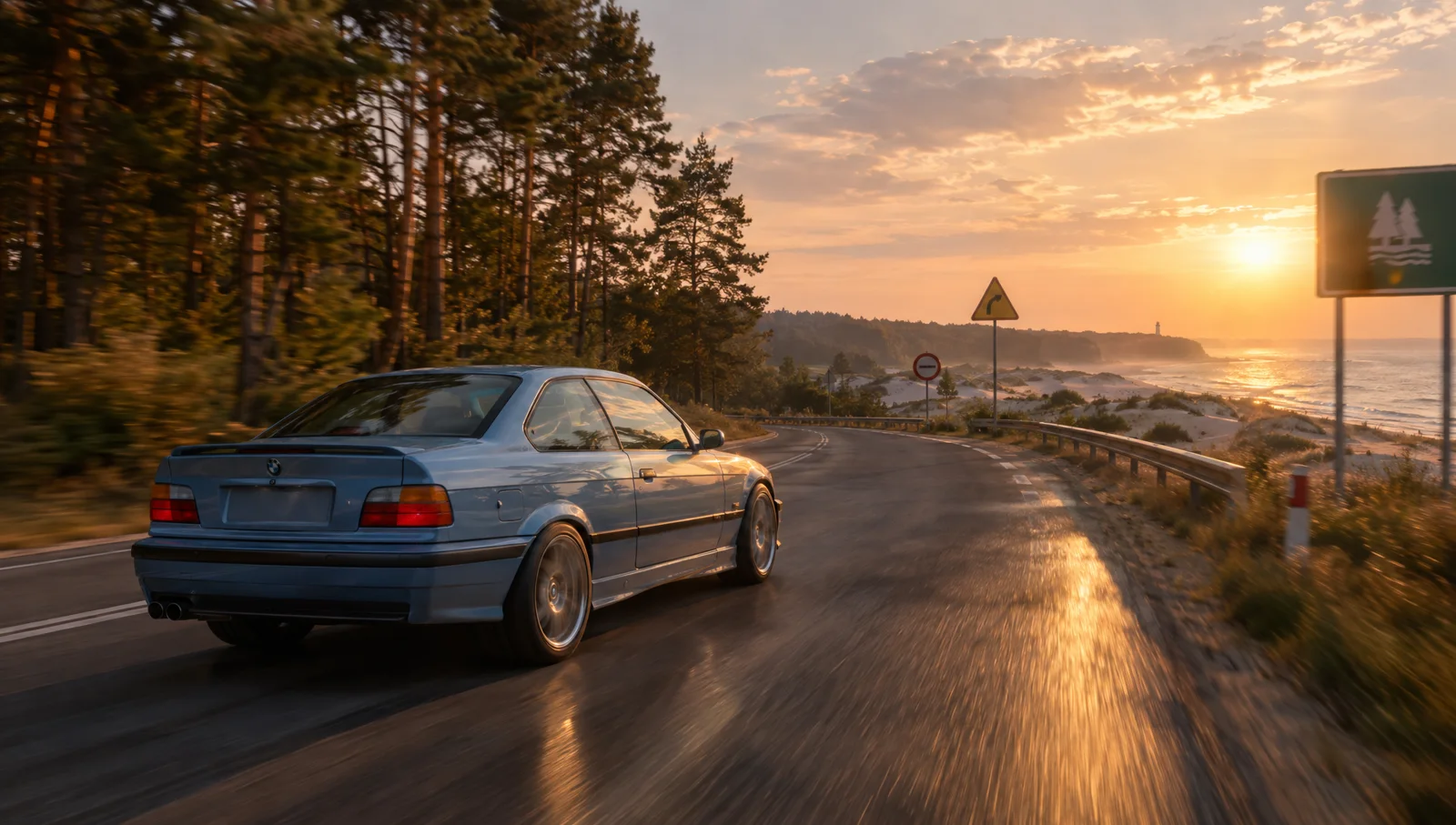
I later used this still as the starting frame for AI video generation tests. For an evaluation of video models like Seedance, Wan 3.0, and MiniMax using official game stills as references, read our guide on how to create a GTA 6 trailer style video in AI.
Common prompt mistakes to avoid
- Never include “GTA” or “Rockstar” in the prompt. Several image models immediately flag these brand terms under safety policies, while models that permit them often attempt to render broken, misspelled logos.
- Do not upload official promotional art as a direct image-to-image clone. While useful for extracting a color scheme, feeding promotional posters directly causes AI models to duplicate the official protagonists rather than your requested characters.
- Avoid commercial exploitation. Producing fan art for personal social profiles or portfolios is fine. Printing commercial T-shirts, advertisements, or product packaging featuring GTA VI trademarks creates immediate intellectual property liability.
For more details on launch timelines, platforms, and release schedules, check out our comprehensive GTA 6 guide.
Google · Your sourcesQuantslant higher in your Google - one clickAdd to preferred sources →Sources
- Rockstar Games: official GTA VI website and media assets
- Independent generation benchmarks: GPT Image 2.5 and Nano Banana Pro, November 3, 2026

More on this from QUANTSLANT
 magazine·Rockstar Games: From DMA Design to GTA 6The history of Rockstar Games: from DMA Design and Lemmings to GTA 6. Key studios, founders, controversies, and why GTA 6 took 13 years.